Using the LPCXpresso V2/V3 Boards to Debug an external Board

The MCUXpresso IDE (see “MCUXpresso IDE: Unified Eclipse IDE for NXPs ARM Cortex-M Microcontrollers“) has one great feature: it includes debug support for the popular LPC-Link2 debug probes. That way I have yet another powerful debug probe with extra features for ARM based boards. That LPC-Link2 circuit is present on many LPCXpresso boards from NXP. So why not using it to debug it my custom hardware?

Debugging Custom Hardware with LPCXpresso Board
Debugging Custom Hardware with LPCXpresso Board

Continue reading

Modifying the Teensy 3.5 and 3.6 for ARM SWD Debugging

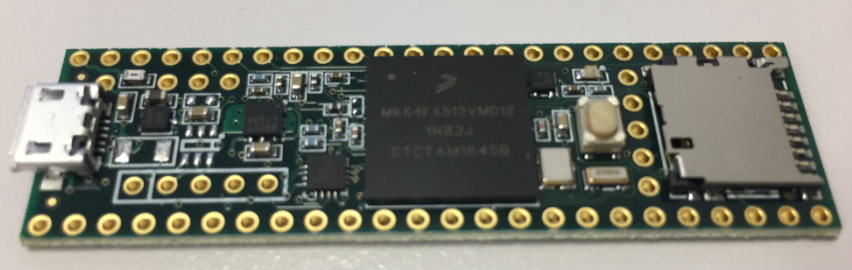
Looking for a small, inexpensive ($25-30) ARM development board (say 120-180 MHz ARM Cortex-M4 with FPU, 512kB-1MB of FLASH and 256 KByte of RAM? Then have a look at the Teensy 3.5 and Teensy 3.6 by PJRC/Paul Stoffregen:

Teensy 3.6 with NXP K64

Teensy 3.5 with NXP K64F ARM Cortex-M4F

The only problem? it is not possible to debug it :-(. At least not in the traditional sense. This article is about how to change the board to use it with any normal SWD debugging tool e.g. Eclipse and the Segger J-Link :-).

Continue reading

MCUXpresso IDE: Unified Eclipse IDE for NXPs ARM Cortex-M Microcontrollers

There are many mergers going on in the industry, and one of the largest one was in 2016 the integration of Freescale Semiconductor with NXP Semiconductors, with both providing Eclipse based IDE’s to their customer base. Consequently, the company merger triggered a merger of the IDE’s, and last week NXP has released the result: the MCUXpresso IDE.

MCUXpresso IDE

MCUXpresso IDE

Continue reading

Remote Board Debugging: J-Link Remote Server with Eclipse

For a CubeSat project we only have a single board available. But multiple universities and developers need to have access to that board for developing and debugging the firmware. We cannot easily ship around the board: that takes a lot of time and during shipment nobody can use the board.

There is a nice feature in the Segger J-Link software which allows to share the debug connection over the network: the J-Link Remote Server. It even works nicely between different networks without complicated firewall setup:

Connected in Tunnel Mode

Connected in Tunnel Mode

Continue reading

“No source available”, or how to Debug Multiple Binaries with GDB and Eclipse

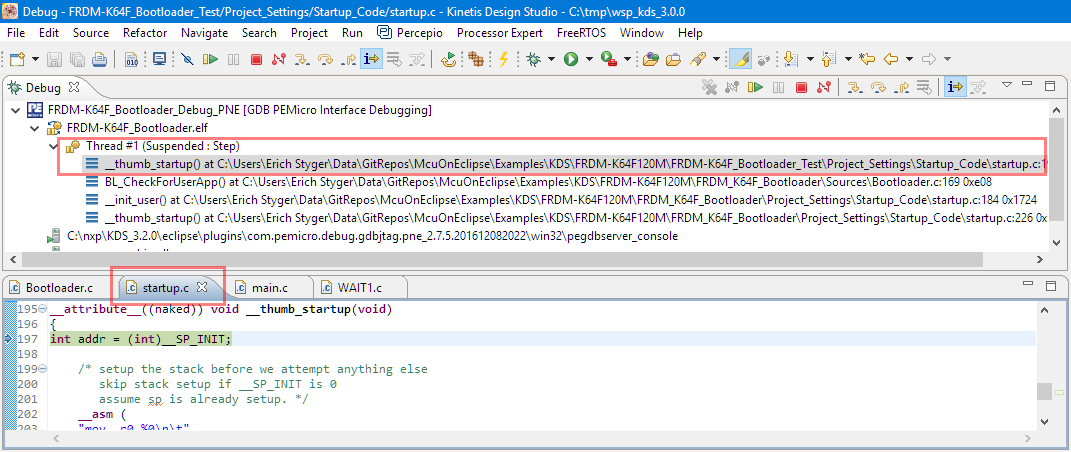
When working and debugging a bootloader, debugging can be a challenge: During debugging the bootloader, a new binary gets loaded into the microcontroller address space which is unknown to the debugger. As soon as I step into the newly loaded binary, I only see assembly code, with that ugly “No source available” in Eclipse:

No Source Available, debugging in assembly

No Source Available, debugging in assembly

But wait: GDB is able to do pretty much everything you can imagine, so here is how to debug multiple binaries with GDB and Eclipse, and to turn the above into something which is easy to debug:

Debugging with Symbolics

Debugging with Symbolics

Continue reading

Reprogramming the Mikroelektronika Hexiwear Dockingstation

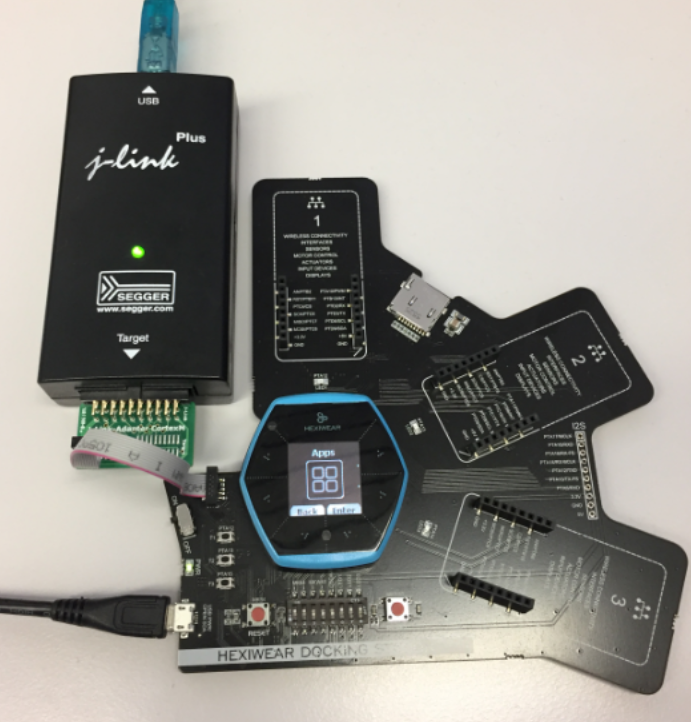
The Hexiwear docking station would have a nice feature: it has embedded a debug circuit (OpenSDA). That way I would not need an external debug probe to debug the Hexiwear. However, a debug probe is required to reprogram the docking station itself:

Repgrogramming the Mikroelektronika Docking Station

Repgrogramming the Mikroelektronika Docking Station

Continue reading

Flashing and Restoring the Hexiwear Firmware

The Hexiwear device is a great and versatile device with two microcontrollers on it. Developing firmware on a Hexiwear means changing what was originally on it. And sometimes it happens that I’m not sure if the changes are for good. Or that I accidentally destroyed the firmware on the NXP Kinetis KW40 BLE microcontroller :-(. So I had to find a way to restore the original firmware, and this is what this post is about.

Restoring the Hexiwear Firmware with a Segger J-Link

Restoring the Hexiwear Firmware with a Segger J-Link

Continue reading

Tutorial: Updating Embedded Linux on Toradex i.MX7 Colibri Module using SD Card

My Toradex i.MX7Dual module comes with a preflashed Linux distribution (see “Tutorial: First Steps with NXP i.MX7 and Toradex Colibri Board“). As with any other things, Linux gets updated from time to time, and Toradex publishes new firmware. In this article I’m documenting how I can update Linux in the external FLASH on that module.

NXP i.MX7Dual Module

NXP i.MX7Dual Module

Continue reading

First Steps with Ozone and the Segger J-Link Trace Pro

From time to time I face some problems which are really hard to find. Mostly these kind of bugs are very timing sensitive and depend on interrupt execution order. Maybe a dangling pointer is overwriting memory, code is running wild, or some functions are not reentrant as they should be. For these kind of bugs, good tools are worth their weight in gold. The Percepio FreeRTOS+Trace and the Segger SystemView have helped me many times to narrow down such kind problems in my applications. Another ultimate tools is hardware trace: Now I have a Segger J-Trace Pro for ARM Cortex-M in my arsenal of bug extinguishing weapons on my desk:
Dear bugs, look what I have on my desk. Your hiding time is over! 🙂

tracing-cortex-m4-with-j-trace

tracing-cortex-m4-with-j-trace

Continue reading