Overview of MCUXpresso IDE v10.2.0

Decisions, decisions! Such long weekends like Pentecost are a real challenge for a family with engineers:

  1. Should we join that record long traffic jam to Italy and be stuck for more than 4 hours and analyze it?
  2. Or: should we stay home, turn the BBQ smoker engine on fire, load it with baby back pork rib racks for a slow-and-low smoke treatment, while doing some on-the-side IDE and technology exploration?

Well, my family vote was kind of clear: they have chosen that second option. Not to mention that hidden technology piece in it, but that was part of the deal ;-).

And I’m sorry: this article is not about BBQ (for this see “Smoking BBQ Baby Back Ribs – Swiss Style“), it is about technology: I’m using the NXP MCUXpresso IDE and tools for many of my projects (see “Eclipse MCUXpresso IDE 10.1 with integrated MCUXpresso Configuration Tools“). Right before the this extended weekend, NXP has released the new v10.2.0 version, so here is where that technology exploration piece comes into play. Checking the release notes, this version number change includes so many cool stuff I decided to have a look and to check it out. Of course always having an electronic eye on the baby back ribs!

MCUXpresso IDE v10.2.0
MCUXpresso IDE v10.2.0

Continue reading

Converting Binary Files to Intel Hex Format with the SRecord Tool

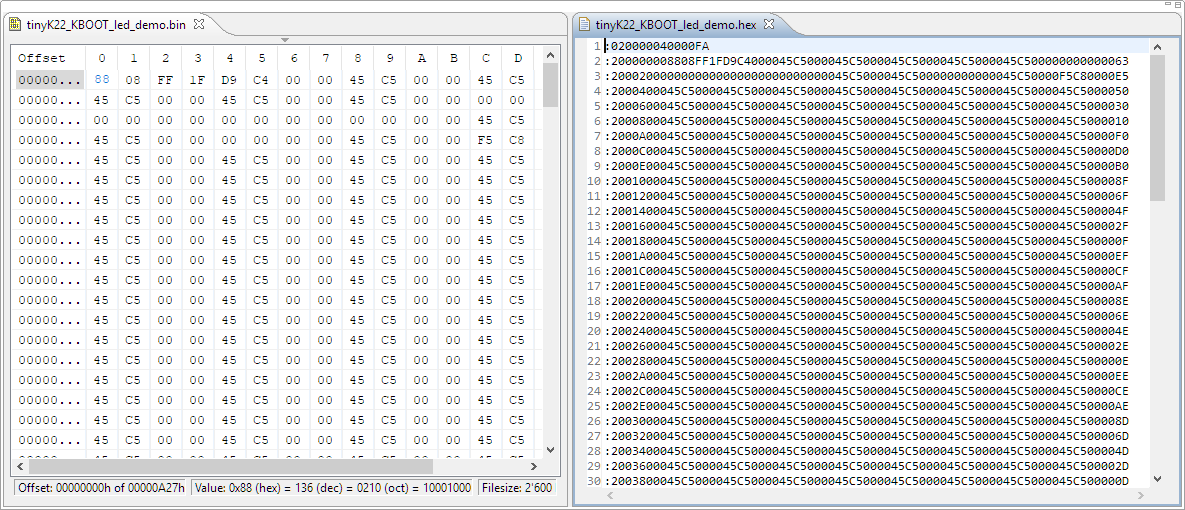
I’m dealing a lot with bootloaders recently (see “Flash-Resident USB-HID Bootloader with the NXP Kinetis K22 Microcontroller“), and bootloaders are sometimes very picky about what file format they are able to consume. So what if I have a binary (see “S-Record, Intel Hex and Binary Files“) file and I need to convert it into the Intel Hex format?

converted binary to intel hex

converted binary to intel hex

Continue reading

Tutorial: CRC32 Checksum with the KBOOT Bootloader

In “Flash-Resident USB-HID Bootloader with the NXP Kinetis K22 Microcontroller” I presented how I’m using the tinyK22 (or FRDM-K22F) with a flash resident USB HID bootloader. To make sure that the loaded application is not corrupted somehow, it is important to verify it with a Cyclic redundancy Checksum (CRC). The NXP KBOOT Bootloader can verify such a CRC, but how to generate one and how to use it is not really obvious (at least to me), so this article explains how to generate that CRC.

CRC Values for KBOOT

CRC Values for KBOOT

Continue reading

Converting a Raw Binary File into an ELF/Dwarf File for Loading and Debugging

Binary files are just a binary blob without debug information. Most debug tools and flashers are able to deal (raw) binary (see “S-Record, Intel Hex and Binary Files“). But GDB or the P&E GDB server really needs a ELF/Dwarf file which usually has all the debug information in it. This is a problem if all what I have is a binary file.

This post is about transforming a raw binary (.bin) file into an ELF/Dwarf file with adding a header to it:

Added Elf Header to Raw Binary File

Added Elf Header to Raw Binary File

Continue reading

MCUXpresso IDE V10.1.0 with i.MX RT1052 Crossover Processor

In “Eclipse MCUXpresso IDE 10.1 with integrated MCUXpresso Configuration Tools” I mentioned that I wanted to try the i.MX RT1050 processor. Well, finally my ordered board from Mouser arrived, right on time for the week-end, so I had a chance to use that ARM Cortex-M7 running at 600 MHz :-).

i.MX RT1050 EVK

i.MX RT1050 EVK

Continue reading

Adding a Delay to the ARM DAPLink Bootloader

The ARM mbed USB MSD bootloader which is used on many silicon vendor boards has a big problem: it is vulnerable to operating systems like Windows 10 which can brick your board (see “Bricking and Recovering OpenSDA Boards in Windows 8 and 10“). To recover the board, typically a JTAG/SWD programmer has to be used. I have described in articles (see links section) how to recover from that situation, including using an inofficial new bootloader which (mostly) solves the problem. The good news is that ARM (mbed) has released an official and fixed bootloader. The bad news is that this bootloader does not work on every board because of a timing issue: the bootloader mostly enters bootloader mode instated executing the application.

DAPLink in Bootloader Mode

DAPLink in Bootloader Mode

Continue reading

Recovering and Updating the NXP OpenSDA Bootloader with P&E Multilink and MCUXpresso IDE

Many of the NXP OpenSDA boot loaders are vulnerable to Windows 8.x or Windows 10: write accesses of Windows can confuse the factory bootloader and make the debug firmware and bootloader useless. In this post I show how to recover the bootloader using MCUXpresso IDE and the P&E Universal Multilink.

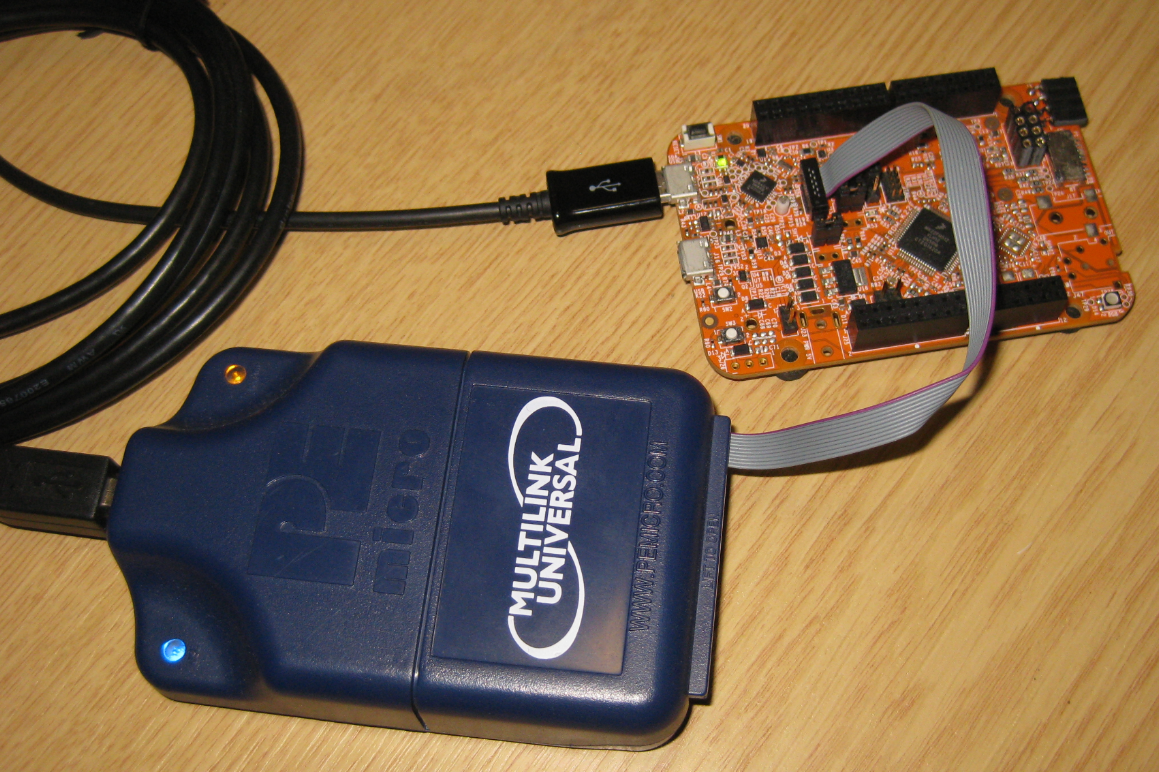
Using P&E Multilink Universal to restore the OpenSDA Bootloader on NXP FRDM-K22F Board

Using P&E Multilink Universal to restore the OpenSDA Bootloader on NXP FRDM-K22F Board

Continue reading

Getting Started: ROM Bootloader on the NXP FRDM-KL03Z Board

A bootloader on a microcontroller is a very useful thing. It allows me to update the firmware in the field if necessary. There are many ways to use and make a bootloader (see “Serial Bootloader for the Freedom Board with Processor Expert“). But such a bootloader needs some space in FLASH, plus it needs to be programmed first on a blank device, so a JTAG programmer is needed. That’s why vendors have started including a ROM bootloader into their devices: the microcontroller comes out of the factory with a bootloader in FLASH. So instead writing my bootloader, I can use the one in the ROM.

FRDM-KL03Z with ROM Bootloader

FRDM-KL03Z with ROM Bootloader

And as with everything, there are pros and cons of that approach.

Continue reading

MCUXpresso IDE: Blinky the NXP LPC800-DIP Board

During Embedded World 2017 in Nürnberg I was lucky to get a handful LPC800-DIP boards. To get all students who were lucky to get one, here is a tutorial to make that very exciting ‘blinky’ application on that board:

Blinky on the NXP LPC800-DIP

Blinky on the NXP LPC800-DIP

Continue reading

Using Eclipse to Program Binary Files to an Embedded Target

I’m using Eclipse based IDE’s to develop and debug my embedded applications. This works great, as Eclipse has all the necessary tools to edit, build and debug it. But when it comes just to download/flash a binary to the board, then things are pretty much specific to the tools used. With the advent of the new MCUXpresso IDE, here is how that Eclipse IDE can be used for this.

LinkServer GUI Flash Programmer

LinkServer GUI Flash Programmer

Continue reading