Running On-Target Tests with Coverage in VS Code

Test coverage is a very useful metric: it tells how much of your code has been covered by tests. Or the other way: it helps identifying areas of my code which has not been running tests. A new CMake extension in VS Code is available. It works with the new NXP LinkServer test runner to allow running tests on an embedded target. The really cool thing is: it collects and visualizes test data with coverage information in a single step:

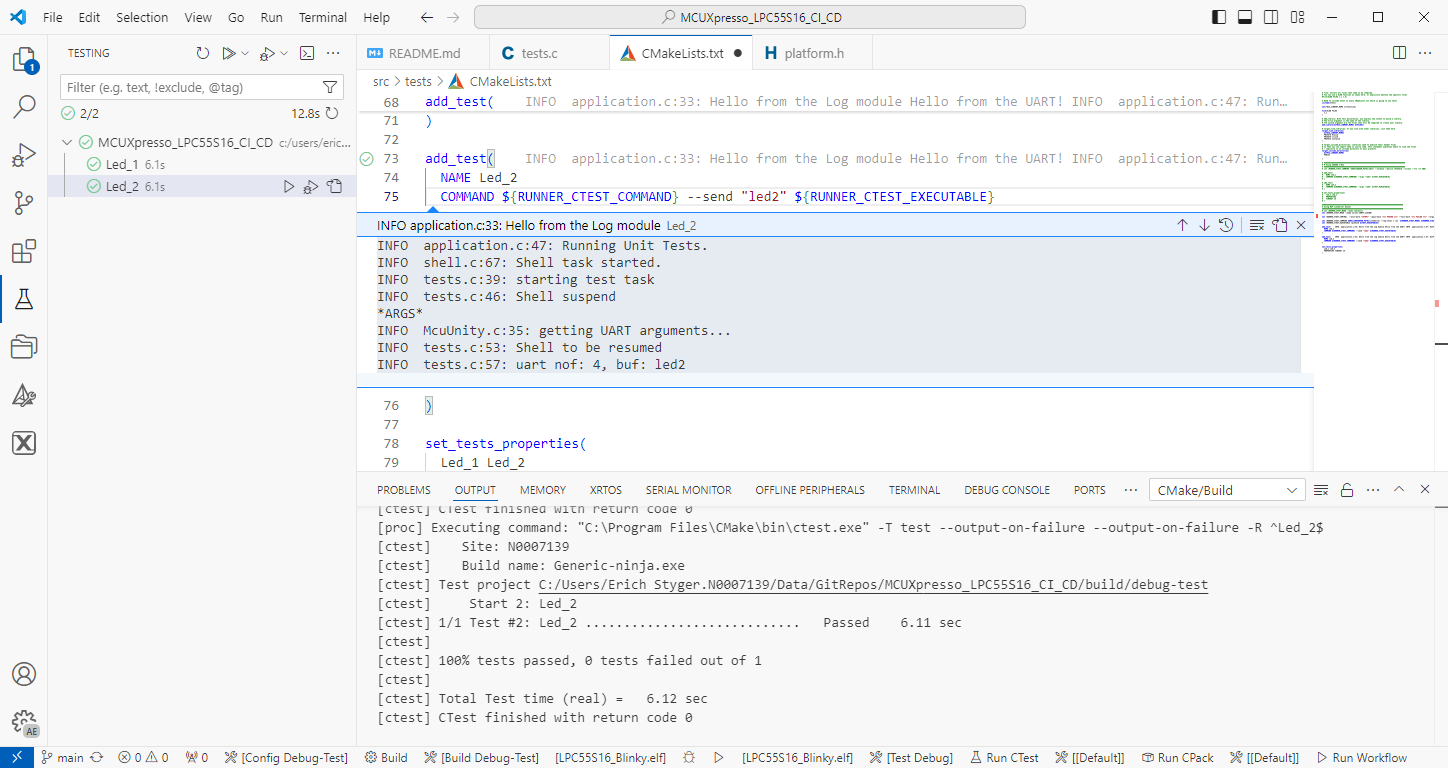
Test Data combined with Coverage in VS Code
Continue reading

On-Target Testing with LinkServer Runner and VS Code

The release 24.9.75 of LinkServer software and tools includes interesting feature: the ability to use the debug probe for automated on-target testing. It includes a ‘runner’ which can program, launch and run the application on the target through a debug probe. While the target is running, it uses semihosting or UART for communication. This makes it a perfect tool for automated testing, especially in a CI/CD environment. One such environment is running automated tests with CMake and CTest in VS Code.

Automated on-target testing with VS Code and LinkServer
Continue reading

Modern On-Target Embedded System Testing with CMake and CTest

One key element of a CI/CD pipeline is the automatic testing phase: whenever I check in new source code or manually trigger it, I can run a test suite to make sure that the changes do not break anything. For this, I have to run automated tests. For an an embedded target, it means that I have to run some tests on the board itself too.

CTest with VS Code
Continue reading

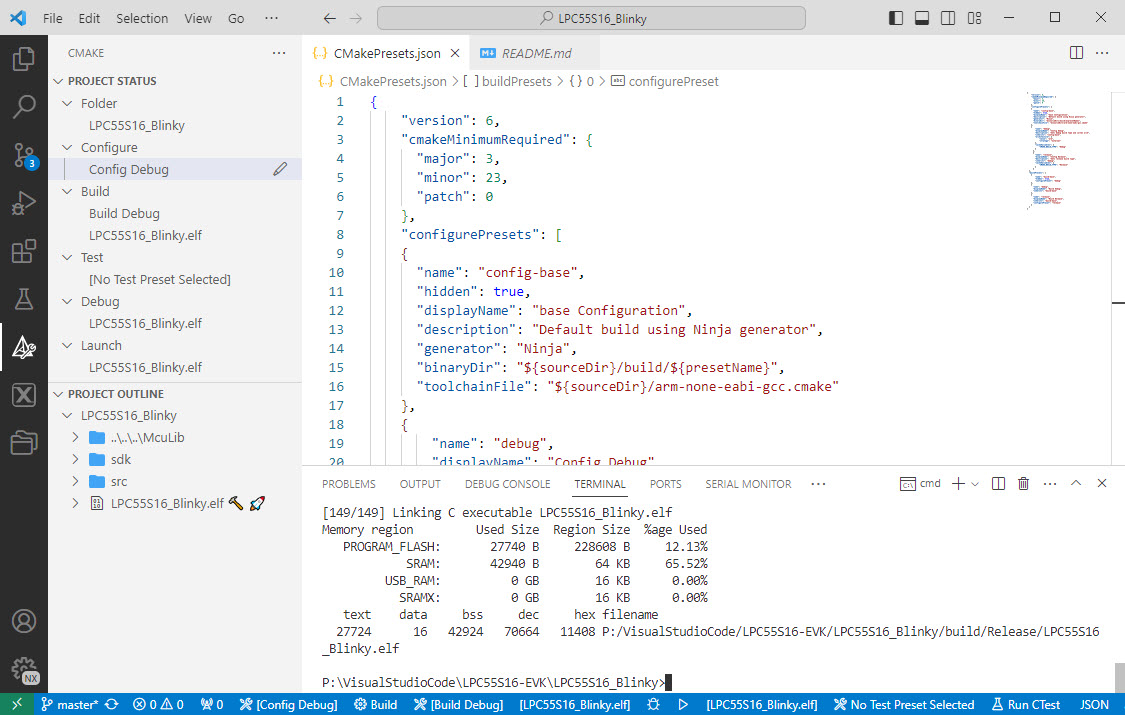
Building with CMake Presets

I’m getting my head more and more around CMake and its features. After having so many issues with VS Code dealing with CMake Kits, I have found feature in CMake which really is a game changer for me: CMake Presets.

Working with CMake Presets in VS Code
Continue reading

“No Kit Selected”: Fixing VS Code CMake Kit Assignment

One important thing in using VS Code and CMake projects is that one needs to have a CMake kit assigned to the project. But after a restart of VS Code or if I re-load a project, VS Code has lost the previously assigned CMake kit:

VS Code has forgotten about the previously assigned CMake Kit?

This is very annoying, but luckily I have found a fix for this.

Continue reading

Building a Triumvirate: From Eclipse CDT to CMake, CMD and Visual Studio Code

A Triumvirate is or Triarchy is built by three individuals which lead or rule something. In this article I want to rule a project with Eclipse CDT, Visual Studio Code and with building it from the command line for automated builds.

So what if I have an Eclipse project (say MCUXpresso IDE and SDK), and want to build it on a build server, and and I want to use the same time the project with Eclipse IDE and Visual Studio code?

Key to this is CMake: I’m keeping the Eclipse CDT features, adding CMake with Make and Ninja to the fix, and have it ‘ruled’ by three different ’emperor’: Eclipse, Visual Studio Code and from a shell console:

MCUXpresso SDK CDT project with CMake for Eclipse, Visual Studio Code and Command Line Building
Continue reading

Tutorial: Creating Bare-bare Embedded Projects with CMake, with Eclipse included

MCU vendors offer SDKs and configuration tools: that’s a good thing, because that way I can get started quickly and get something up and running ideally in a few minutes. But this gets you into a dependency on tools, SDK and configuration tools too: changing later from one MCU to another can be difficult and time consuming. So why not get started with a ‘bare’ project, using general available tools, just with a basic initialization (clocking, startup code, CMSIS), even with the silicon vendor provided IDE and basic support files?

In this case, I show how you easily can do this with CMake, make and Eclipse, without the (direct) need of an SDK.

NXP LPC55S69-EVK with LoRa Shield
Continue reading

MCUXpresso IDE 11.6.0

With a steady release train, NXP has released last week a new and updated version of their flagship IDE: the version 11.6.0 of the MCUXpresso IDE.

NXP MCUXpresso IDE V11.6.0

And there are several new and cool features with that release, including a power & energy profiler and CMake support.

Continue reading

Visual Studio Code for C/C++ with ARM Cortex-M: Part 6 – IntelliSense

The previous parts were about installation, project setup, building, debugging and setting up a kit. This one is about setting up IntelliSense for Cross Development in Visual Studio Code which allows for browsing symbols or code completion:

Code Completion in Visual Studio
Continue reading

Visual Studio Code for C/C++ with ARM Cortex-M: Part 5 – ToolKit

The previous parts were about installation, project setup, building and debugging. This one is about defining the ‘tool kit’ so I can make use more of the CMake infrastructure in Visual Studio Code:

Tool Chain loaded in Visual Studio Code
Continue reading