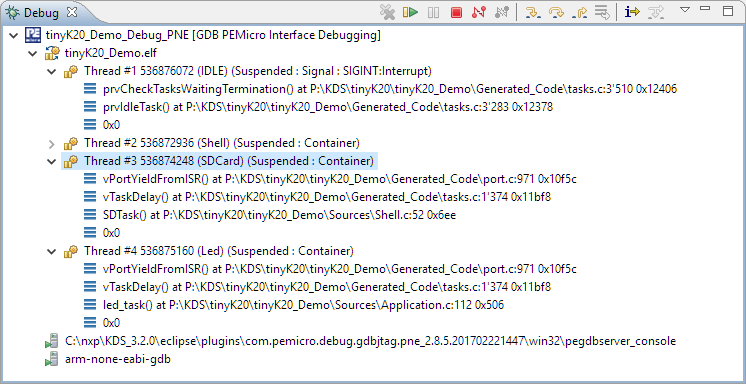
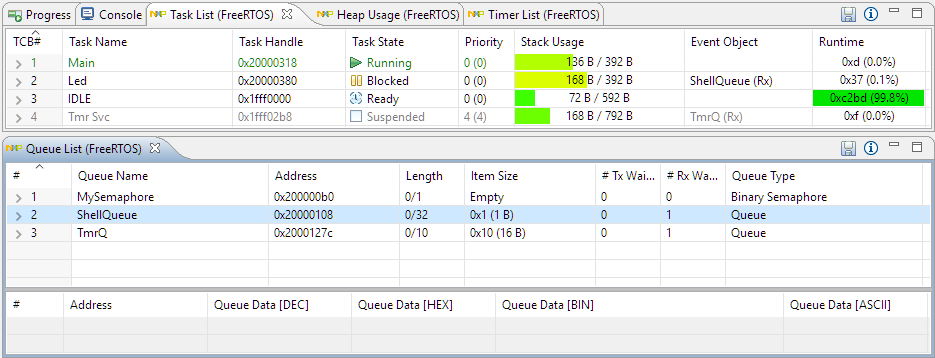
With debugging FreeRTOS applications in Eclipse, it is a big to have views available showing all the threads, queues, timers and heap memory allocation. One of the best Eclipse plugins are the one NXP provides for FreeRTOS: they are free of charge and give me pretty much everything I need. However, if you are not that familiar with FreeRTOS itself, here are a few tips to get more out of the plugins.
McuOnEclipse Components: 12-Mar-2017 Release
I’m pleased to announce that a new release of the McuOnEclipse components is available in SourceForge, with the following main features and changes:
- Wait: Busy-Waiting using ARM DWT cycle counter
- Percepio FreeRTOS+Trace: Updated to version 3.1.1, simplified usage of streaming and snapshot mode
- GenericSWI2C: MCUXpresso SDK can be used with the bit-banging I2C driver support
- FreeRTOS: includes updates of the 9.0.1 release, ‘optimized task selection, enabled MPU support (experimental)
- Graphical GUI drivers for screens, windows, icons, headers, text widgets and more
- SSD1351: display driver for Solomon Systech SSD1351 display
- More components are now supported by the McuLibConfig settings
- Many other smaller bug fixes and enhancements
What is “Realtime Debugging”?
Questions from students or readers of my articles are a great source for all kind of articles. And here is the ‘question of this week’: “What is realtime debugging”?
It’s a good question because the topic of ‘realtime’ and ‘debugging’ was a topic in the lectures this week. So this question gives me the opportunity to combine the two things of ‘realtime’ and ‘debugging’, I love it :-).
Percepio FreeRTOS Tracealyzer Plugin for Eclipse
Sleepless Night with Föhn
It has been a sleepless night with Föhn wind up to 100 km/h. The compensation for this is a mild temperature of 15°C. Plus that beautiful sunrise this early morning:
Happy Föhnig 🙂
eSOMiMX6-micro: NXP i.MX6 System on Module
An interesting trend in the industry are SOM (System on Module): a high performance processor typically running Linux, Windows or Android with all the memory and necessary power logic gets put on a small module. The key benefit is that I don’t need to worry about the complex ball grid routing and the DDR memory connections/lines: all these problems are solved on a small module which then I can use in my design. It seems that NXP i.MX application processors are getting popular in this domain, and after looking at the Toradex Colibri modules, I have an i.MX6 module on my desk from e-con Systems:
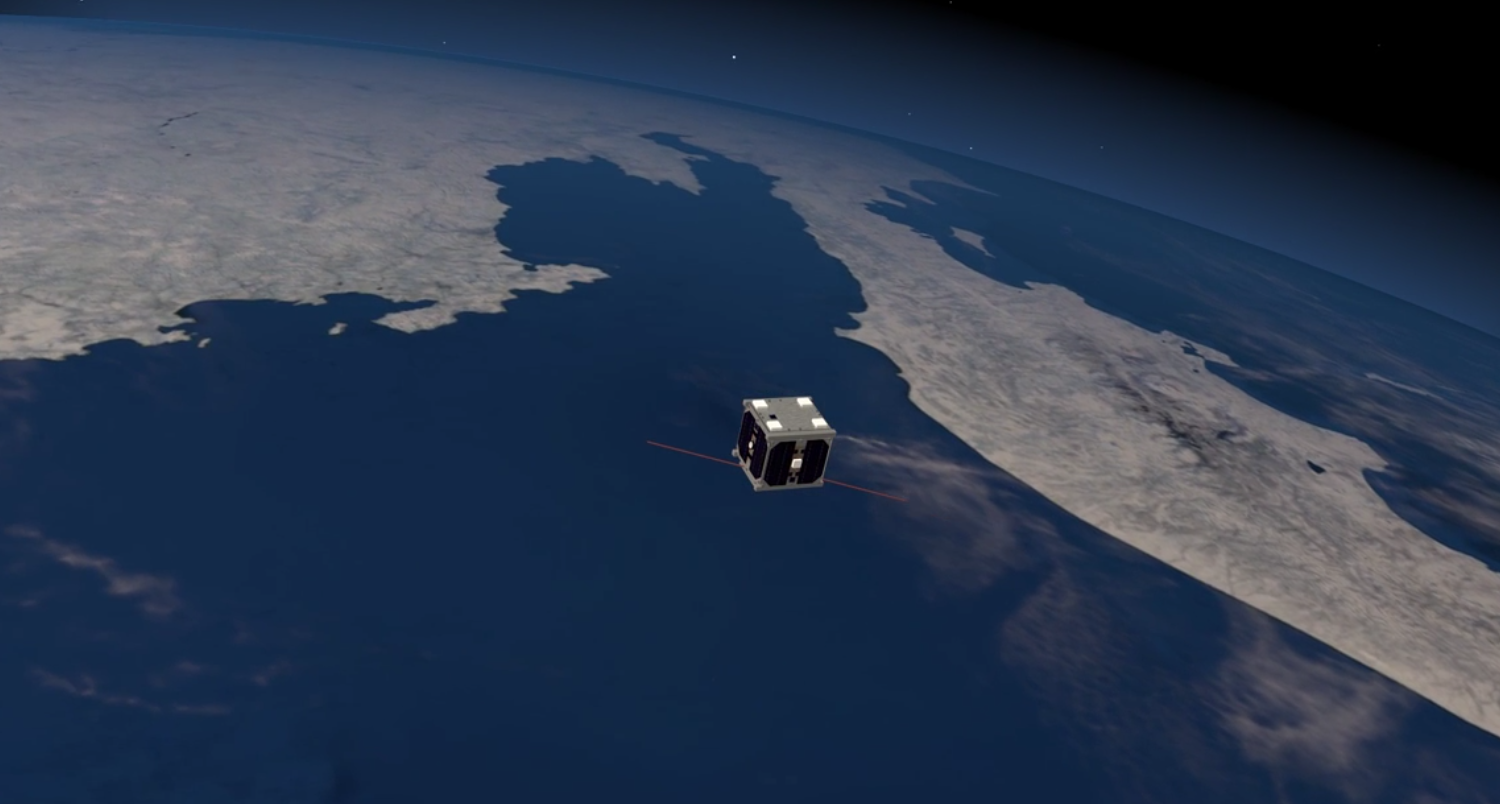
Sending a Satellit to Space: What could possibly go wrong?
Coming out of a project meeting Friday evening, the following wisdom came to my mind:
“The major difference between a thing that might go wrong and a thing that cannot possibly go wrong is that when a thing that cannot possibly go wrong goes wrong it usually turns out to be impossible to get at or repair.” – Anonymous
P&E ARM Cortex-M Debugging with FreeRTOS Thread Awareness and Real Time Expressions for GDB and Eclipse
P&E has a new version of their GDB/Eclipse debug plugins available on their Eclipse update site, and it comes with to great features: Real Time Expressions (show variables while target is running) and FreeRTOS thread awareness 🙂
Breakfast with Eggs Benedict, Sous-Vide Style
What is a Sunday morning without a perfect breakfast? With a Sous-Vide cooker in the kitchen, this small research project is about preparing Eggs Benedict Sous-Vide style:
Tips for Making Copy of Eclipse CDT Projects Easier
Instead creating a new project from scratch, often it is simpler to copy an existing Eclipse CDT project, then change it and go on. To copy-past the a project in Eclipse:
- Select the project in the Project Explorer View (CTRL-C on Windows)
- Then paste it in the Project Explorer View (CTRL-V on Windows), and I can specify the new name:
However, to make that process simpler, a few things have to be done right in the ‘source’ project first.