In the area of IoT (Internet of Things), one obvious need is to have a way to send and receive data with an internet protocol. MQTT (or Message Queue Telemetry Transport) is exactly like that: a light-weight Machine-to-Machine communication protocol. With the MQTT protocol a microcontroller (or ‘client’) can send data and/or subscribe to data. For example to the Adafruit.IO:
Category Archives: Tutorial
MCUXpresso IDE: Installing Processor Expert into Eclipse Neon
In “MCUXpresso IDE: Importing Kinetis Design Studio Projects” I explained how Kinetis Design Studio projects can be imported and used inside the MCUXpresso IDE. Processor Expert projects can be used, but no new components added, modified or new Processor Expert projects created. To fully use Processor Expert, two plugins need to installed, and this is what this article is about.
Tutorial: Using Eclipse with NXP MCUXpresso SDK v2 and Processor Expert
To me, software and tools are by far more important than the microcontroller. Because the silicon is a ‘one time kind of thing’, where the software has to be maintained and working over a longer time. And at least my software usually needs to be ported to a new device, so portability and available software and tools are critical to me.
The combination of MCUXpresso SDK (formerly Kinetis SDK) and Processor Expert is unfortunately not supported by NXP. But I have found a way to get them work together in a nice way, and this article is about making that combination possible :-).
Zephyr: Thoughts and First Steps on the ARM Cortex-M4F with gcc, gdb and Eclipse
The concept of Linux (Open Source, broad developer base and broad usage) is a success story. While there is a lot of diversity (and freedom) in the Linux world, Linux is Linux and again Linux :-). And the world has (mostly) standardized on Linux and its variants on the high embedded system side.
On the other side, the ‘middle and lower end’ Embedded world is fragmented and in many aspects proprietary. So it was no surprise to me when the Linux Foundation announced the ‘Zephyr’ project back in February 2016:
“The Linux Foundation Announces Project to Build Real-Time Operating System for Internet of Things Devices. Open source Zephyr™ Project aims to deliver an RTOS; opens call for developers to help advance project for the smallest footprint IoT devices.“
Ζεφυρος (Zephyros) is the Greek good of spring and the west wind. Obviously this inspired the logo for the Zephyr project:

“No source available”, or how to Debug Multiple Binaries with GDB and Eclipse
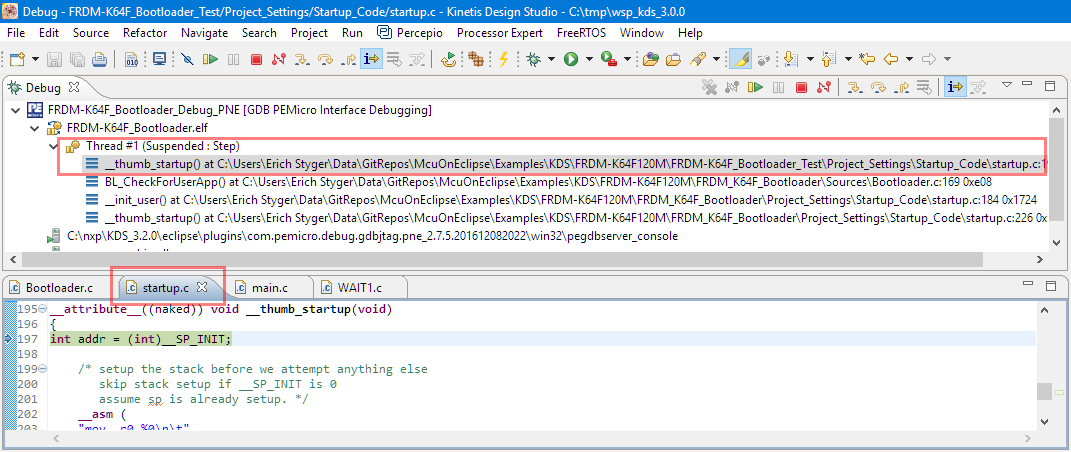
When working and debugging a bootloader, debugging can be a challenge: During debugging the bootloader, a new binary gets loaded into the microcontroller address space which is unknown to the debugger. As soon as I step into the newly loaded binary, I only see assembly code, with that ugly “No source available” in Eclipse:
But wait: GDB is able to do pretty much everything you can imagine, so here is how to debug multiple binaries with GDB and Eclipse, and to turn the above into something which is easy to debug:
Reprogramming the Mikroelektronika Hexiwear Dockingstation
Building the NXP BLE Stack with Open Source GNU and Eclipse Tools
One of the biggest road blocks (beside of closed source) using the BLE (Bluetooth Low Energy) stack from NXP is that it requires expensive tools to compile and build the stack. The good news is that I have now the NXP BLE stack for the Mikroelektronika Hexiwear ported to Eclipse and GNU gcc build tools for ARM 🙂
Using Python, Gatttool and Bluetooth Low Energy with Hexiwear
Now I can use the data on the Hexiwear over BLE with the gatttool (see “Tutorial: Hexiwear Bluetooth Low Energy Packet Sniffing with Wireshark” and “Tutorial: BLE Pairing the Raspberry Pi 3 Model B with Hexiwear“). This article is taking things a step further and uses a Python script on Linux to access the sensor data on the BLE device:
DIY IKEA Wireless Qi Charging for the Hexiwear
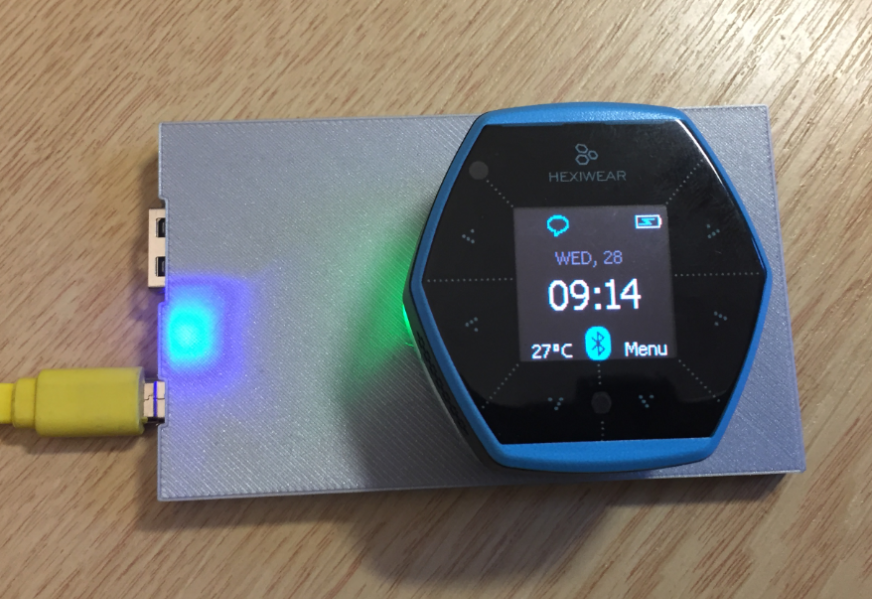
The Achilles Heel of the Mikroelektronika Hexiwear is its charging: the charging and USB connector are only designed for a limited number of plug-unplug cycles, and it does not have a wireless charging capability like the Apple iWatch. Until now! I have built a DIY wireless charging system for the Hexiwear 🙂 :
Tutorial: Hexiwear Bluetooth Low Energy Packet Sniffing with Wireshark
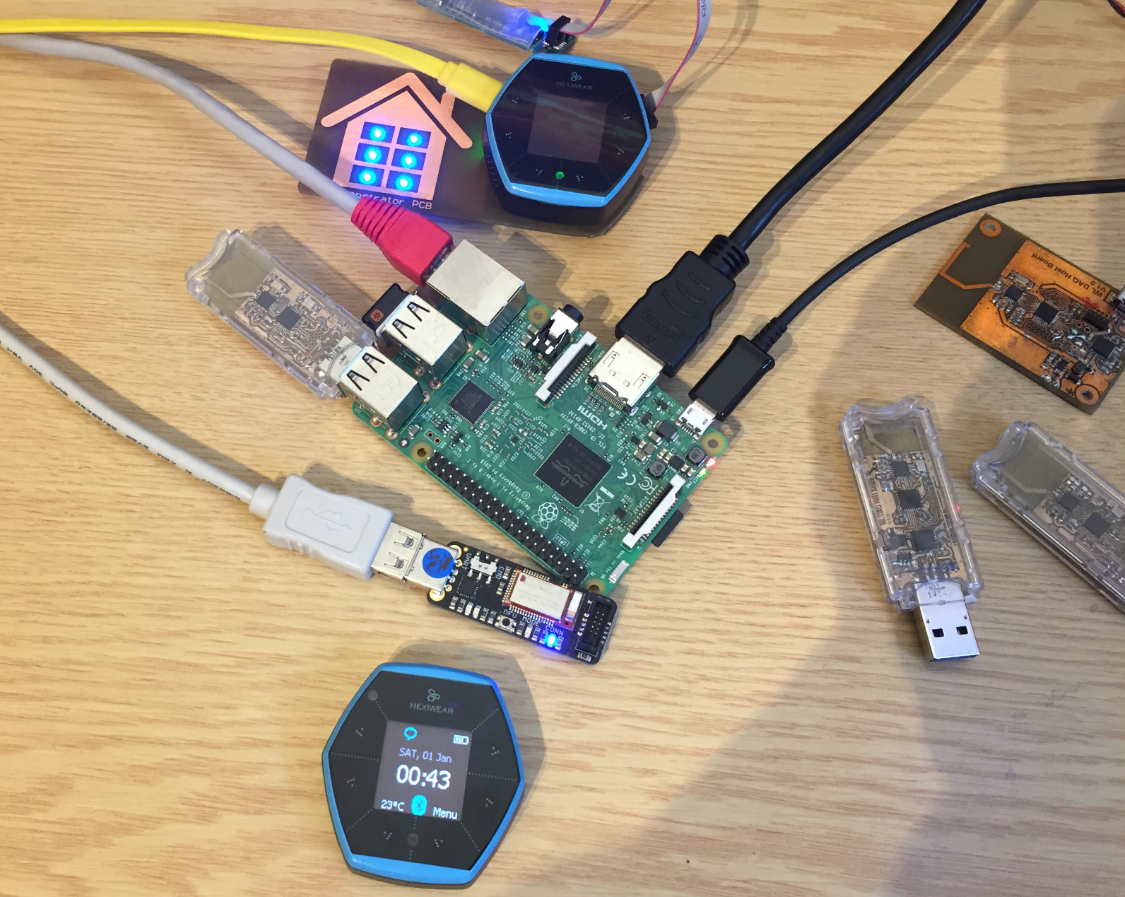
For a university reasearch project I try to pair the Raspberry Pi 3 with a Mikroelektronika Hexiwear using BLE (Bluetooth Low Energy). Most of things worked after a lot of trial and error, but at a certain point I was stuck trying to write to send data from the Raspy to the BLE device.The Hexiwear BLE protocol description is very thin, so I ended up using a BLE sniffer to reverse engineer the protocol with Wireshark.