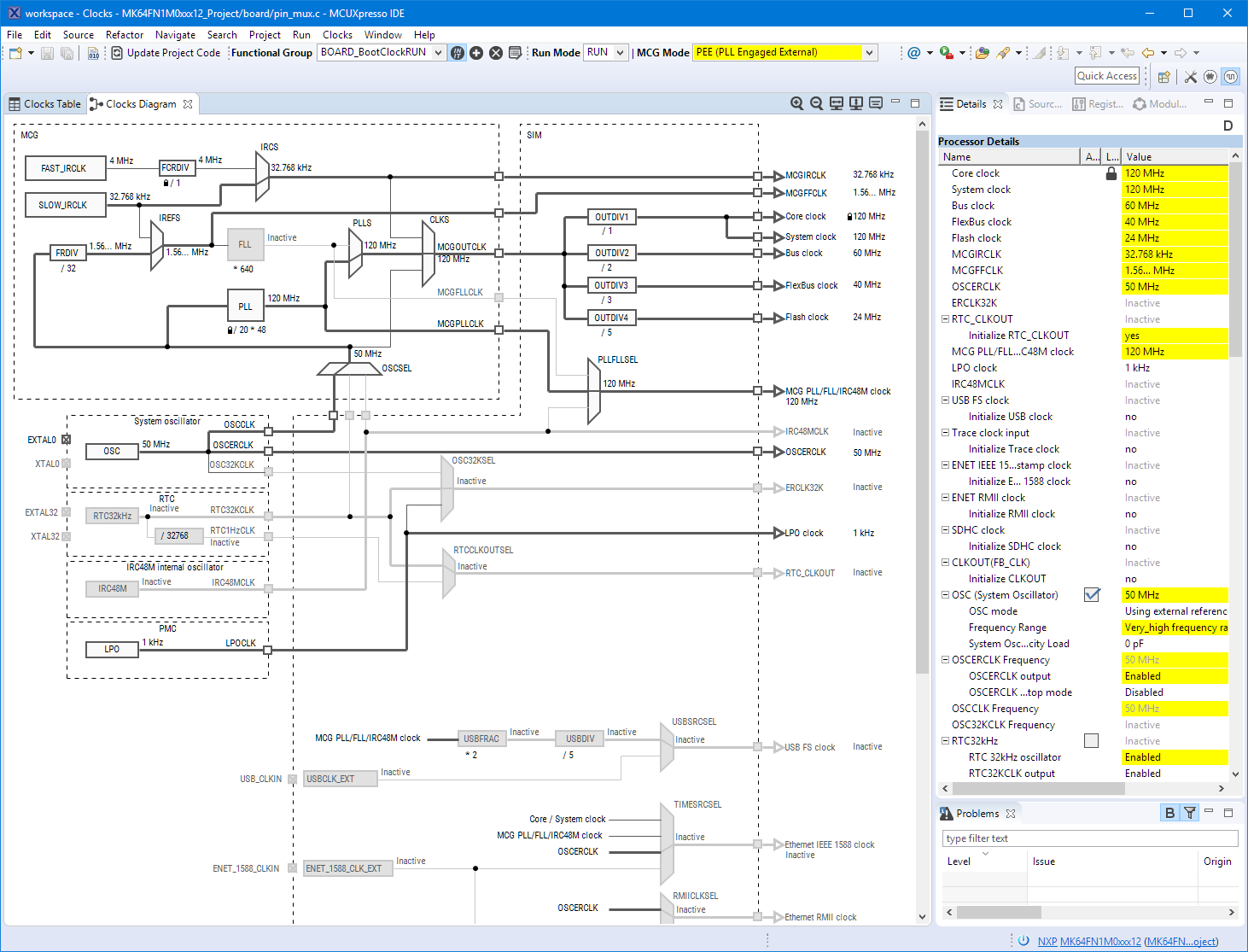
When using the FreeRTOS Task List in the Eclipse based MCUXpresso IDE, it shows the list of tasks with their stack size used. But with the default FreeRTOS settings it is not able to determine the correct stack size and shows a warning icon:
Category Archives: LPC
Overview of MCUXpresso IDE v10.2.0
Decisions, decisions! Such long weekends like Pentecost are a real challenge for a family with engineers:
- Should we join that record long traffic jam to Italy and be stuck for more than 4 hours and analyze it?
- Or: should we stay home, turn the BBQ smoker engine on fire, load it with baby back pork rib racks for a slow-and-low smoke treatment, while doing some on-the-side IDE and technology exploration?
Well, my family vote was kind of clear: they have chosen that second option. Not to mention that hidden technology piece in it, but that was part of the deal ;-).
And I’m sorry: this article is not about BBQ (for this see “Smoking BBQ Baby Back Ribs – Swiss Style“), it is about technology: I’m using the NXP MCUXpresso IDE and tools for many of my projects (see “Eclipse MCUXpresso IDE 10.1 with integrated MCUXpresso Configuration Tools“). Right before the this extended weekend, NXP has released the new v10.2.0 version, so here is where that technology exploration piece comes into play. Checking the release notes, this version number change includes so many cool stuff I decided to have a look and to check it out. Of course always having an electronic eye on the baby back ribs!
Sneak Preview: DIY SMT Pick & Place Machine with OpenPnP
I apologize: I have not been blogging much in the past weeks :-(. One reason is that I’m working on a DIY SMT/SMD Pick&Place machine which keeps me busy most of my spare time :-). I admit that this project is not finished yet, but now is the time I can give a sneak preview: a SMD/SMT pick and place machine:
Upgrading a Laser Cutter with Cohesion3D Mini and LCD
I’m very happy with my 50W Laser Cutter (see “Getting Control over a 50 Watt CO2 Laser Cutter from China“). My main decision factors were (and still are): Software, software, tools and again software, and down in the list finally the hardware. Same thing for that laser cutter. After several upgrades (see “50W Laser Cutter Upgrades“), it was time replace the stock controller hardware with a new one including LCD display:
Debugging ARM Cores with IP based Debug Probes and Eclipse
Using IP (Ethernet) based debug probes is a very handy thing: I don’t have to be directly connected to the debug probe (e.g. with the USB cable). This article explains how to use an IP-based Segger or P&E probe with the Eclipse based MCUXpresso IDE.
New Concept for 2018 Mini Sumo Roboter
Doing Mini Sumo robot competition is really fun, and there is yet another one coming to end the current university semester. For several years we have used our own sumo robot, and this is the one used in the course this year too. But for future and extended events we are exploring a new robot. I proudly present the concept of the next generation sumo robot for the year 2018:
New FreeRTOS V10.0.0: Amazon, Segger SystemView and Percepio Tracealyzer
“Amazon FreeRTOS – IoT operating system for microcontrollers”: The announcement of FreeRTOS V10.0.0 was one of the biggest news last week for me. Not only is there now a Version 10, the bigger news is that FreeRTOS is now part of Amazon. Wow! Now this explains why Richard Barry (the founder behind FreeRTOS) was kind of hiding away for about a year: he joined Amazon as a principal engineer about a year ago. I think we all have to wait and see what it means for FreeRTOS.
Eclipse MCUXpresso IDE 10.1 with integrated MCUXpresso Configuration Tools
Back in March 2017, NXP had rolled the MCUXpresso IDE starting with Version 10.0.0. With the intent to unify the SDK, LPCXpresso, CodeWarrior, Kinetis Design Studio and Processor Expert into one unified and integrated set of tools. V10.0.0 was a good start. The MCUXpresso IDE V10.0.2 in July was more of a smaller update, and the Pin and Clock configuration tools were not integrated, no added tool for peripheral configuration.
A week ago the MCUXpresso V10.1.0 has been released which shows where the journey is going: an free-of-charge and code size unlimited Eclipse based integrated set of tools to configure, build and debug Cortex-M (Kinetis, LPC and i.MX RT) microcontroller/processor based applications.
I have used it for a week, and although many things are still new, I thought I’m able to give an overview about what is new.
Exploring a Microcontroller and Software and Tools for the next Project
I’m using many microcontroller in my projects. And a lot more are available out there in the ecosystem. Like many others, I tend to select what I am familiar with. But is this the correct approach to select the hardware and tools for a next project?
McuOnEclipse Components: 25-Sept-2017 Release
I’m pleased to announce that a new release of the McuOnEclipse components is available in SourceForge. In this release more ARM Cortex devices/vendors are supported with different SDKs, plus it comes with several FreeRTOS enhancements for debugging highly optimized code.