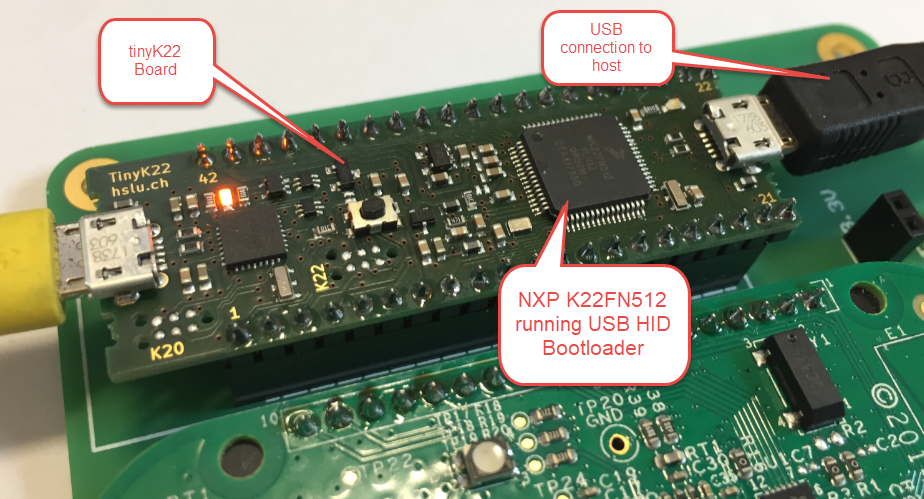
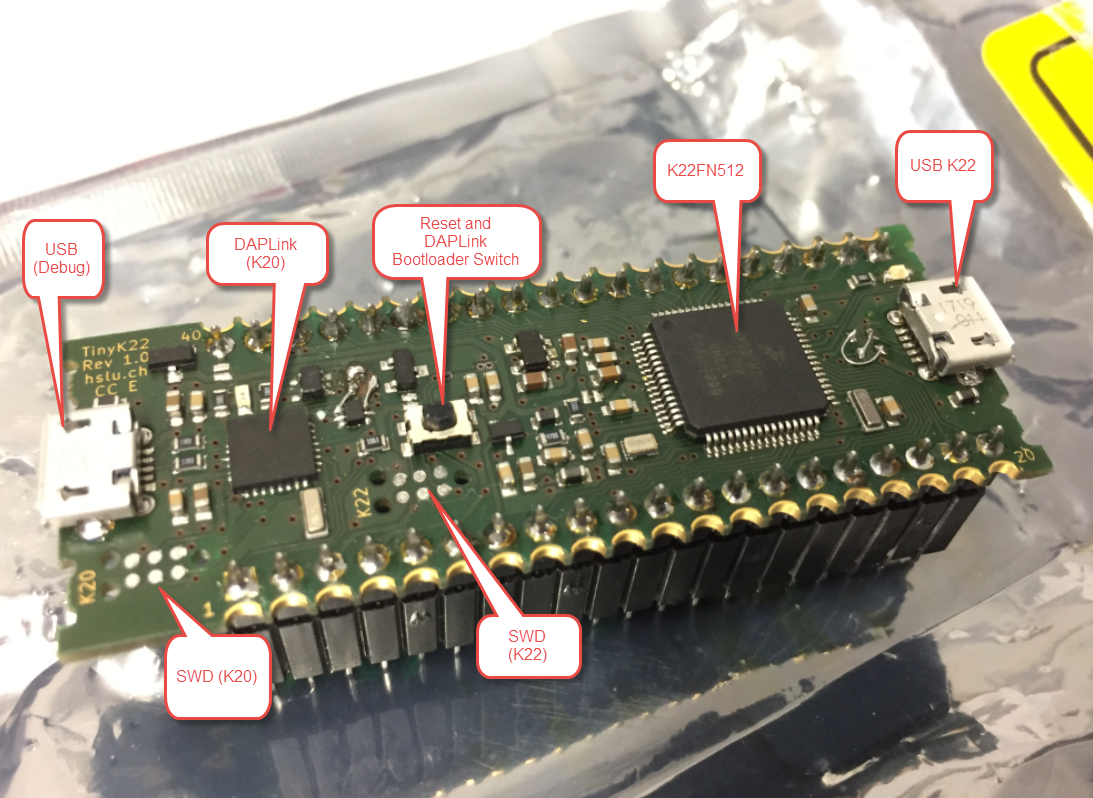
In “Flash-Resident USB-HID Bootloader with the NXP Kinetis K22 Microcontroller” I presented how I’m using the tinyK22 (or FRDM-K22F) with a flash resident USB HID bootloader. To make sure that the loaded application is not corrupted somehow, it is important to verify it with a Cyclic redundancy Checksum (CRC). The NXP KBOOT Bootloader can verify such a CRC, but how to generate one and how to use it is not really obvious (at least to me), so this article explains how to generate that CRC.
Category Archives: Kinetis
Flash-Resident USB-HID Bootloader with the NXP Kinetis K22 Microcontroller
The tinyK22 board (see “tinyK22 Boards arrived“) gets rolled out at the Lucerne University of Applied Sciences and Arts, so I thought I write-up an article this weekend how to use that board with a Flash Resident Bootloader.
Performance and Runtime Analysis with FreeRTOS
One of the great things with the FreeRTOS operating system is that it comes with free performance analysis: It shows me how much time is spent in each task. Best of all: it shows it in a graphical way inside Eclipse too:
Faster FreeRTOS Percepio Tracealyzer Streaming with Segger RTT
To solve the real hard problem of Embedded Systems development, I usually need all the data I can get from the target. The Percepio Tracealizer is such a tool which can stream application and FreeRTOS trace from the target over a Segger J-Link connection using the Segger RTT protocol. I’m using that combination a lot.
Streaming trace data that way does not need a dedicated hardware like ETM Trace. Using RTT is usually not much intrusive and affects the performance of the target in the 1-2% range (of course depending on the amount of data).
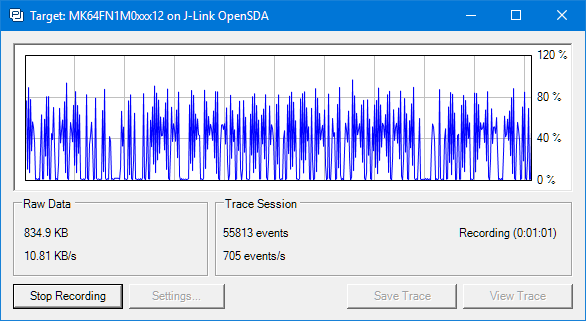
But what worried me for several weeks is that after moving to FreeRTOS V10.0.0 and the same time updating the Segger libraries, the target performance was heavily affected:
tinyK22 Boards arrived
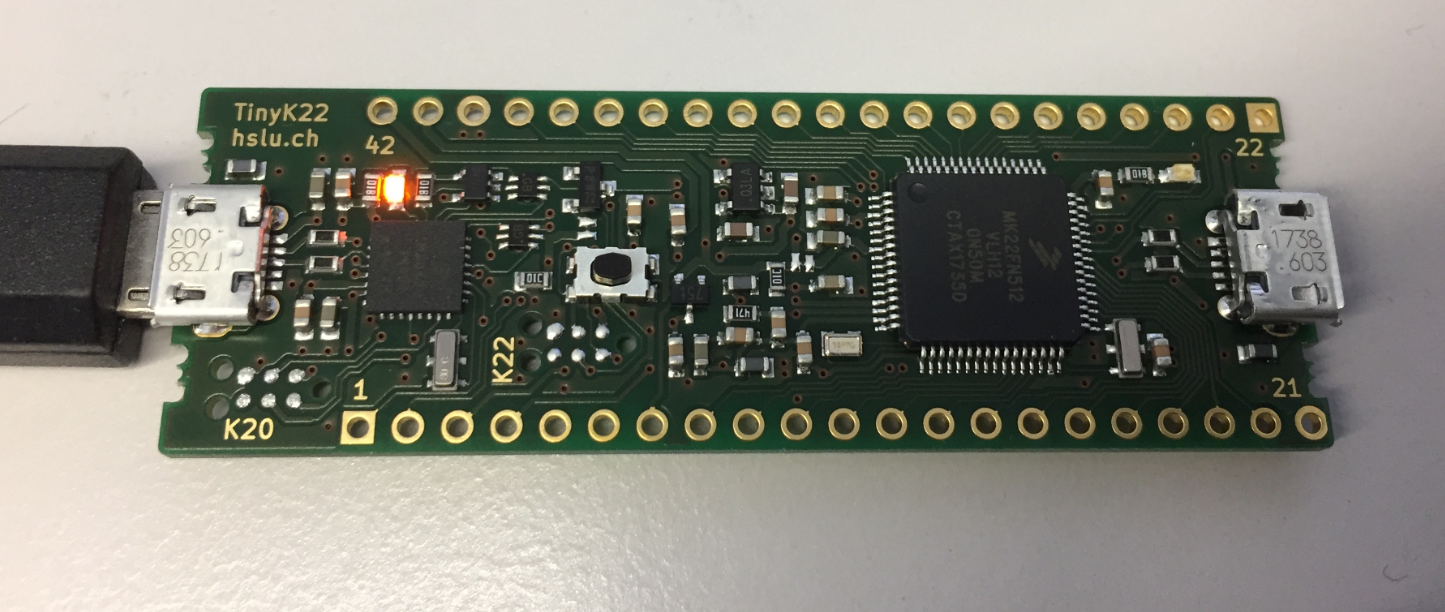
Right before the start of the new semester, the new tinyK22 boards (see “First tinyK22 Board with NXP K22FN512 ARM Cortex-M4F“) arrived, and they are looking great 🙂
Debugging the Teensy 3.6 with Eclipse MCUXpresso IDE and CMSIS-DAP LPC-Link2
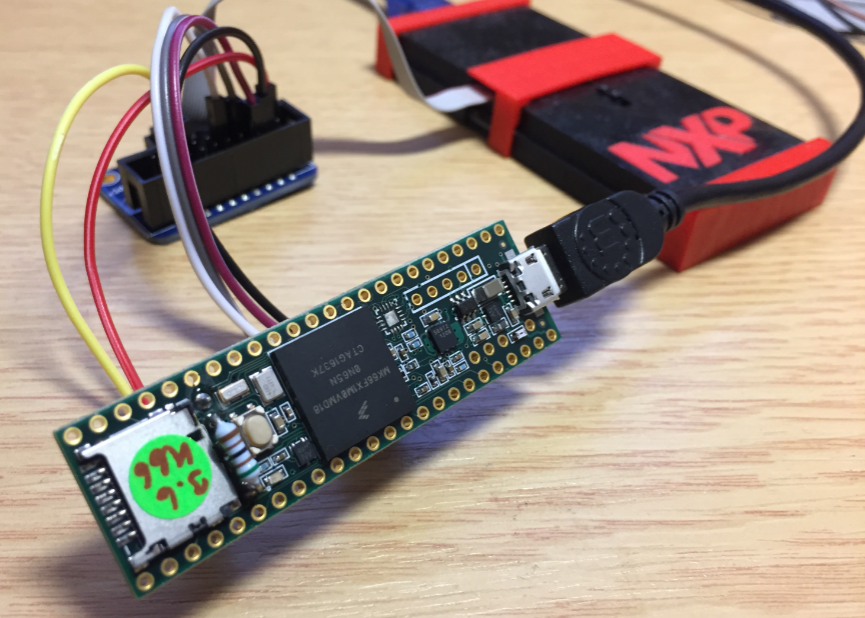
The Teensy boards are great, but as they are they are not really useful for real development, as they lack proper SWD debugging. In “Modifying the Teensy 3.5 and 3.6 for ARM SWD Debugging” I have found a way to get SWD debugging working, at that time with Kinetis Design Studio and the Segger J-Link. This article is about how debug the Teensy with free MCUXpresso IDE and the $20 NXP LPC-Link2 debug probe:
McuOnEclipse Components: 26-Dec-2017 Release
I’m pleased to announce that a new release of the McuOnEclipse components is available in SourceForge., which is supposed to be the last release for 2017 :-). This release features several smaller bug fixes, the new FreeRTOS V10.0.0 and extended device support.
Continue reading
New Concept for 2018 Mini Sumo Roboter
Doing Mini Sumo robot competition is really fun, and there is yet another one coming to end the current university semester. For several years we have used our own sumo robot, and this is the one used in the course this year too. But for future and extended events we are exploring a new robot. I proudly present the concept of the next generation sumo robot for the year 2018:
First tinyK22 Board with NXP K22FN512 ARM Cortex-M4F
The NXP Freedom boards are very popular. Many of them are inexpensive (less than $20), include a debug interface and can be easily extended with extra shields or boards. Especially the FRDM-KL25Z is very popular: I’m getting told because of Processor Expert and tutorials available on web sites like this one ;-).
Unfortunately there are no small or breadboard friendly Kinetis boards available. There is the NXP LPC800-DIP but with no onboard debugger and without Processor Expert support. We have the tinyK20, but projects tend to use more CPU power, FLASH and RAM space than what the tinyK20 board (50 MHz, 128 KByte FLASH, 16 KByte RAM) can provide. So we ended up designing the big brother of the first tinyK20: the tinyK22 with 120 MHz, 512 KByte of FLASH and 128 KByte of RAM.
Eclipse MCUXpresso IDE 10.1 with integrated MCUXpresso Configuration Tools
Back in March 2017, NXP had rolled the MCUXpresso IDE starting with Version 10.0.0. With the intent to unify the SDK, LPCXpresso, CodeWarrior, Kinetis Design Studio and Processor Expert into one unified and integrated set of tools. V10.0.0 was a good start. The MCUXpresso IDE V10.0.2 in July was more of a smaller update, and the Pin and Clock configuration tools were not integrated, no added tool for peripheral configuration.
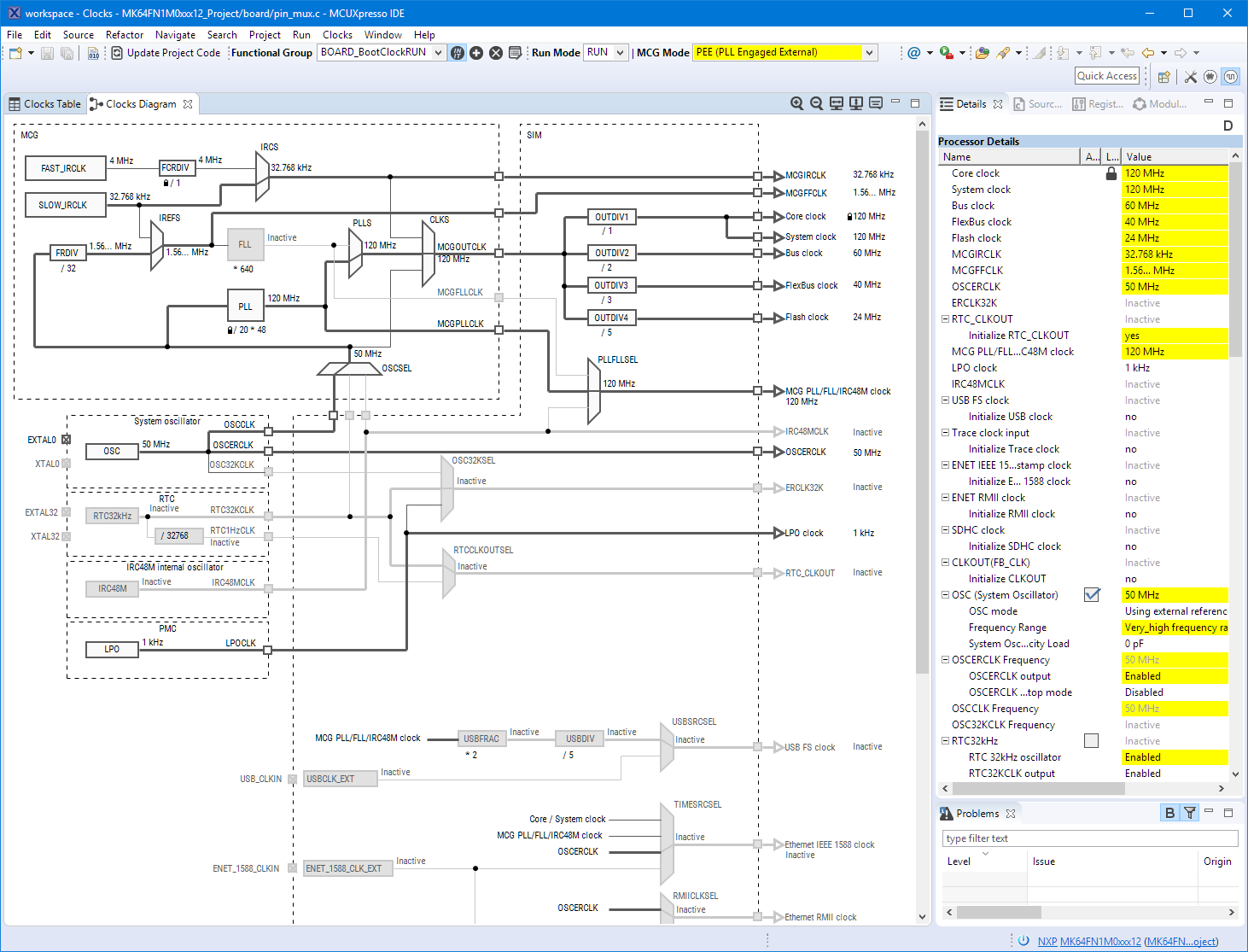
A week ago the MCUXpresso V10.1.0 has been released which shows where the journey is going: an free-of-charge and code size unlimited Eclipse based integrated set of tools to configure, build and debug Cortex-M (Kinetis, LPC and i.MX RT) microcontroller/processor based applications.
I have used it for a week, and although many things are still new, I thought I’m able to give an overview about what is new.