Troubleshooting Tips: Failed Debugging with GDB

Three years ago I published “Debugging Failure: Check List and Hints” and unfortunately this article is one of the most popular ones: obviously debugging problems are very common. Debugging with GDB works usually fine, but if things are failing, then it can be hard to find the cause for it. Recently I have been asked to check some failures, so here are two more hints about what could go wrong…

Error while launching command: arm-none-eabi-gdb --version

Error while launching command: arm-none-eabi-gdb –version

Continue reading

Converting a Raw Binary File into an ELF/Dwarf File for Loading and Debugging

Binary files are just a binary blob without debug information. Most debug tools and flashers are able to deal (raw) binary (see “S-Record, Intel Hex and Binary Files“). But GDB or the P&E GDB server really needs a ELF/Dwarf file which usually has all the debug information in it. This is a problem if all what I have is a binary file.

This post is about transforming a raw binary (.bin) file into an ELF/Dwarf file with adding a header to it:

Added Elf Header to Raw Binary File

Added Elf Header to Raw Binary File

Continue reading

Custom 3D Printed Magnetic Encoder Disks for Robotics Projects

I’m making great progress with the firmware for the new Mini Sumo Robot (see “New Concept for 2018 Mini Sumo Roboter“). The goal is a versatile and low-cost Mini Sumo robot, and the robot comes with the feature of magnetic position encoders. In a previous article I have explained how to mold custom tires for robots (see “Making Perfect Sticky DIY Sumo Robot Tires“), this article is about how to make DIY Magnetic disk encoders.

3D Printed Magnetic Disk Encoders

3D Printed Magnetic Encoders Disks

Continue reading

Debugging the Teensy 3.6 with Eclipse MCUXpresso IDE and CMSIS-DAP LPC-Link2

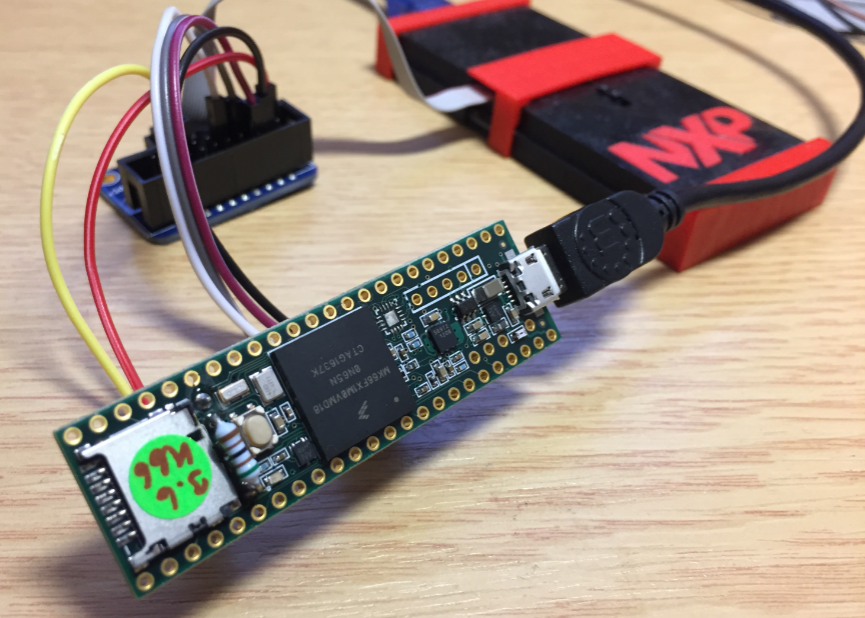
The Teensy boards are great, but as they are they are not really useful for real development, as they lack proper SWD debugging. In “Modifying the Teensy 3.5 and 3.6 for ARM SWD Debugging” I have found a way to get SWD debugging working, at that time with Kinetis Design Studio and the Segger J-Link. This article is about how debug the Teensy with free MCUXpresso IDE and the $20 NXP LPC-Link2 debug probe:

Teensy 3.6 with NXP LPC-Link2

Teensy 3.6 with NXP LPC-Link2

Continue reading

Making Perfect Sticky DIY Sumo Robot Tires

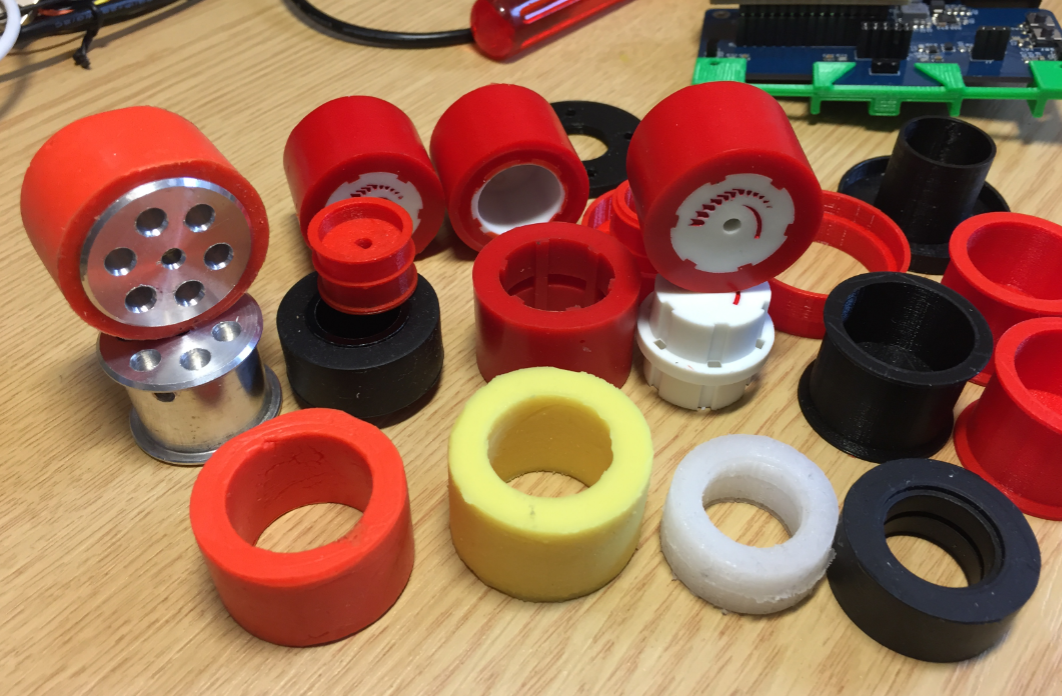
Sumo robot challenges are fun. One important aspect of every Sumo robot are the tires: if they are sticky enough, the robot can push out the opponent. In this article I compare different available robot hubs and tires, and how to make DIY hubs and tires.

Selection of Sumo Robot Wheels and Tires

Selection of Sumo Robot Wheels and Tires

Continue reading

New Concept for 2018 Mini Sumo Roboter

Doing Mini Sumo robot competition is really fun, and there is yet another one coming to end the current university semester. For several years we have used our own sumo robot, and this is the one used in the course this year too. But for future and extended events we are exploring a new robot. I proudly present the concept of the next generation sumo robot for the year 2018:

Sumo Robot with Bluetooth module

Sumo Robot with Bluetooth module

Continue reading

MCUXpresso IDE V10.1.0 with i.MX RT1052 Crossover Processor

In “Eclipse MCUXpresso IDE 10.1 with integrated MCUXpresso Configuration Tools” I mentioned that I wanted to try the i.MX RT1050 processor. Well, finally my ordered board from Mouser arrived, right on time for the week-end, so I had a chance to use that ARM Cortex-M7 running at 600 MHz :-).

i.MX RT1050 EVK

i.MX RT1050 EVK

Continue reading

Eclipse MCUXpresso IDE 10.1 with integrated MCUXpresso Configuration Tools

Back in March 2017, NXP had rolled the MCUXpresso IDE starting with Version 10.0.0. With the intent to unify the SDK, LPCXpresso, CodeWarrior, Kinetis Design Studio and Processor Expert into one unified and integrated set of tools. V10.0.0 was a good start. The MCUXpresso IDE V10.0.2 in July was more of a smaller update, and the Pin and Clock configuration tools were not integrated, no added tool for peripheral configuration.

A week ago the MCUXpresso V10.1.0 has been released which shows where the journey is going: an free-of-charge and code size unlimited Eclipse based integrated set of tools to configure, build and debug Cortex-M (Kinetis, LPC and i.MX RT) microcontroller/processor based applications.

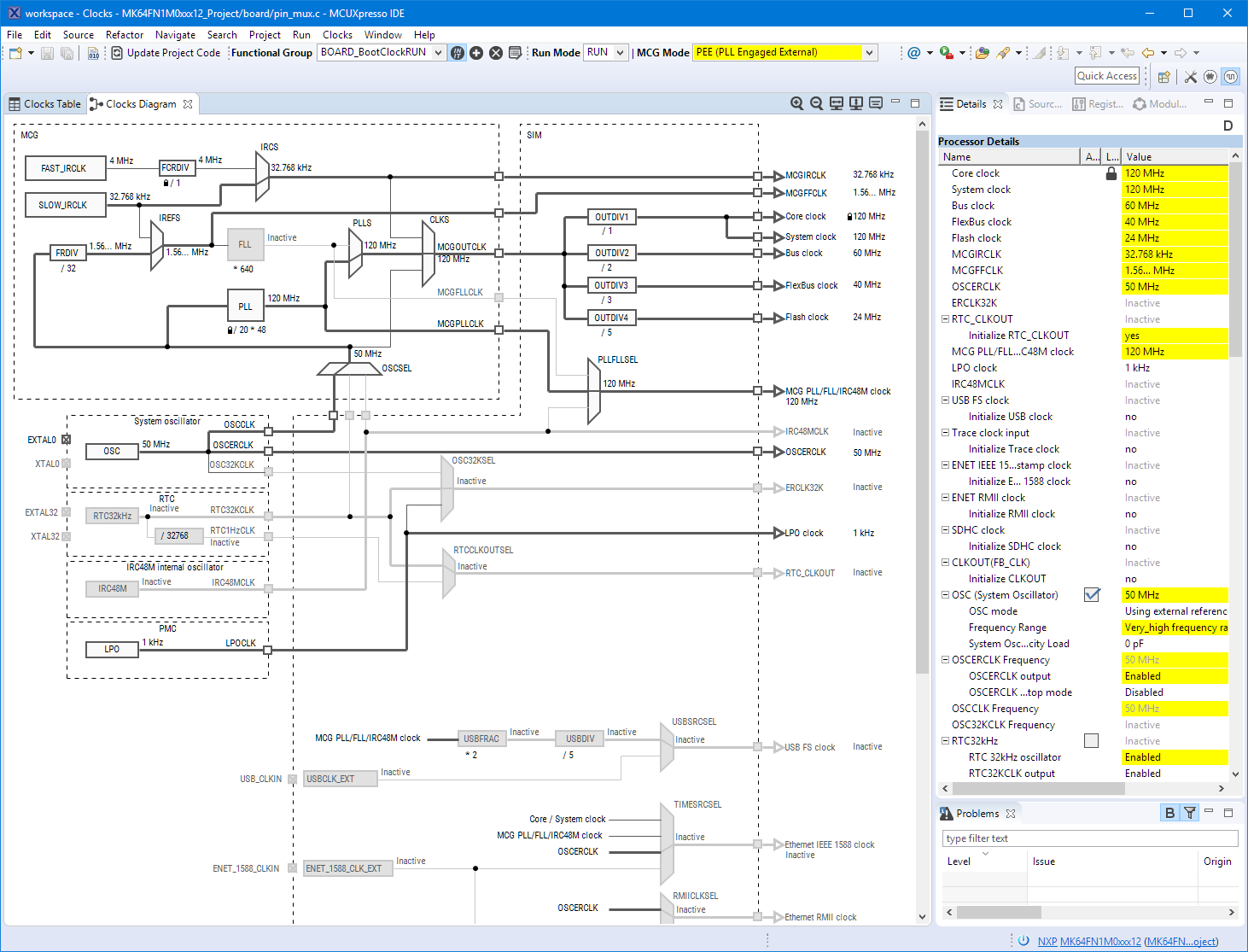
Clock Tool inside MCUXpresso IDE

Clock Tool inside MCUXpresso IDE

I have used it for a week, and although many things are still new, I thought I’m able to give an overview about what is new.

Continue reading

Solving Problem with GNU Linker and “referenced in section, defined in discarded section ” Error Message

I have been running recently into an interesting case where the GNU ARM Linker failed to link an application with strange error messages:

referenced in section, defined in discarded section

referenced in section, defined in discarded section

Continue reading

Adding a Delay to the ARM DAPLink Bootloader

The ARM mbed USB MSD bootloader which is used on many silicon vendor boards has a big problem: it is vulnerable to operating systems like Windows 10 which can brick your board (see “Bricking and Recovering OpenSDA Boards in Windows 8 and 10“). To recover the board, typically a JTAG/SWD programmer has to be used. I have described in articles (see links section) how to recover from that situation, including using an inofficial new bootloader which (mostly) solves the problem. The good news is that ARM (mbed) has released an official and fixed bootloader. The bad news is that this bootloader does not work on every board because of a timing issue: the bootloader mostly enters bootloader mode instated executing the application.

DAPLink in Bootloader Mode

DAPLink in Bootloader Mode

Continue reading