Key-Value pairs in FLASH Memory: file-system-less minINI

Many embedded systems application need to store some kind of data in a persistent way: calibration values, settings or log information. For a smaller amount of data, using an external memory or file system is an overkill. In many system I’m using minINI to store key-value pars in in a ‘ini-file’ way, but it requires the use of a file system of some kind. minINI is great and efficient, and makes getting and storing data really easy. But for simple cases, a single FLASH memory page or sector is just all what I need. Instead managing that page directly, why not using minINI without a file system?
Continue reading

Visual Studio Code for C/C++ with ARM Cortex-M: Part 10 – Assembly Stepping

The Microsoft Visual Studio Code is a great IDE, but does not (yet?) implement features for true embedded usage. Or things are there to some level, but hard to use. One of these things is how to step in the assembly code. This article shows how to do this.

Continue reading

Visual Studio Code for C/C++ with ARM Cortex-M: Part 9 – RTT

For me the Cortex-Debug Visual Studio extension by marus25 is the standard way to use VSC for embedded development. Another ‘standard’ piece I’m using in many of my projects is the SEGGER RTT.

SEGGER RTT Output with Visual Studio Code
Continue reading

Tutorial: GNU gcov Coverage with the NXP i.MX RT1064

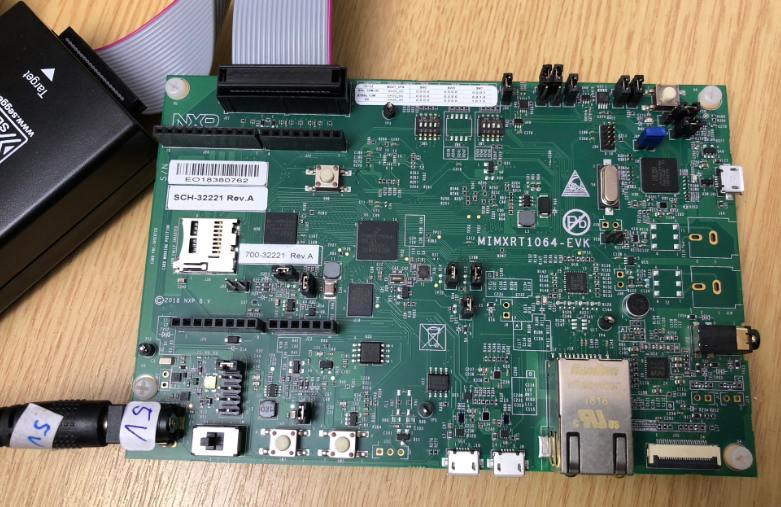
This tutorial shows how to use and collect coverage data using the GNU gcov tool. As board and hardaware I’m using the NXP i.MX RT1064 EVK:

MIMXRT1064-EVK running ThreadX
MIMXRT1064-EVK

While this tutorial uses this specific board, things are pretty generic and should be applicable for any other board or MCU.

Continue reading

Visual Studio Code for C/C++ with ARM Cortex-M: Part 8 – xPack C/C++ Managed Build Tools

This is a new article in my series about using Microsoft Visual Studio Code: After installation, project setup, building, debugging, setting up a kit, IntelliSense and FreeRTOS. This one is about setting up and using the xPack Extension to build cross-platform-multi-tool project with a project manager.

Continue reading

MCUXpresso IDE 11.4.0

University exam grading are all done now and results are in the system, and it is already time to prepare for the fall semester. I always try to use the latest and greatest tools in my courses, and the NXP MCUXpresso IDE 11.4.0 just came out. So time to have a look and explore the changes and features.

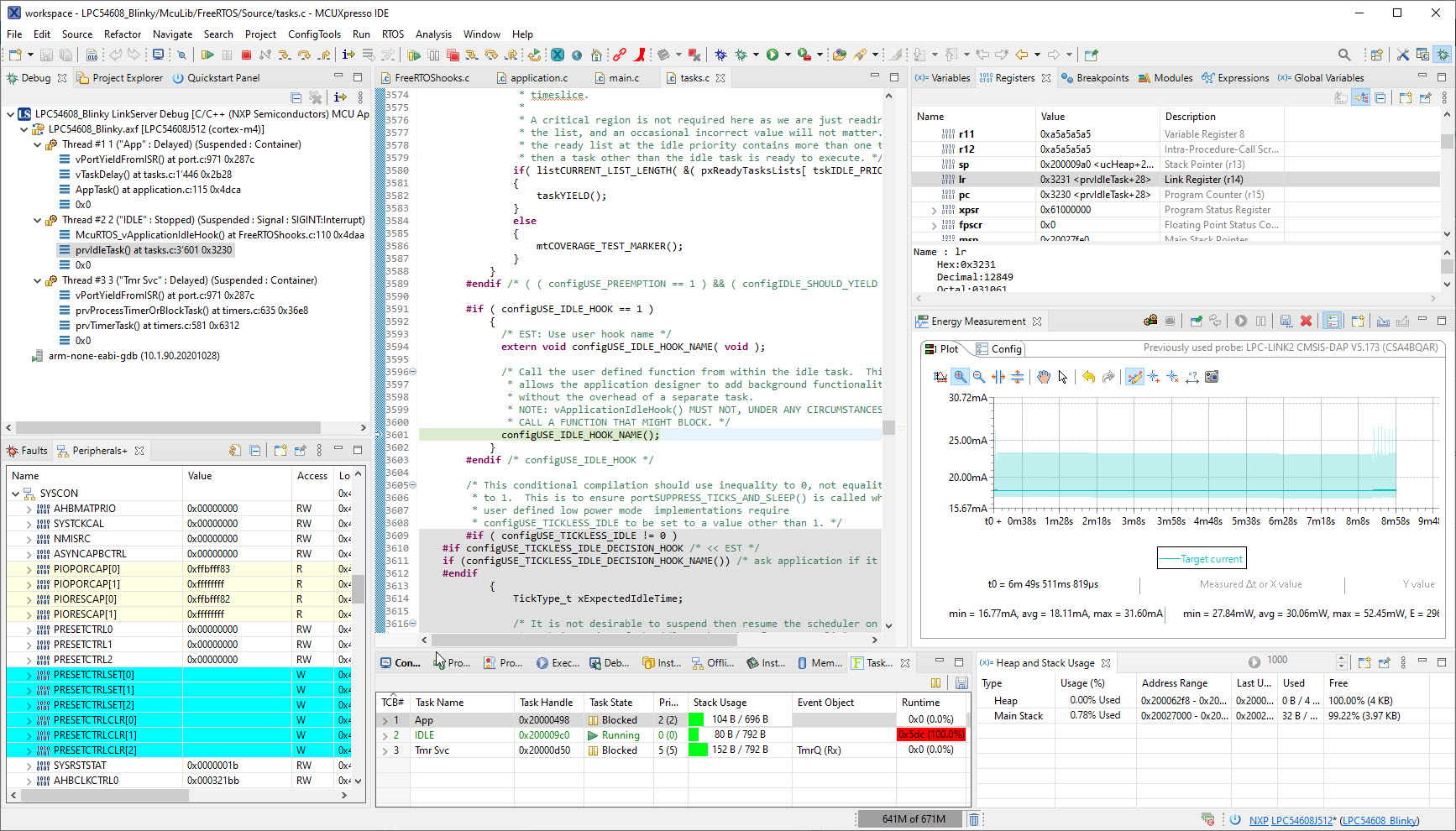
Debugging with NXP MCUXpresso IDE 11.4.0
Continue reading

Position-Independent Code with GCC for ARM Cortex-M

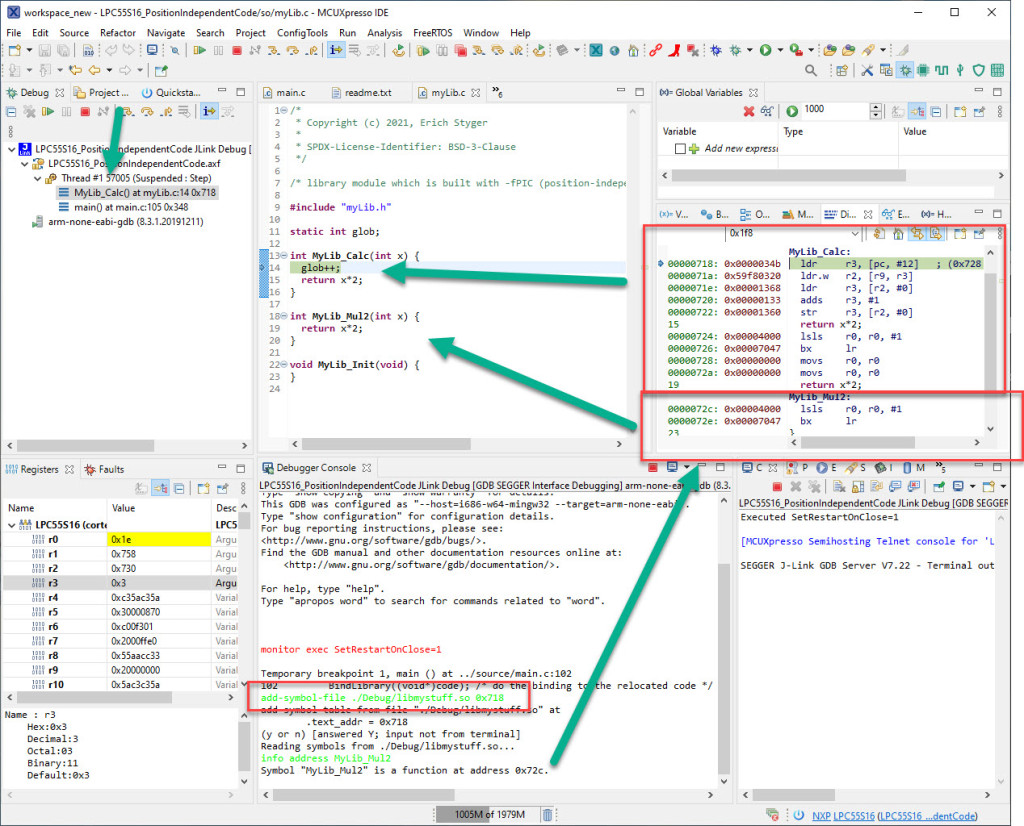
Welcome to ‘Alice in Wonderland‘! For a university research project using an ARM Cortex-M33 we are evaluating position-independent code as way to load applications or part of it with a bootloader. It sounds simple: just add -fPIC to the compiler settings and you are done.

Unfortunately, it is not that simple. That option opened up a ‘rabbit hole’ with lots of wonderful, powerful and strange things. Something you might not have been aware of what could be possible with the tools you have at hand today. Leading to the central question: how is position-independent code going to work with an embedded application on an ARM Cortex-M?

Let’s find out! Let’s start a journey through the wonderland…

Continue reading

Placing Code in Sections with managed GNU Linker Scripts

Managed linker scripts are great on one side: the simplify the otherwise complex GNU linker script handling. On the other side it requires knowledge how to tweak them in case ‘non-standard’ behavior is needed.

Continue reading

Using FatFS and MinINI with the NXP LPC55S16 EVK

For a research project we selected the NXP LPC55S16 but because it has due the silicon shortage it is not available probably for the next 52 weeks (yikes!) we can use the EVK Board.

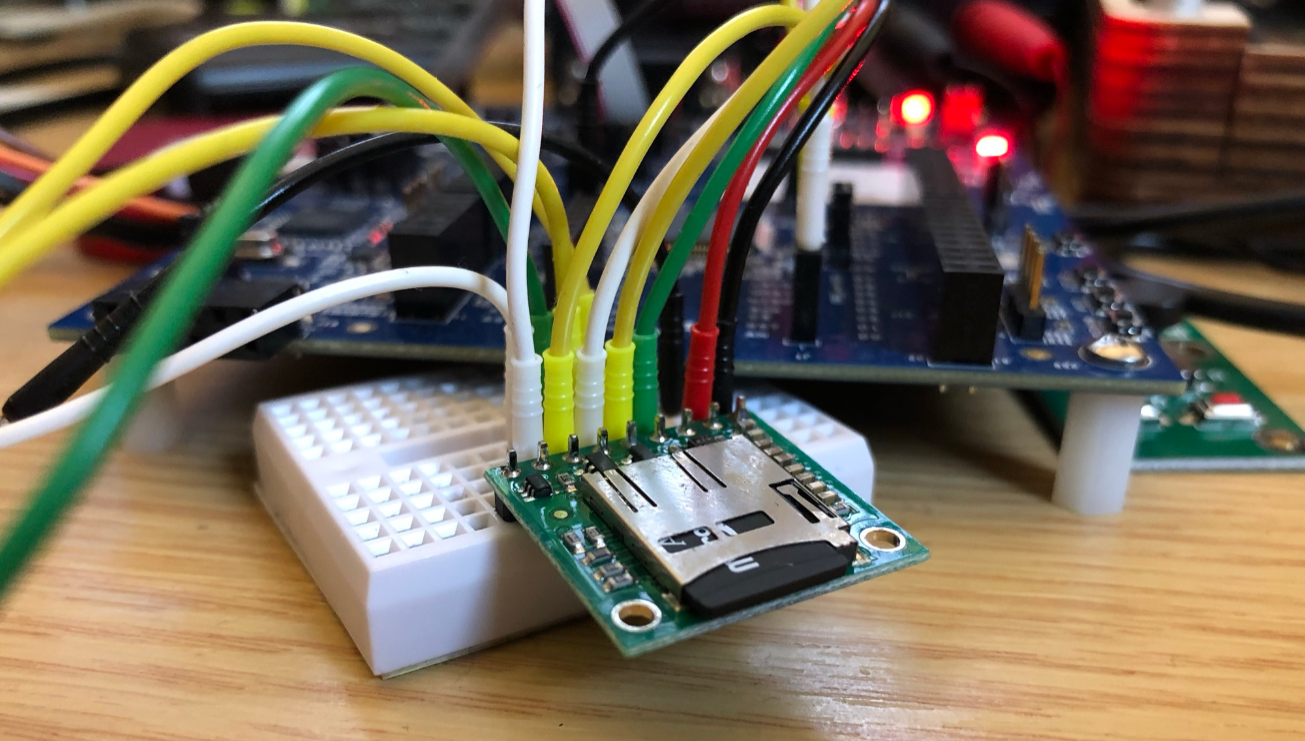
The FatFS file system from Elm Chan is the de-facto file system for many embedded systems. As such it comes integrated with silicon vendor SDKs like the NXP MCUXpresso SDK. The problem is that the SDK only has examples for things on the board, and because that board does not have a SD card socket, no example for using FatFS with an SDK card is provided :-(. So I had to create one, and you can get it from GitHub.

Continue reading

Visual Studio Code for C/C++ with ARM Cortex-M: Part 3 – Build

This is the third part in a series to get up and running using the Microsoft Visual Studio Code for embedded development on ARM Cortex-M. So far we have installed the needed tools, created a project and are able to build it from the command line. Now it is about how execute directly scripts or the build from the IDE.

Building with a Visual Studio Code Task
Continue reading