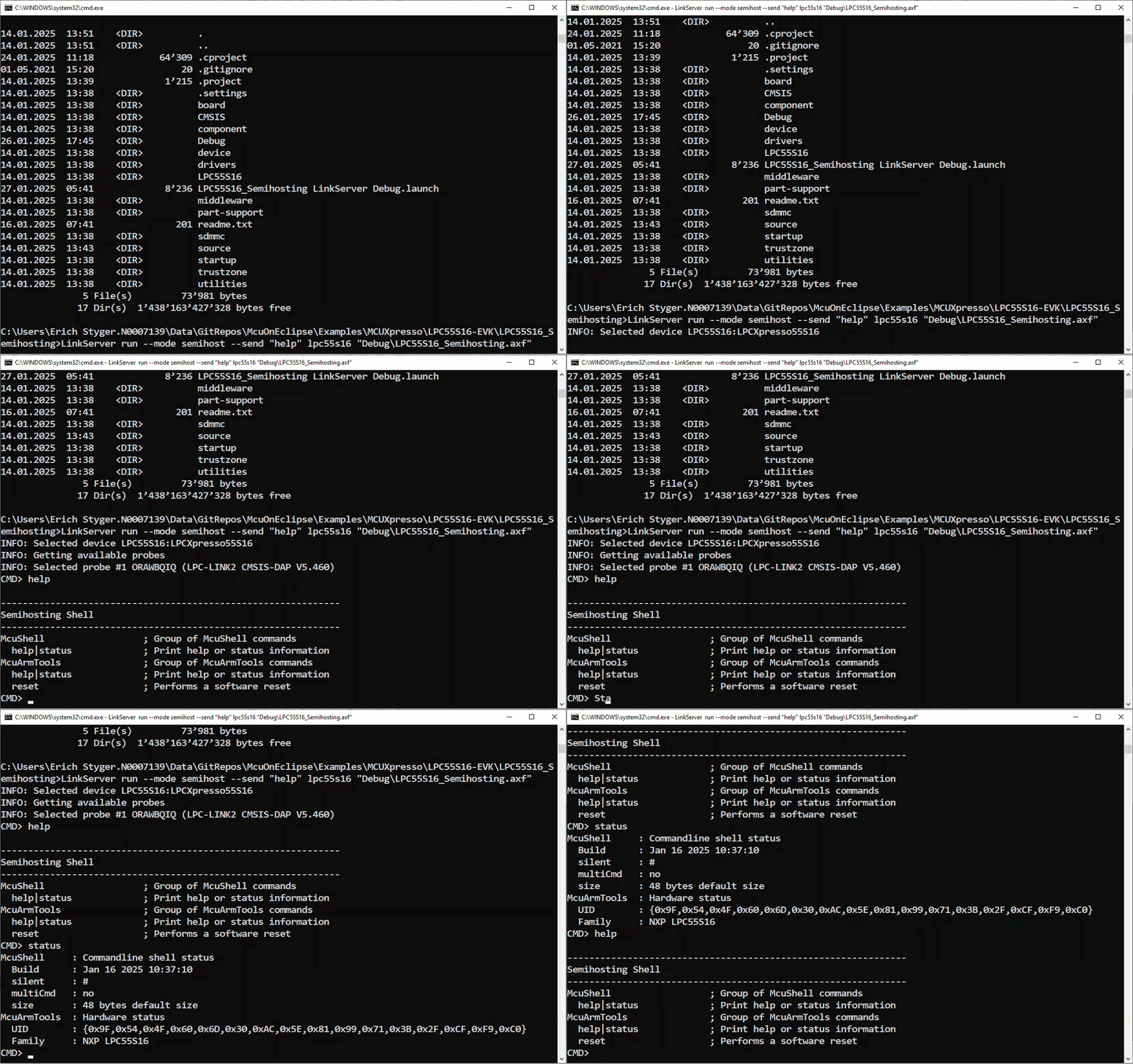
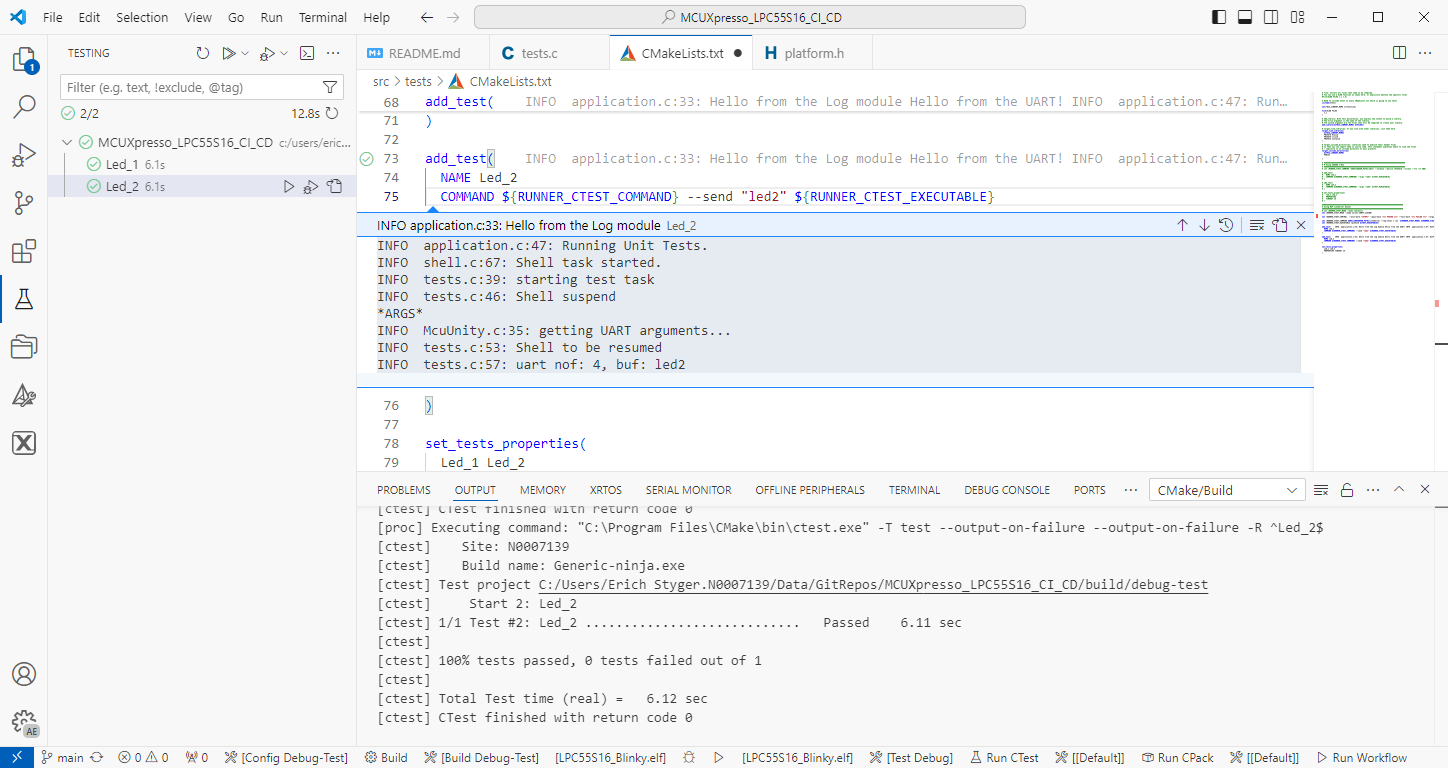
The release 24.9.75 of LinkServer software and tools includes interesting feature: the ability to use the debug probe for automated on-target testing. It includes a ‘runner’ which can program, launch and run the application on the target through a debug probe. While the target is running, it uses semihosting or UART for communication. This makes it a perfect tool for automated testing, especially in a CI/CD environment. One such environment is running automated tests with CMake and CTest in VS Code.
Automated on-target testing with VS Code and LinkServerContinue reading →
NXP has released a new version of the LinkServer software. This is a utility for debugging and using scripting for a wide range of devices and debugging probes. It includes support for the MCU-Link, LPC-Link2, on-board and CMSIS-DAP based debug probes with the ‘LinkFlash’:
Programming with LinkFlash
With the new release, it includes a graphical user interface (GUI) for flash programming. It also includes erasing, verifying, recovery, and saving the memory to a file.
SEGGER has released a new version of their J-Link tools suite. That suite includes the J-Run utility which loads, executes and monitors the output of the target. Output can be with RTT (Real-Time Transfer) or semihosting. This makes it useful for automated tests with CMake and CTest:
CTest with J-Run
What has been added from the V7.98g release is the ability to send arguments to the running application using the --args command, for example with CMake/CTest:
set (RUNNER_CTEST_COMMAND "$ENV{SEGGER_PATH}/JRun" --verbose --device LPC55S16 --silent --rtt -if SWD)
add_test( NAME Led_1 COMMAND ${RUNNER_CTEST_COMMAND} --args "Led_1" ${TEST_EXECUTABLE} )
Like applications running on the host, I can now pass arguments to the running application. This is useful to set up the target, or to tell which kind of tests to run.
There is a new feature in the SEGGER SystemView: the ability to plot any data provided by the application, for example sensor data or any other useful data:
The GNU Coverage (gcov) is a source code analysis tool, and is a standard utility in the GNU gcc suite. It works great in a hosted environment (e.g. Linux or Windows), where you have plenty of resources and a file system. But the gcov tools is relevant and usable for restricted embedded systems too. I have used it for years with the help of debug probes and file I/O semihosting. But semihosting does not come for free, depends on a library with support for constructors and destructors, plus relies on file I/O.
Fortunately, there is a way to use gcov without debugger, semihosting, file I/O and special system initialization: using a freestanding environment:
gcov in freestanding environment with embedded target
This article explains how to collect coverage information using a data stream for example over UART or USB-CDC. Key benefits are less code side, no need for a debugger or on-target file system, improved performance, better automation and flexible data collection.
A new eclipse-based NXP MCUXpresso IDE v11.10 is available With this new release, it includes an even easier firmware update mechanism for the MCU-Link (LinkServer) debug probes.
In case you are looking for an unusual business card, company badge or event badge holder, then this article is for you: A DIY RFID badge and business card with bling-bling addressable RGB LEDs to impress your customer, clients, friends at work or at a conference, packed with electronics. Plus it includes 10 original tools from Victorinox, the manufacturer of the Swiss Army Knife.
The NXP i.MX RT685 is an interesting device: an ARM Cortex M33 with a Cadence Xtensa audio DSP. To explore the features of the device, I’m using the NXP EVK board:
pyOCD with NXP i.MX RT685
I have used it so far with the on-board MCU-Link debug probe and LinkServer. This article describes how I have added pyOCD as debug interface for the RT685, as well how to patch and use custom DFP (Device Family Pack) files with pyOCD and Eclipse.