Crowd-funding is getting even more popular, and I was pointed to this project: a crowd-funded open hardware board based on the Freescale Kinetis K60 device, featured on Indiegogo:
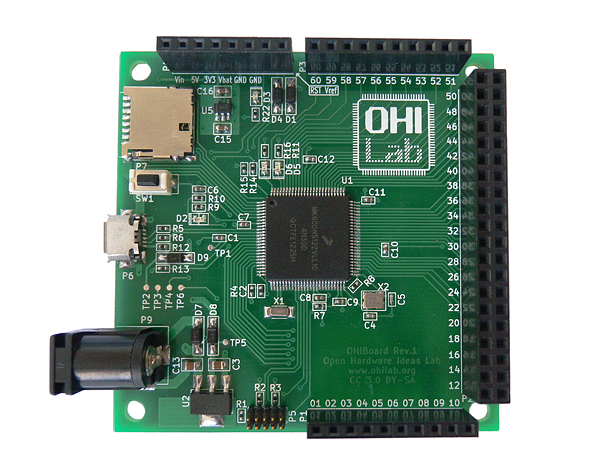
OHI Board with Freescale K60

Crowd-funding is getting even more popular, and I was pointed to this project: a crowd-funded open hardware board based on the Freescale Kinetis K60 device, featured on Indiegogo:
OHI Board with Freescale K60
In my tutorial “Bits and Pins with Kinetis” I showed how to use the BitIO_LDD approach for Bit I/O access. I do not like this LDD (logical device driver) approach for several reasons:
Luckily, there is a way to hack around this 🙂
Excellent news: I received this week the 40 INTRO Zumo Robot Base/Chassis PCBs, ready to bring the Zumo Robot project based on the FRDM-KL25Z board from Freescale to the next level:

Intro Zumo PCB TopSide
The ARM Cortex specification includes the ‘SysTick’ (System Tick Timer): a dedicated system timer which is intended to be used as time base for an RTOS. While technically it would be possible to use any periodic interrupt timer, I’m using as well the SysTick for my FreeRTOS ARM ports. And because Processor Expert includes a nice timer interface, I’m using the TimerUnit_LDD:
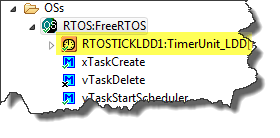
TimerUnit LDD for SysTick
While this is great for flexibility, it has its price in efficiency. That TimerUnit_LDD adds overhead. So I want to get rid of the TimerUnit_LDD and use a more efficient way.
As I was so pleased with the FRDM-KL46Z board, that I have ordered the Tower version of it, the TWR-KL46Z48M:
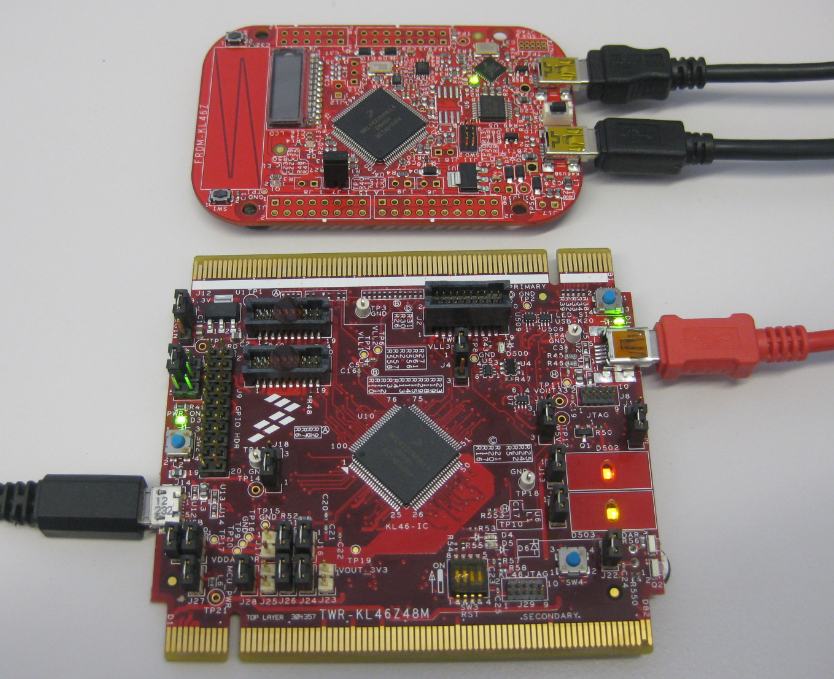
FRDM-KL46Z with TWR-KL46Z48M
What I missed so far was USB support for the KL46Z. So time to have a quick look at board(s) and to add USB support for it.
For many projects I need to store configuration or sensor data. For this I’m using either an SD card or program the internal flash memory of the microcontroller. Using the internal flash is a good thing as it does not need an external component. However, the typical number of programming cycles is limited to 10k-50k which is a limiting factor if data has to be recorded over a long time or very often. That’s why I’m using the very popular external 24xx external EEPROM devices from Microchip.

24LC512 connected to FRDM-KL25Z
I love the Freedom boards, like the most recent FRDM-KL46Z for about US$15. But if I think that the ‘Freedom’ board is to big, cost too much and has too much on it, then here is one which is built for only US$5 :-): The MC HCK (pronounced “McHack”):

MC HCK Board Assembled (Source: http://mchck.org/blog/2013-08-06-self-built-mchck-for-5-dollars/)
One of the ‘goodies’ of the FRDM-KL46Z is the Freescale MAG3110 magnetometer. The MAG3110 is a tiny 2×2 mm device:
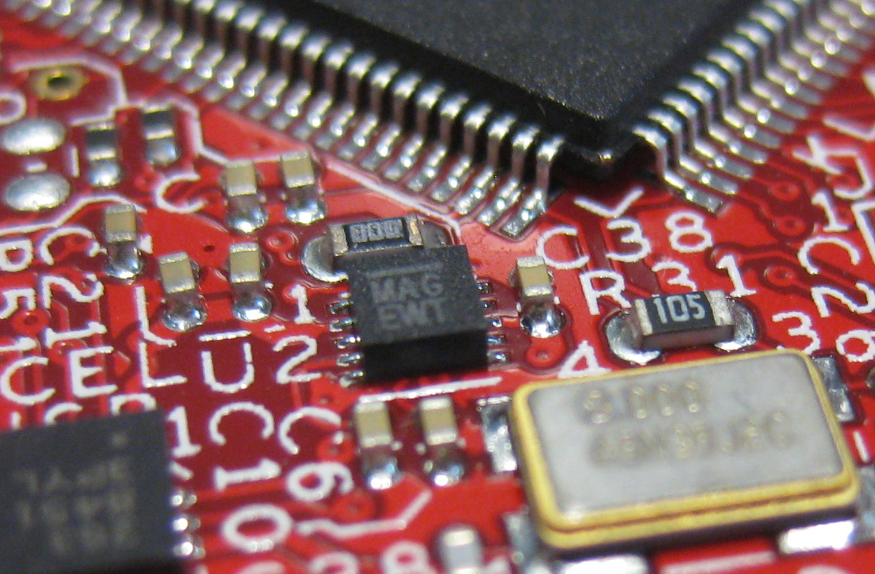
MAG3110 on FRDM-KL46Z
What was missing so far is a Processor Expert component for it. This post is about closing this gap…
For everyone who wants to build a Do-It-Yourself toolchain for Kinetis on Linux, I recommend to read the following excellent post by Karibe:
Setting up Linux opensource build and debug tools for freescale freedom board FRDM-KL25Z
He describes how to get OpenOCD with CMSIS-DAP working with Eclipse on Ubuntu to debug the FRDM-KL25Z board.
Happy Linuxing 🙂
So far I have covered in this tutorial series how to install ARM GNU gcc, adding Eclipse, followed by adding GNU GDB debugger, and then adding Processor Expert. I’m using FreeRTOS a lot in my projects, and luckily there is a Kernel Awareness Plugin available for FreeRTOS for GDB in Eclipse. This tutorial is about how to install and use it.

Queues and Tasks
 MCU on Eclipse