As promised I’m going to share more details about the “60 Billion Lights” project. It is about a project to build a piece of electronics behind a 100×50 cm canvas to show animations or to display information like temperature, humidity, weather, time or just any arbitrary text.
Tag Archives: gnu gcc
McuLog: Logging Framework for small Embedded Microcontroller Systems
An essential tool especially developing larger applications or distributed firmware is to use logging. This article presents an open source logging framework I’m using. It is small and easy to use and can log to a console, to a file on the host or even to a file on an embedded file system as FatFS.
Tutorial: Adding FreeRTOS to where there is no FreeRTOS
FreeRTOS is pretty much everywhere because it is so simple and universal, and it runs from the smallest to the biggest systems. But it still might be that for the microcontroller device you have selected there is no example or SDK support for it from your vendor of choice. In that case: no problem: I show how you could easily add FreeRTOS plus many more goodies to it.
“60 Billion Lights”: 2400 RGB LEDs and 120 Stepper Motors hiding behind Canvas Art
It is one thing to create something ‘cool’ or technically interesting. But it is a completely different story to convince your girlfriend, partner, wife, family (or whatever you can name it) to hang something on a wall in our house or office. Then it is not about technology: it is more about design and art. So here is my attempt to solve that challenge:
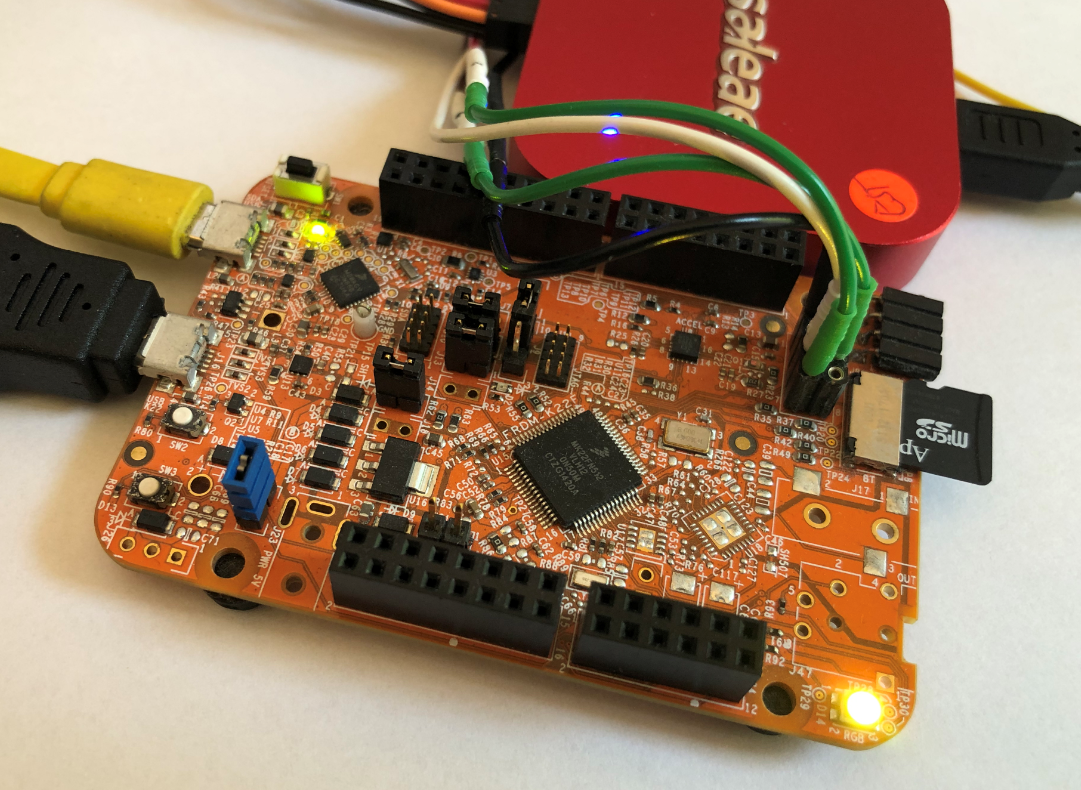
FatFS, MinIni, Shell and FreeRTOS for the NXP K22FN512
I’m using the NXP Kinetis K22FN512 in many projects, either with the FRDM-K22F or on the tinyK22: with 120 MHz, 512 KByte FLASH and 128 KByte it has plenty of horsepower for many projects. The other positive thing is that it is supported by the NXP MCUXpresso IDE and SDK. I have now created an example which can be used as base for your own project, featuring FreeRTOS, FatFS, MinIni and a command line shell.
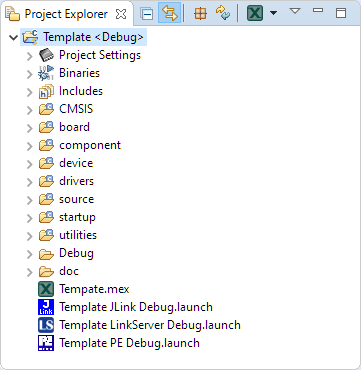
Tutorial: Rename, Copy or Clone Eclipse Projects with MCUXpresso
Especially in a lab or classroom environment it is convenient to start with a template project, and then explore different ways to shape the project for different needs. As for any IDE of this world, this requires an understanding of the inner workings to get it right. So in this article I show how to copy, clone or rename properly an Eclipse ‘template’ project in the MCUXpresso IDE.
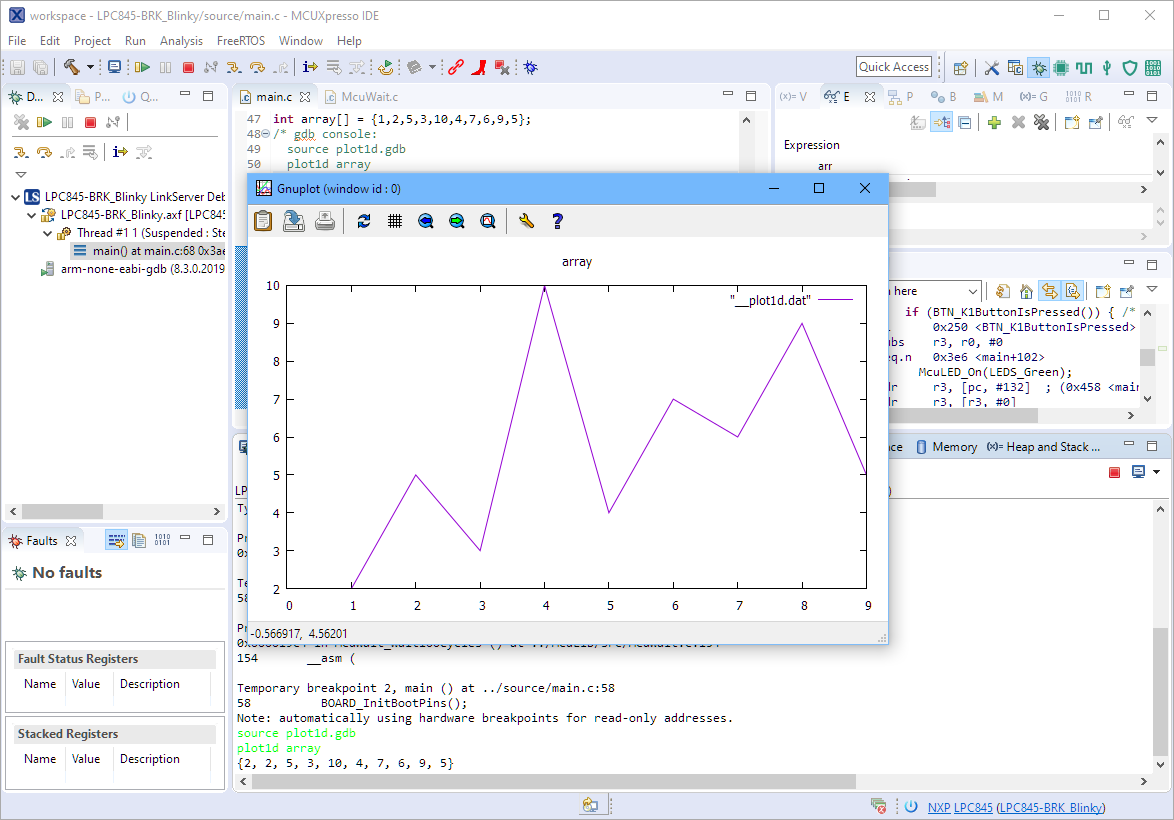
Visualizing Data with Eclipse, gdb and gnuplot
The gnuplot is a versatile and powerful tool to plot and visualize all kind of data. I wish there would be a plugin for it in Eclipse. But as this is not (yet?) the case, here is how I’m using it with gdb and Eclipse, using the MCUXpresso IDE as example.
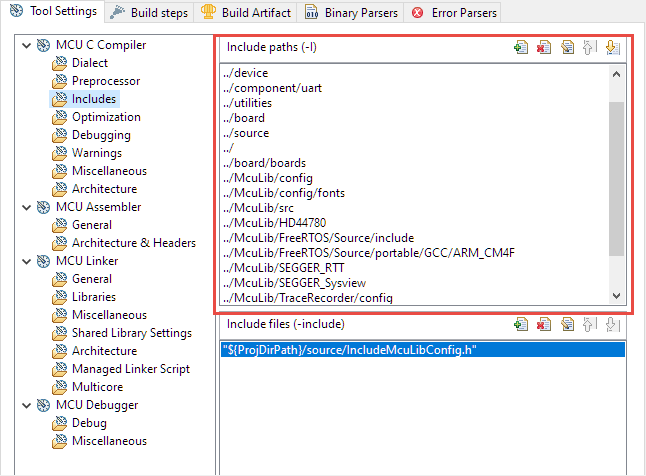
Ways to apply Eclipse CDT C/C++ Project Settings
Eclipse with its CDT managed Make system makes it easy to build projects, because it can handle a lot of the background tasks and settings between the project and the build setting. It can get a bit difficult if I want to include a library or other sub-source project for which I have to add extra compiler #define or add extra includes path settings.
This article show the different ways I have found to make such imports (and exports) easier.
Listing Code and Data Size for all Files with the GNU size Utility in a Post-Build Action
The GNU size utility which is part of the GNU build tools shows code and data size for archive or object files. It is usually used as a post-build step in Eclipse CDT to show text, data and bss at the end of the build:
Implementing FreeRTOS Performance Counters on ARM Cortex-M
When using an RTOS like FreeRTOS, sooner or later you have to ask the question: how much time is spent in each task? The Eclipse based MCUXpresso IDE has a nice view showing exactly this kind of information:
For FreeRTOS (or that Task List view) to show that very useful information, the developer has to provide a helping hand so the RTOS can collect this information. This article shows how this can be done on an ARM Cortex-M.