A desktop CNC is a great addition to any 3D printer or laser cutter. I consider them ‘the trinity’ for any maker garage. While a desktop CNC is great for wood and some metals like aluminum or brass, it would be great to extend the infrastructure with something more: vinyl cutting. And with this the idea to have cool sticker on my laptop lid:
Kleiner Fuchs (German), Small Tortoiseshell (English) or Algais Urticae is a colorful mid-size butterfly, found in most parts of Europe and across Asia. The caterpillars feed on nettles. With intensive farming and agriculture, nettles have been reduced and butterflies like this one have been impacted. With the recent trend to have more natural meadows, the population of butterflies like this one starts growing again. I hope to see more of them this year!
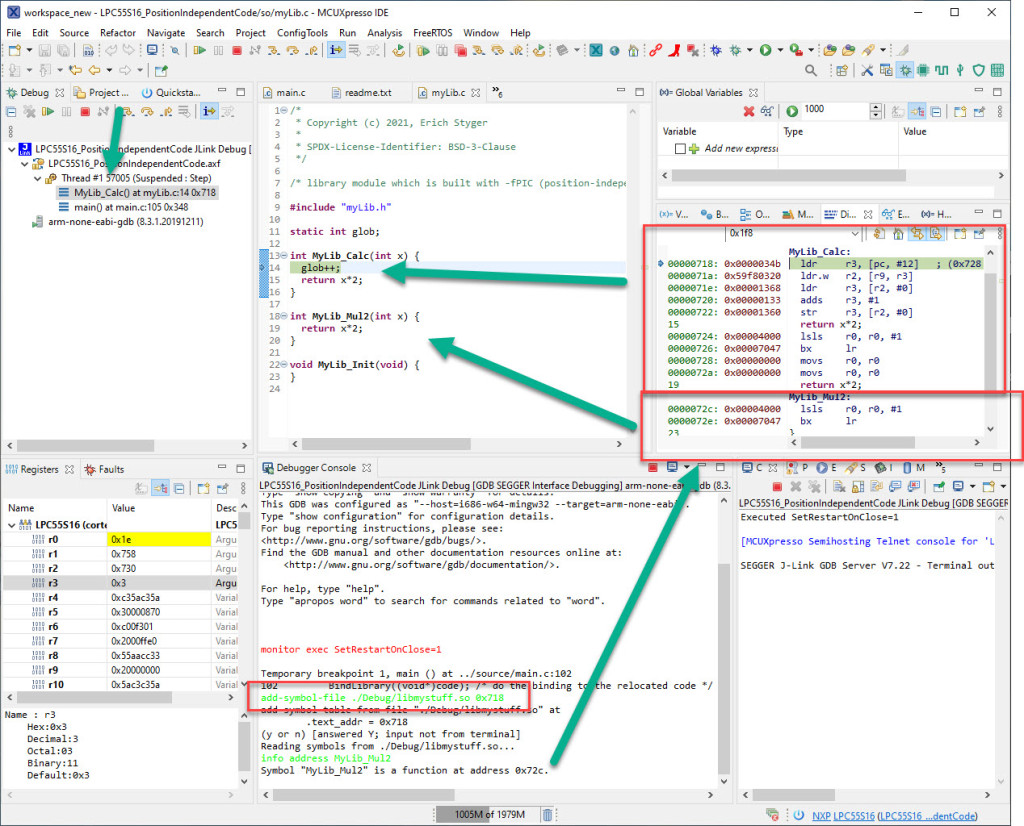
Welcome to ‘Alice in Wonderland‘! For a university research project using an ARM Cortex-M33 we are evaluating position-independent code as way to load applications or part of it with a bootloader. It sounds simple: just add -fPIC to the compiler settings and you are done.
Unfortunately, it is not that simple. That option opened up a ‘rabbit hole’ with lots of wonderful, powerful and strange things. Something you might not have been aware of what could be possible with the tools you have at hand today. Leading to the central question: how is position-independent code going to work with an embedded application on an ARM Cortex-M?
Let’s find out! Let’s start a journey through the wonderland…
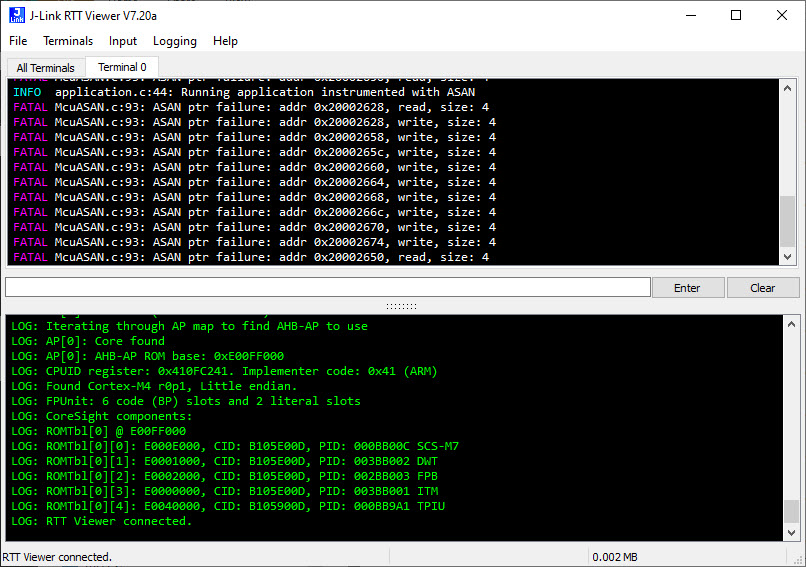
Dangling pointers and memory corruption problems are nasty issues for any developer, and usually hard to find and locate in the code. Luckily Google has developed an open source tool to solve such issues: the Address Sanitizer (ASAN). The tool is available for x86 and other desktop style architectures, including Android and Linux. This article describes how ASAN can be used for an embedded target, e.g. ARM Cortex-M4 or similar.
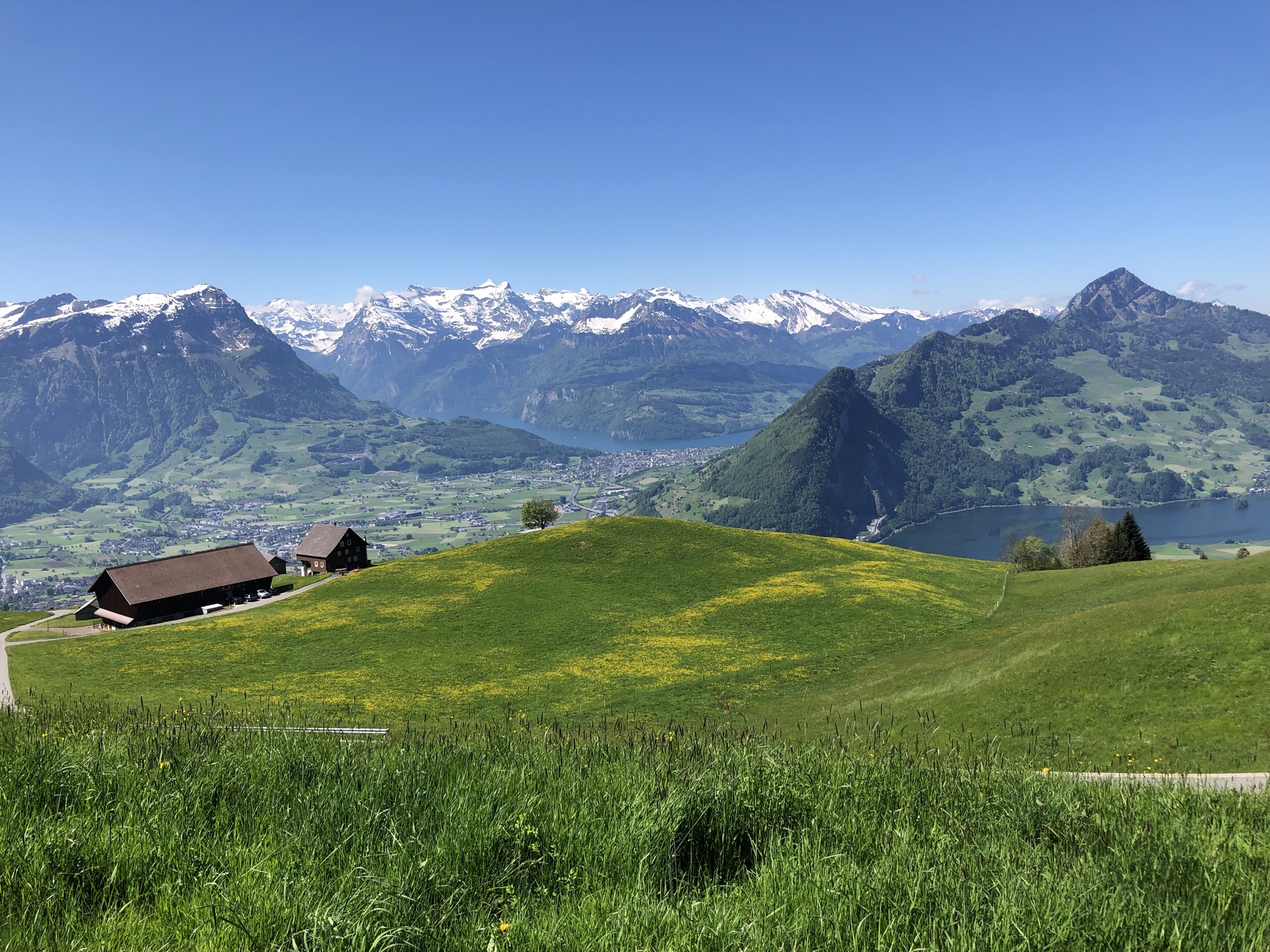
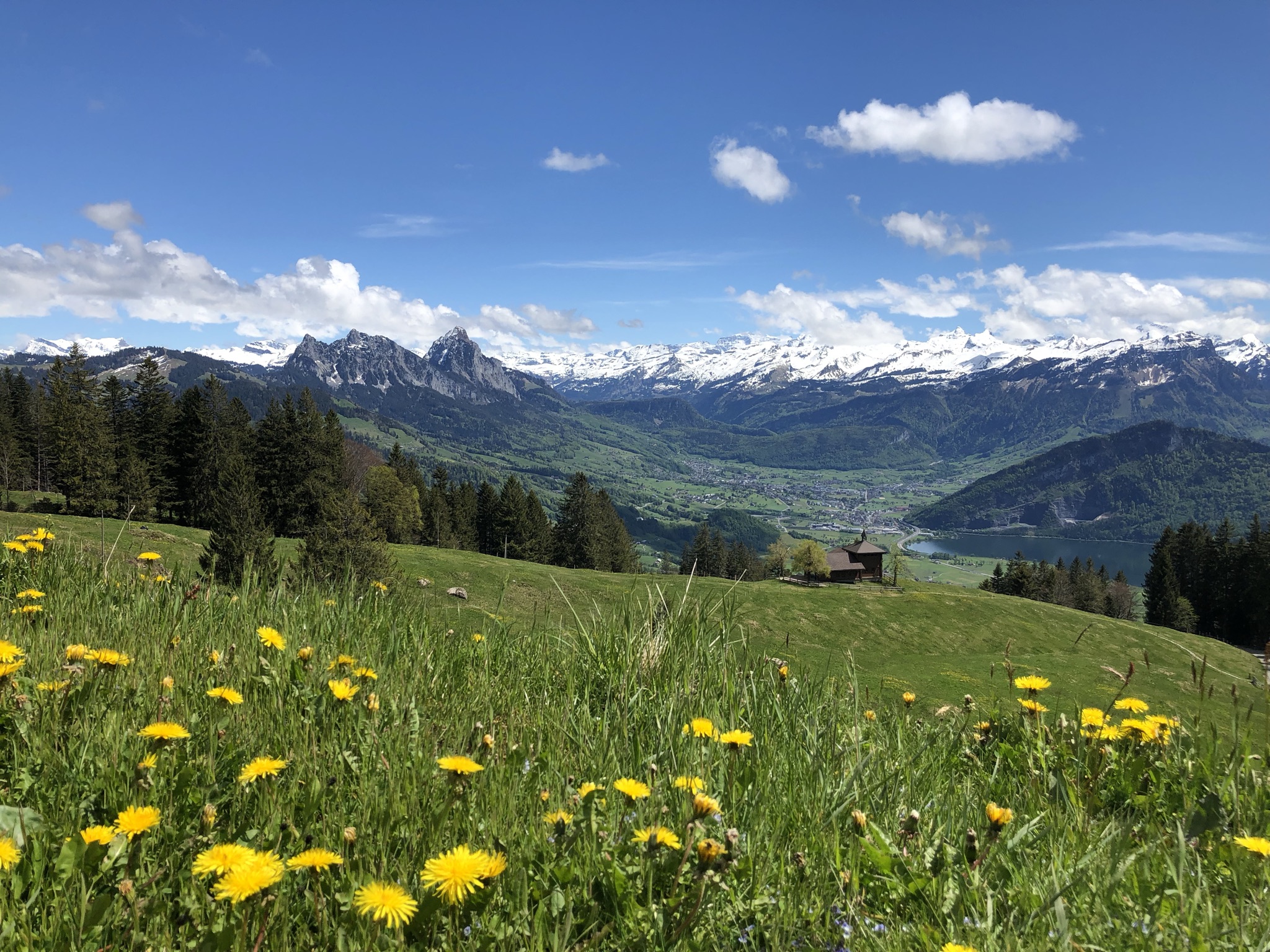
Fantastic view to the South today on a hike around the ‘Engelstock’:
View to the South
The snow covered Swiss Alps in the background with Ingenbohl-Brunnen and Lake Lucerne in the middle and Lake Lauerz on the right. If you want to see the view from the peak (Mt. Hochflue) on the right, see this post.
Managed linker scripts are great on one side: the simplify the otherwise complex GNU linker script handling. On the other side it requires knowledge how to tweak them in case ‘non-standard’ behavior is needed.
The previous parts were about installation, project setup, building, debugging and setting up a kit. This one is about setting up IntelliSense for Cross Development in Visual Studio Code which allows for browsing symbols or code completion:







 MCU on Eclipse