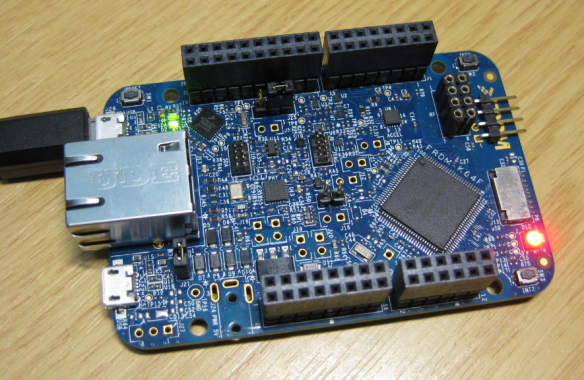
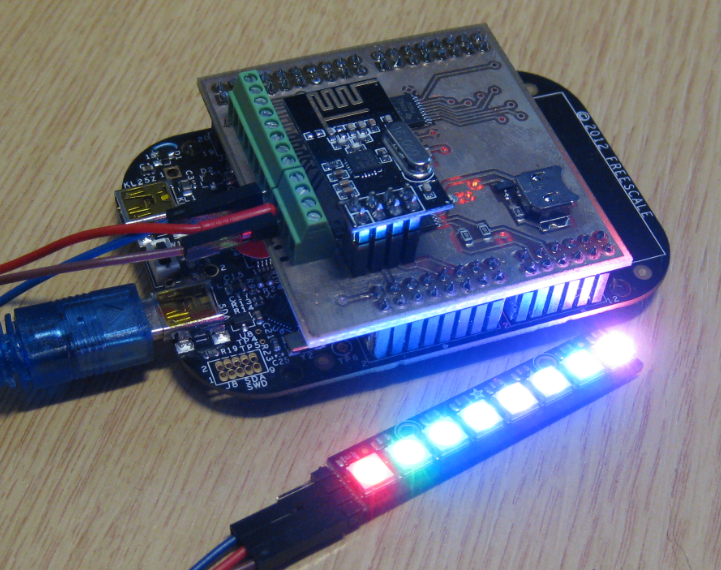
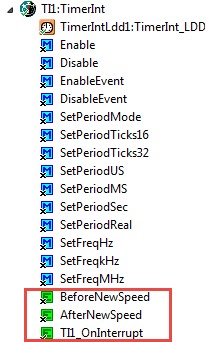
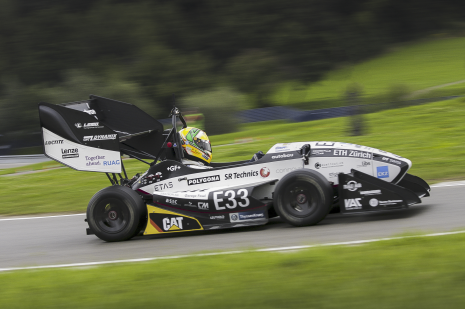
Every season has its special colors. I very much like the warm colors of the Fall season. Maybe this was the weekend before we will get snow into the lower areas. Soon everything will be covered by cold snow….
Happy Falling 🙂
I’m very proud what our students can accomplish: they broke today the previous world record for acceleration in an electrical car:
From 0 to 100 km/h (62.1371 miles/h) in 1.785 seconds 🙂
It only took 30 meters runway to reach 100 km/h :-).
Details: https://www.ethz.ch/en/news-and-events/eth-news/news/2014/11/Grimsel_bricht_Weltrekord.html
Happy Accelerating 🙂
I think the biggest frustration point for any new or even seasoned engineer is the debugging phase: my application finally builds fine, but I’m not able to connect and download it to the target board :-(. In my view the debugging part is the most fragile part of the development process. I’m always very relieved if I can connect to a brand new board, because I know if it does not work, then the problem could be a very bad one, costing my several hours or even days to overcome it.
Newer microcontroller have increase RAM areas, making it suitable to run the application from RAM instead of FLASH. For the FRDM-K64F board and the Kinetis Design Studio (V1.1.1), I have explored how to run the application out of RAM instead of FLASH memory, both for P&E and Segger connections.
The cool thing with Processor Expert is that it gives me guidance through the settings. And there is a nice (rather hidden feature) which proposes me values I can enter:
💡 First, switch to the non-Tabs (classic) view, as the classic view is using the screen real estate better, and shows you *all* the information needed, and does not hide some.
So if you have some values to correct because other settings have changed:
I have received a bunch of Freescale FRDM boards to be used in an Embedded Systems programming crash course. There are multiple issues with the boards coming from the factory:
This post is a step-by-step instruction how to update Freescale FRDM boards (e.g. FRDM-KL25Z) to the latest firmware.
Surprise, surprise: I have completed my first 1000 days of blogging on McuOnEclipse :-). And *finally* I have completed today the Compendium. When I started the blog back at Feb 1st 2012, it was the beginning of a journey to the unknown. And yes, it is still Kevin’s fault ;-). During these days (actually: nights) of that project, I have learned a lot, so let me share some of the data.
A tourist walked into a pet shop and was looking at the animals on display. While he was there, another customer walked in and said to the shopkeeper: “I’ll have a C-monkey please”.
The shopkeeper nodded, went over to a cage at the side of the shop, and took out a monkey. He fit a collar and leash and handed it to the customer, saying “That’ll be $5000”.
The customer paid and walked out with his monkey.
Startled, the tourist went over to the shopkeeper and said: “That was a very expensive monkey, most of them are only a few hundred dollars. Why did it cost so much?”
Continue reading
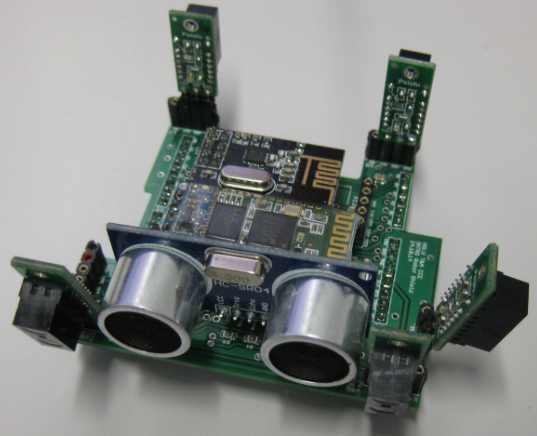
Finally, the new Sumo robot is assembled, and up and moving :-):
When I create a new Processor Expert project for a board I already have the components configured, then an easy way to transfer components from one project to another is to copy-paste the components. In the ‘source’ project I select the components I want to use, choose Copy (or CTRL+C shortcut on Windows):