Overview of MCUXpresso IDE v10.2.0

Decisions, decisions! Such long weekends like Pentecost are a real challenge for a family with engineers:

  1. Should we join that record long traffic jam to Italy and be stuck for more than 4 hours and analyze it?
  2. Or: should we stay home, turn the BBQ smoker engine on fire, load it with baby back pork rib racks for a slow-and-low smoke treatment, while doing some on-the-side IDE and technology exploration?

Well, my family vote was kind of clear: they have chosen that second option. Not to mention that hidden technology piece in it, but that was part of the deal ;-).

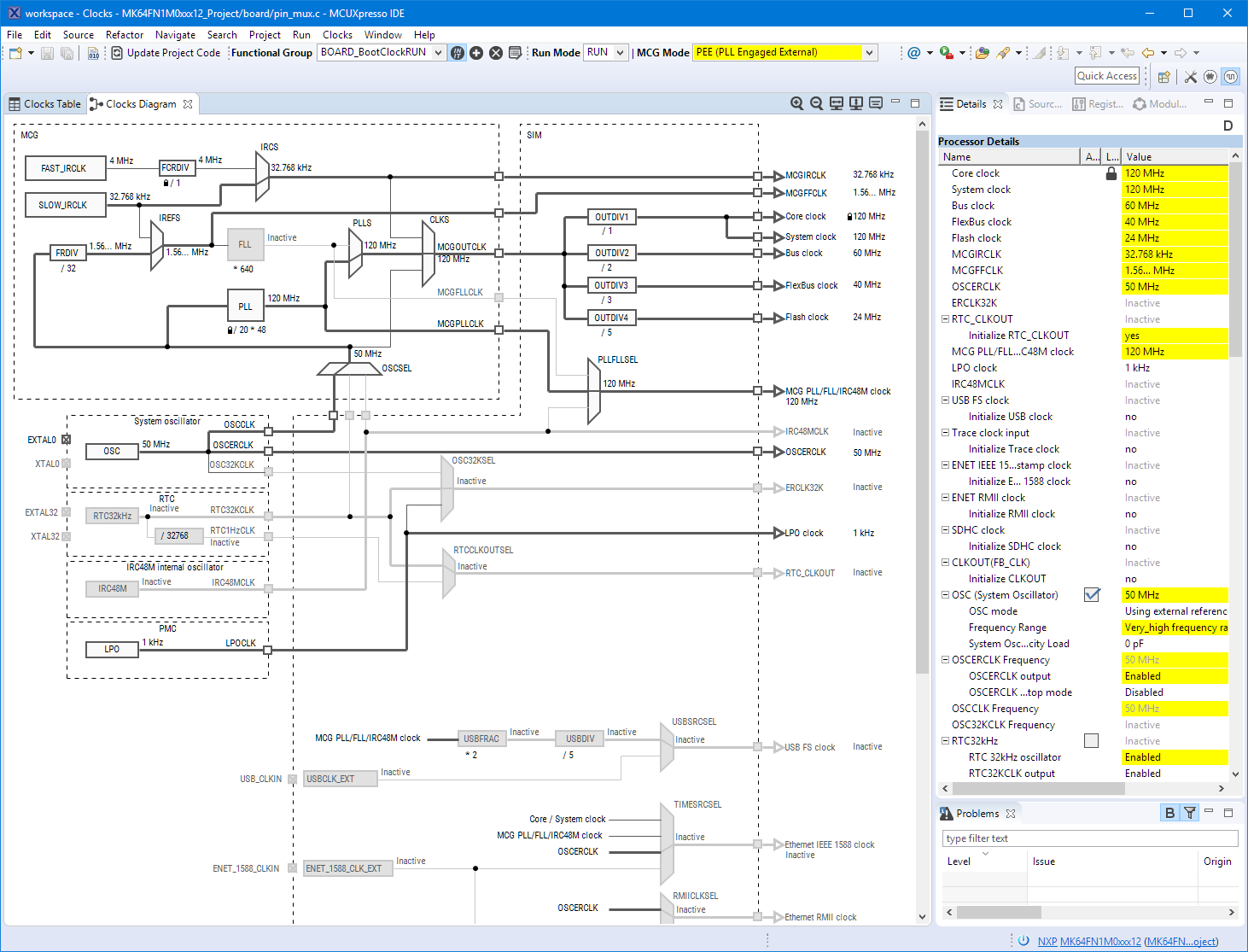
And I’m sorry: this article is not about BBQ (for this see “Smoking BBQ Baby Back Ribs – Swiss Style“), it is about technology: I’m using the NXP MCUXpresso IDE and tools for many of my projects (see “Eclipse MCUXpresso IDE 10.1 with integrated MCUXpresso Configuration Tools“). Right before the this extended weekend, NXP has released the new v10.2.0 version, so here is where that technology exploration piece comes into play. Checking the release notes, this version number change includes so many cool stuff I decided to have a look and to check it out. Of course always having an electronic eye on the baby back ribs!

MCUXpresso IDE v10.2.0

MCUXpresso IDE v10.2.0

Continue reading

Using a 50 Watt Laser Cutter with tesa Laser-Labels

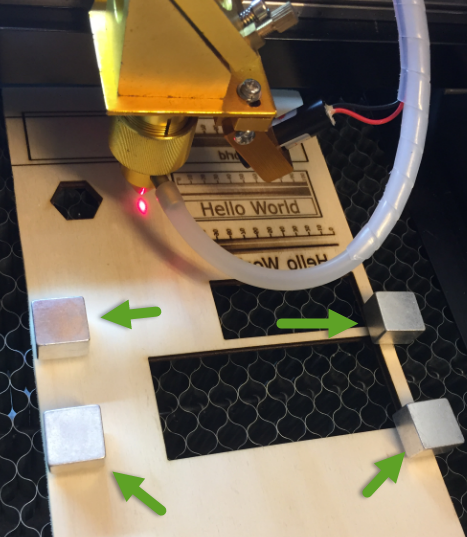
Laser cutter and engraver are the kind of cool thing after 3D printers which get more and more common. One interesting thing to use a laser engraver (or cutter) is to use it with tesa Laser Labels.

Tesa Laser Label

Tesa Laser Label (Source: http://www.tesa.com)

Continue reading

New Concept for 2018 Mini Sumo Roboter

Doing Mini Sumo robot competition is really fun, and there is yet another one coming to end the current university semester. For several years we have used our own sumo robot, and this is the one used in the course this year too. But for future and extended events we are exploring a new robot. I proudly present the concept of the next generation sumo robot for the year 2018:

Sumo Robot with Bluetooth module

Sumo Robot with Bluetooth module

Continue reading

MCUXpresso IDE V10.1.0 with i.MX RT1052 Crossover Processor

In “Eclipse MCUXpresso IDE 10.1 with integrated MCUXpresso Configuration Tools” I mentioned that I wanted to try the i.MX RT1050 processor. Well, finally my ordered board from Mouser arrived, right on time for the week-end, so I had a chance to use that ARM Cortex-M7 running at 600 MHz :-).

i.MX RT1050 EVK

i.MX RT1050 EVK

Continue reading

Eclipse MCUXpresso IDE 10.1 with integrated MCUXpresso Configuration Tools

Back in March 2017, NXP had rolled the MCUXpresso IDE starting with Version 10.0.0. With the intent to unify the SDK, LPCXpresso, CodeWarrior, Kinetis Design Studio and Processor Expert into one unified and integrated set of tools. V10.0.0 was a good start. The MCUXpresso IDE V10.0.2 in July was more of a smaller update, and the Pin and Clock configuration tools were not integrated, no added tool for peripheral configuration.

A week ago the MCUXpresso V10.1.0 has been released which shows where the journey is going: an free-of-charge and code size unlimited Eclipse based integrated set of tools to configure, build and debug Cortex-M (Kinetis, LPC and i.MX RT) microcontroller/processor based applications.

Clock Tool inside MCUXpresso IDE

Clock Tool inside MCUXpresso IDE

I have used it for a week, and although many things are still new, I thought I’m able to give an overview about what is new.

Continue reading

Exploring a Microcontroller and Software and Tools for the next Project

I’m using many microcontroller in my projects. And a lot more are available out there in the ecosystem. Like many others, I tend to select what I am familiar with. But is this the correct approach to select the hardware and tools for a next project?

Microcontroller Boards

Microcontroller Boards

Continue reading

Tuning a Laser Cutter and Determine the Maximum Usable Laser Power

The question has been: If I buy such a 50 Watt cheap laser cutter from China, how many Watts does it really have? I have read all these stories that usually what is advertised is only the theoretical maximum I could get, and will not be realistic at all. This article is about how I tuned the machine and how much I got out of it.

Different Laser Power

Different Laser Power

Continue reading

Why you should not use Arduino for Professional Work

Have a read at http://embedded.fm/blog/2017/8/12/dont-use-arduino-for-professional-work.

I love the Arduino ecosystem, and it is great for getting something up and running quickly for a ‘proof of concept’. But it stops at that point.

I think it should be obvious why Arduino (code and libraries) should not be used for professional work. Especially the lack of proper debugging support makes it nearly impossible to solve the problems of the real world.’printf()’ style of debugging is simple, but it is a huge waste of time. I have seen too many student projects failing because the inability to properly debug the system and solve the problems.

Even equally important for professional work is the topic of IP and licensing. Be aware of the licensing terms and conditions as pointed out by above article. If not, your product easily get GPL’d which might not want you want.

Arduino

Arduino

Happy Arduinoing 🙂

Getting Control over a 50 Watt CO2 Laser Cutter from China

There are people around me who think I’m crazy. And they are probably right. Who else would buy a machine from someone he does not know. I have to pay upfront. It is not clear how things will get delivered, what gets delivered, or if it gets delivered at all. Up to the point I can lose the money I have spent. Best of all: that machine is dangerous enough to potentially kill me. And it has the potential to put my home on fire too. Well, that sounds like an exciting weekend project, or not?

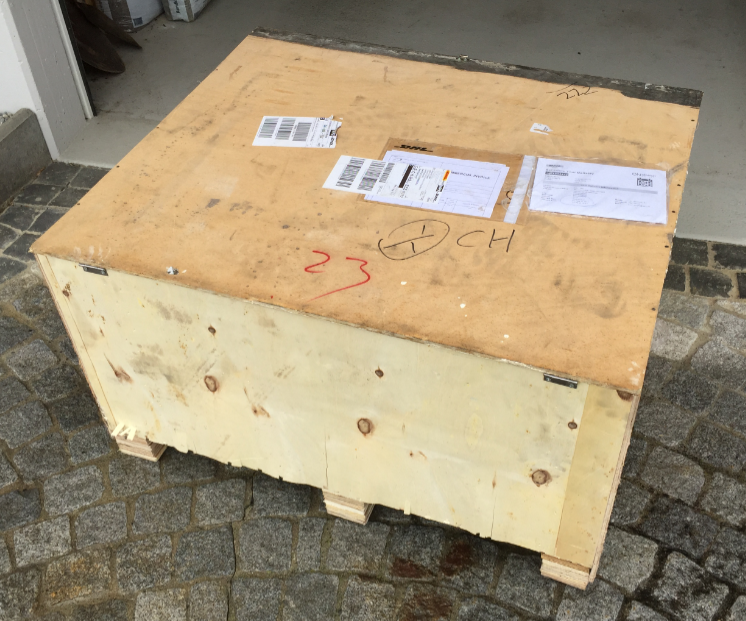
Weekend Box

60 kg Weekend Project Box arrived on the front door

Continue reading