For a research project and demonstrator at HSLU university I have to measure voltage a DC voltage and current. For this I’m planning to use the Texas Instrument Texas Instruments INA260, so I had to quickly develop a software driver for it.
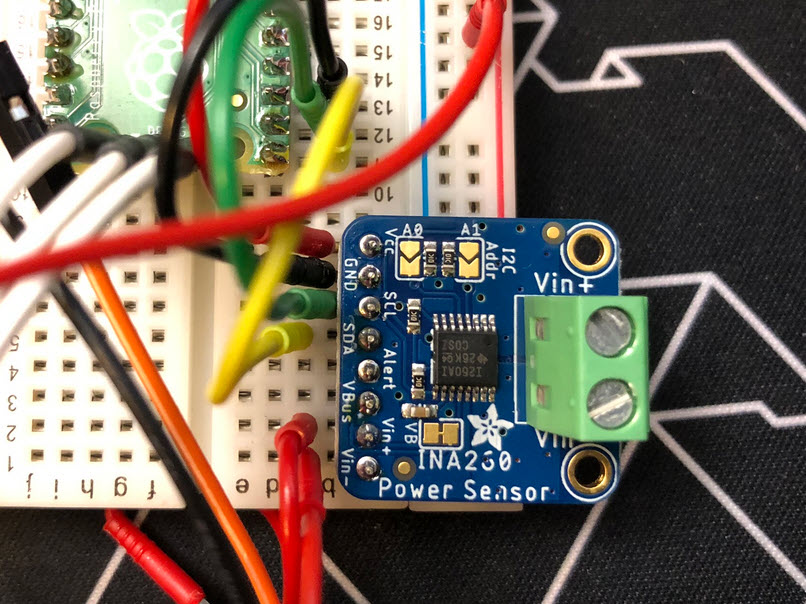

For a research project and demonstrator at HSLU university I have to measure voltage a DC voltage and current. For this I’m planning to use the Texas Instrument Texas Instruments INA260, so I had to quickly develop a software driver for it.
Maybe you are using a multi-core device in your projects, but have not tapped into multi-core usage yet? FreeRTOS V11.0 is out, and the big news is that it has finally Symmetric Multi-Processing (SMP) integrated into the mainline. This greatly simplifies FreeRTOS usage, as I finally can use the same RTOS for my SMP targets and boards, and I can easily switch between single-core and multi-core applications.

Clock projects are cool. LED projects are cool too. And if it moves, the better. So why not building a moving pixel LED mechatronics clock? A matrix with addressable RGB LEDs, each can change color and is moved by a tiny stepper motor, to let pixels stand out?
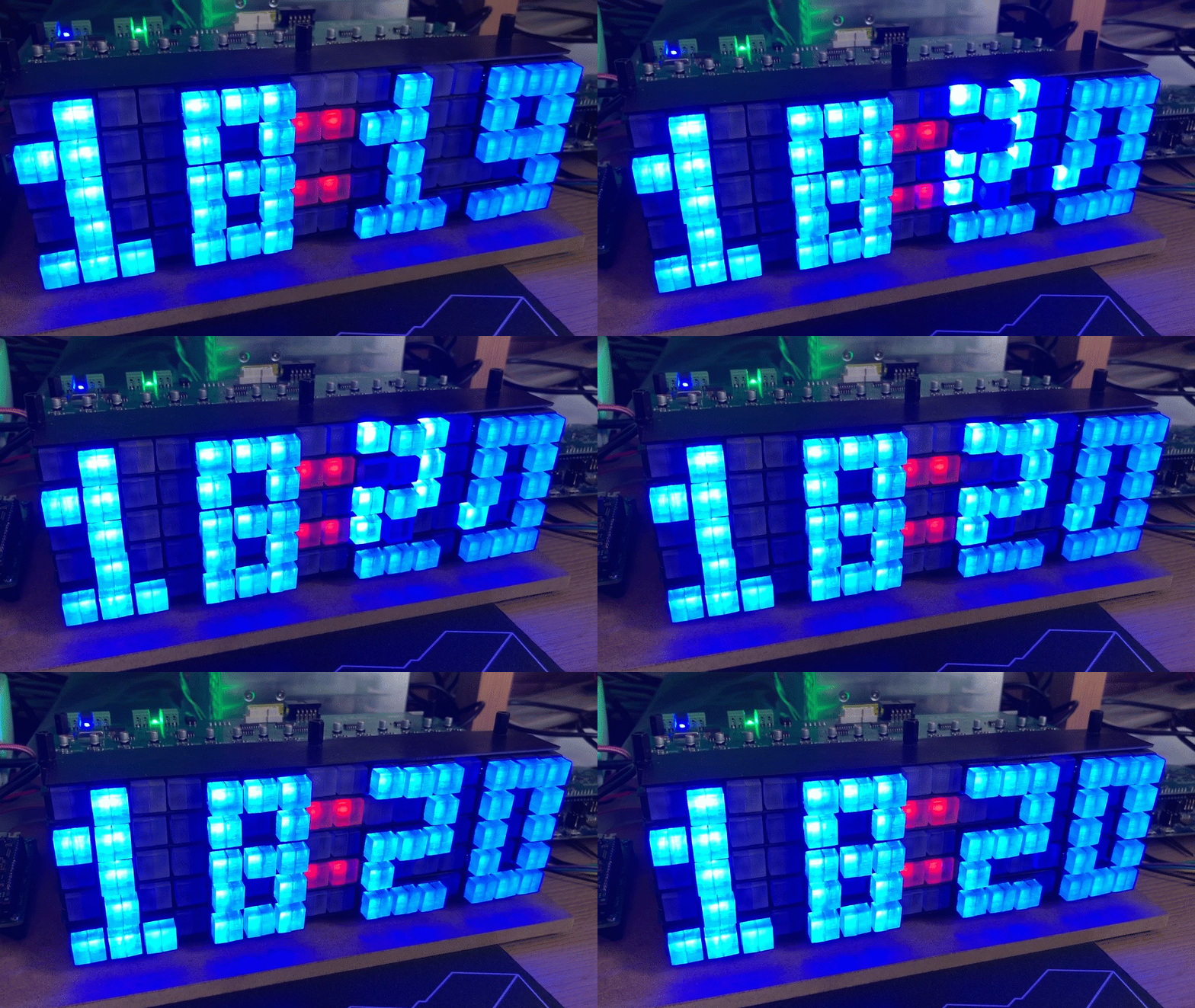
The new year 2024 is coming, so time to close the current year with a new release: I’m pleased to announce a new release of the Processor Expert components, available on SourceForge and GitHub.

One key element of a CI/CD pipeline is the automatic testing phase: whenever I check in new source code or manually trigger it, I can run a test suite to make sure that the changes do not break anything. For this, I have to run automated tests. For an an embedded target, it means that I have to run some tests on the board itself too.

The MCU-Link is a small and inexpensive $10 CMSIS-DAP debug probe from NXP. It can work with OpenOCD, but has better target support using the NXP LinkServer which implements a gdb server. This makes it an ideal combination for scripting or automated testing.

An important part of every CI/CD pipeline is having a testing phase. In this article I show how to use GNU gcov (coverage) with an embedded target, using Visual Studio Code as front end:

With this, I can run the code on the embedded target which stores the coverage data on the host.
Continue readingI’m working recently on a new lecture module using the Raspberry Pi Pico (RP2040) board, which highlights several aspects of modern software engineering, including DevOps and CI/CD. An important part of any CI/CD pipeline is testing. For a host application, one could pass arguments to the application, e.g. ‘myapp --test=module1‘, or let it read such information from a configuration file which describes the tests. Or write GNU gcov data to a file to collect coverage information.
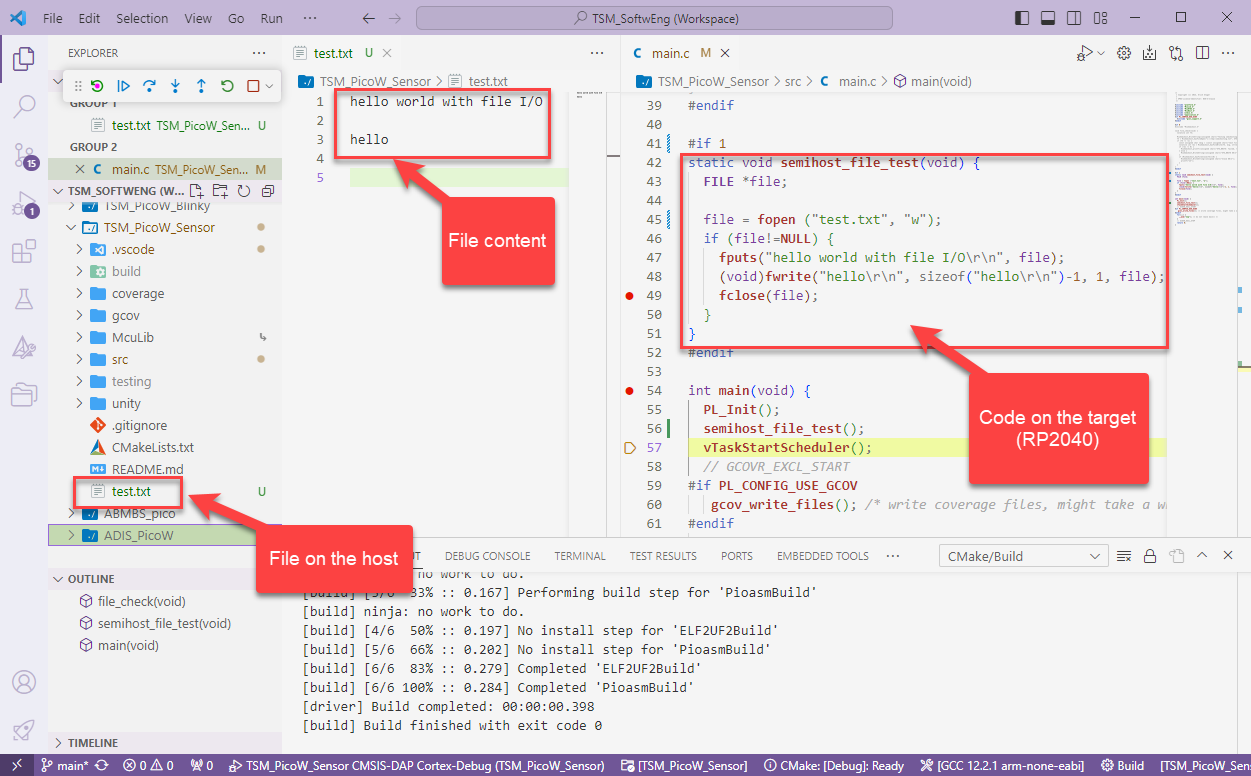
Unfortunately, a normal embedded application has no argv[], and many system have no file system. A solution to this problem would be using semihosting with file I/O. Unfortunately for the Raspberry Pi Pico SDK 1.5.1 for the RP2040, there is no semihosting file I/O implemented :-(.
I have now implemented and added file I/O to the SDK, making it possible for the RP2040 to access and use files on the host, among other things. This greatly extends the capabilities of the device, and is very useful for testing, including gathering test coverage information.
For systematic debugging, an engineer needs a debug probe. For the Raspberry Pi Pico (RP2040) device there are plenty of debug options with VS Code.
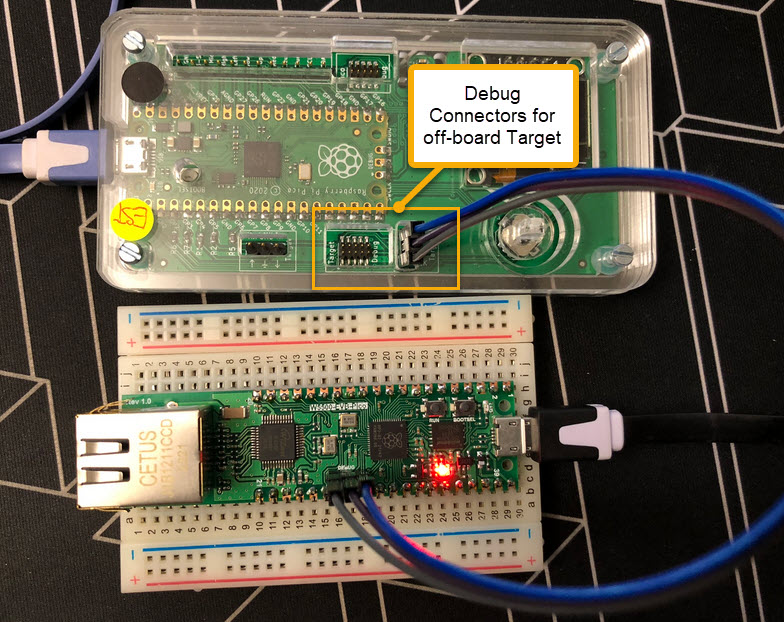
In this article I show different options, from professional tools to DIY solutions and the settings in VS Code I’m using.
Continue readingWith semihosting I can use standard I/O function like printf() and I can read and write data on the host through the debug connection. If used with care, this is a great feature especially for unit testing.
 MCU on Eclipse