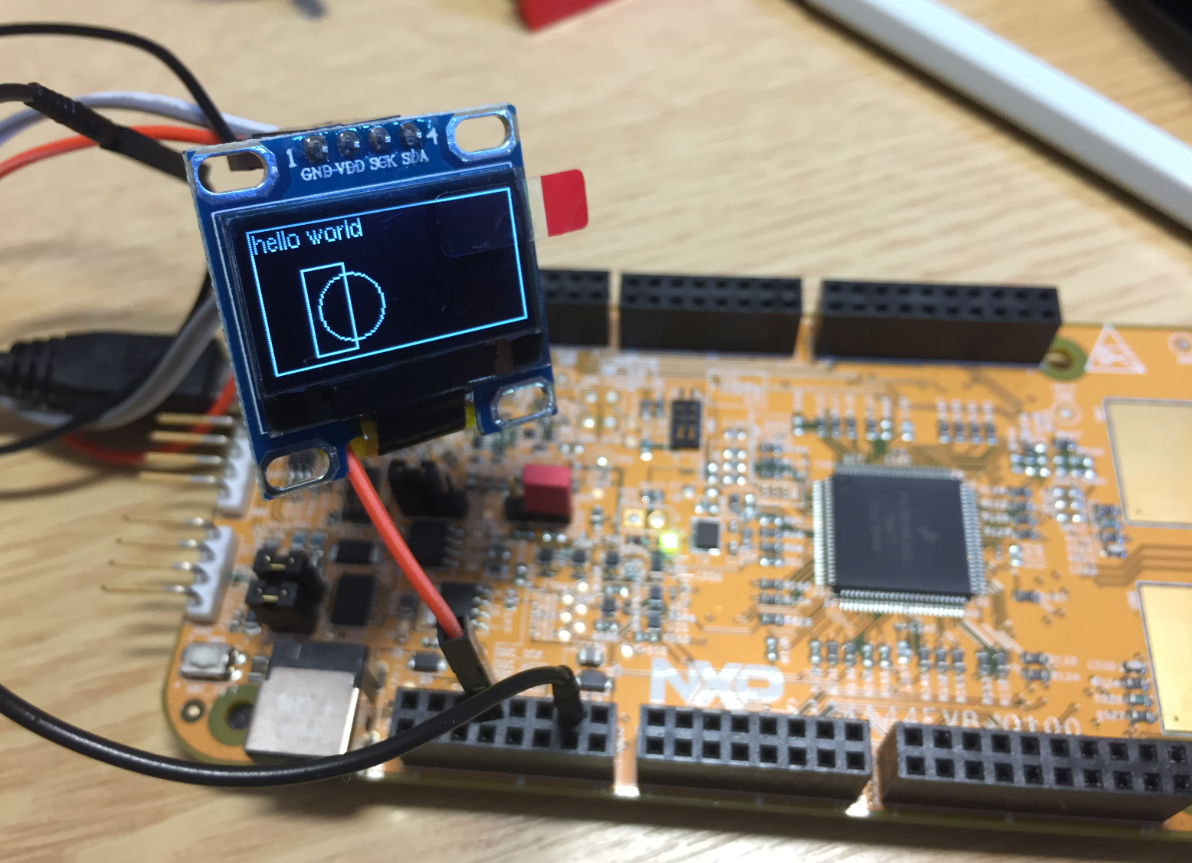
By default, the NXP S32K144EVB and microcontroller is using a 5V supply voltage and logic levels which is great for noisy environment or any 5V devices. Many of my displays and sensors use 3.3V logic levels, so I would have to use a level shifter from 5V to 3.3V. There is another way: to change the board for 3.3V logic levels so I can use directly things like a SSD1306 display.
Category Archives: Building
Using custom FreeRTOS with S32K SDK and OSIF for ARM
In “Tutorial: FreeRTOS 10.0.1 with NXP S32 Design Studio 2018.R1” I showed how to use a custom FreeRTOS with the S32 Design Studio (ARM). The OSIF (OS Interface) provides an operating system and services abstraction for the application which is used by other S32K SDK components:
Execute-Only Code with GNU and gcc
“There is no ‘S’ for Security in IoT” has indeed some truth. With all the connected devices around us, security of code should be a concern for every developer. “Preventing Reverse Engineering: Enabling Flash Security” shows how to prevent external read-out of critical code from device. What some microcontroller have built in is yet another feature: ‘Execute-Only-Sections‘ or ‘Execute-Only-Memory‘. What it means is that only instruction fetches are allowed in this area. No read access at all. Similar like ‘read-only’ ‘execute-only’ it means that code can be executed there, but no other access from that memory is allowed.
In this article I describe the challenges for a toolchain like the GNU gcc, and how to compile and link code for such an execute-only memory.
Creating Disassembly Listings with GNU Tools and Eclipse
In many cases it is very useful to see the generated assembly code produced by the compiler. One obvious way to see the assembly code is to use the Disassembly view in Eclipse:
But this requires a debug session. An easier way is to use command line options to generate the listing file(s).
Tutorial: FreeRTOS 10.0.1 with NXP S32 Design Studio 2018.R1
NXP not only sells general purpose microcontroller, but as well a portfolio of automotive devices which includes the S32K which is ARM Cortex based. For this device family, they offer the S32 Design Studio (or S32DS) with its own Eclipse distribution and SDK. The interesting part is that the S32DS includes Processor Expert (which is a bit different from the ‘mainstream’ Processor Expert). It comes with its own components for the S32K SDK which includes a component for FreeRTOS. But that component in S32DS 2018.R1 comes with an old V8.2.1 FreeRTOS component:
So what to do if I want to use the latest FreeRTOS (currently 10.0.1) with all the bells and whistles?
McuOnEclipse Components: 1-July-2018 Release
I’m pleased to announce that a new release of the McuOnEclipse components is available on SourceForge. This release includes several smaller bug fixes and initial component support for the NXP S32 Design Studio and SDK.
Continue reading
Eclipse CDT: Showing the Return Value of a Function with Step-Return
I recently discovered a nice feature in Eclipse CDT: the ability to show the return value of a function:
Embedded Computing Conference 2018: Pick&Place Overview Video
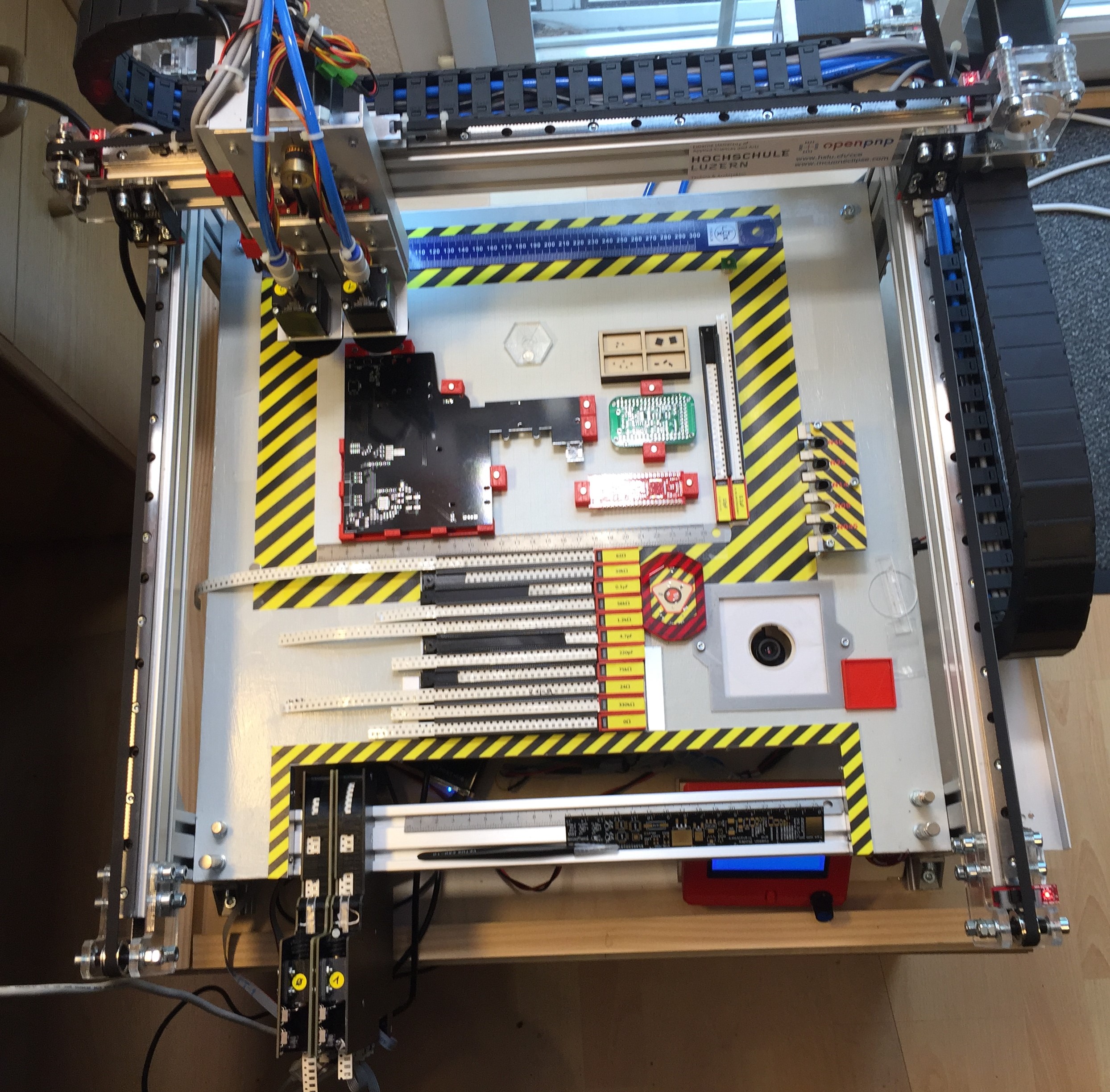
To support my talk next week at the Embedded Computing Conference 2018, I have put together a video with the hardware features of that Pick&Place based on OpenPnP machine based on NXP LPC1769 and NXP Kinetis K22. Below is a picture of the current machine:
GNU Link Time Optimization finds non-matching Declarations
By default, the GNU compiler (gcc) optimizes each compilation unit (source file) separately. This is effective, but misses the opportunity to optimize across compilation units. Here is where the Link Time Optimization (LTO, option -flto) can help out: with a global view it can optimize one step further.
The other positive side effect is that the linker can flag possible issues like the one below which are not visible to the compiler alone:
type of '__SP_INIT' does not match original declaration [enabled by default]
Tutorial: Understanding and Using FreeRTOS Software Timers
Hardware Timers are essential to most embedded applications: I use them mostly for triggering actions at a given frequency, such as acquiring data from a sensor. With using an RTOS I can do a similar thing using a task: the task will run with a given frequency and I can periodic work in it. However, using a task might be too much overhead doing this. The good news is that there is a much more efficient way to do this in FreeRTOS with Software Timers. And this is what this tutorial is about: how to use Software Timers with FreeRTOS.