With Eclipse as IDE it is very easy to debug an application on a board. Still sometimes it is useful to get one level down and control the GDB server directly.

Monitor Flash Download

With Eclipse as IDE it is very easy to debug an application on a board. Still sometimes it is useful to get one level down and control the GDB server directly.
Monitor Flash Download
Need a quick way how to attach a LED, a push button and two resistors to the Raspberry Pi header? One way is to use some ‘flying’ wires. Or to use three pieces of lasercut plywood for a nice looking Raspy extension board:

Wood Circuit Board on Raspberry Pi
I’m pleased to announce a new release of the McuOnEclipse components, available on SourceForge. This release includes several bug fixes, extra support for the NXP S32 Design Studio and SDK and includes FreeRTOS V10.1.1.

SourceForge
Unit testing is a common practice for host development. But for embedded development this still seems mostly a ‘blank’ area. Mostly because embedded engineers are not used to unit testing, or because the usual framework for unit testing requires too many resources on an embedded target?
What I have used is the μCUnit framework which is a small and easy to use framework, targeting small microcontroller applications.
uCUnit
Most embedded projects need an user input device. For the NXP i.MX RT1050-EVK board I have recently added a 480×272 full color touch LCD (see “Adding a Rocktech Capacitive Touch LCD to the NXP i.MX RT1052 EVK“). I have looked at different commercially available GUI libraries, but none of them really were matching my expectations: either very expensive or closed source, or an overkill for small LCDs and projects. But then I have found LittlevGL: free-of-charge, open source, easy to use, well documented and has everything I need. And it really looks gorgeous 🙂

Hello from LittlevGL
In this short article I show you how to enable one of the hidden gems in Eclipse: how to get a description of the library function used in the code

snprintf() help text
FreeRTOS includes a nice feature to give me information about how much time every task is spending running on the system:

FreeRTOS Runtime Information
This tutorial explains that FreeRTOS Runtime Statistics feature and how it can be turned on and used.
NXP has just released the 10.2.1 update of their flagship Eclipse based IDE. While the number increase from 10.2.0 to 10.2.1 indicates a minor release, there are a several things which make me move over to that new release.
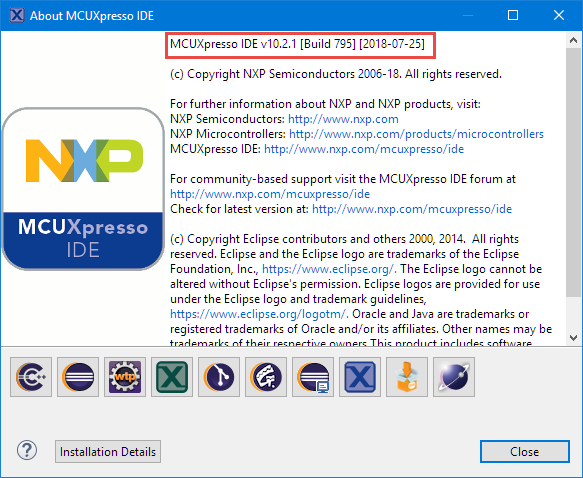
MCUXpresso IDE 10.2.1 build 795
My usual workflow is: edit – build – debug and repeat. And this for the same project again and again. So here are a few tips how to make these iterations faster with Eclipse. One thing is to use the F11 shortcut to debug the last launched/debugged application:

Debug Last Launched
The McuOnEclipse GitHub repository hosts many Processor Expert projects and is very popular (cloned more than 1000 times, thank you!). Processor Expert is a powerful framework which generates driver and configuration code, simplifying application development for a wide range of microcontroller and families. But Processor Expert won’t be developed further by NXP and is not part of MCUXpresso IDE. While it is possible to install Processor Expert into MCUXpresso IDE 10.2, how can these projects used ini an IDE *without* Processor Expert? This article describes how to port an existing Processor Expert project into the NXP MCUXpresso IDE.
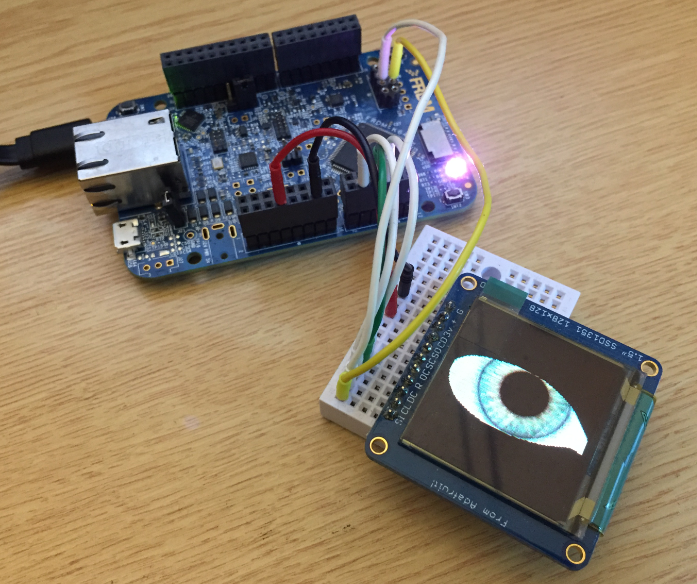
Ported Project with FRDM-K64F using Adafruit SSD1351 and Processor Expert
 MCU on Eclipse