My usual workflow is: edit – build – debug and repeat. And this for the same project again and again. So here are a few tips how to make these iterations faster with Eclipse. One thing is to use the F11 shortcut to debug the last launched/debugged application:
Yearly Archives: 2018
Porting Processor Expert Projects to MCUXpresso IDE
The McuOnEclipse GitHub repository hosts many Processor Expert projects and is very popular (cloned more than 1000 times, thank you!). Processor Expert is a powerful framework which generates driver and configuration code, simplifying application development for a wide range of microcontroller and families. But Processor Expert won’t be developed further by NXP and is not part of MCUXpresso IDE. While it is possible to install Processor Expert into MCUXpresso IDE 10.2, how can these projects used ini an IDE *without* Processor Expert? This article describes how to port an existing Processor Expert project into the NXP MCUXpresso IDE.
Hiking the Grossbodenkreuz and around the Glattalpsee
It is summer time in Switzerland, and the best time of the year to hike in the Alps and mountains. This time I’ll share with you our journey around the Glattalpsee (Lake Glattalp). Expect stunning views of Swiss mountains, flora, fauna and curious critters:
Adding a Rocktech Capacitive Touch LCD to the NXP i.MX RT1052 EVK
It is never too early to start thinking about Halloween projects :-).
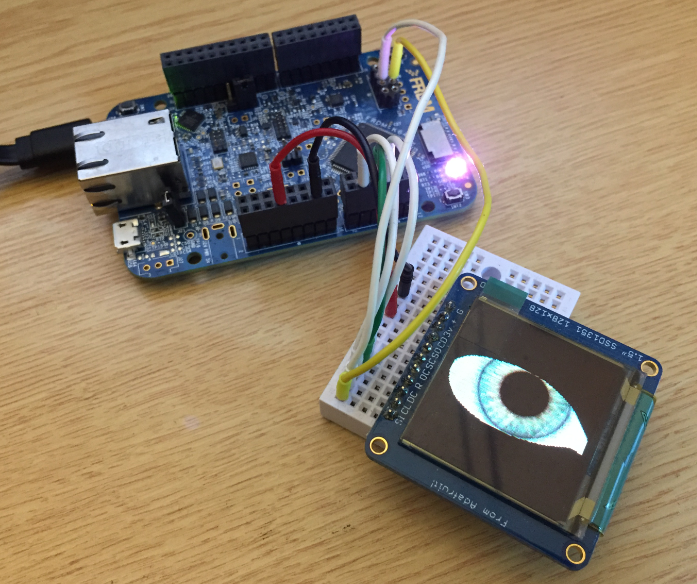
When I ordered originally the MIMXRT1050-EVK from Mouser, it was without the LCD display (see “MCUXpresso IDE V10.1.0 with i.MX RT1052 Crossover Processor“. I ordered the LCD for the board soon after writing that article, but I was too busy with the university lectures and exams to get a hand on it. Finally I have spent a few hours at night and I proudly can say: the display is working 🙂
Show Eclipse Project Location in System Explorer
How can I open a project folder location in the system explorer?
Starting with Eclipse Oxygen, the project properties have a button for this in the Resource settings:
Updating the S32K144EVB to Switch between 5V and 3.3V Logic Levels
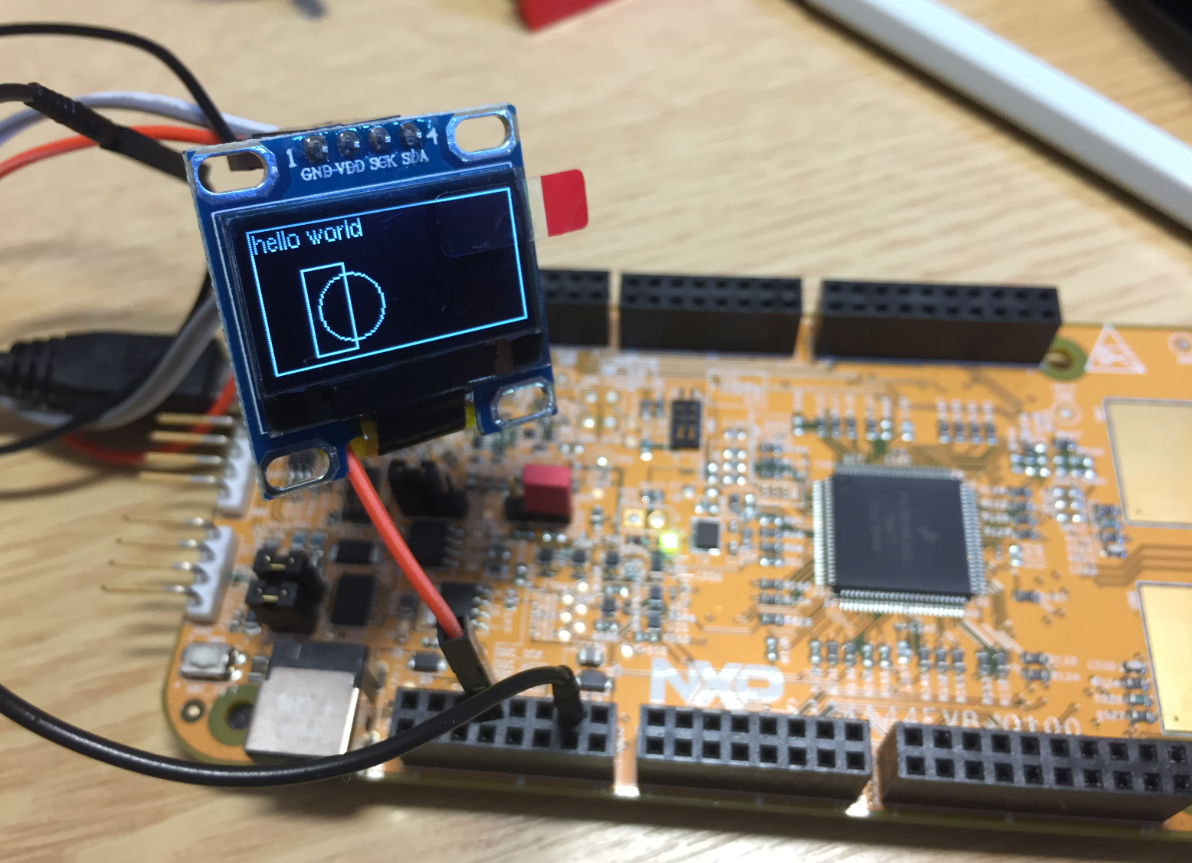
By default, the NXP S32K144EVB and microcontroller is using a 5V supply voltage and logic levels which is great for noisy environment or any 5V devices. Many of my displays and sensors use 3.3V logic levels, so I would have to use a level shifter from 5V to 3.3V. There is another way: to change the board for 3.3V logic levels so I can use directly things like a SSD1306 display.
Using custom FreeRTOS with S32K SDK and OSIF for ARM
In “Tutorial: FreeRTOS 10.0.1 with NXP S32 Design Studio 2018.R1” I showed how to use a custom FreeRTOS with the S32 Design Studio (ARM). The OSIF (OS Interface) provides an operating system and services abstraction for the application which is used by other S32K SDK components:
Execute-Only Code with GNU and gcc
“There is no ‘S’ for Security in IoT” has indeed some truth. With all the connected devices around us, security of code should be a concern for every developer. “Preventing Reverse Engineering: Enabling Flash Security” shows how to prevent external read-out of critical code from device. What some microcontroller have built in is yet another feature: ‘Execute-Only-Sections‘ or ‘Execute-Only-Memory‘. What it means is that only instruction fetches are allowed in this area. No read access at all. Similar like ‘read-only’ ‘execute-only’ it means that code can be executed there, but no other access from that memory is allowed.
In this article I describe the challenges for a toolchain like the GNU gcc, and how to compile and link code for such an execute-only memory.
Creating Disassembly Listings with GNU Tools and Eclipse
In many cases it is very useful to see the generated assembly code produced by the compiler. One obvious way to see the assembly code is to use the Disassembly view in Eclipse:
But this requires a debug session. An easier way is to use command line options to generate the listing file(s).
Klöntalersee
Image
The Klöntalersee is a lake in the Canton of Glarus, Switzerland. The lake has a size of about 3.3 km² and has been created by a prehistoric rock slide after the last ice age. From 1908 on it is used as a reservoir for electricity production. The picture below is from the Schwammhöhe looking down to the lake.
Happy Klöntaling 🙂