Investigating ARM Cortex® M33 Core with TrustZone® – What is TrustZone® anyway?

After the Getting Started material from the previous weeks, today we are ready to investigate TrustZone®. We all remember TrustZone® – it is that magic piece of embedded IP that miraculously solves all of our IOT security problems – right? It’s true that TrustZone® is an embedded component related to security, but not in the way that you think.
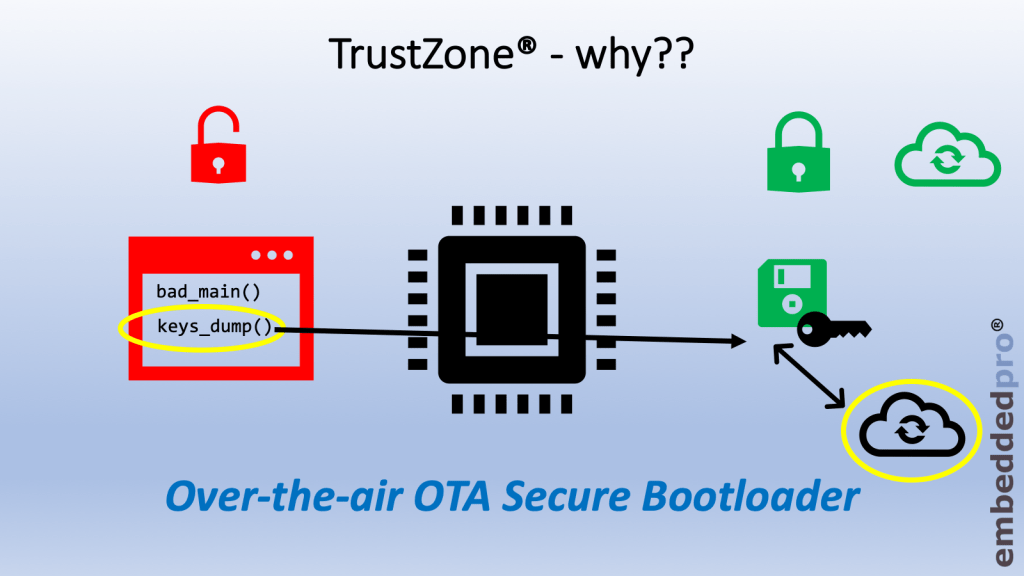
Non-trusted software can dump out our keys to a cloud server hosted by malign third-party

Before we get stuck into all the fancy technical details, let us at first stop and think about some of the challenges that we face with embedded systems, and what can be done about them. This week I simply address the topic: What is TrustZone® and Why do we need it??

Continue reading
Investigating ARM Cortex® M33 core with TrustZone® – Using the Clocks Config Tool

Clocks. I’ve always found the clock setting of a microcontroller one of the hardest things to get right during my embedded career. If I re-use the clocks setup from the development board it is easy. But if the development board runs from a crystal and I want to use the free-running internal clock, or if I change to a different frequency crystal (and keep the same PLL output frequency) it always gets difficult. To be honest I’ve developed some projects early in my career and never been 100% certain at what frequency the core, flash and peripherals are running.

That’s not good.

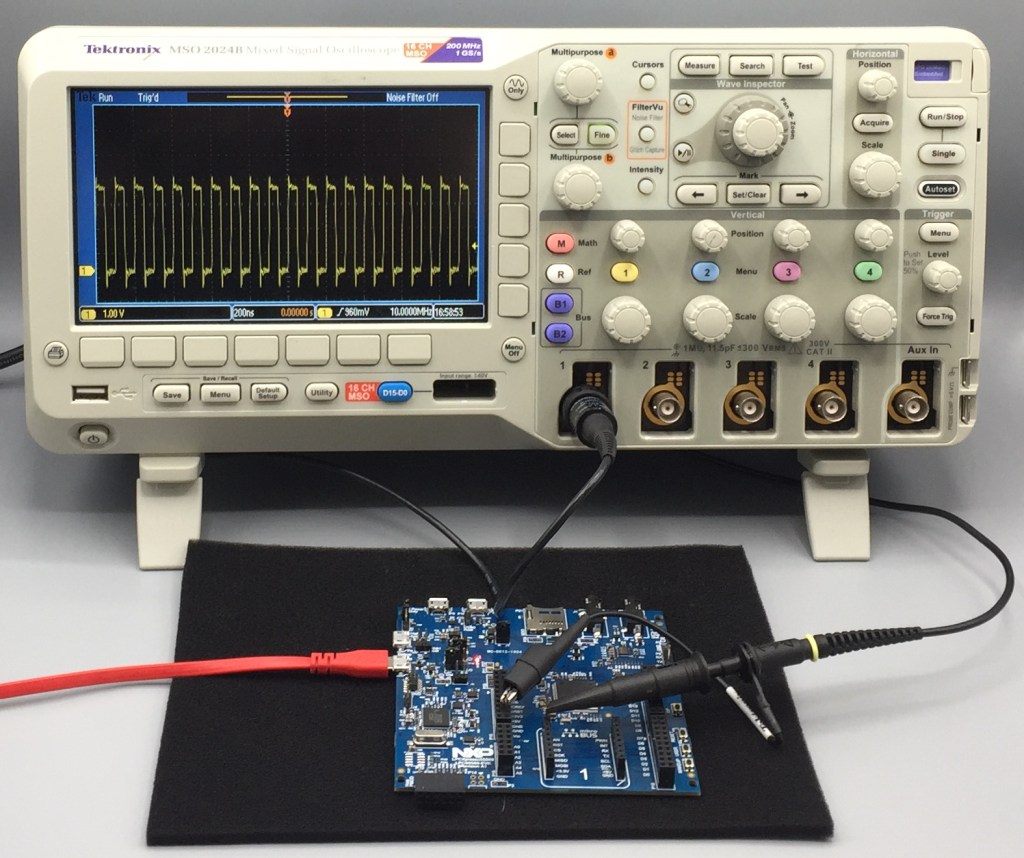
The Config Tools within the MCUXpresso brand have greatly simplified setting up the pins, clocks, peripherals (and next week – Trusted Execution Environment 🙂 ) on NXP microcontrollers. So I’m going to quickly show you how to set up 3 different clock arrangements, and output the main clock to an output pin named CLK_OUT.

Continue reading

Investigating ARM Cortex® M33 core with TrustZone® – Using the Pins Config Tool

Well let’s face it, modern microcontrollers are complicated. The User Manual for the LPC55S69 has 1148 pages (Rev 1.3) and that does not include any of the electrical characteristics – see the Datasheet (129 pages) nor does it include the details around the core or instruction set (see ARM documentation) . So there is a lot of technical information to read, and don’t get me started on the pin multiplexing… Well actually, do get me started on the pin multiplexing because that is my focus this week.

This week I turned my attention to writing a very simple example project in MCUXpresso IDE to run on the ARM Cortex® M33 core inside the LPC55S69. As in previous weeks I am again using the LPC55S69-EVK from NXP. My plan is to use this board every week but I have learned recently a few details about a new ultra-low-cost board. It’s going to be AMAZING and I’ll share more details with you when I can.

Continue reading

Investigating ARM Cortex® M33 core with TrustZone® – Setting up your environment and creating your first project with MCUXpresso IDE

This is the second of my 17-part video tutorial series investigating the ARM Cortex® M33 core with TrustZone® security extension. My preferred platform for this investigation is the LPC55S69 from NXP, and of course it is necessary to have a development board and IDE. So I’m using the LPC55S69-EVK with NXP’s MCUXpresso IDE and the MCUXpresso Software Development Kit (SDK).

This week the video is really low on theory, but high on practical, step-by-step information to get started with these tools. Maybe you are similar to me, and make the same mistake every time?? I get the self-assembly furniture home from the store, or open the box containing the new development board and just get started. At some point it doesn’t work properly and that’s the time I must read the supporting information.

Well, with this video I show you beginning-to-end in just over 10 minutes, and you won’t need to refer to any other material.

During the video I show you the following steps:

Continue reading

Investigating ARM Cortex® M33 core with TrustZone® – Unboxing and Getting Started

Hi, I’m Mark from embeddedpro® in the United Kingdom and Erich’s allowed me to be a guest blogger here on mcuoneclipse. At many industry events, trade shows and conferences I’ve seen and given presentations about TrustZone®, but have not found tutorials or practical information online.

So I’m creating a 17 part video tutorial series (it will be published weekly here) investigating the ARM Cortex® M33 core with the TrustZone® security extension. Each week from now until the end-of-year holidays I will let you know what I’ve found out with a blog here, and a video blog on youtube. My friends at NXP have given me a LPC55S69-EVK board as the basis for my experiments:

LPC55S69-EVK (linked from nxp.com)

This is my first quick post showing the unboxing of the LPC55S69-EVK and the out-of-box experience.

Continue reading

Tutorial: Blinky with the NXP LPC845-BRK Board

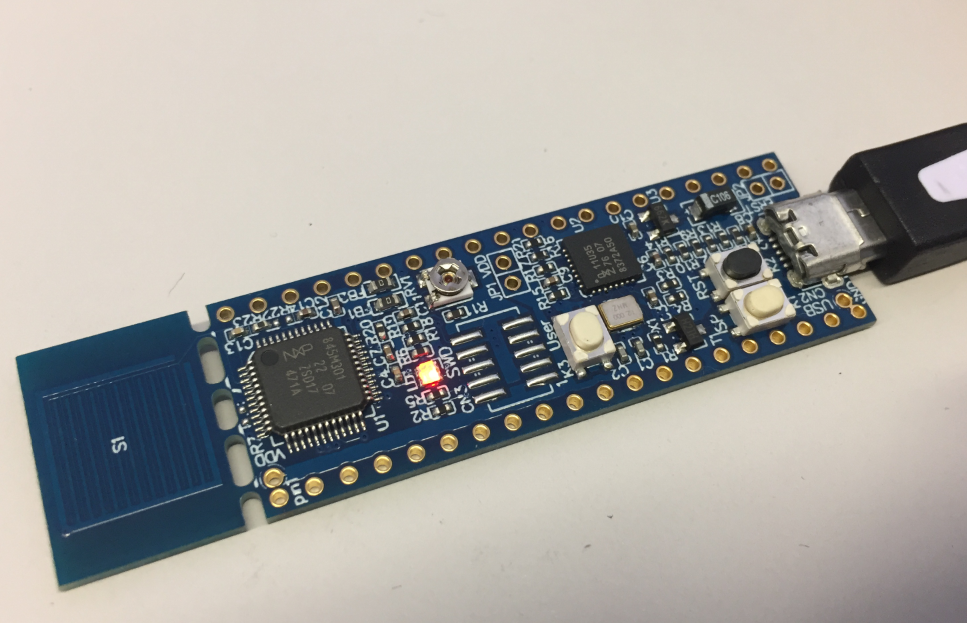
The NXP LPC845-BRK board is a sub-$6 breadboard friendly development board with an ARM Cortex-M0+ on it. This tutorial is about developing a ‘blinky’ on it using MCUXpresso.

Binky on NXP LPC845-BRK Board

Binky on NXP LPC845-BRK Board

Continue reading

Tutorial: Transforming the NXP LPC845-BRK into a CMSIS-DAP Debug Probe

The NXP LPC845-BRK board is a tiny an inexpensive (sub $6) breakout board. The board includes a CMSIS-DAP (LPC11U35) on-board debug probe which can be used as a debug probe to debug any NXP LPC, Kinetis or i.MX RT device 🙂

LPC845-BRK used to debug robot

LPC845-BRK used to debug a Sumo Battle Robot

Continue reading

Unboxing the NXP LPC845-BRK Board

I really love tiny and bread board friendly boards, especially if they are very affordable and can be use with Eclipse based tools. So I was excited to see the NXP LPC845-BRK board to be available at Mouser, so I ended up ordering multiple boards right away. Why multiple? Because they only cost CHF 5.95 (around $6)!

NXP LPC845-BRK Board

NXP LPC845-BRK Board

Continue reading

First Steps with the NXP i.MX RT1064-EVK Board

I always reserve time between Christmas and New Year to get my hands on technology pieces which I might not have any time otherwise. Among different things I ordered the NXP i.MX RT1064-EVK board from Mouser.com, and it arrived right before Christmas. Time to have it unboxed and started….

i.MX RT1064 Processor

i.MX RT1064 Processor

Continue reading

MCUXpresso IDE 10.2.1

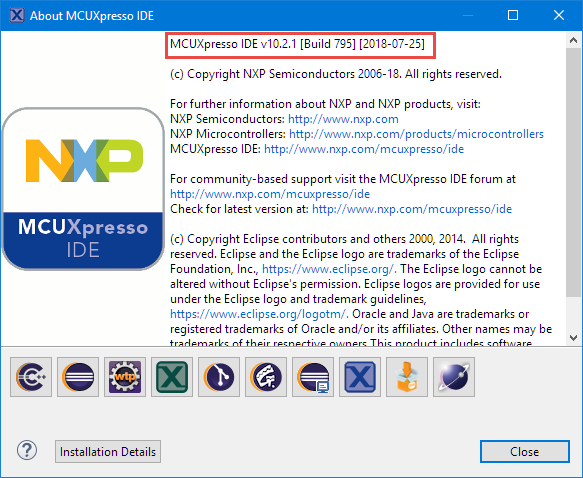
NXP has just released the 10.2.1 update of their flagship Eclipse based IDE. While the number increase from 10.2.0 to 10.2.1 indicates a minor release, there are a several things which make me move over to that new release.

MCUXpresso IDE 10.2.1 build 795

MCUXpresso IDE 10.2.1 build 795

Continue reading