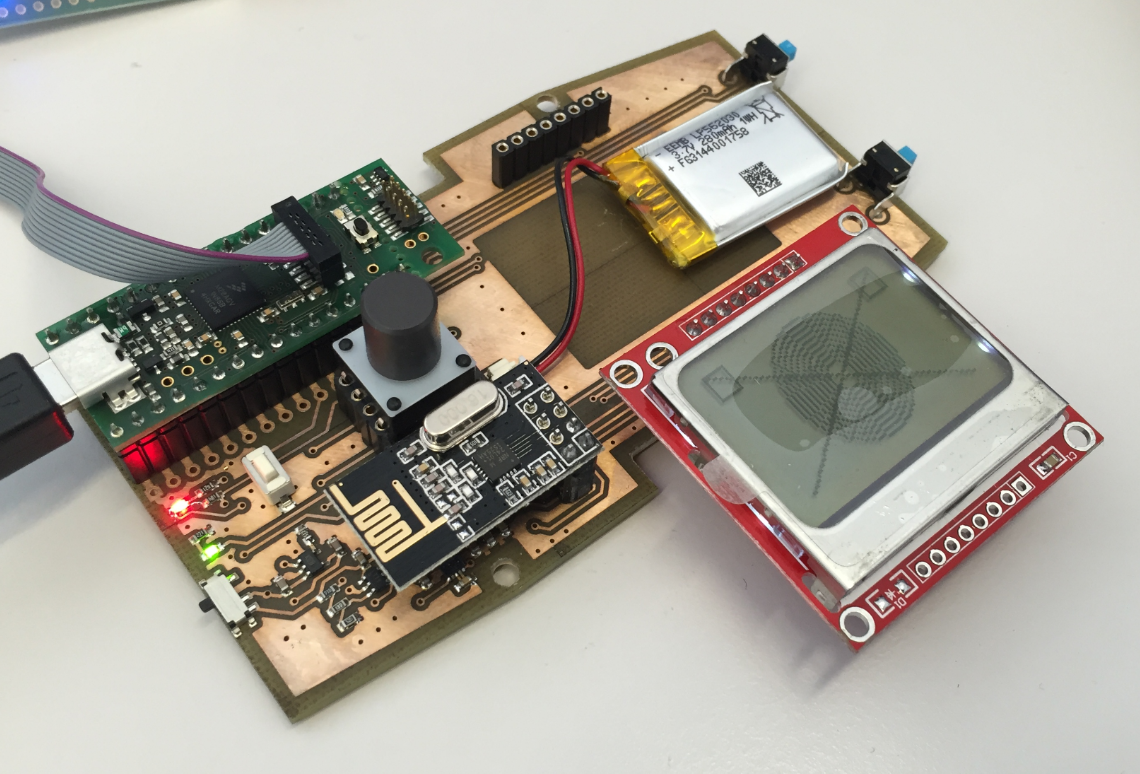
For next semester I plan to use the tinyK20 as a remote controller for the Zumo Robots. I already had an early prototype presented in “3D Printed Gameboy and Remote Controller with tinyK20 Board“, so here is the next iteration of, in a sneak preview:
Tag Archives: Kinetis
Bricking and Recovering OpenSDA Boards in Windows 8 and 10
Getting a board from a distributor like Farnell/Element14/Mouser (add your own distributor) means that chances are high that the default firmware on it is written years from now because the inventory has not been updated, or because boards are still produced with that original firmware (because of testing?). So what happens if I use board with a firmware developed pre-Windows 8/10 area?
It might work, but chances are high that the bootloader and firmware is not ready for the ‘modern age’, and as a result the board might be bricked. If you still have a Windows 7 machine around (I do!), you are lucky. If not, then you need to read this article….
NXP Pins Tool: Understanding Data for Offline Usage
I’m using the NXP Pins tool (see “Tutorial: Muxing with the New NXP Pins Tool“) now in several projects, and I think it is time to share a few tips and tricks.
So join me on a journey through the internals of the NXP Pins tool :-).
Combining Multiple NXP Kinetis SDKs into One
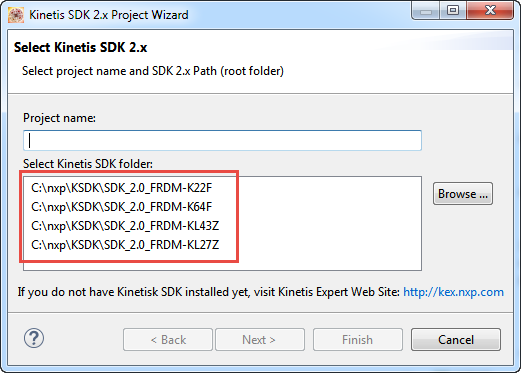
My wife tells me that I have too many boards on my desk. That is only *partially* correct: there are many, but not *too* many. But I’m working on too many tasks, but that’s a different aspect :-). I’m using more and more the Kinetis SDK V2.0, and as a result of this I have multiple SDKs installed on my machine. Because with the SDK V2.0 I get a download for each device/board installed (see “First NXP Kinetis SDK Release: SDK V2.0 with Online On-Demand Package Builder“). So my list of SDK folders is growing, as shown with the ‘New SDK 2.x’ wizard in Kinetis Design Studio:
The same time, the amount of free disk space is reducing. What if I could combine all these SDK’s?
A Flying UAV Drone Full of Sensors
One goal of this blog is to inspire engineers, in one way or another. And when I get reports back that things were useful, I like to share it :-).
So here is something what a team of young undergraduates (Przemyslaw Brudny, Marek Ulita, Maciej Olejnik) did for theirs Master Thesis work at the Politechnika Wroclawska, Poland: a very cool flying machine controlled by two Kinetis K66, having many sensors (on own designed boards) with a custom debug/programmer board similar to the tinyK20, developed with the NXP Kinetis Design Studio:
Changing Heap and Stack Size for NXP Kinetis SDK V2.0 gcc Projects
With Processor Expert projects it is very easy to change the heap and stack size: There is a setting for this in the Cpu component settings, under the ‘Build options’ tab:
As there is no Processor Expert in the NXP Kinetis SDK V2.0 (see “First NXP Kinetis SDK Release: SDK V2.0 with Online On-Demand Package Builder“), how to do the same in a SDK V2.0 project?
Zumo Robot with Magnetic Encoders
We are using robots to teach advanced embedded system programming at the Lucerne University (see “Sumo Robot Competition“). Students can buy the kit, and we are running out of available hardware. Time to produce a new series of robots :-). It took us a while to get to the next revision of the Zumo Robot, but finally the first one has been produced and assembled, and I think it is looking good :-).
Kinetis Lava LED Light Cube
In “openHAB RGB LED Light Cube with WS2812B and NXP Kinetis” I started experimenting Kinetis boards, a LED cube diffuser and Adafruit WS2812B NeoPixel LEDs. That worked well, but I was not to very happy about the visual effect. So here is my next version: I wanted to have control over each side of the cube. For this I have built a cube inside the cube with a 3D printed structure:
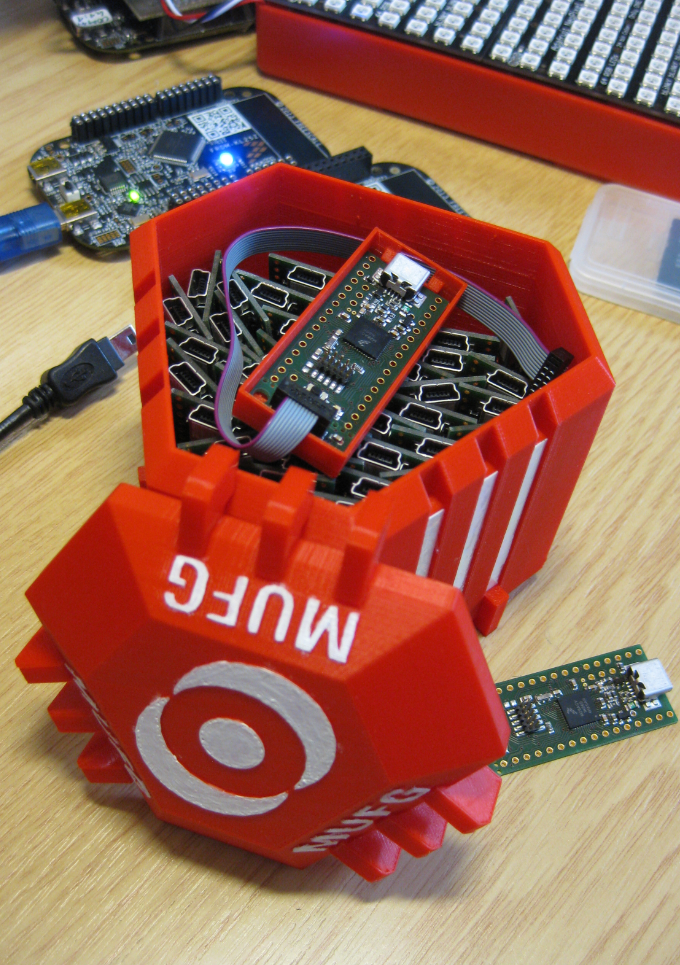
3D Printed Magical MUFG Capsule to Duplicate NXP Kinetis K20 Boards
Segger SystemView: Realtime Analysis and Visualization for FreeRTOS
One of the most important aspects for developing complex realtime applications is get insights into what is going on the target. Segger just has released a free tool which gives an incredible useful insight view and visualization: