Instead creating a new project from scratch, often it is simpler to copy an existing Eclipse CDT project, then change it and go on. To copy-past the a project in Eclipse:
Select the project in the Project Explorer View (CTRL-C on Windows)
Copy of a project
Then paste it in the Project Explorer View (CTRL-V on Windows), and I can specify the new name:
Paste of Project
However, to make that process simpler, a few things have to be done right in the ‘source’ project first.
The concept of Linux (Open Source, broad developer base and broad usage) is a success story. While there is a lot of diversity (and freedom) in the Linux world, Linux is Linux and again Linux :-). And the world has (mostly) standardized on Linux and its variants on the high embedded system side.
On the other side, the ‘middle and lower end’ Embedded world is fragmented and in many aspects proprietary. So it was no surprise to me when the Linux Foundation announced the ‘Zephyr’ project back in February 2016:
“The Linux Foundation Announces Project to Build Real-Time Operating System for Internet of Things Devices. Open source Zephyr™ Project aims to deliver an RTOS; opens call for developers to help advance project for the smallest footprint IoT devices.“
Ζεφυρος (Zephyros) is the Greek good of spring and the west wind. Obviously this inspired the logo for the Zephyr project:
One of the biggest road blocks (beside of closed source) using the BLE (Bluetooth Low Energy) stack from NXP is that it requires expensive tools to compile and build the stack. The good news is that I have now the NXP BLE stack for the Mikroelektronika Hexiwear ported to Eclipse and GNU gcc build tools for ARM 🙂
The Achilles Heel of the Mikroelektronika Hexiwear is its charging: the charging and USB connector are only designed for a limited number of plug-unplug cycles, and it does not have a wireless charging capability like the Apple iWatch. Until now! I have built a DIY wireless charging system for the Hexiwear 🙂 :
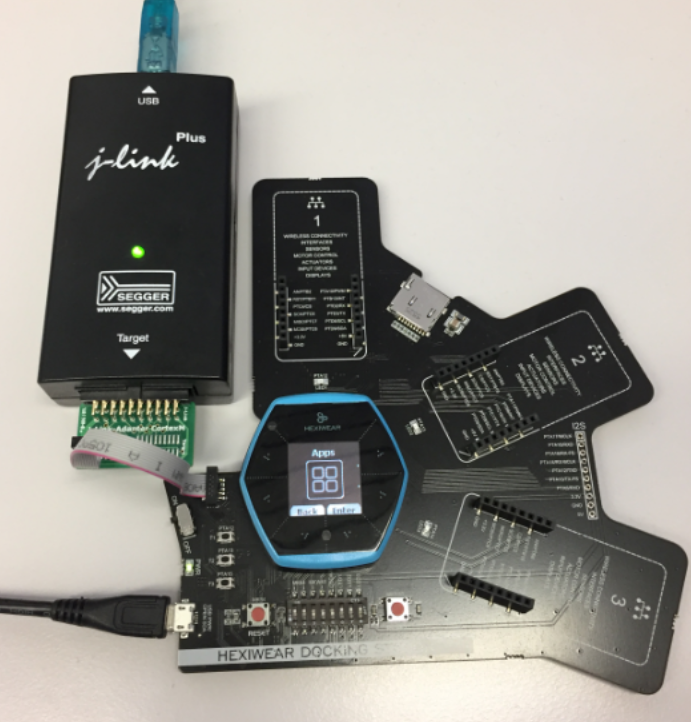
The Hexiwear device is a great and versatile device with two microcontrollers on it. Developing firmware on a Hexiwear means changing what was originally on it. And sometimes it happens that I’m not sure if the changes are for good. Or that I accidentally destroyed the firmware on the NXP Kinetis KW40 BLE microcontroller :-(. So I had to find a way to restore the original firmware, and this is what this post is about.
Restoring the Hexiwear Firmware with a Segger J-Link
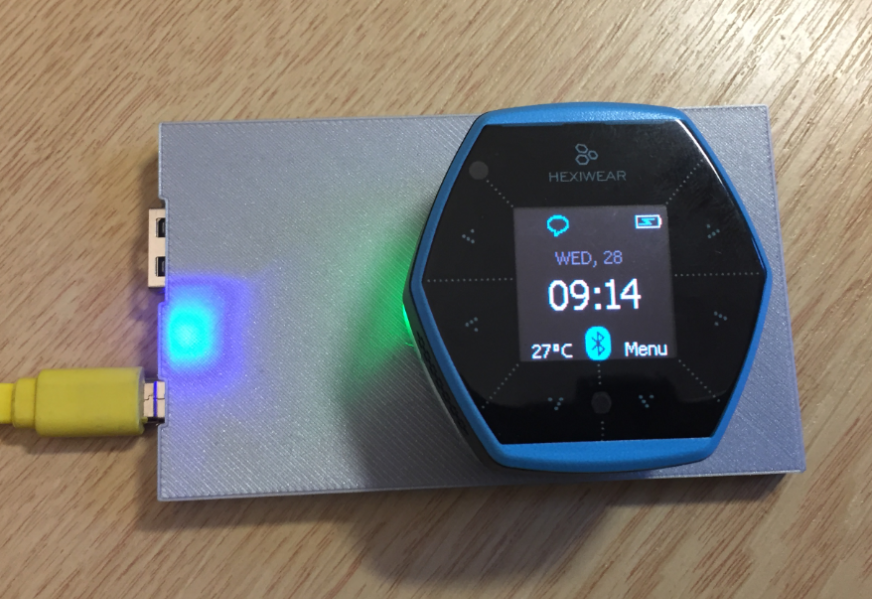
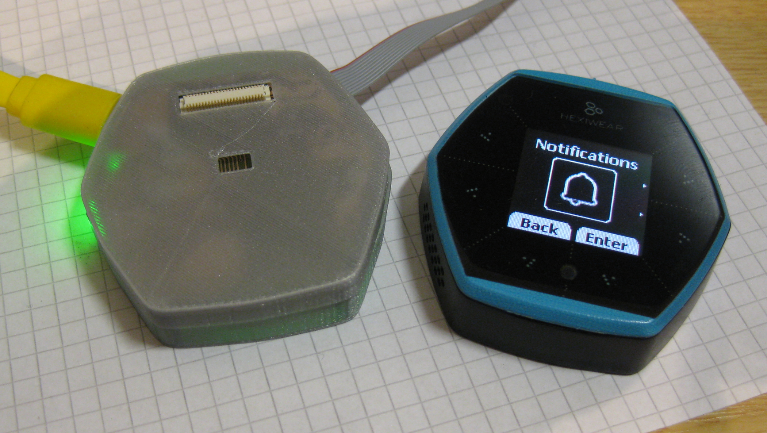
For a research project we are using Hexiwear to measure the effectiveness of teaching and learning. The Hexiwear is used as a networking sensor device in that project. For that project we needed a docking station with wireless capabilities:
The year is coming to an end, the Holiday season is approaching. In case you are looking for a nice present: I have completed my version of a sand clock: a clock writing the time into sand:
Sandclock
If you are interested to build your own version, I have documented the different steps with tips and tricks…
Command line tools to build applications are great. But productivity goes up if I can use the standard Eclipse environment with GNU tools. This tutorial is about how to use standard and free GNU and Eclipse tools to build my FreeRTOS application for the ARM Cortex-M4 on i.MX7 🙂 :
Eclipse used to build FreeRTOS applications for M4 on i.MX7
My Toradex i.MX7Dual module comes with a preflashed Linux distribution (see “Tutorial: First Steps with NXP i.MX7 and Toradex Colibri Board“). As with any other things, Linux gets updated from time to time, and Toradex publishes new firmware. In this article I’m documenting how I can update Linux in the external FLASH on that module.







 MCU on Eclipse