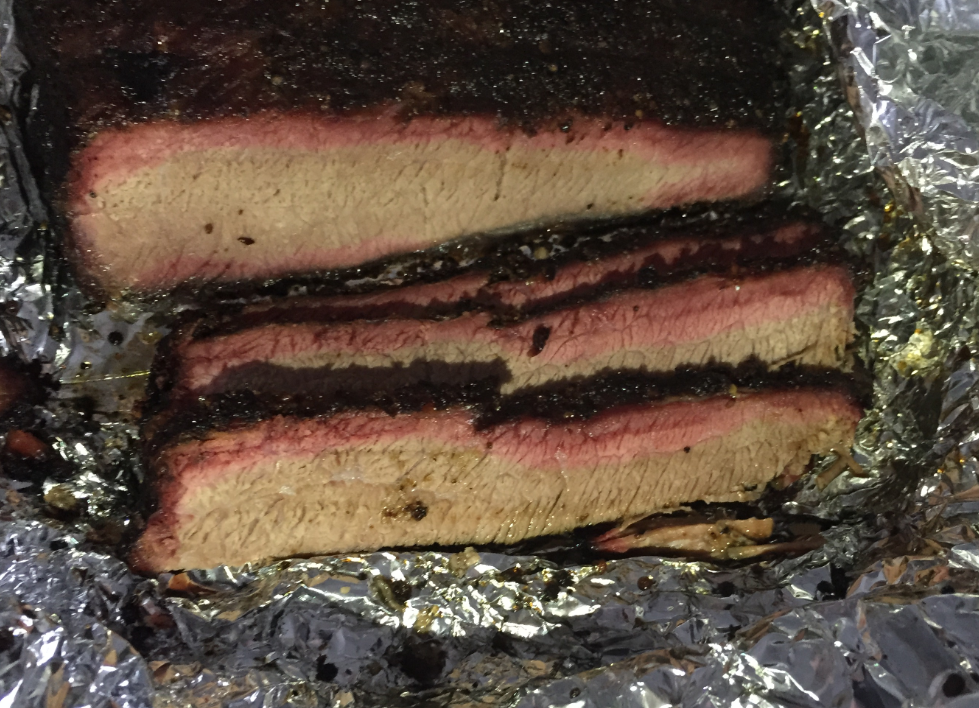
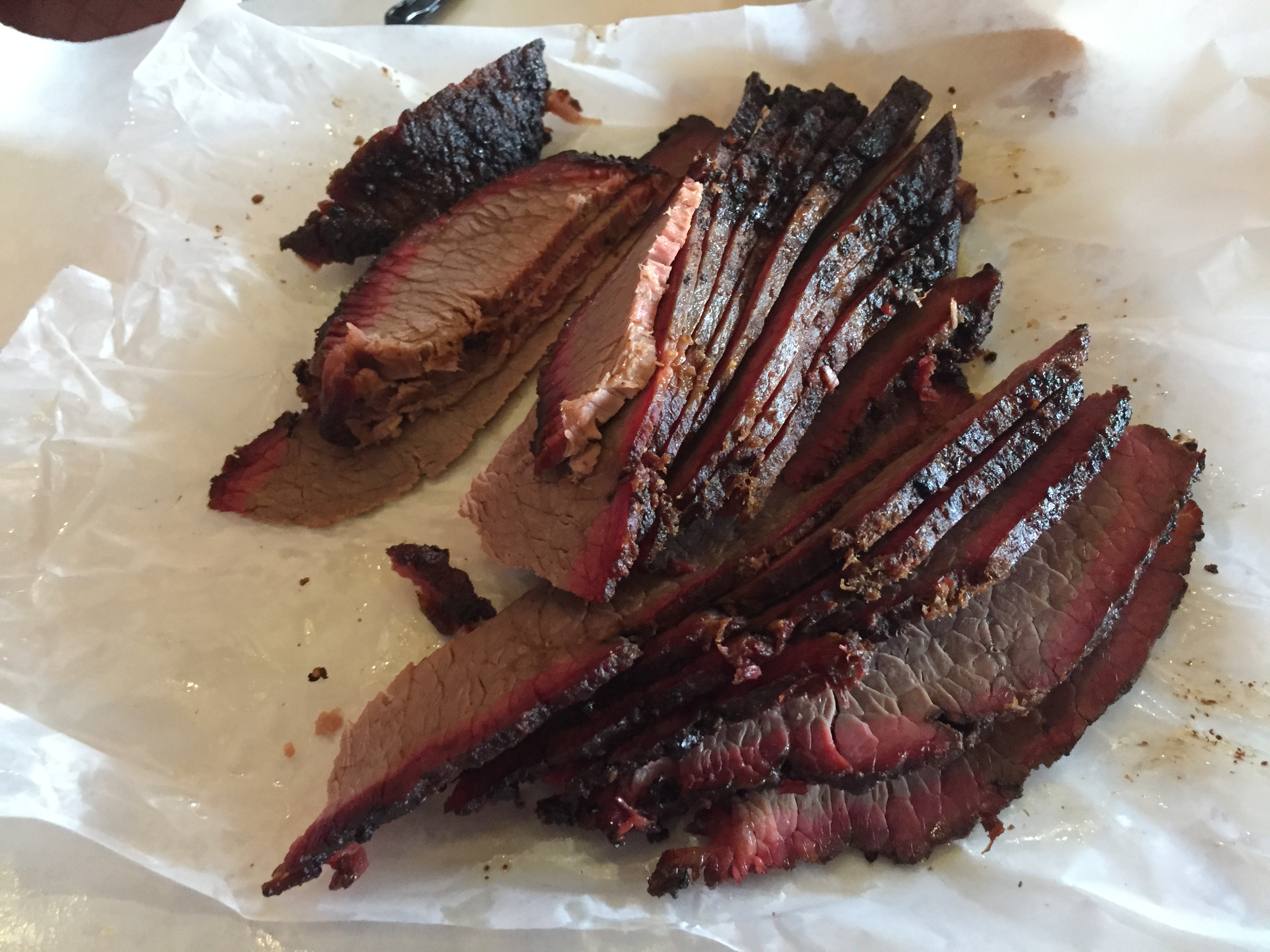
I love eating Brisket when I’m in Texas. I love the one at Rudy’s version (see “Impressions from Freescale Technology Forum 2015“) which has a nice smoke ring and bark:
Category Archives: Tips & Tricks
Part 3: Barbecue Beef Brisket Texas Style – The Fire
Part 2: Barbecue Beef Brisket Texas Style – The Rub
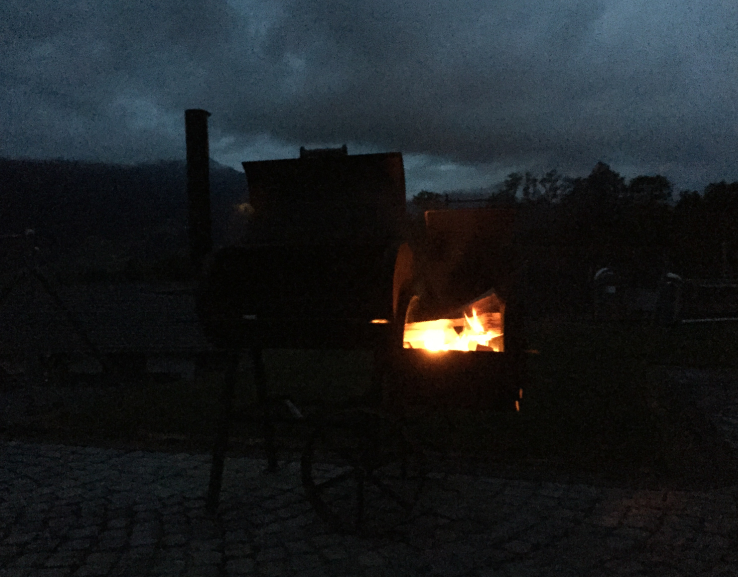
It’s 5:15am, and started the fire in the smoker. Until it warms up, time to apply the rub to the brisket.
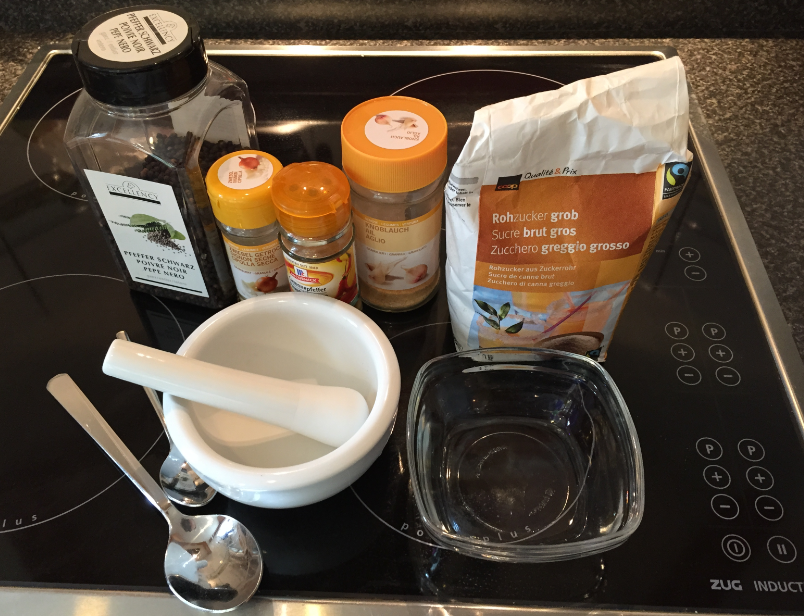
I have learned that Brisket is the national food of the Republic of Texas. I decided that this time I will do the rub differently: salting the meat the day before (see “Part 1: Barbecue Beef Brisket Texas Style – The Meat and the Salt“), and applying the rub (without any salt) just before putting the meat into the smoker. I’m using a variation of Texas “Dalmatian Rub”: salt (applied before), coarsely cracked black pepper with a few spices.
Part 1: Barbecue Beef Brisket Texas Style – The Meat and the Salt
This weekend, we have our yearly neighbourhood grilling and BBQ event. Last year I prepared smoked baby-back ribs. This year my goal is to prepare Texas style Brisket 🙂
Translating for the world …
English is not my first language, but I use it in this blog because that way I can reach a broader audience. If I would use Swiss German, only a few would be able to understand what I write about: “Wänn I würd schwiizerdütsch bruuche, dänn chönt wohl chuum öpper das hie läse” ;-).
Google Translate is not prefect, but still it does a fair job of translating web pages. I have added now a Google translate button to this blog side bar. Click on it and have the web page translated to the language of your choice. Try it out:
💡 If you are speaking Portuguese and want to learn about the Freescale FRDM-KL25Z board, then check out https://hardwarizando.wordpress.com/2015/08/11/introducao-a-kl25z-codewarrior-processor-expert-e-interrupcoes-periodicas/
Happy Translating 🙂
PS: some of the translations by Google are sooooo funny 🙂
Revert an Eclipse Update Installation
I’ve been running into an issue with an Eclipse plugin update: I updated a plugin, and then broke a critical functionality. What I usually do is to uninstall the plugin (see “Uninstalling Eclipse Plugins“), and then install it again. However, in this case the uninstall ended with an error too :-(.
What now? How can I revert that plugin installation/update?
Tutorial: Adafruit WS2812B NeoPixels with the Freescale FRDM-K64F Board – Part 5: DMA
This is Part 5 of a Mini Series. In Part 4, I described how to set up the FTM (Kinetis Flex Timer Module) to generate the required waveforms used for DMA operations (see “Tutorial: Adafruit WS2812B NeoPixels with the Freescale FRDM-K64F Board – Part 4: Timer“). In this post I describe how to use to trigger DMA (Direct To Memory) events. The goal is to drive Adafruit’s NeoPixel (WS2812B) with the Freescale FRDM-K64F board:
Tutorial: Adafruit WS2812B NeoPixels with the Freescale FRDM-K64F Board – Part 4: Timer
This is Part 4 of a Mini Series. In Part 3, I described the software concepts (see “Tutorial: Adafruit WS2812B NeoPixels with the Freescale FRDM-K64F Board – Part 3: Concepts“). In this post I describe how to set-up the timer to trigger later DMA operations. The goal is to drive Adafruit’s NeoPixel (WS2812B) with the Freescale FRDM-K64F board:
Tutorial: Adafruit WS2812B NeoPixels with the Freescale FRDM-K64F Board – Part 3: Concepts
This is Part 3 of a Mini Series. In Part 2, I described how to set up the development tools and to debug the first project (see “Tutorial: Adafruit WS2812B NeoPixels with the Freescale FRDM-K64F Board – Part 2: Software Tools“). Now it is time to look into the software concepts. The goal is to drive Adafruit’s NeoPixel (WS2812B) with the Freescale FRDM-K64F board:
Removing Hidden COM & LPT Ports and Devices on Windows
These days machines do not have physical serial (COM) ports any more. I do not understand why the USB group had missed to define a clean serial communication standard :-(. And the same mistake gets repeated for BLE again 😦 :-(. So every vendor and provider has its own USB CDC driver and interface. And it is really a big pain of the virtual COM/USB CDC ports installed. I have seen countless cases where “the USB UART or CDC port does not work”. So if you have such a problem, I might have a tip for you: Show hidden devices in the Windows Device manager. But in a special way I had not thought about it!