Tutorial: Adafruit WS2812B NeoPixels with the Freescale FRDM-K64F Board – Part 2: Software Tools

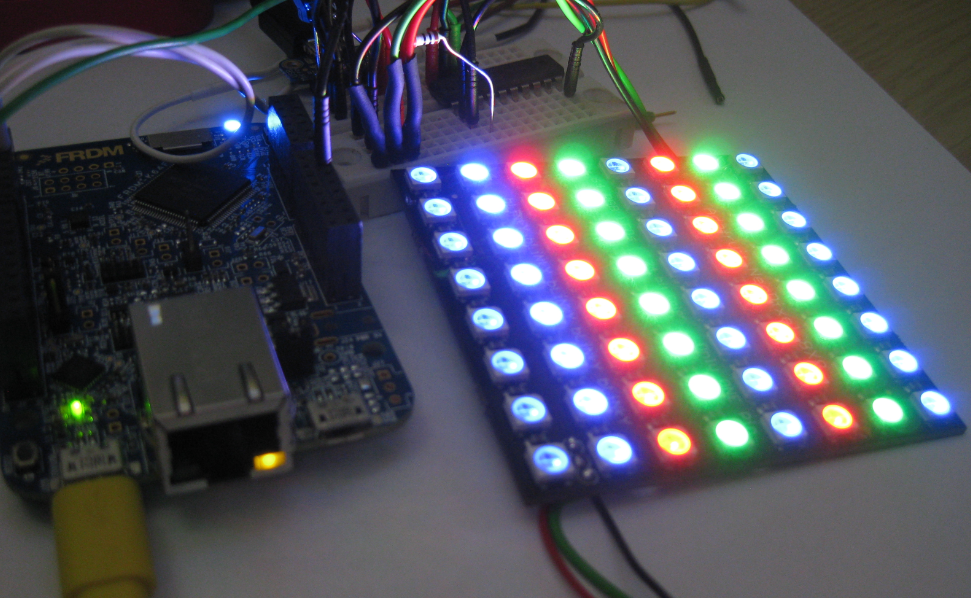
This is Part 2 of a Mini Series. In Part 1, I described how to set up the hardware (see “Tutorial: Adafruit WS2812B NeoPixels with the Freescale FRDM-K64F Board – Part 1: Hardware“). Now it is time to have the software tools ready. In this post I describe to have the IDE (Freescale Kinetis Design Studio) with the Freescale SDK installed, along with the correct firmware on the FRDM-K64F Board. The goal is to drive Adafruit’s NeoPixel (WS2812B) with the Freescale FRDM-K64F board:
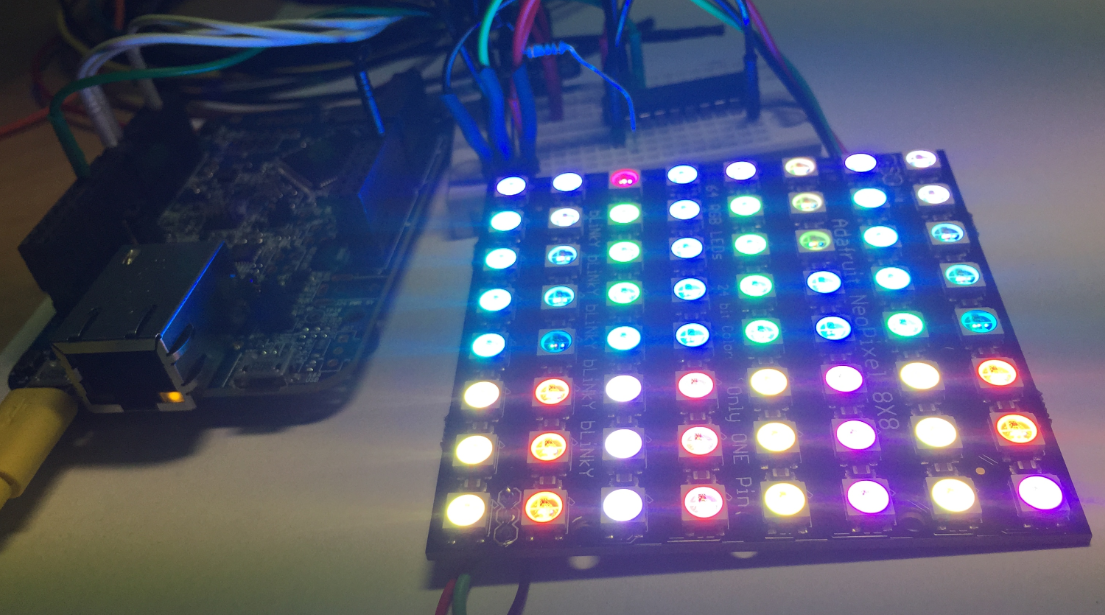
Freescale FRDM-K64F with NeoPixels

Freescale FRDM-K64F with NeoPixels

Continue reading

Tutorial: Adafruit WS2812B NeoPixels with the Freescale FRDM-K64F Board – Part 1: Hardware

This is Part 1 of a Mini Series. Manya has challenged herself to use the Adafruit NeoPixels (WS2812B RBG LEDs) with the Freescale FRDM-K64F board and the Kinetis SDK (see “Let’s play with Freescale FRDM-K64F“). I did a while back that with the FRDM-KL25Z board (see “NeoShield: WS2812 RGB LED Shield with DMA and nRF24L01+“). I used Processor Expert in my project (without the Kinetis SDK), and with this setup it is very easy. However, Manya wanted to do this with the Kinetis SDK and without Processor Expert. No surprise to me, she has found out that this setup with the Kinetis SDK and without the usage of Processor Expert is much more challenging (see “Not done yet!!“). I promised to Manya to give her a helping hand, so here we go! 🙂

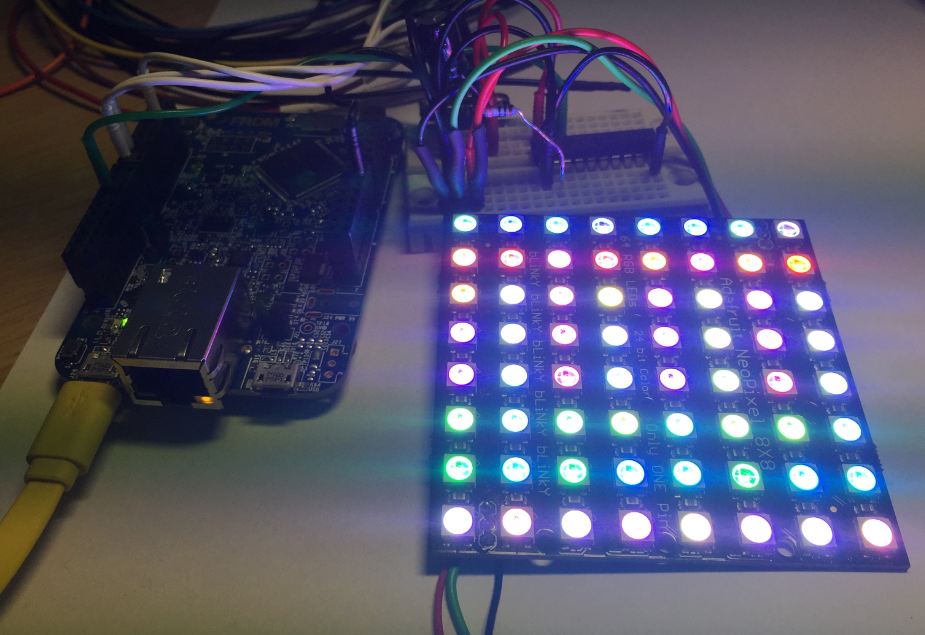
Adafruit 8x8 NeoPixel Shield with Freescale FRDM-K64F Board

Adafruit 8×8 NeoPixel Shield with Freescale FRDM-K64F Board

Continue reading

Improve Eclipse Performance with Increased Heap Size

I noticed that especially working with several projects in my workspace, Eclipse got sluggish and slowly responding. I have in Eclipse the Heap Monitor/Status enabled (see “Show Heap Status in Eclipse“):

Heap Status at the Limit

Heap Status at the Limit

So the used heap of the Java VM is hitting a limit of about 500 MByte, and seems to be trashing around? How to increase that heap size?

Continue reading

FRDM K64F Data Logger using FatFs with KSDK 1.2.0

Check out the article by Wesley Hunter about how to use the FRDM-K64F as a data logger. He describes all the steps how to use the Kinetis SDK v1.2.0 with FatFS.

Happy Logging 🙂

Centaurian's avatarCentaurian

This blog is a guide on how to setup using the FatFs library included with the Kinetis SDK 1.2.0 using mostly the Processor expert within Eclipse Luna. FatFs is a generic FAT file system module for small embedded systems written by Chan. I prefer to use Processor Expert when possible as this will often generate code that is smaller in size than using the KSDK library files direct. I experienced many gotcha’s and complication setting this up and wanted to share how I finally managed to get it to work.

  1. Prerequisites
  2. Create New Project
  3. Open Processor Expert
  4. Add SD card component
  5. Add Init_Port component
  6. Add GPIO component
  7. Configure the clock
  8. Import FatFs
  9. Add Card detection code
  10. FAT file appender function
  11. Disable the MPU

Prerequisites

Before you begin please make sure your development environment is setup and you can already compile and debug code using KSDK 1.2.0 on Eclipse Luna…

View original post 2,197 more words

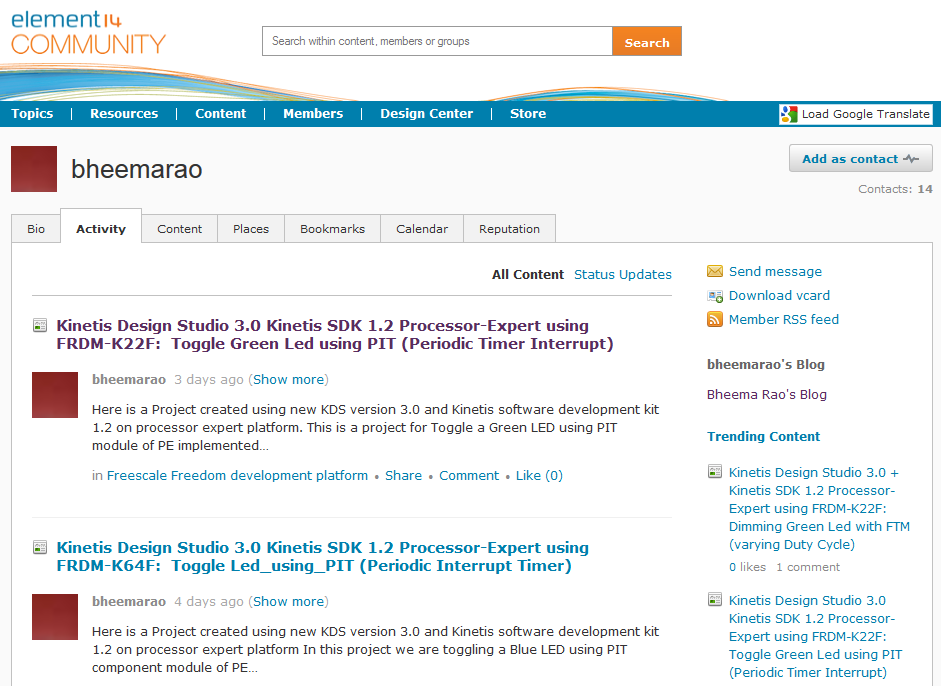
Freescale Freedom Board Tutorials on Element14

I have found several excellent tutorials created by Bheema Rao on element14: He uses many of the McuOnEclipse components, features Kinetis Design Studio/Eclipse and shows how to use the Kinetis SDK, toggling/dimming LED’s on Freescale Freedom Boards.

element14

element14

Continue reading

Using Kinetis Design Studio V3.0.0 with the Launchpad 4.9-2015-q2 Release

The Kinetis Design Studio v3.0.0 comes with the GNU/GCC ARM Embedded (launchpad) version 4.8-2014-q3. End of June 2015, ARM released a new version, the 4.9-2015-q1.So why not using that newer release?

Release GCC ARM Embedded 4.9 update 2

Release GCC ARM Embedded 4.9 update 2

  1. It comes with GDB version 7.8 and has the ‘return of function display’ feature.
  2. GDB has Phyton scripting support.
  3. It fixes that nasty GDB bug ‘breakpoint on removed code’ issue.

Is that already enough to make that switch?

Continue reading

Automatic Variable, Expression and Memory Display with GDB and Eclipse

One of the great features in CodeWarrior for MCU10.x is the ability to read memory/variables while running (see “Live View for Variables and Memory“). This technology of ‘live view’ is based on the CodeWarrior debugger engine. How can I do something like this with stock GDB and Eclipse? What I need is a periodic update of variables/expressions/memory while the program on the board is running, without the need to stop the board with the debugger first:

periodic auto-display output

periodic auto-display output

Continue reading

Tutorial: Using Processor Expert and FreeRTOS with Kinetis SDK V1.2

Freescale has released the new Kinetis SDK v1.2 back in May. Because of the changes in v1.2, previous applications (or my tutorials) do not work any more :-(. So time to write a new tutorial: how I can use Processor Expert with FreeRTOS for the Kinetis SDK v1.2.

Blinky Task with FreeRTOS and Kinetis SDK in KDS v3.0.0

Blinky Task with FreeRTOS and Kinetis SDK in KDS v3.0.0

Continue reading

Using Segger Real Time Terminal (RTT) with Eclipse

I have used semihosting more and more in my projects. However, there are several disadvantage of using it:

  • Without special handlers, it only works with an active debug connection going on. Without a debugger attached, the application blocks otherwise.
  • Because it needs debugger interactions, it is rather slow (only several hundreds of bytes per second)

The good news is that Segger supports with their debug probes a faster approach with what they name Real Time Terminal (RTT). And it even runs without a debugger attached to the board: all what I need is a Segger J-Link probe (or Segger J-Link OpenSDA) plus a telnet client.

Segger RTT Viewer

Segger RTT Viewer

Continue reading