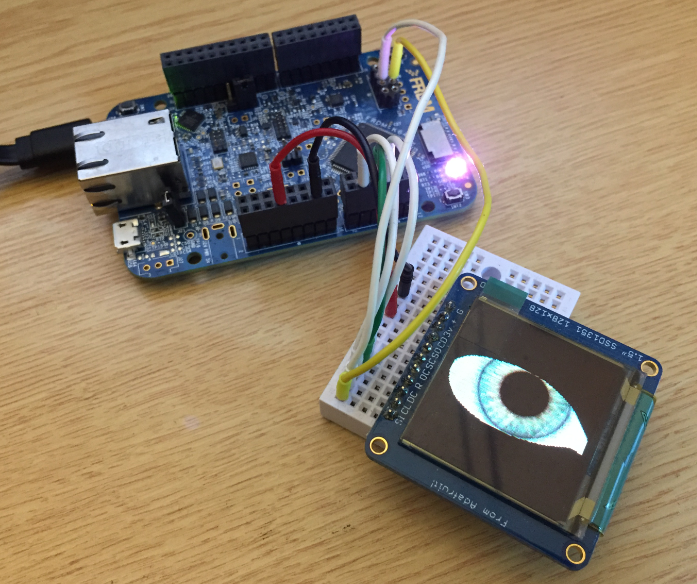
Most embedded projects need an user input device. For the NXP i.MX RT1050-EVK board I have recently added a 480×272 full color touch LCD (see “Adding a Rocktech Capacitive Touch LCD to the NXP i.MX RT1052 EVK“). I have looked at different commercially available GUI libraries, but none of them really were matching my expectations: either very expensive or closed source, or an overkill for small LCDs and projects. But then I have found LittlevGL: free-of-charge, open source, easy to use, well documented and has everything I need. And it really looks gorgeous π
Category Archives: MCUXpresso SDK
First Steps with the NXP i.MX RT1020 EVK Board
Powerful ARM Cortex-M7 microcontroller are on the rise, bridging the gap between traditional microcontroller and Embedded Linux systems. I already published articles for the NXP i.MX RT1052 which is an ARM Cortex-M7 running at 600 MHz. Because the RT105x is available in BGA196 package only, I have as oredered the i.MX RT 1050 EVK which has a similar device on it, but in LQFP package:
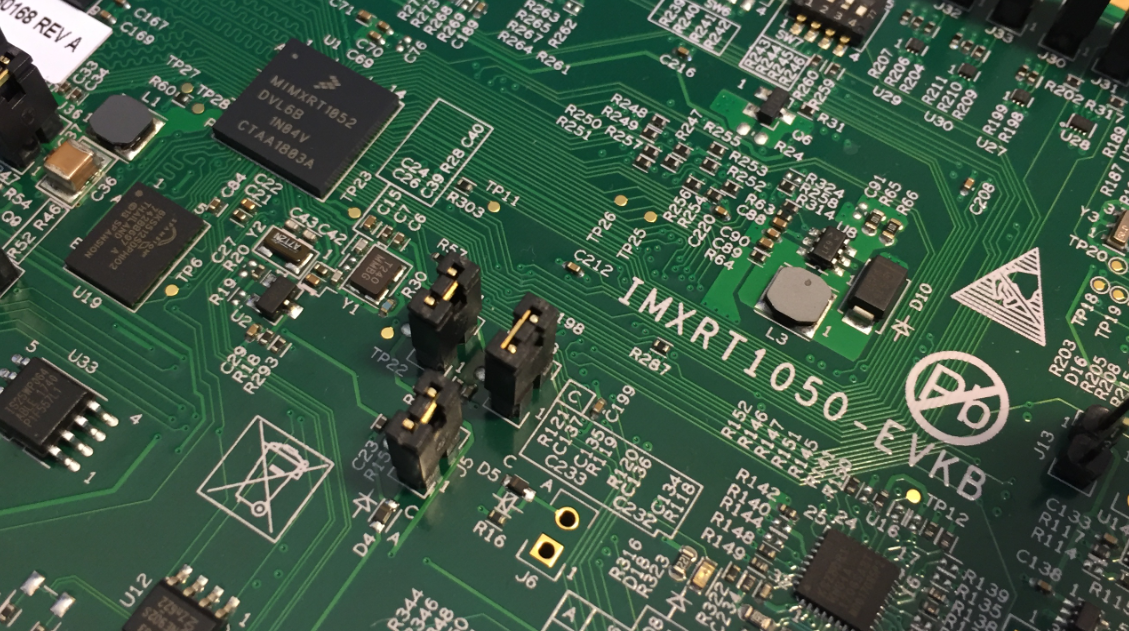
i.MX RT1050 EVK vs. EVKB
I noticed on Mouser.com that there is a new i.MX RT1050 board: the EVKB one. I have used the EVK (the one without the ‘B’) for several weeks (see “MCUXpresso IDE V10.1.0 with i.MX RT1052 Crossover Processor” and “Adding a Rocktech Capacitive Touch LCD to the NXP i.MX RT1052 EVK“). I needed anyway a second board, so I ordered that EVKB from Mouser, and after some delay and waiting it arrived on my desk. So far this boards seems to be a better one:
Tutorial: Using Runtime Statistics with Amazon FreeRTOS V10
FreeRTOS includes a nice feature to give me information about how much time every task is spending running on the system:
This tutorial explains that FreeRTOS Runtime Statistics feature and how it can be turned on and used.
Porting Processor Expert Projects to MCUXpresso IDE
The McuOnEclipse GitHub repository hosts many Processor Expert projects and is very popular (cloned more than 1000 times, thank you!). Processor Expert is a powerful framework which generates driver and configuration code, simplifying application development for a wide range of microcontroller and families. But Processor Expert won’t be developed further by NXP and is not part of MCUXpresso IDE. While it is possible to install Processor Expert into MCUXpresso IDE 10.2, how can these projects used ini an IDE *without* Processor Expert? This article describes how to port an existing Processor Expert project into the NXP MCUXpresso IDE.
Adding a Rocktech Capacitive Touch LCD to the NXP i.MX RT1052 EVK
It is never too early to start thinking about Halloween projects :-).
When I ordered originally the MIMXRT1050-EVK from Mouser, it was without the LCD display (see “MCUXpresso IDE V10.1.0 with i.MX RT1052 Crossover Processor“. I ordered the LCD for the board soon after writing that article, but I was too busy with the university lectures and exams to get a hand on it. Finally I have spent a few hours at night and I proudly can say: the display is working π
Overview of MCUXpresso IDE v10.2.0
Decisions, decisions! Such long weekends like Pentecost are a real challenge for a family with engineers:
- Should we join that record long traffic jam to Italy and be stuck for more than 4 hours and analyze it?
- Or: should we stay home, turn the BBQ smoker engine on fire, load it with baby back pork rib racks for a slow-and-low smoke treatment, while doing some on-the-side IDE and technology exploration?
Well, my family vote was kind of clear: they have chosen that second option. Not to mention that hidden technology piece in it, but that was part of the deal ;-).
And I’m sorry: this article is not about BBQ (for this see “Smoking BBQ Baby Back Ribs β Swiss Style“), it is about technology: I’m using the NXP MCUXpresso IDE and tools for many of my projects (see “Eclipse MCUXpresso IDE 10.1 with integrated MCUXpresso ConfigurationΒ Tools“). Right before the this extended weekend, NXP has released the new v10.2.0 version, so here is where that technology exploration piece comes into play. Checking the release notes, this version number change includes so many cool stuff I decided to have a look and to check it out. Of course always having an electronic eye on the baby back ribs!
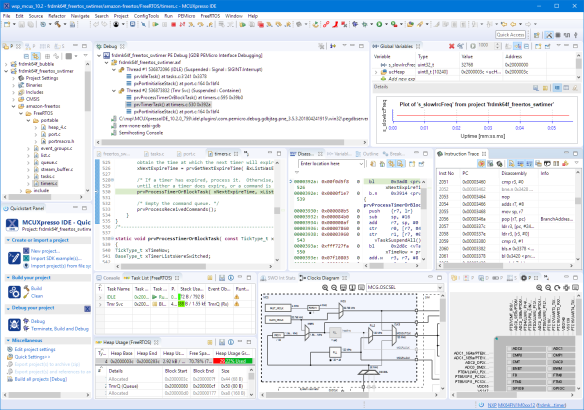
McuOnEclipse Components: 1-Apr-2018 Release
It’s April Fool’s Day, but be assured this is not a joke ;-): Iβm pleased to announce that a new release of the McuOnEclipse components is available in SourceForge. This release includes several smaller bug fixes and components have been upgraded for FreeRTOS V10.0.1.
Continue reading
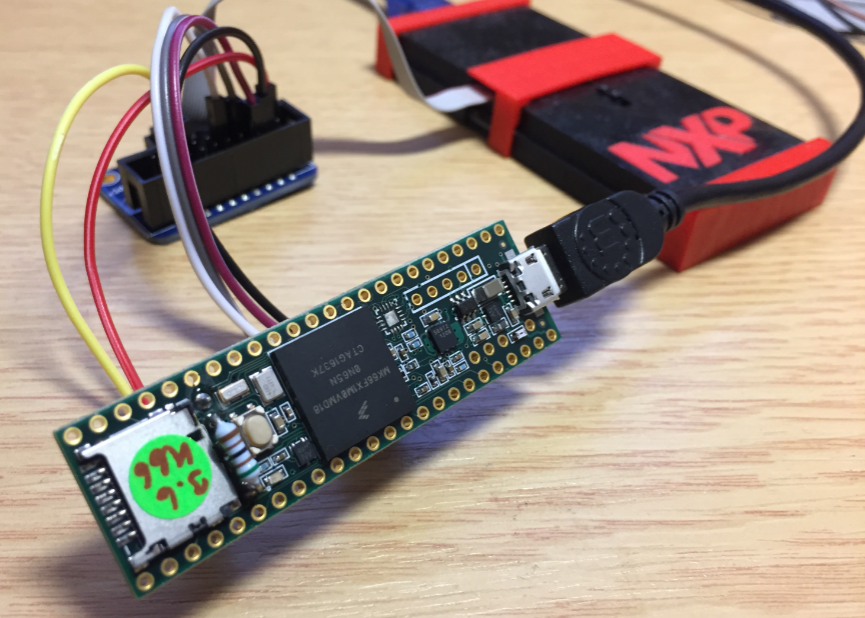
Debugging the Teensy 3.6 with Eclipse MCUXpresso IDE and CMSIS-DAP LPC-Link2
The Teensy boards are great, but as they are they are not really useful for real development, as they lack proper SWD debugging. In “Modifying the Teensy 3.5 and 3.6 for ARM SWD Debugging” I have found a way to get SWD debugging working, at that time with Kinetis Design Studio and the Segger J-Link. This article is about how debug the Teensy with free MCUXpresso IDE and the $20 NXP LPC-Link2 debug probe:
MCUXpresso IDE V10.1.0 with i.MX RT1052 Crossover Processor
In “Eclipse MCUXpresso IDE 10.1 with integrated MCUXpresso Configuration Tools” I mentioned that I wanted to try the i.MX RT1050 processor. Well, finally my ordered board from Mouser arrived, right on time for the week-end, so I had a chance to use that ARM Cortex-M7 running at 600 MHz :-).