This is a new article in my series about using Microsoft Visual Studio Code: After installation, project setup, building, debugging, setting up a kit and IntelliSense. This one is about setting up and using FreeRTOS:


This is a new article in my series about using Microsoft Visual Studio Code: After installation, project setup, building, debugging, setting up a kit and IntelliSense. This one is about setting up and using FreeRTOS:
I always have been fascinated by electromechanical stuff like these Flip-Dot Displays.

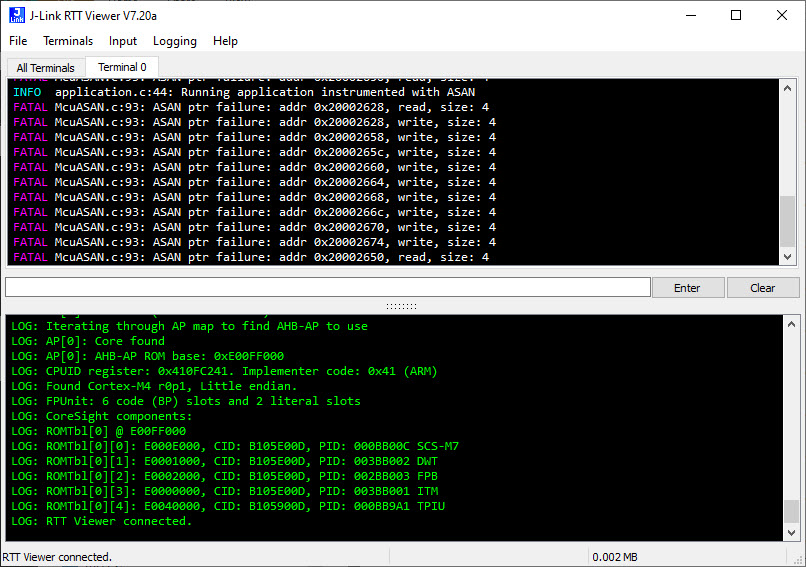
Dangling pointers and memory corruption problems are nasty issues for any developer, and usually hard to find and locate in the code. Luckily Google has developed an open source tool to solve such issues: the Address Sanitizer (ASAN). The tool is available for x86 and other desktop style architectures, including Android and Linux. This article describes how ASAN can be used for an embedded target, e.g. ARM Cortex-M4 or similar.
Managed linker scripts are great on one side: the simplify the otherwise complex GNU linker script handling. On the other side it requires knowledge how to tweak them in case ‘non-standard’ behavior is needed.

The previous parts were about installation, project setup, building, debugging and setting up a kit. This one is about setting up IntelliSense for Cross Development in Visual Studio Code which allows for browsing symbols or code completion:

One major concern of embedded system development is performance. Microcontroller have more MHz than in the past, but embedded applications are all about timing and real-time aspects.

The challenge is: how to get data off the target in realtime? SWO can help with this….
Continue readingIf a Cortex microcontroller is unresponsive to a debug connection for various reasons, then this trick might help to recover that device for you. All you need is a debug probe from PEMICRO and a utility.

The previous parts were about installation, project setup, building and debugging. This one is about defining the ‘tool kit’ so I can make use more of the CMake infrastructure in Visual Studio Code:

The previous parts were about installation, project setup and building. This one is about debugging an ARM Cortex-M Microcontroller with Visual Studio Code:
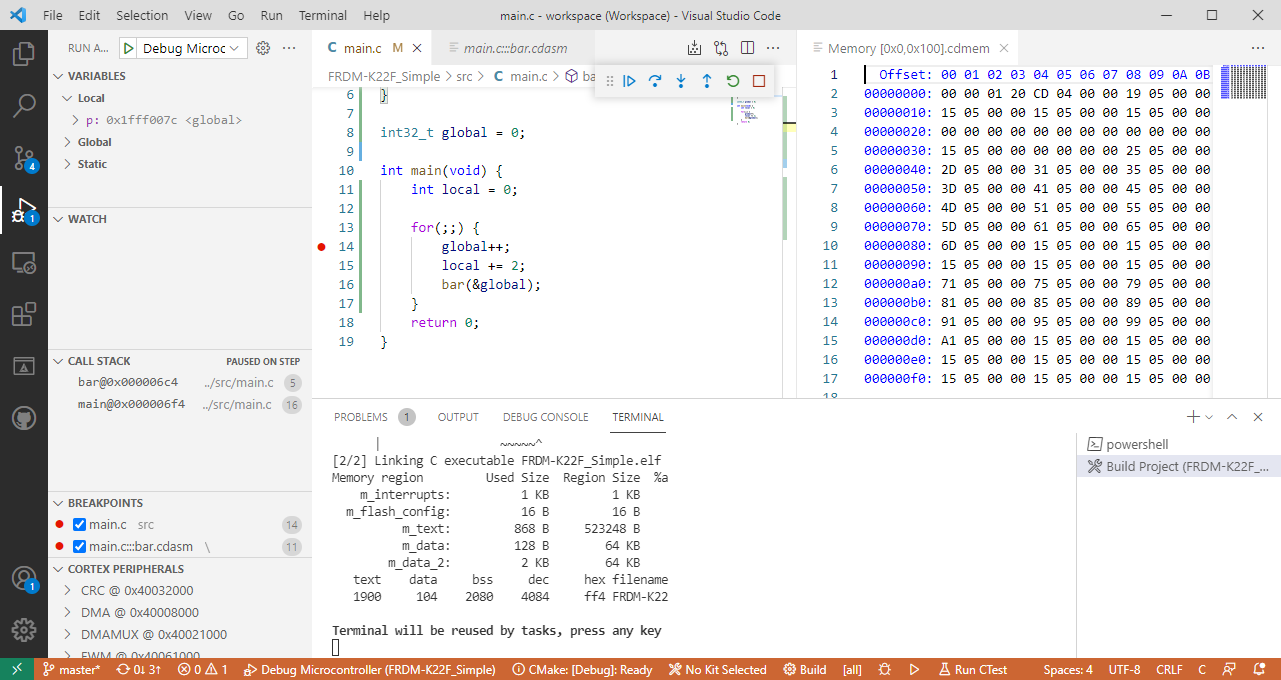
This is the third part in a series to get up and running using the Microsoft Visual Studio Code for embedded development on ARM Cortex-M. So far we have installed the needed tools, created a project and are able to build it from the command line. Now it is about how execute directly scripts or the build from the IDE.

 MCU on Eclipse