With the cost of an single pin, many ARM Cortex-M boards including the NXP i.MX RT1064 can produde SWO data: think about a pin able to stream data out of the chip in realtime. For example interrupt activity which otherwise might be hard to capture:
New ‘things’ start to pop up, useful or not: From smart bulbs (Philips Hue), thermostats (Nest), smart TV (Samsung and others) up to voice assistants (Alexa, Cortana, Google). You might even have installed one of these, right? What about temperature and humidity sensors? Probably there is nothing wrong with that?
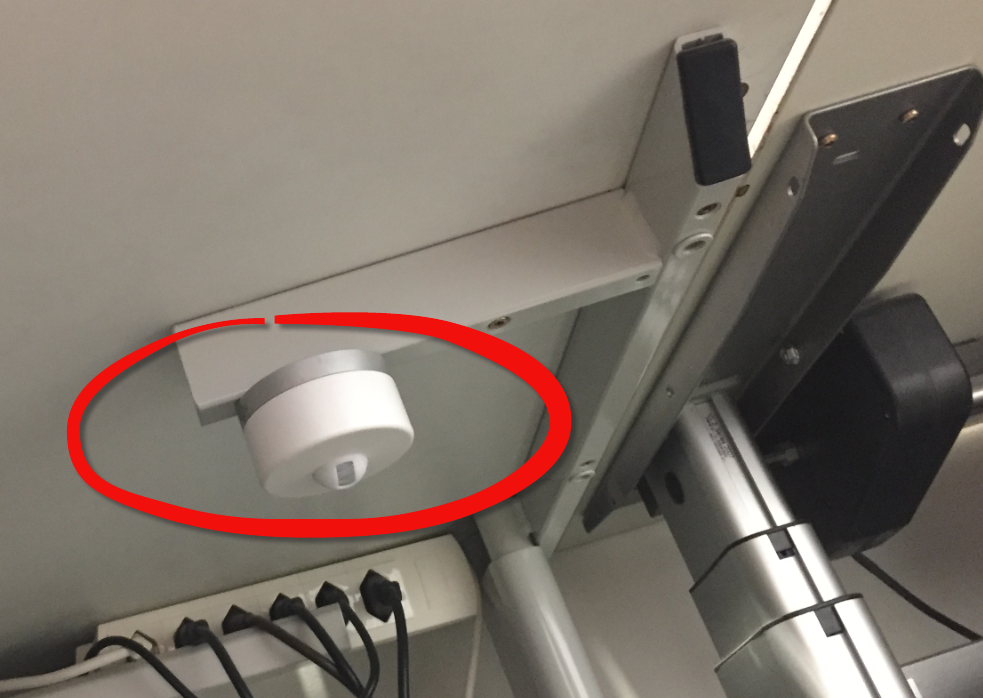
But what would you think if one morning you find a strange unknown device installed under your working desk, connected to the cloud and internet?
In a modern development workflow both command-line and a graphical user interface has its place. On the GUI side, Eclipse is famous that it offers many different ways to accomplish something which is great. But sometimes I continue to use an old habit or way because I have missed that there is a newer and better way, and the MCUXpresso Eclipse IDE is no exception to that. In this article I show a few ways how to use the mouse even more productive.
There are different ways to ruin a Linux system. For the Raspberry Pi which uses a micro SD card as the storage device by default, it comes with two challenges:
Excessive writes to the SD card can wear it out
Sudden power failure during a SD card write can corrupt the file system
For problem one I do I have a mitigation strategy (see “Log2Ram: Extending SD Card Lifetime for Raspberry Pi LoRaWAN Gateway“). Problem two can occur by user error (“you shall not turn it off without a sudo poweroff!”) or with the event of a power outage or black out. So for that problem I wanted to build a UPS for the Raspberry Pi.
The ARM TrustZone is an optional security feature for Cortex-M33 which shall improve the security for embedded applications running on microcontroller as the NXP LPC55S69 (dual-core M33) on the LPC55S69-EVK.
My mantra is *not* to use any floating point data types in embedded applications, or at least to avoid them whenever possible: for most applications they are not necessary and can be replaced by fixed point operations. Not only floating point operations have numerical problems, they can lead to performance problems as in the following (simplified) example:
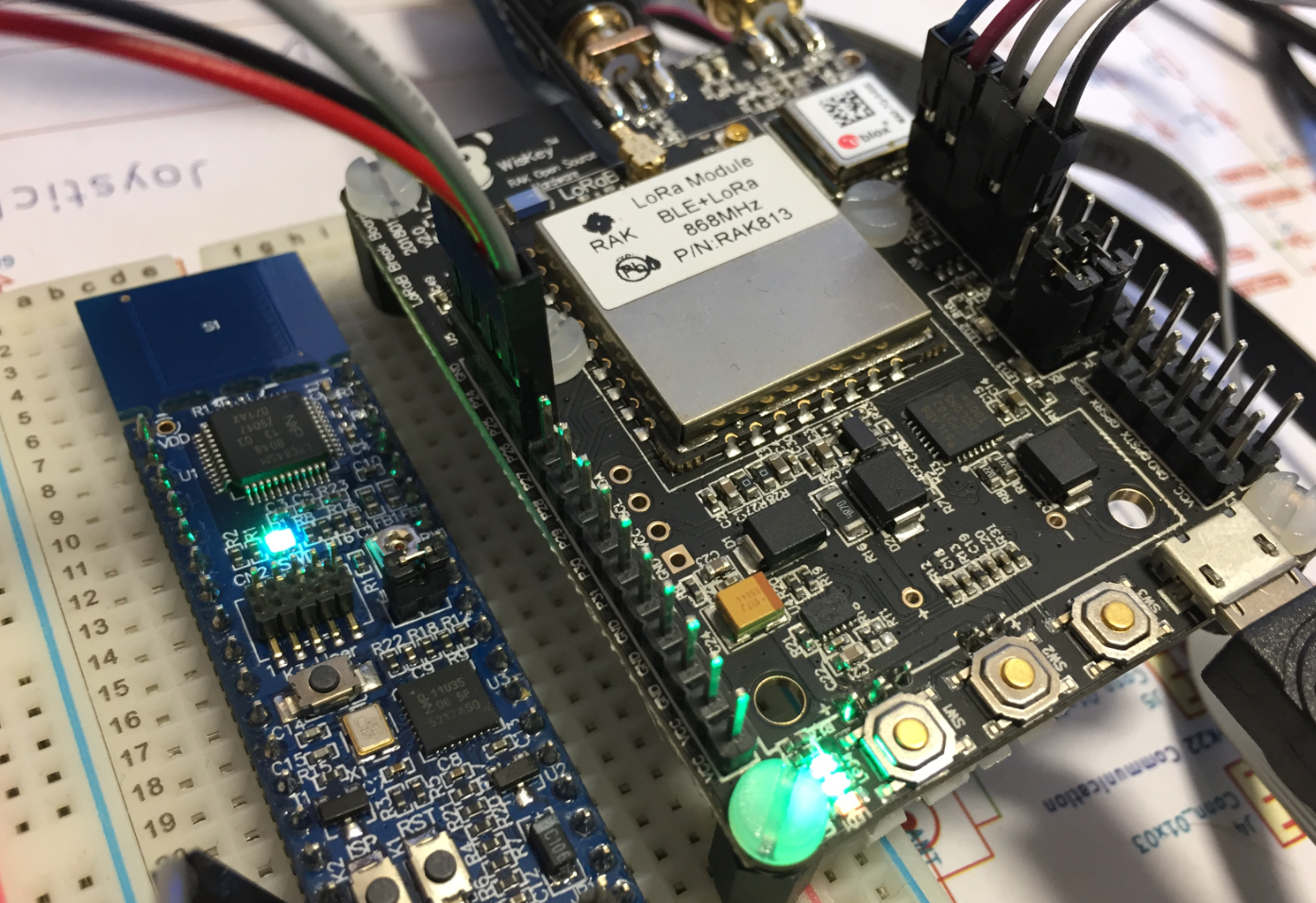
In the IoT world, it is all about security, connectivity and low power. LoRaWAN with the Things Network is able to connect devices over several kilometers, and I’m running my gateway for it already (see “Contributing an IoT LoRaWAN Raspberry Pi RAK831 Gateway to The Things Network“). This tutorial is about building a BLE+LoRaWAN+GPS sensor node with GNU tools and Eclipse:





 MCU on Eclipse