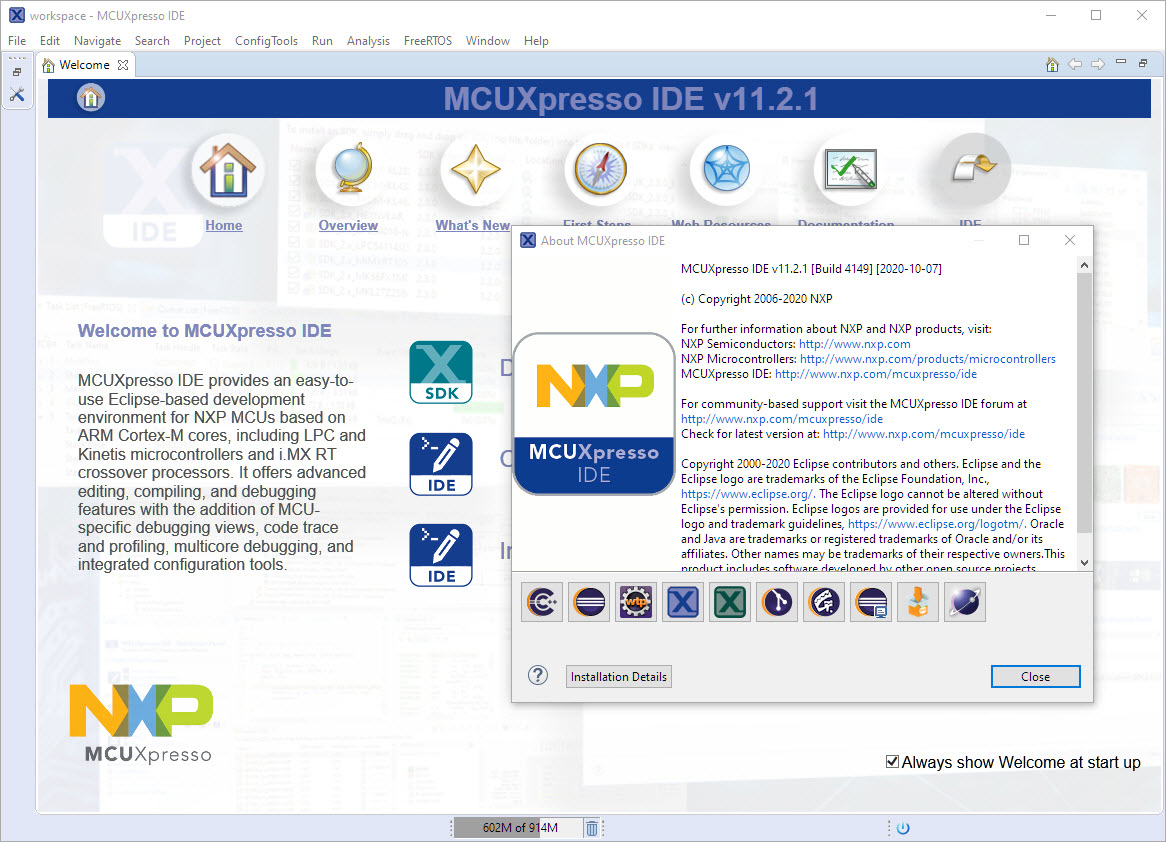
‘Dark’ or ‘Black’ themes are on vogue: some love it, some do not care. The good thing is that we all have a choice. Things are getting improved on the host OS (Windows/Linux) side, but the challenge is still on the application side, but things are getting better. This is true for the Eclipse based IDEs too, with the NXP MCUXpresso IDE V11.2.1 just recently released: it comes with improved Dark Theme support:
Category Archives: Debugging
MCUXpresso IDE V11.2.1
I have started the semester and labs using the MCUXpresso IDE V11.2.0 which has been available from July this year. The past week I received the notification that the update V11.2.1 is available: time to check it out….
MCUXpresso IDE V11.2.0
At the university the end of a semester means that you have to get ready for the next semester. I always tend to use the latest and greatest tools for the labs. This week I received the notification that a new version of the Eclipse based MCUXpresso IDE is available, time to check it out for the next semester.
Eclipse Gems, Tips & Tricks: Faster Debugger Start
This article is part of a ‘mini series’ about hidden gems, tips and tricks around Eclipse.
The topic of this one is how to accelerate the start of the debugger.
Disabling NMI (Non Maskable Interrupt) Pin
The NMI is a special interrupt on ARM Cortex-M architecture: as the name indicates, it cannot be ‘masked’ by the usual ‘disable interrupts’ flags (PRIMASK, BASEPRI), similar to the Reset signal.
Dealing with the reset signal is kind of obvious, and most designs and boards have it routed to a reset button or similar. The NMI is less obvious if you don’t pay attention to it: most ARM-Cortex implementations and boards have the NMI signal routed to a pin and are ‘hiding’ it in the schematics behind a normal GPIO pin or port: if you don’t pay attention to the NMI functionality, the board might not work as intended.
Behind the Canvas: Making of “60 Billion Lights”
As promised I’m going to share more details about the “60 Billion Lights” project. It is about a project to build a piece of electronics behind a 100×50 cm canvas to show animations or to display information like temperature, humidity, weather, time or just any arbitrary text.
McuLog: Logging Framework for small Embedded Microcontroller Systems
An essential tool especially developing larger applications or distributed firmware is to use logging. This article presents an open source logging framework I’m using. It is small and easy to use and can log to a console, to a file on the host or even to a file on an embedded file system as FatFS.
Tutorial: Adding FreeRTOS to where there is no FreeRTOS
FreeRTOS is pretty much everywhere because it is so simple and universal, and it runs from the smallest to the biggest systems. But it still might be that for the microcontroller device you have selected there is no example or SDK support for it from your vendor of choice. In that case: no problem: I show how you could easily add FreeRTOS plus many more goodies to it.
FatFS, MinIni, Shell and FreeRTOS for the NXP K22FN512
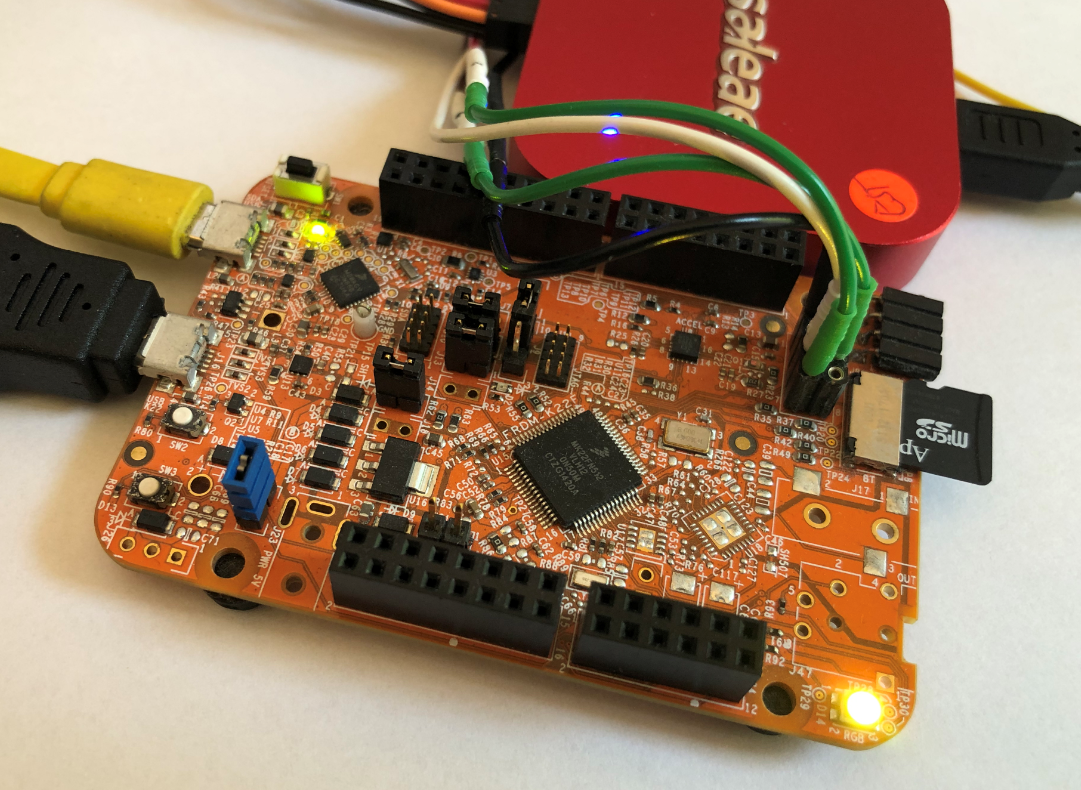
I’m using the NXP Kinetis K22FN512 in many projects, either with the FRDM-K22F or on the tinyK22: with 120 MHz, 512 KByte FLASH and 128 KByte it has plenty of horsepower for many projects. The other positive thing is that it is supported by the NXP MCUXpresso IDE and SDK. I have now created an example which can be used as base for your own project, featuring FreeRTOS, FatFS, MinIni and a command line shell.
FreeRTOS Task Runtime Statistics for NXP i.MX RT1064
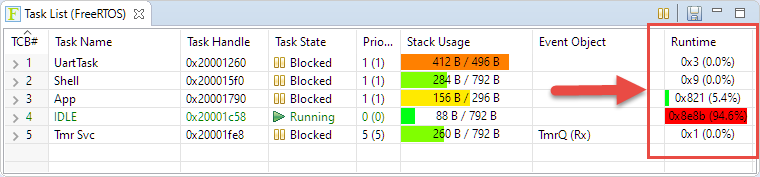
FreeRTOS has many cool features, and one is that it can report the CPU percentage spent in each task. The downside is that to get this kind of information some extra work is needed. In this article I show how to do this for the NXP i.MX1064.