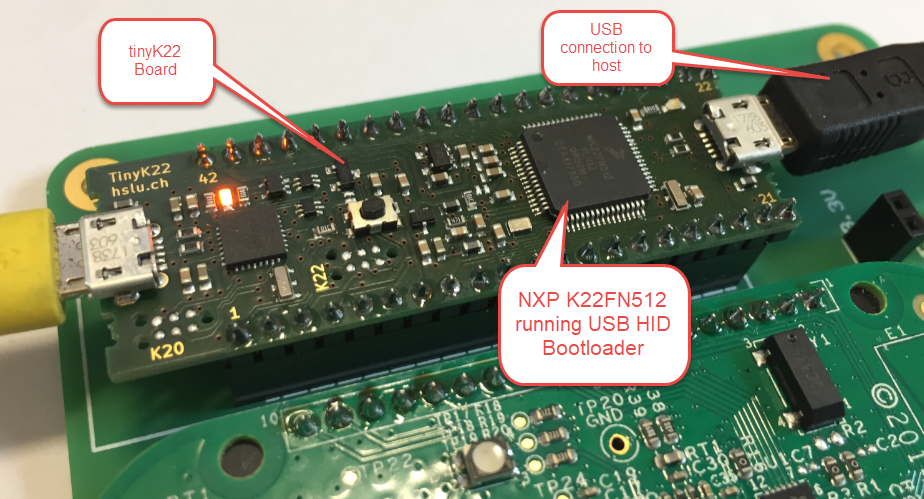
The tinyK22 board (see “tinyK22 Boards arrived“) gets rolled out at the Lucerne University of Applied Sciences and Arts, so I thought I write-up an article this weekend how to use that board with a Flash Resident Bootloader.
Category Archives: FRDM-K22F
Adding a Delay to the ARM DAPLink Bootloader
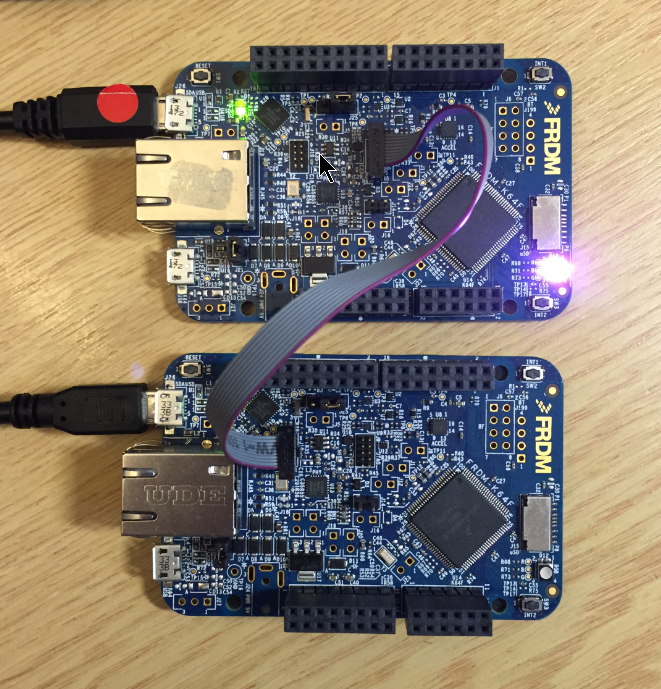
The ARM mbed USB MSD bootloader which is used on many silicon vendor boards has a big problem: it is vulnerable to operating systems like Windows 10 which can brick your board (see “Bricking and Recovering OpenSDA Boards in Windows 8 and 10“). To recover the board, typically a JTAG/SWD programmer has to be used. I have described in articles (see links section) how to recover from that situation, including using an inofficial new bootloader which (mostly) solves the problem. The good news is that ARM (mbed) has released an official and fixed bootloader. The bad news is that this bootloader does not work on every board because of a timing issue: the bootloader mostly enters bootloader mode instated executing the application.
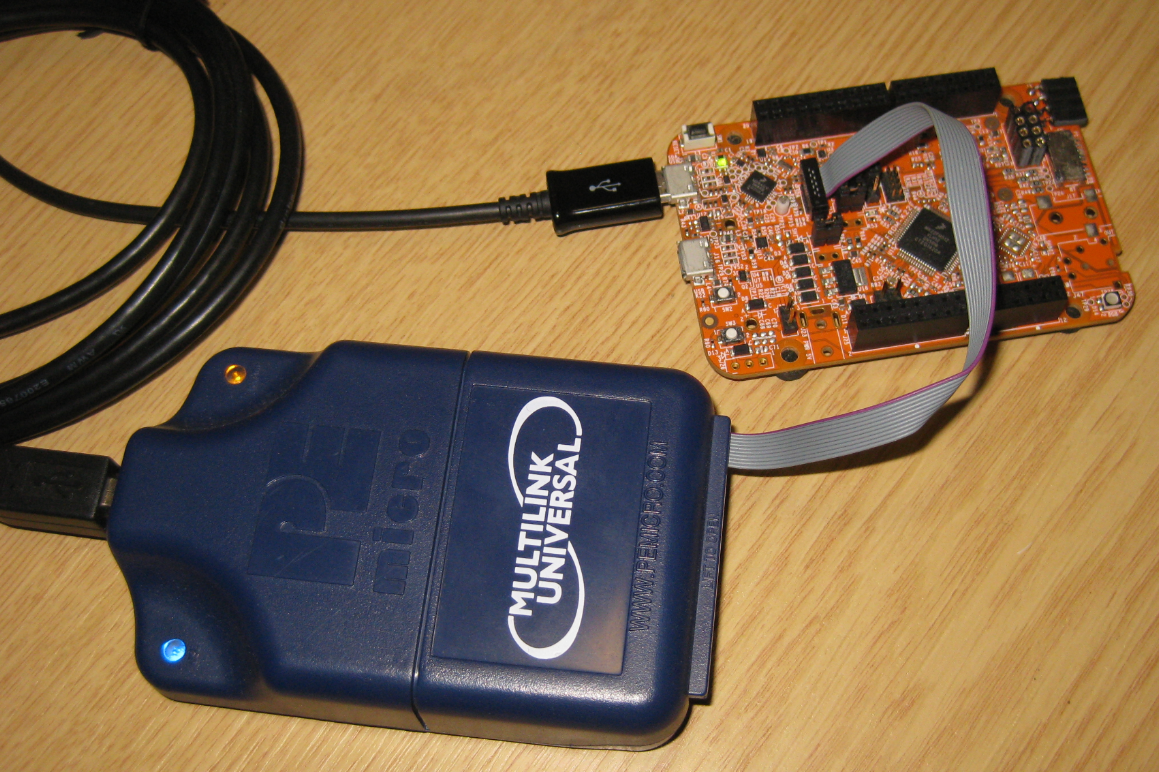
Recovering and Updating the NXP OpenSDA Bootloader with P&E Multilink and MCUXpresso IDE
Many of the NXP OpenSDA boot loaders are vulnerable to Windows 8.x or Windows 10: write accesses of Windows can confuse the factory bootloader and make the debug firmware and bootloader useless. In this post I show how to recover the bootloader using MCUXpresso IDE and the P&E Universal Multilink.
Bricking and Recovering OpenSDA Boards in Windows 8 and 10
Getting a board from a distributor like Farnell/Element14/Mouser (add your own distributor) means that chances are high that the default firmware on it is written years from now because the inventory has not been updated, or because boards are still produced with that original firmware (because of testing?). So what happens if I use board with a firmware developed pre-Windows 8/10 area?
It might work, but chances are high that the bootloader and firmware is not ready for the ‘modern age’, and as a result the board might be bricked. If you still have a Windows 7 machine around (I do!), you are lucky. If not, then you need to read this article….
How to Recover the OpenSDA V2.x Bootloader
More and more of my students are using Microsoft Windows 10 machines, and my computer has been upgraded to Windows 10 a couple of week ago too. From my work and experience, a new operating system causes always some challenges, and Windows 10 is no difference. And no, this is not about Microsoft vs. Apple vs. Linux, this post is about addressing a potential and painful problem which I have observed with Windows 10 machines, and to my understanding it could happen with any other operating system too. The problem is that somehow on several student machines the bootloader and OpenSDA application on their FRDM boards did not work any more.
Tutorial: FreeRTOS with NXP Kinetis SDK V2.0 and Processor Expert
In “Tutorial: Blinky with NXP Kinetis SDK V2.0 and Processor Expert” I used Processor Expert components with the NXP Kinetis SDK to blink some LEDs. This tutorial extends the earlier project and adds FreeRTOS.
Tutorial: Blinky with NXP Kinetis SDK V2.0 and Processor Expert
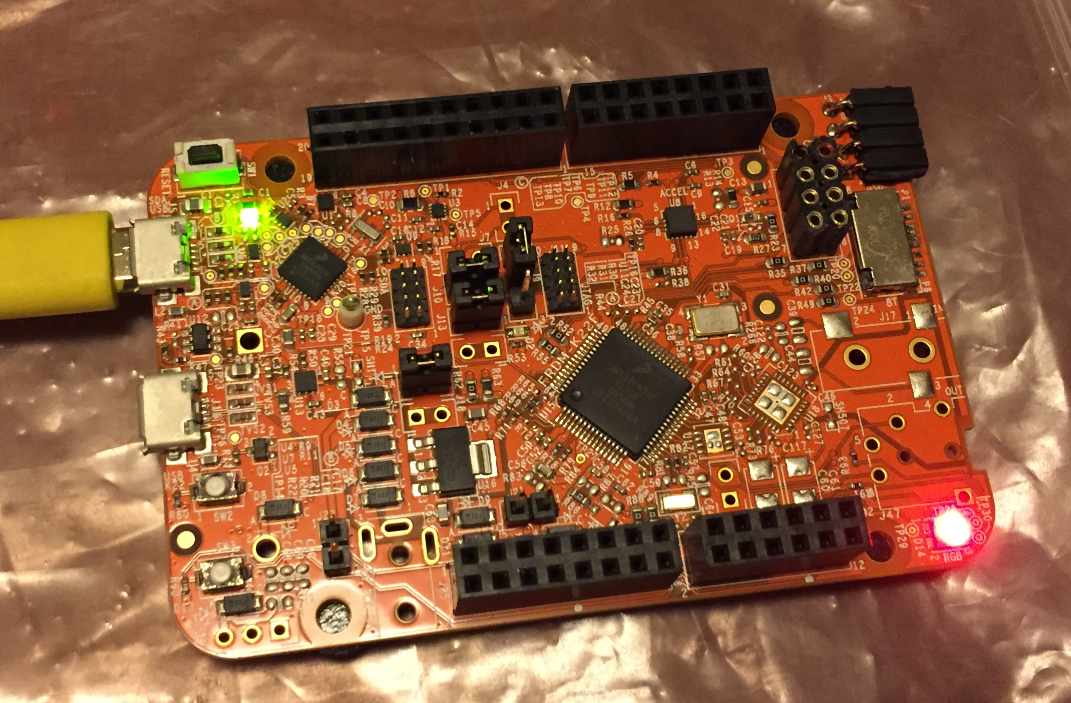
In “Mother of Components: Processor Expert with NXP Kinetis SDK V2.0 Projects” I presented an approach how to use Processor Expert components with the NXP Kinetis SDK. This article is a tutorial how to create a blinking LED project with that approach, using McuOnEclipse Processor Expert components and the Kinetis SDK V2.0. As board the FRDM-K22F is used:
NXP FTF Hands-On with FreeRTOS Task Aware Debugger
I mentioned the hands-on sessions on FreeRTOS I do this week at NXP FTF Tech Forum in Austin in my previous post. What we are using in the session is an Eclipse plugin in Kinetis Design Studio showing all kinds of FreeRTOS information:
FreeRTOS Thread Debugging with Segger GDB in Eclipse
NXP FTF Tech Forum in Austin has been a blast! I’m running another FreeRTOS hands-on session (FTF-DES-N2048) this afternoon which yet again is fully booked. But we will squeeze in as many as possible from the waiting list.
One very exciting thing we are going to use is FreeRTOS thread awareness in Eclipse/Kinetis Design Studio: to see and debug the FreeRTOS threads in Eclipse using the Segger GDB and it will show the list of threads in the Debug view:
Mother of Components: Processor Expert with NXP Kinetis SDK V2.0 Projects
Unfortunately, now the NXP Kinetis SDK V2.0 does not include Processor Expert support (see “First NXP Kinetis SDK Release: SDK V2.0 with Online On-Demand Package Builder“). But at the Lucerne University we are using more than 150 different custom Processor Expert components we would like to use with that new SDK. So how to make them working with the Kinetis SDK V2.0? Using a Processor Expert as “the mother of all components”: