Updating MCU-Link CMSIS-DAP Debug Probe Firmware, Jumper-less

The MCU-Link debug probes are versatile and very useful debug probes from NXP. This article describes how to update the firmware on it, both the ‘traditional’ way with using the ISP jumper, and the new way using a command line script without the need to use a jumper.

MCU-Link Pro Debug Probe ISP Jumper
Continue reading

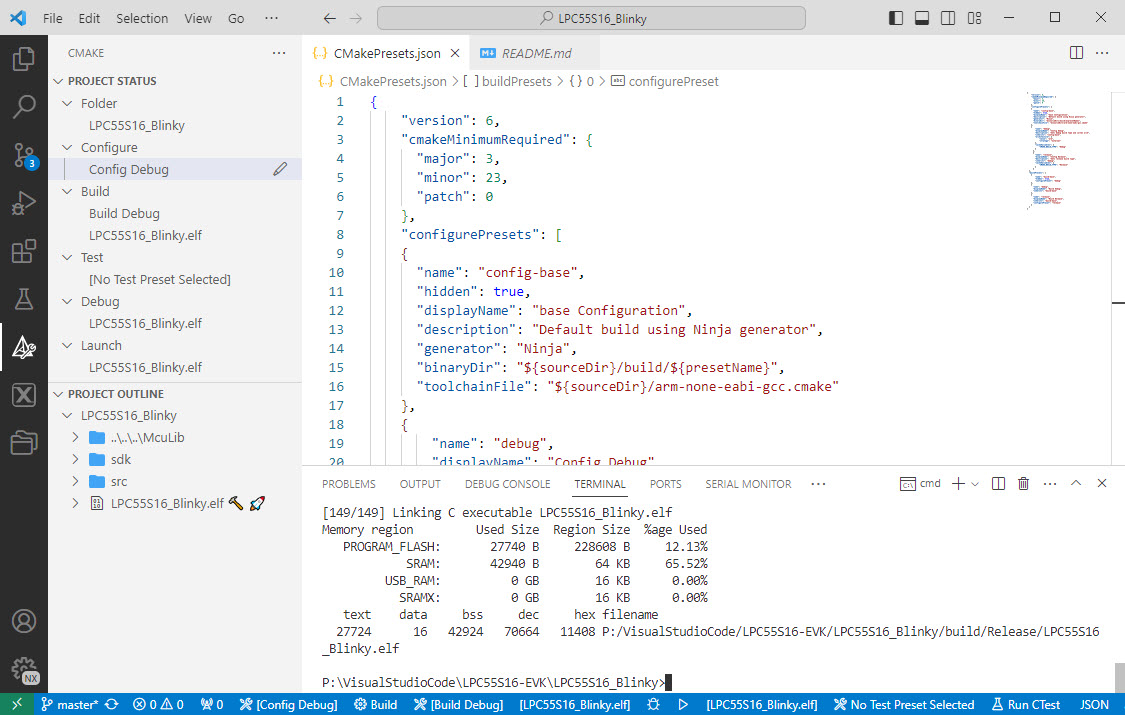
Building with CMake Presets

I’m getting my head more and more around CMake and its features. After having so many issues with VS Code dealing with CMake Kits, I have found feature in CMake which really is a game changer for me: CMake Presets.

Working with CMake Presets in VS Code
Continue reading

MCU-Link with Cortex-Debug and LinkServer

The MCU-Link is a small and inexpensive $10 CMSIS-DAP debug probe from NXP. It can work with OpenOCD, but has better target support using the NXP LinkServer which implements a gdb server. This makes it an ideal combination for scripting or automated testing.

MCU-Link as external debug probe
Continue reading

VS Code: Data Breakpoints and Watchpoints

There are many cases where setting a breakpoint on a line of code does not help much. Cases like data or variables get modified from somewhere. That can be data in a linked list somewhere, and all what I have found out so far that it gets changed or corrupted. But I do not know what piece of code is responsible for it.

The solution for such problems are ‘data breakpoints’ or ‘watchpoints‘. Still, not many developers seem to be aware of watchpoints? They are incredibly helpful. And VS Code has at least some basic support for it.

Data Breakpoints in VS Code
Continue reading

VS Code: Cure the Extension Creep with Profiles

What makes Microsoft Visual Studio Code really useful is the concept of Extensions: Probably for every problem or use case you might find an extension. There are more than 40K extensions available for VS Code. And VS Code asks to install extensions:

VS Code asking to install an extension

The issue with this is: more and more extensions get added, making VS Code slower and slower, caused by that ‘extension creep’. Even worse: extensions can cause conflicts, and clutter the development flow. Luckily, there is a cure for this in VS Code: Profiles.

Active Profile in VS Code
Continue reading

“No Kit Selected”: Fixing VS Code CMake Kit Assignment

One important thing in using VS Code and CMake projects is that one needs to have a CMake kit assigned to the project. But after a restart of VS Code or if I re-load a project, VS Code has lost the previously assigned CMake kit:

VS Code has forgotten about the previously assigned CMake Kit?

This is very annoying, but luckily I have found a fix for this.

Continue reading

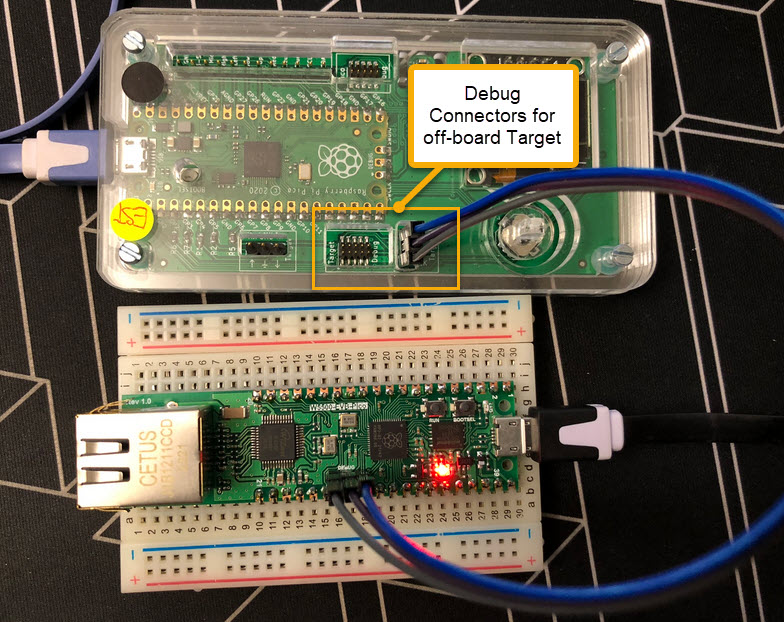
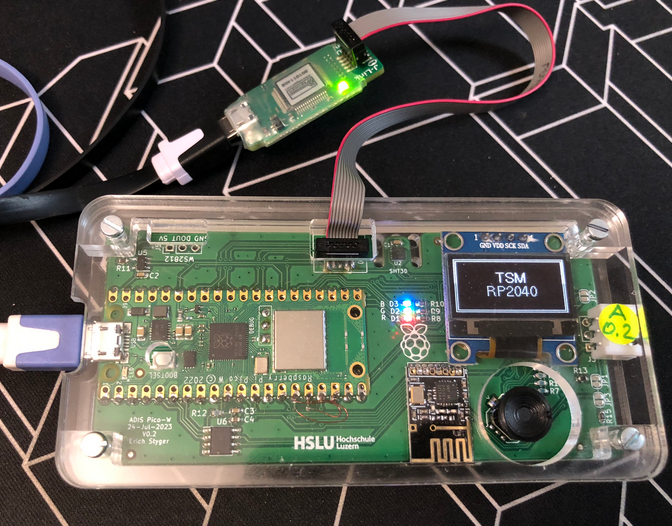
Debug Probes for RP2040 with VS Code

For systematic debugging, an engineer needs a debug probe. For the Raspberry Pi Pico (RP2040) device there are plenty of debug options with VS Code.

In this article I show different options, from professional tools to DIY solutions and the settings in VS Code I’m using.

Continue reading

Semihosting with VS Code on RP2040

With semihosting I can use standard I/O function like printf() and I can read and write data on the host through the debug connection. If used with care, this is a great feature especially for unit testing.

Raspberry Pi Pico-W (RP2040) board
Continue reading

VS Code: Virtual Environments for Embedded Development with Conda

Developing for an embedded target means using a certain version of GNU compiler, debugger and other tools. The challenge gets bigger if working with multiple different tool chains and environments.

Conda in VS Code

Conda is package, dependency and environment management tool. While it is heavily used for Python and Data Science development, it is surprisingly working very well to set up and managing environments for embedded development. Conda is great for managing non-Python dependencies and setups.

Continue reading

VS Code: Importing pre-v2.13.0 MCUXpresso SDK Projects

In my previous article I showed how to import, build and debug MCUXpresso SDK projects in VS Code. In my lectures and labs we are using a robot based on the NXP Kinetis K22FX512 ARM Cortex-M4F microcontroller, and there is only the v2.13.0 SDK available.

INTRO Sumo Robot
Sumo Robot with K22FX512

The software on the robot uses the latest NXP MCUXpresso SDK v2.3.1. The he Eclipse based MCUXpresso IDE 11.8.0 works fine with all the 2.x SDKs, up to the latest 2.13.0 one.

Continue reading