Tutorial: RFID Tags with the NXP NFC Controller PN7120 and Eclipse

Playing with RFID and NFC is definitely fun :-), and they are everywhere! For a research project I’m exploring different RFID tags and solutions. I several types around for a long time, but never found the time to actually work on it, so last nightI thought I give it a try, and I have it working with GNU ARM and Eclipse, powered by the NXP FRDM-K64F board 🙂

NXP NFC PN7120S

NXP NFC PN7120S with a FRDM-K64F Board

Continue reading

Tutorial: Blinky with Kinetis SDK V1.3 and Processor Expert

This tutorial goes through the steps how to create a blinking LED application, using Kinetis SDK and Processor Expert, using the TWR-KL43Z48M board from Freescale (now NXP):

twr-kl43z48m

twr-kl43z48m

Continue reading

Enclosure for the Remote Robot Controller with LCD Display

The first enclosure for the INTRO robot remote controller board (see “INTRO Robot Remote – First Production PCB“) is ready, and it is looking good:

Enclosure for the Remote Controller Board

Enclosure for the Remote Controller Board

Continue reading

Prototype of Wireless Remote Controller with NXP Kinetis K20

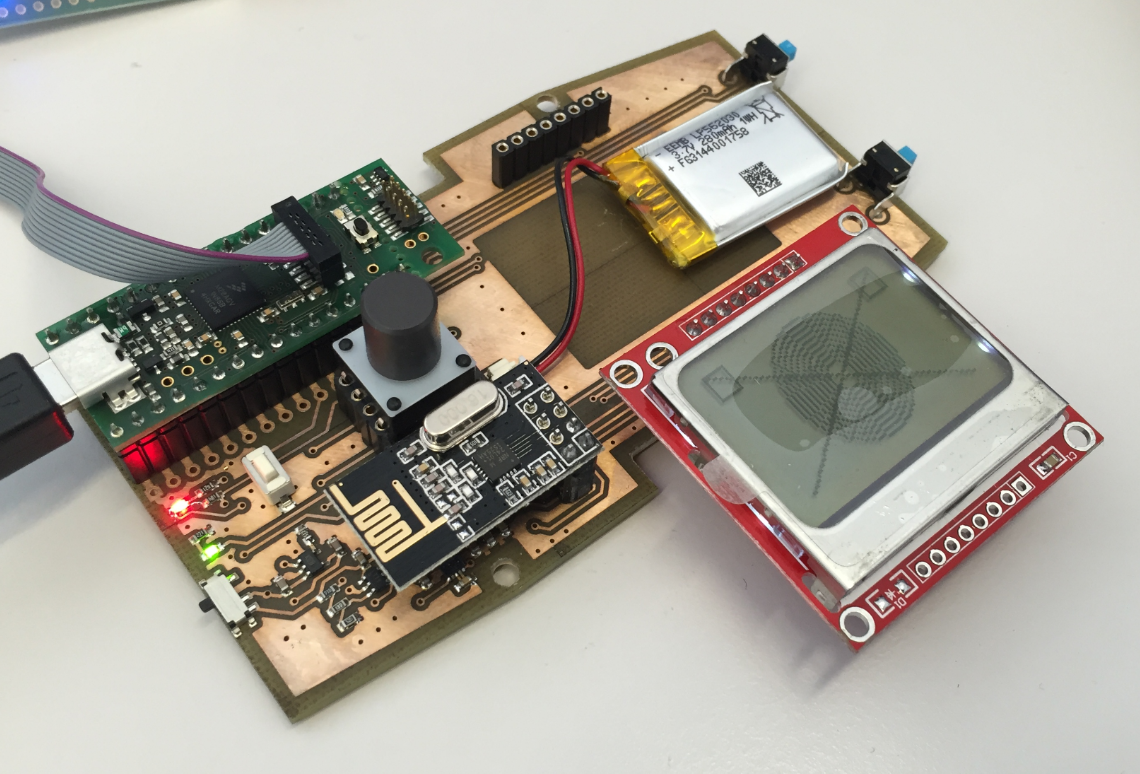
For next semester I plan to use the tinyK20 as a remote controller for the Zumo Robots. I already had an early prototype presented in “3D Printed Gameboy and Remote Controller with tinyK20 Board“, so here is the next iteration of, in a sneak preview:

Remote Controller Prototype

Remote Controller Prototype

Continue reading

NXP Pins Tool: Understanding Data for Offline Usage

I’m using the NXP Pins tool (see “Tutorial: Muxing with the New NXP Pins Tool“) now in several projects, and I think it is time to share a few tips and tricks.

Pins Tool

Pins Tool

So join me on a journey through the internals of the NXP Pins tool :-).

Continue reading

Switching the Microcontroller Package, Device and Family

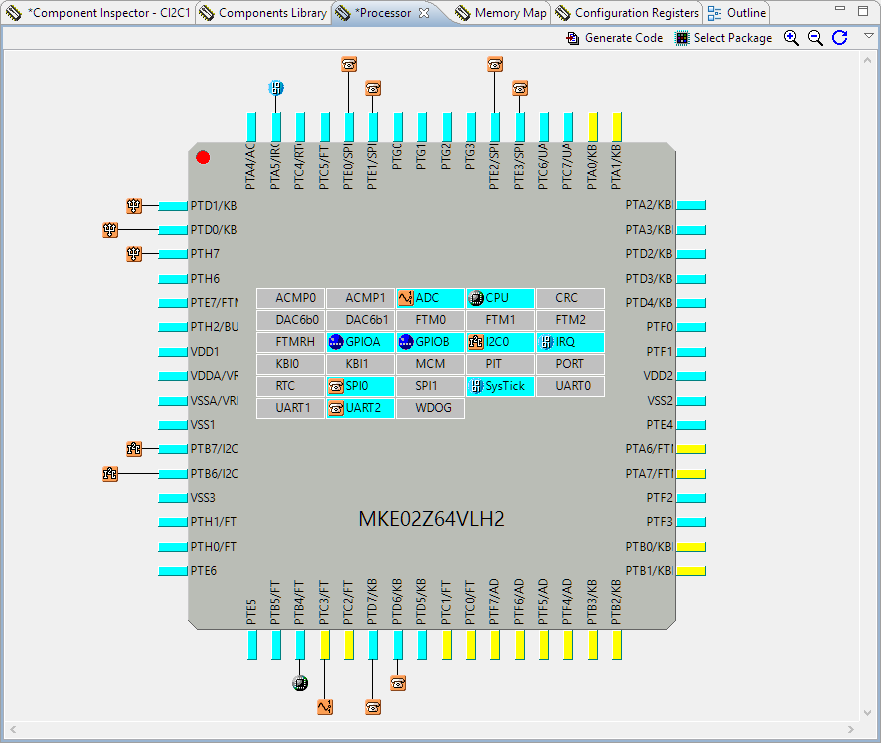
One of the major benefits of Processor Expert is that I can easily switch the device or processor used in a project. For example I can do my concept with a larger device with more FLASH and RAM, and then at the end easily switch to a smaller or even completely different device very quickly. For example I have a project working with the 64KByte FLASH version of the KE02Z (KE02Z68VLH2):

MKE02Z64VLH2

MKE02Z64VLH2

Continue reading

First steps: ARM Cortex-M7 and FreeRTOS on NXP TWR-KV58F220M

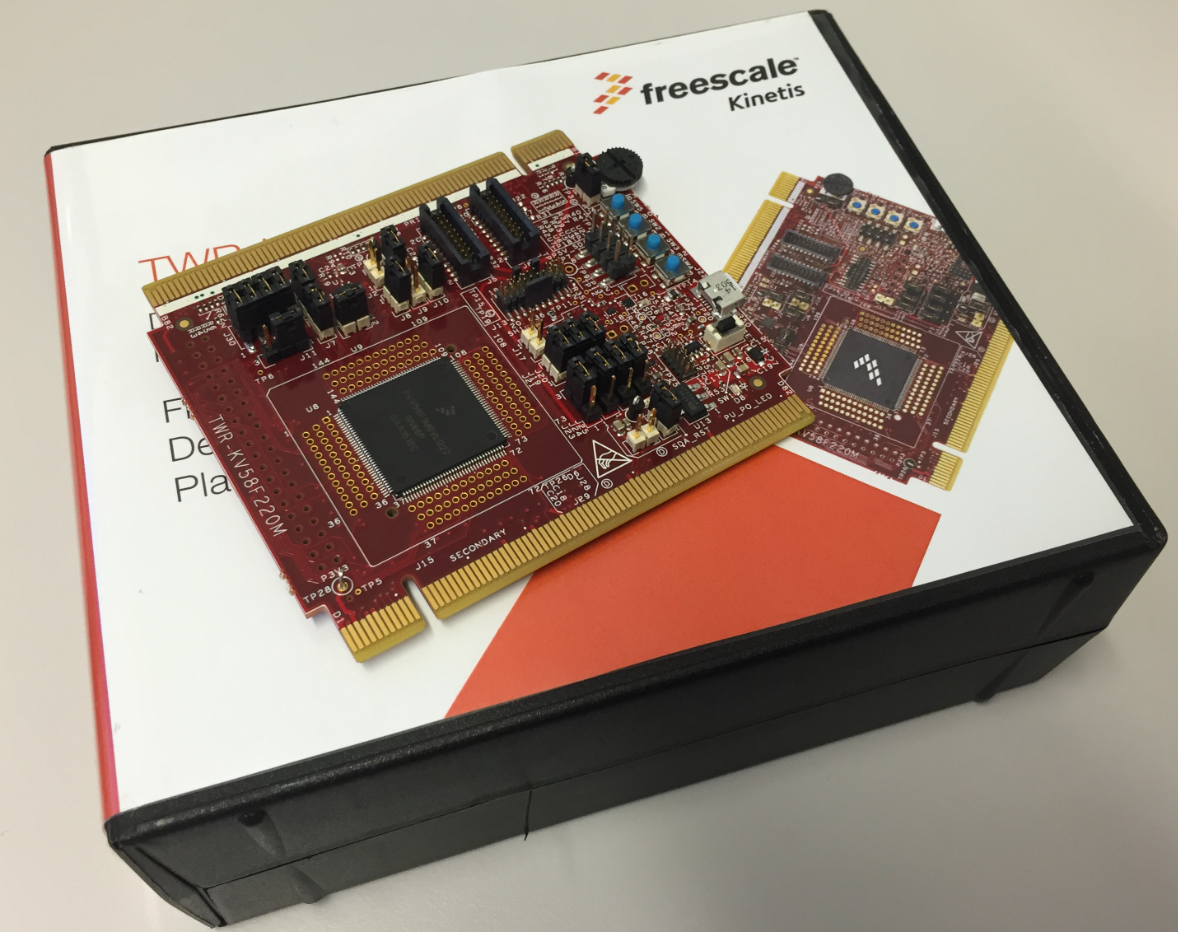
For a university research project I need a fast microcontroller with lots of RAM and FLASH memory. I have ordered a TWR-KV58F220M board from NXP which arrived yesterday. The special thing is that it has on of these new ARM Cortex-M7F on it:

TWR-KV58F220M Box

TWR-KV58F220M Box

Continue reading

Swiss Army Knife of Terminal Program for Serial Bootloaders

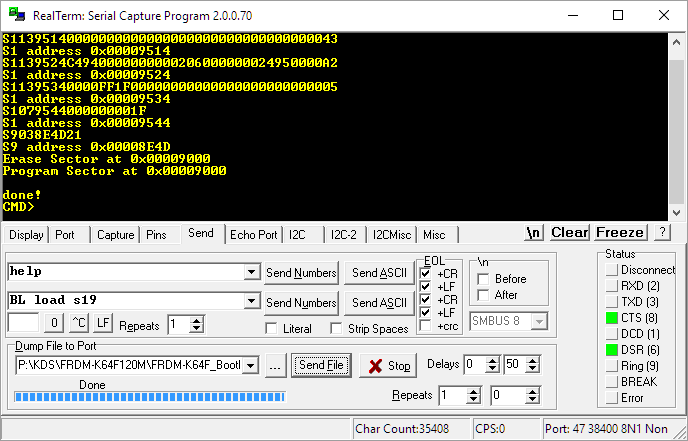
A bootloader shall be small and concise. I very much like bootloaders which do not need a ‘special’ program on the host, so I prefer a simple terminal for this. While porting my serial bootloader to the NXP FRDM-K64F board, I have found RealTerm which offers a lot of cool features:

RealTerm

RealTerm

Continue reading

Combining Multiple NXP Kinetis SDKs into One

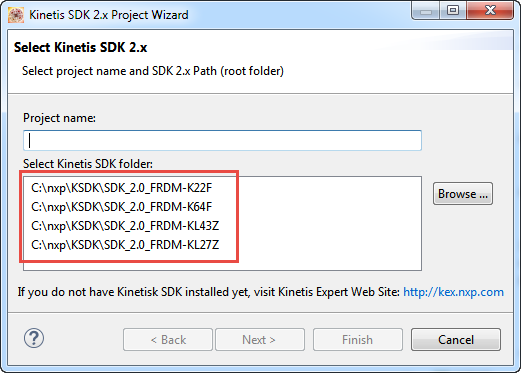
My wife tells me that I have too many boards on my desk. That is only *partially* correct: there are many, but not *too* many. But I’m working on too many tasks, but that’s a different aspect :-). I’m using more and more the Kinetis SDK V2.0, and as a result of this I have multiple SDKs installed on my machine. Because with the SDK V2.0 I get a download for each device/board installed (see “First NXP Kinetis SDK Release: SDK V2.0 with Online On-Demand Package Builder“). So my list of SDK folders is growing, as shown with the ‘New SDK 2.x’ wizard in Kinetis Design Studio:

Multiple Kinetis SDKs

Multiple Kinetis SDKs

The same time, the amount of free disk space is reducing. What if I could combine all these SDK’s?

Continue reading

Tutorial: Muxing with the New NXP Pins Tool

I don’t know if it is the same for you. But for me, configuring the pins on these new ARM microcontroller is a challenge: Most pins can do multiple functions, such as be used as I²C, UART or GPIO pins.

Configuring the pins ‘by hand’ is difficult, error-prone and usually the first thing I need to do for a new project/device. NXP developed a new tool for this task and previewed it at FTF 2016. It is available now both as web (online) and desktop (locally installed) tool. At FTF it was possible to play with an engineering release: time to get my hands on the public release :-). And as more and more student projects will start using that tool for their boards, I better have a tutorial for it :-).

Desktop Version of Pins Tool

Desktop Version of Pins Tool

Continue reading