Tutorial: Catching Rogue Memory Accesses with Eclipse and GDB Watchpoints

Eclipse is great: it gives me the tools and capabilities to solve the really hard bugs to find. An example of that ‘hard’ category are ‘rogue’ memory accesses: something in the application is accessing an unwanted memory location and corrupts the data. This might be very sporadic, or takes a long while until it happens. With normal ‘stop-mode’ debugging (setting a normal breakpoint) and stepping usually won’t let me find that bug, as it might be coming from a pointer somewhere. Maybe from an interrupt routine. Or maybe an unitialized or corrupted pointer corrupts to my memory. Usually all what I know is the memory adddress of the data, maybe what is written, but not what or who is writing to that location.

In this article I’m using one of the ‘less-known’ debugging techniques available in Eclipse and CDT and how it works: watchpoints!

Watchpoint with Condition

Watchpoint with Condition

In this article I’m using one of the ‘less-known’ debugging techniques available in Eclipse and CDT and how it works: watchpoints!

Continue reading

Display Library Function Help Text in Eclipse C/C++ Projects

In this short article I show you how to enable one of the hidden gems in Eclipse: how to get a description of the library function used in the code

Library Hover

snprintf() help text

Continue reading

Tutorial: Using Runtime Statistics with Amazon FreeRTOS V10

FreeRTOS includes a nice feature to give me information about how much time every task is spending running on the system:

FreeRTOS Runtime Information

FreeRTOS Runtime Information

This tutorial explains that FreeRTOS Runtime Statistics feature and how it can be turned on and used.

Continue reading

Debug the Last Launched Application with Eclipse and other Debug Tricks

My usual workflow is: edit – build – debug and repeat. And this for the same project again and again. So here are a few tips how to make these iterations faster with Eclipse. One thing is to use the F11 shortcut to debug the last launched/debugged application:

Debug Last Launched

Debug Last Launched

Continue reading

Porting Processor Expert Projects to MCUXpresso IDE

The McuOnEclipse GitHub repository hosts many Processor Expert projects and is very popular (cloned more than 1000 times, thank you!). Processor Expert is a powerful framework which generates driver and configuration code, simplifying application development for a wide range of microcontroller and families. But Processor Expert won’t be developed further by NXP and is not part of MCUXpresso IDE. While it is possible to install Processor Expert into MCUXpresso IDE 10.2, how can these projects used ini an IDE *without* Processor Expert? This article describes how to port an existing Processor Expert project into the NXP MCUXpresso IDE.

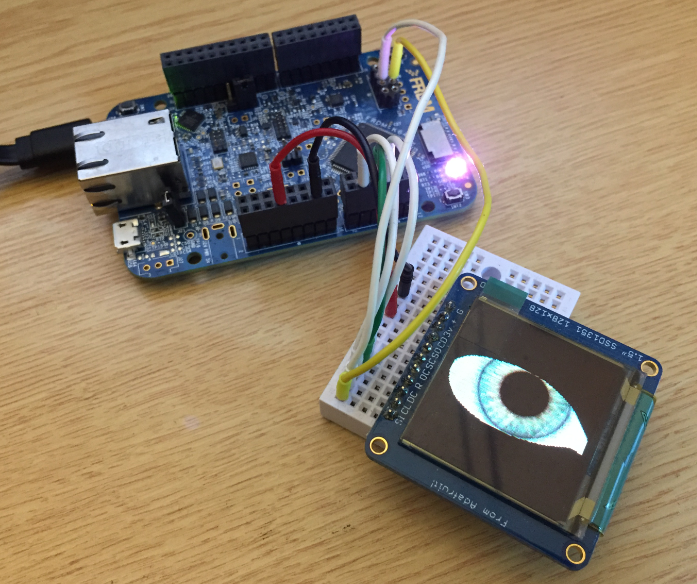
Adafruit SSD1351 with FRDM-K64F

Ported Project with FRDM-K64F using Adafruit SSD1351 and Processor Expert

Continue reading

Updating the S32K144EVB to Switch between 5V and 3.3V Logic Levels

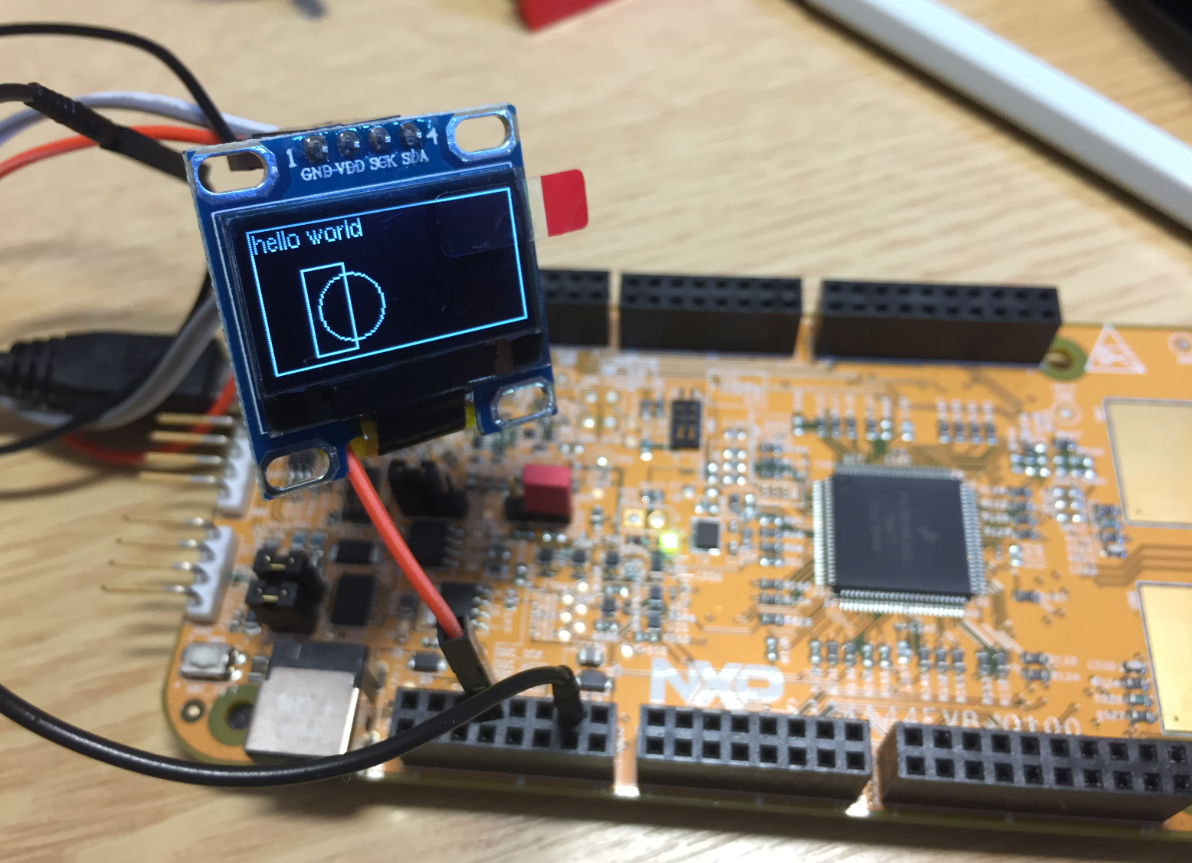
By default, the NXP S32K144EVB and microcontroller is using a 5V supply voltage and logic levels which is great for noisy environment or any 5V devices. Many of my displays and sensors use 3.3V logic levels, so I would have to use a level shifter from 5V to 3.3V. There is another way: to change the board for 3.3V logic levels so I can use directly things like a SSD1306 display.

S32K144EVB with OLED SSD1306 using 3.3V Logic Levels

S32K144EVB with OLED SSD1306 using 3.3V Logic Levels

Continue reading

Using custom FreeRTOS with S32K SDK and OSIF for ARM

In “Tutorial: FreeRTOS 10.0.1 with NXP S32 Design Studio 2018.R1” I showed how to use a custom FreeRTOS with the S32 Design Studio (ARM). The OSIF (OS Interface) provides an operating system and services abstraction for the application which is used by other S32K SDK components:

OSIF in S32K for ARM Eclipse Project

OSIF in S32K for ARM Eclipse Project

Continue reading

Creating Disassembly Listings with GNU Tools and Eclipse

In many cases it is very useful to see the generated assembly code produced by the compiler. One obvious way to see the assembly code is to use the Disassembly view in Eclipse:

Disassembly View

Disassembly View

But this requires a debug session. An easier way is to use command line options to generate the listing file(s).

Continue reading

Eclipse Debugging with Pointers and Arrays

In the C programming language it is good practice to pass values by reference (using a pointer), especially for large set of data. For example the following function takes a message string and pointer to integer data which then is printed to the console:

static void printData(const char *msg, const int *intBuf, size_t bufSize) {
  puts(msg); /* print message */
  for(int i=0; i<bufSize;i++) {
    printf("buf[%i] = %i\n", i, intBuf[i]);
  }
}

Continue reading