“No source available”, or how to Debug Multiple Binaries with GDB and Eclipse

When working and debugging a bootloader, debugging can be a challenge: During debugging the bootloader, a new binary gets loaded into the microcontroller address space which is unknown to the debugger. As soon as I step into the newly loaded binary, I only see assembly code, with that ugly “No source available” in Eclipse:

No Source Available, debugging in assembly

No Source Available, debugging in assembly

But wait: GDB is able to do pretty much everything you can imagine, so here is how to debug multiple binaries with GDB and Eclipse, and to turn the above into something which is easy to debug:
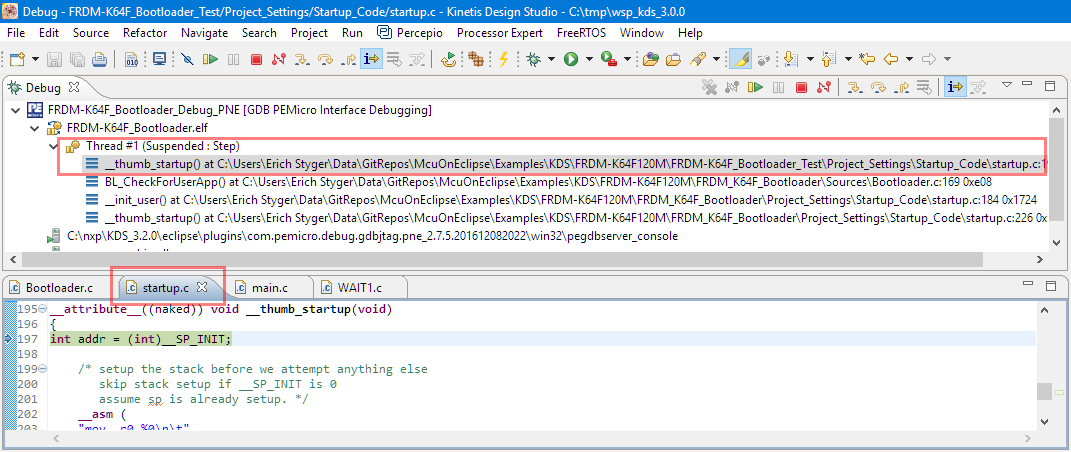
Debugging with Symbolics
Debugging with Symbolics

Continue reading

Tutorial: Hexiwear Bluetooth Low Energy Packet Sniffing with Wireshark

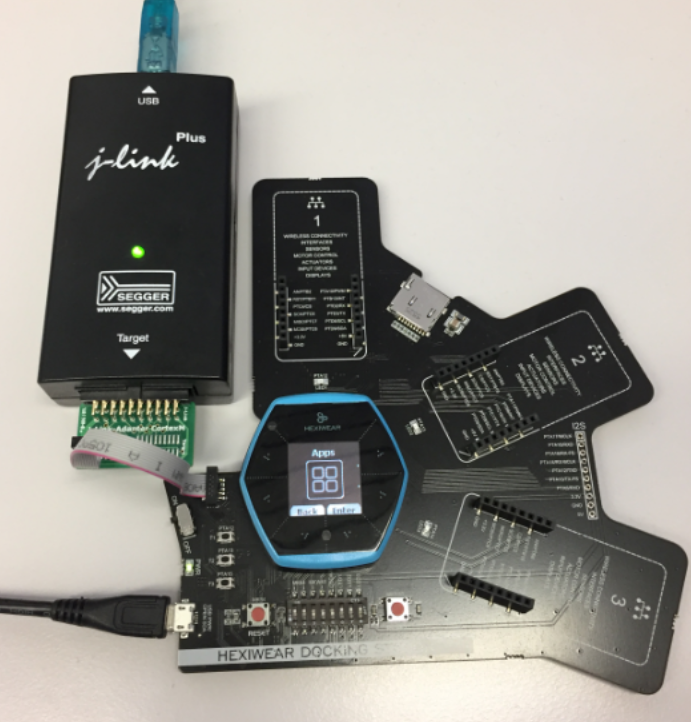
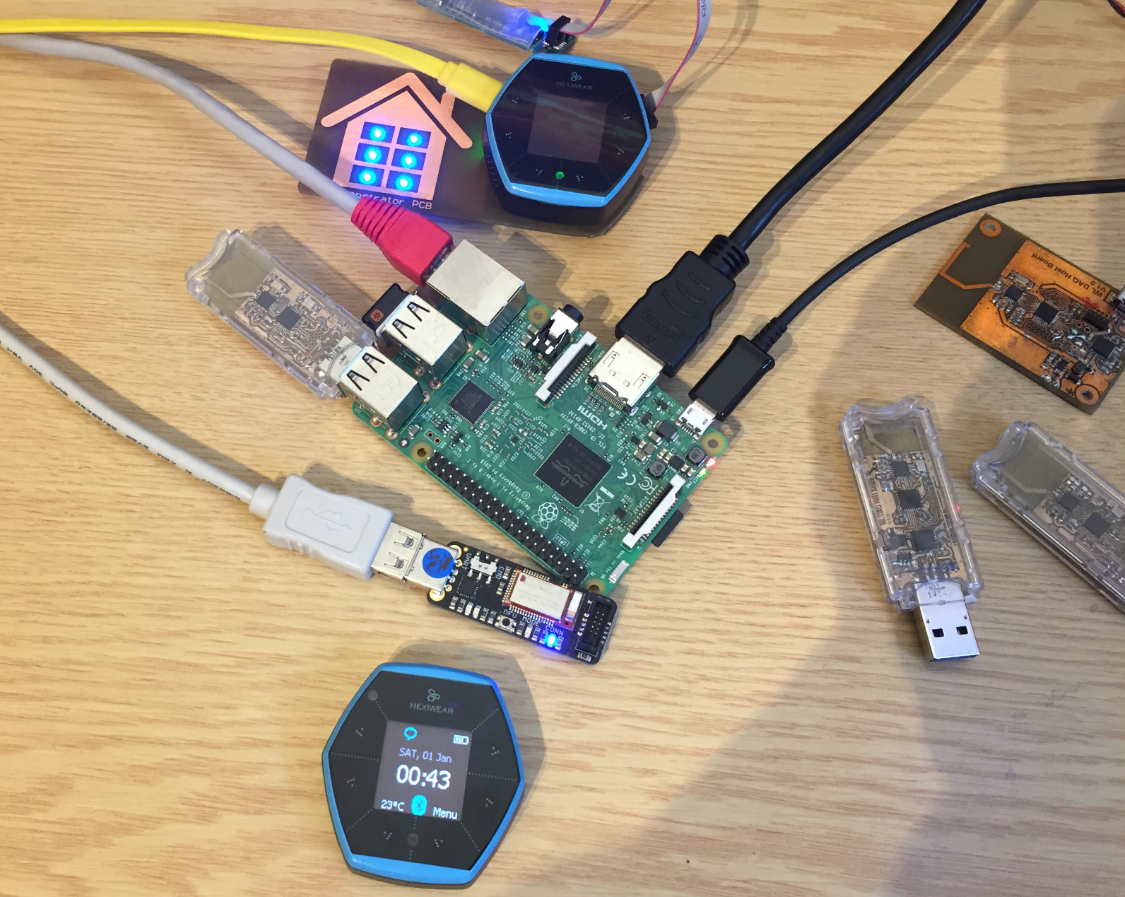
For a university reasearch project I try to pair the Raspberry Pi 3 with a Mikroelektronika Hexiwear using BLE (Bluetooth Low Energy). Most of things worked after a lot of trial and error, but at a certain point I was stuck trying to write to send data from the Raspy to the BLE device.The Hexiwear BLE protocol description is very thin, so I ended up using a BLE sniffer to reverse engineer the protocol with Wireshark.

Sniffing BLE Packets between Raspy and Hexiwear

Hardware setup between Raspy and Hexiwear

Continue reading

Disabling EzPort on NXP Kinetis to Solve Power-On Issues

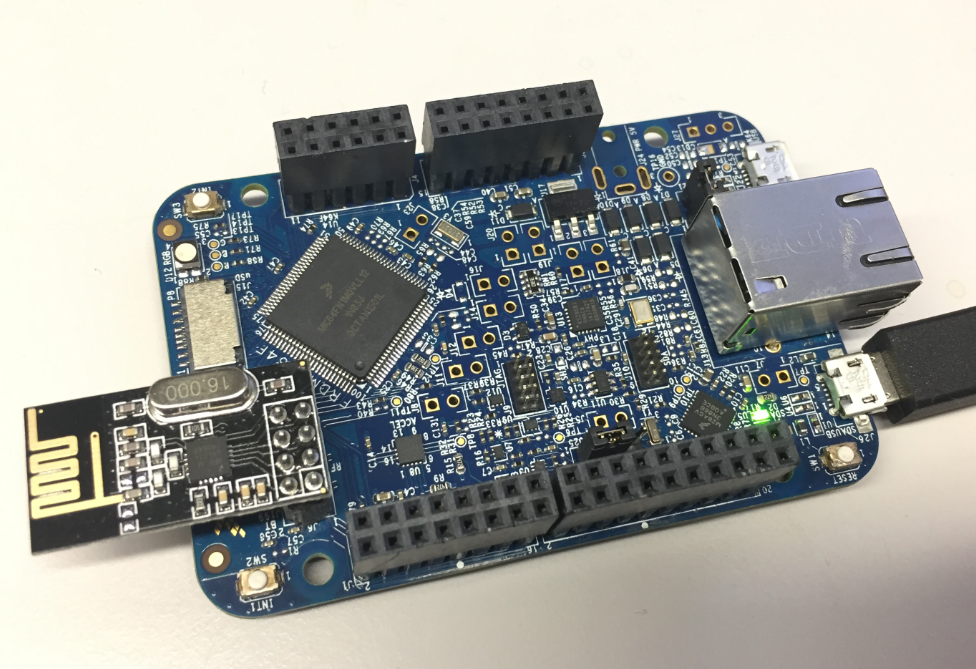
I’m using the NXP FRDM-K64F board in several projects: it is reasonably prices, has USB, Ethernet, micro SD card socket and connectors for Bluetooth classic and Nordic Semiconductor nRF24L01+ 2.4 GHz transceiver:

NXP FRDM-K64F Board

NXP FRDM-K64F Board

But one issue I have faced several times is that the board works fine while debugging and connected and powered by a host machine, but does not startup sometimes if powered by a battery or started without a debugger attached. I have found that the EzPort on the microcontroller is causing startup issues.

Continue reading

McuOnEclipse Components: 12-Dec-2016 Release

Time is passing by so fast, and the year end is approache fast! I’m pleased to announce that a new release of the McuOnEclipse components is available in SourceForge:

  • Percepio Trace V3.1 for FreeRTOS which includes both Segger RTT continuous streaming and snapshot tracing in a single API
  • Generation of sources and drivers so they can be used without Processor Expert using McuLibConfig, removal of dependency to NXP Kinetis SDK: components use a generic API approach to have them working with other SDKs.
  • New contributed ExceptionsHandler component
  • Callback Setter and Getter in USB CDC stack for simpler option handling
  • GenericTimeDate with flexible RTC support and added Unix Timestamp functions
  • LongKey events in Key component
  • FreeRTOS with optimized task selection on Cortex-M4/M7
  • Many smaller bug fixes and enhancements
SourceForge

SourceForge

Continue reading

Flashing and Restoring the Hexiwear Firmware

The Hexiwear device is a great and versatile device with two microcontrollers on it. Developing firmware on a Hexiwear means changing what was originally on it. And sometimes it happens that I’m not sure if the changes are for good. Or that I accidentally destroyed the firmware on the NXP Kinetis KW40 BLE microcontroller :-(. So I had to find a way to restore the original firmware, and this is what this post is about.

Restoring the Hexiwear Firmware with a Segger J-Link

Restoring the Hexiwear Firmware with a Segger J-Link

Continue reading

Tutorial: Getting ETM Instruction Trace with NXP Kinetis ARM Cortex-M4F

It seems to me that not many developers use hardware trace? ARM indicates that maybe only <5% of developers are using trace. Too bad! Why are all the ARM Cortex microcontroller vendors putting a powerful hardware (and complicated!) trace engine into their devices, if only few developers are using it? Seems like a waste of silicon and an unnecessary price adder? Well, hardware trace can be a life saver: Because only with hardware trace the most complicated bugs and problems can be solved. And maybe because only the best are using it ;-).

In this article I proudly present my research how to get instruction trace out of the ARM Cortex-M4 microcontroller on a NXP TWR-K64F120M board with a Segger J-Trace for ARM:

J-TRACE tracing NXP TWR-K64F Board

J-TRACE tracing NXP TWR-K64F Board

Continue reading

McuOnEclipse Components: 30-Oct-2016 Release

A new McuOnEclipse components release was long overdue, so I’m pleased to announce that a new drop is available with the following major changes:

  • Segger SystemView library with kernel time reporting
  • GenericTimeDate supports different hardware RTC devices
  • Utility with little endian packet handling functions
  • Shell Standard I/O handlers for USB CDC, Segger RTT and Bluetooth
  • FreeRTOS and stack size reporting
  • printf() support in Shell component
  • Various small bug fixes and improvements
SourceForge

SourceForge

Continue reading

Tutorial: Using Single Wire Output SWO with ARM Cortex-M and Eclipse

As a standard procedure, I add some console functionality to my embedded applications. That way I have a command line interface and can inspect and influence the target system. One interesting hardware feature of ARM Cortex-M is Single Wire Output (SWO): it allows to send out data (e.g. strings) over up to 32 different stimulus ports, over a single wire.

swo-pin-on-arm-debug-header

swo-pin-on-arm-debug-header

Continue reading

FreeRTOS Kernel Awareness with Ozone

In my first post about Segger Ozone (see “First Steps with Ozone and the Segger J-Link Trace Pro“) I missed the fact that it includes support for kernels like FreeRTOS. So here is how to show the FreeRTOS (or any other RTOS) threads with Ozone:

freertos-threads-in-ozone

freertos-threads-in-ozone

Continue reading