I have started the semester and labs using the MCUXpresso IDE V11.2.0 which has been available from July this year. The past week I received the notification that the update V11.2.1 is available: time to check it out….
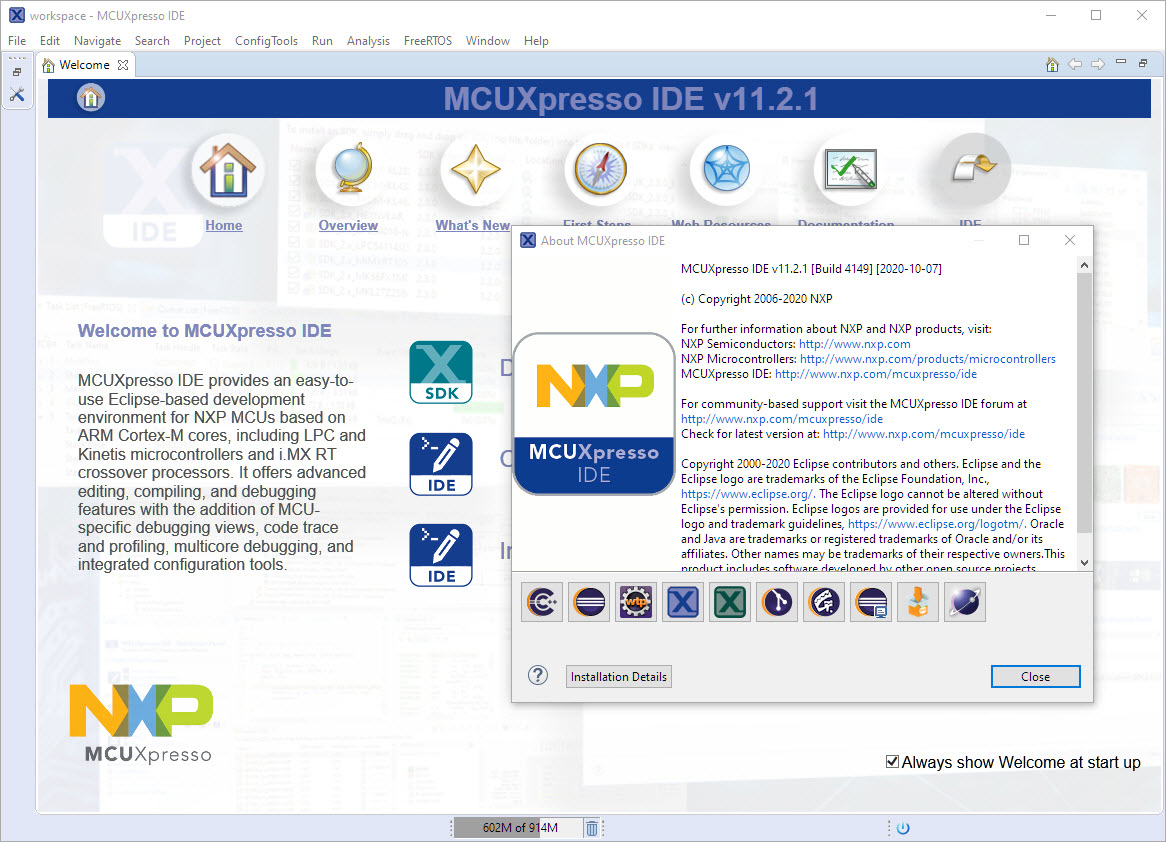
MCUXpresso IDE V11.2.1

I have started the semester and labs using the MCUXpresso IDE V11.2.0 which has been available from July this year. The past week I received the notification that the update V11.2.1 is available: time to check it out….
MCUXpresso IDE V11.2.1
Amazon has released in the past week the FreeRTOS version V10.4.0. Time to upgrade, actually the most recent version 10.4.1! The same time the SEGGER SystemView V3.12 was released back in April this year. No surprise: with the FreeRTOS changes they don’t work out of the box: but no worries, I have you covered and applied all the needed patches and changes to have them working again together: the latest FreeRTOS v10.4.x with Segger SystemView v3.12:

Segger SystemView 3.12 with FreeRTOS 10.4.2
At the university the end of a semester means that you have to get ready for the next semester. I always tend to use the latest and greatest tools for the labs. This week I received the notification that a new version of the Eclipse based MCUXpresso IDE is available, time to check it out for the next semester.

MCUXpresso IDE 11.2.0
I’m making progress with the new ‘Billion Light‘ modules (aka V2): the new design is more modular and easier to build and assemble and still looks awesome with the moving lights and clock hands:

Different Enclosure and Arrangement
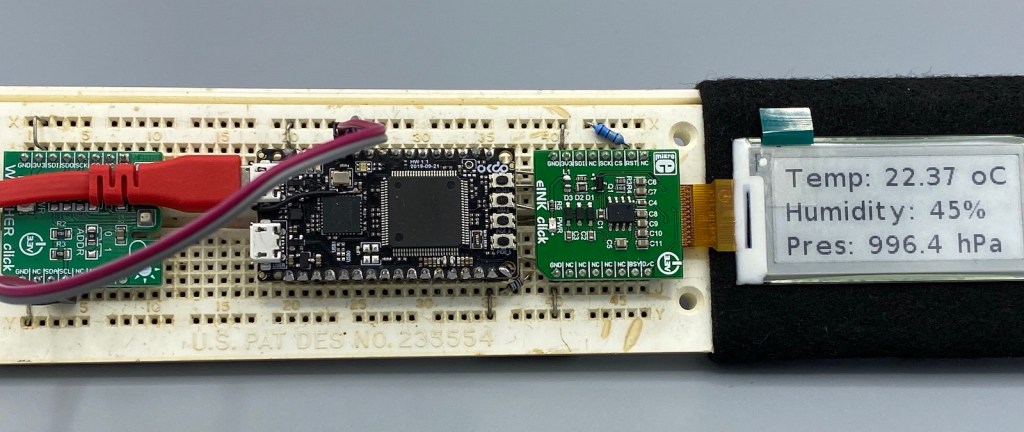
In an earlier tutorial I introduced using I2C with the NXP LPC55S69 on OKdo E1 board to read a Bosch BME280 environmental sensor on a Mikroe Weather Click board. The MCUXpresso Clocks, Pins and Peripheral Config tools were used to get it running. It’s all for my Weather Station project that I’ve been working on during these months of lockdown. It is starting to take shape – as you can see from the photograph:
Now I really need to start reading and writing to the BME280 sensor, and that means using the I2C driver in the lpcxpresso55s69 SDK. And so this week I’ll provide a forensic examination of the most commonly-used I2C function call.
Continue readingI want to share with you a little embedded trick that I use to improve the reliability of my code. And in addition to improving reliability, the technique can be used to schedule any event to occur ‘sometime in the future’. It uses the MicroTick (UTICK) timer found on the NXP LPC55S69 microcontroller, and could be applied to any device with a simple timer.
The MicroTick timer is an elegant, thing of beauty. But there is not a driver example built into the lpcxpresso55s69 SDK, and I believe that the timer is not widely used. That means we need a tutorial!
Continue readingAs promised I’m going to share more details about the “60 Billion Lights” project. It is about a project to build a piece of electronics behind a 100×50 cm canvas to show animations or to display information like temperature, humidity, weather, time or just any arbitrary text.

Writing text
I selected the Bosch BME280 environmental sensor as the heart of my OKdo E1-based weather station. It is convenient to use, and I can prototype with the Mikroe Weather Click board MIKROE-1978. But the sensor is accessed over I2C, and that is my least favourite of the communication interfaces. In this short tutorial, I show you how the MCUXpresso Config tools (Pins, Clocks, Peripherals) are used to set up the I2C driver from the MCUXpresso lpcxpresso55S69 SDK. And very quickly, I am able to communicate with the BME280 sensor.

FreeRTOS is pretty much everywhere because it is so simple and universal, and it runs from the smallest to the biggest systems. But it still might be that for the microcontroller device you have selected there is no example or SDK support for it from your vendor of choice. In that case: no problem: I show how you could easily add FreeRTOS plus many more goodies to it.

Binky on NXP LPC845-BRK Board
It is one thing to create something ‘cool’ or technically interesting. But it is a completely different story to convince your girlfriend, partner, wife, family (or whatever you can name it) to hang something on a wall in our house or office. Then it is not about technology: it is more about design and art. So here is my attempt to solve that challenge:

Displaying temperature with a painted canvas, stepper motors and 2400 RGB LEDs
 MCU on Eclipse