One day earlier than expected, our tinyK20 boards arrived, and they are looking great :-):

Four tinyK20 Boards

One day earlier than expected, our tinyK20 boards arrived, and they are looking great :-):
Four tinyK20 Boards
One of the most important aspects for developing complex realtime applications is get insights into what is going on the target. Segger just has released a free tool which gives an incredible useful insight view and visualization:

Segger System View for FreeRTOS
Over the weekend, I finally have repaired the broken ESC (see “Kinetis Drone: Graupner ESC S3055 Failure“). Time to run some first test flights :-).
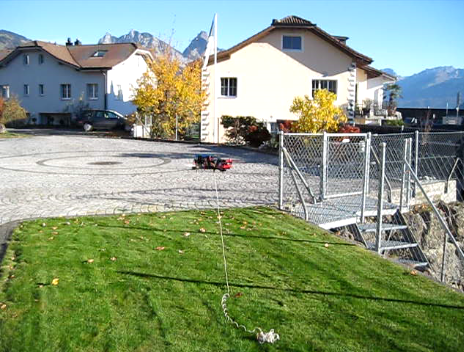
Kinetis Drone Flying Tests
Time is flying fast, time for another McuOnEclipse components release on SourceForge with the following main changes and features:

Segger RTT Console
The bad news: my ESC (see “Kinetis Drone: Graupner ESC S3055 Failure“) for my Kinetis drone is still not repaired :-(. Anyway, I have plenty of other things to make for my drone project. One is to work on the remote controller:
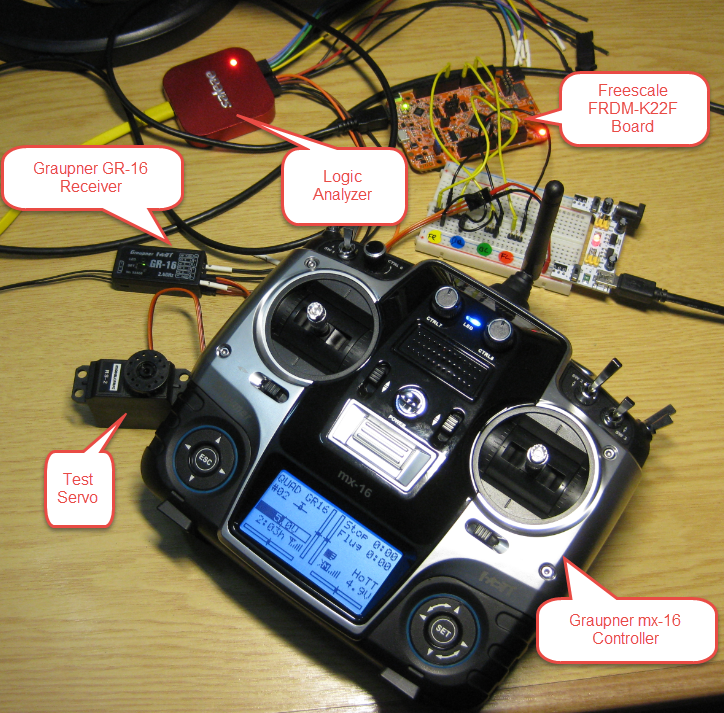
Test Setup
In “Overview: From Snippets to Code Generation” I discussed several tools used in my development process. On tool which helps me a lot to get things done is Processor Expert. In this post I’ll give an overview about this tool and reasoning for the pros and cons of using it.

Processor Expert
Flying a quadrocopter without some sensor and microcontroller intelligence will be a challenge. Definitely I will need some intelligent sensor data to help me out :-). Luckily, there is a Freescale ‘Sensor Fusion Toolbox’ and Library which gives me a nice start and visibility into the sensors I plan to use:
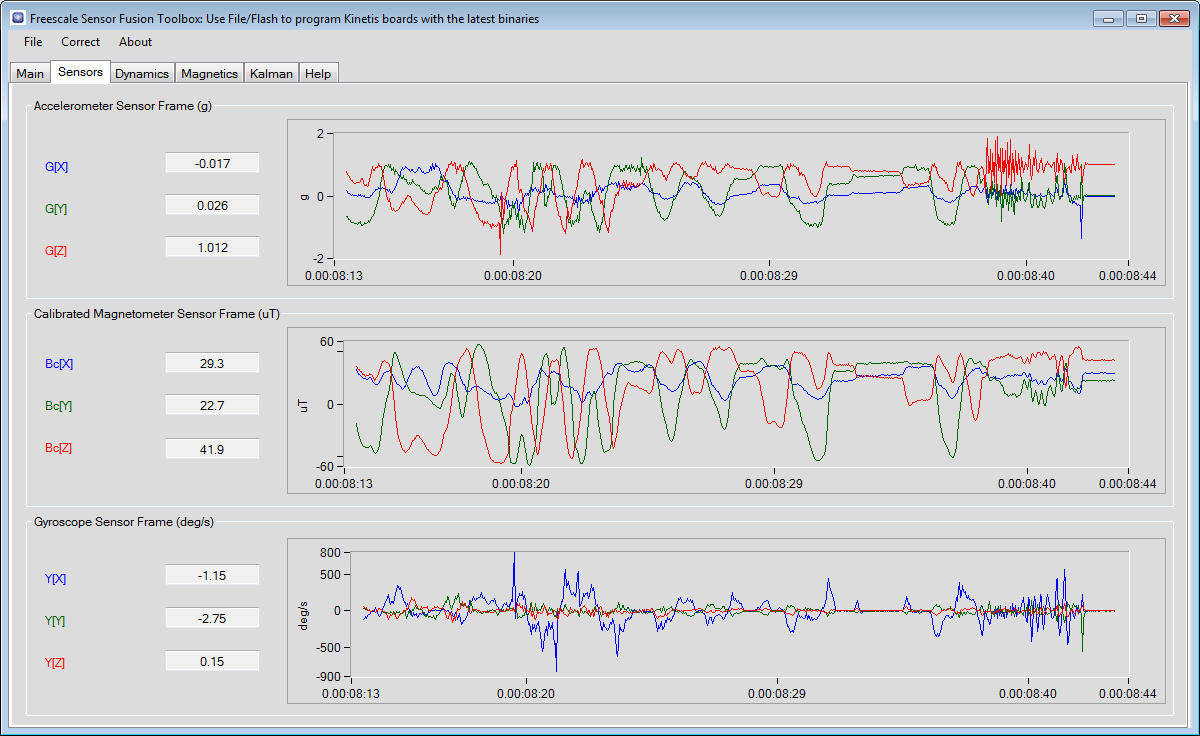
Sensor Fusion Data
It has been a while since I published my ‘build my own DIY IDE’ (see “DIY Free Toolchain for Kinetis: Part 1 – GNU ARM Build Tools“). I have used that approaches in my classes successfully. Now a new semester is coming up, so time to update the instructions using the latest Eclipse IDE (Mars) and tools (GCC ARM Embedded (launchpad) with GNU ARM Eclipse).
Eclipse Mars Splash Screen
In “Unboxing the Freescale FRDM-KL43Z Board” I was using the FRDM-KL43Z board the first time. The FRDM-KL43Z board has an on-board debug interface (Kinetis K20, OpenSDA). In this post I show how to use the FRDM-KL43Z board to debug another ARM board.

FRDM-KL43Z Board debugging custom (tinyK20) Board
It has been a long time since I wrote my last blog. I really want to apologize to you all for the delay, but I was busy with another project about the competitive analysis of Freescale with our competitors. I hope I can provide you guys later with some important findings from my research.
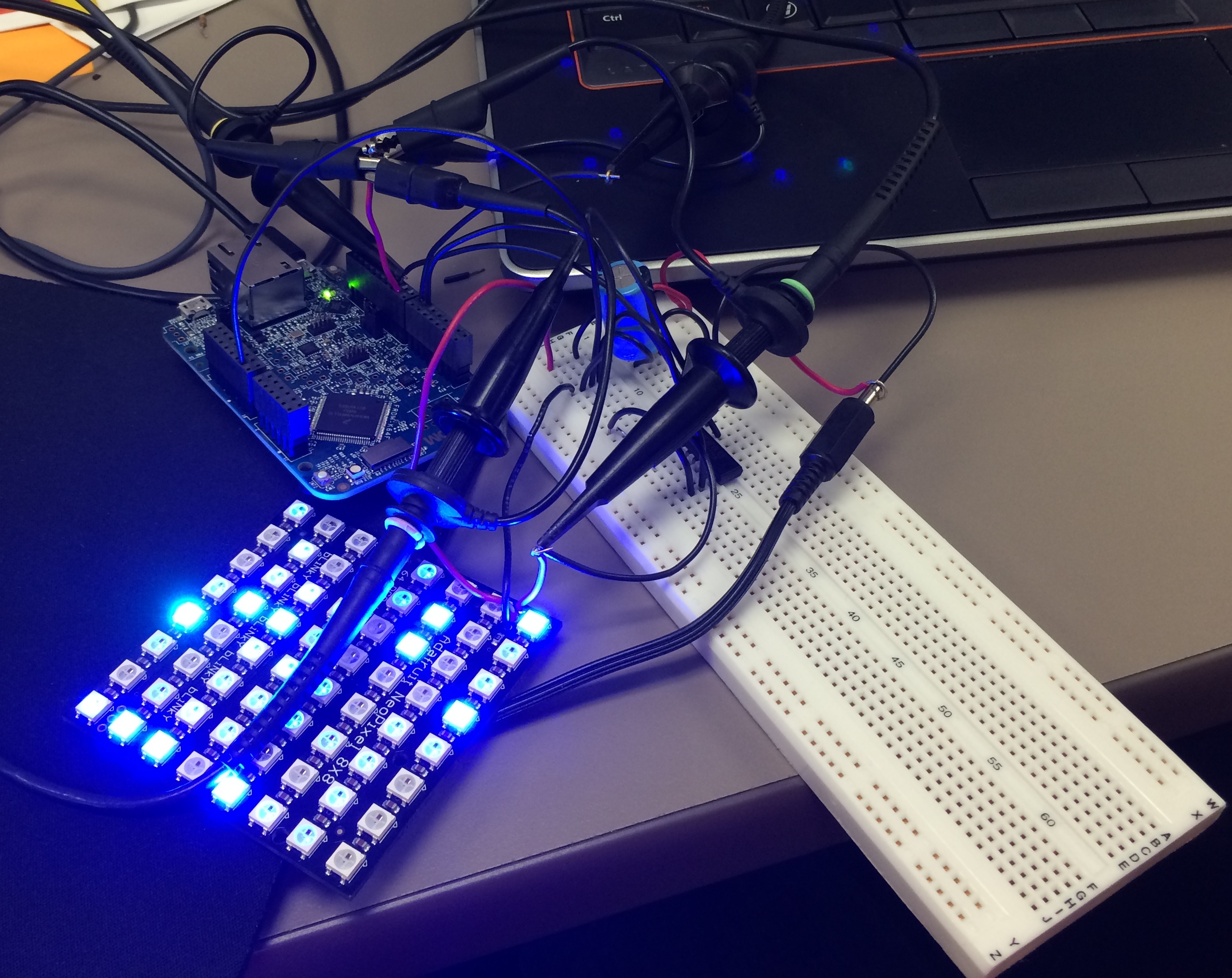
Well as far as my project for neopixels using FRDM-K64F is concerned, Erich wrote the wonderful tutorial for all of us to turn on the NeoMatrix. I tried my hands on that and I was indeed able to turn on the board but not in the way I wanted it to. 😦 So, it turns out that I got few LEDs turning blue or some turning green. I asked Erich about it and I got to know that it is because I screwed up with the timing signals. I was using an oscilloscope and not a logic analyzer but Erich’s recommendation was to use the Logic Analyzer. This was the result of my experiment following Erich’s tutorials.
Tutorial: Adafruit WS2812B NeoPixels with the Freescale FRDM-K64F Board – Part 1: Hardware
The Hardware
 MCU on Eclipse