In “openHAB RGB LED Light Cube with WS2812B and NXP Kinetis” I started experimenting Kinetis boards, a LED cube diffuser and Adafruit WS2812B NeoPixel LEDs. That worked well, but I was not to very happy about the visual effect. So here is my next version: I wanted to have control over each side of the cube. For this I have built a cube inside the cube with a 3D printed structure:
Author Archives: Erich Styger
Tutorial: Bare-Metal Shell for Kinetis
I have been asked to provide a command line shell example for a bare-metal (no RTOS) application, so here we go!
Having a way to communicate to the firmware on a board is essential for most of my projects: it is simply, incredibly helpful and easy to do (see “A Shell for the Freedom KL25Z Board“). This tutorial shows how to add a simple command line shell to the NXP Freedom board which then can be extended as necessary.
Freefall
Quote
“It’s not the fall that kills you; it’s the sudden stop at the end.”
Douglas Adams
I think I have to re-read all the Douglas Adams books as I’m not sure where he wrote that quote. Anyone?
Happy Reading 🙂
Forces of Nature: Video of Destructive Rockslide
Overnight it was raining a lot in the central part of Switzerland. Additionally it is warming up so it adds water with all the snow melting in the higher areas. As a result, a dangerous rock- and mudslide went down today nearby in Moutathal, damaging bridges and power lines. A video records the destructive power of nature:
The Return of the 3D Printed Flying Toaster!
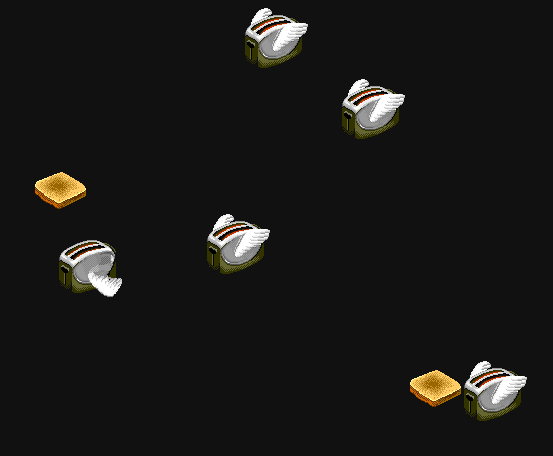
Does everybody still know why in the ‘old’ days there was the need for running a ‘screen saver’ on the computer? With the modern LCD displays they lost their initial purpose. After “3D Printed Classic Mac Apple Watch Charging Station” I’m doing more ‘good old days’ 3D printing. The ‘elder ones’ might remember the “After Dark” screen saver software for Apple Macintosh and Microsoft Windows machines. Yes, that was 1991! For me most famous and iconic theme were the “Flying Toasters”:
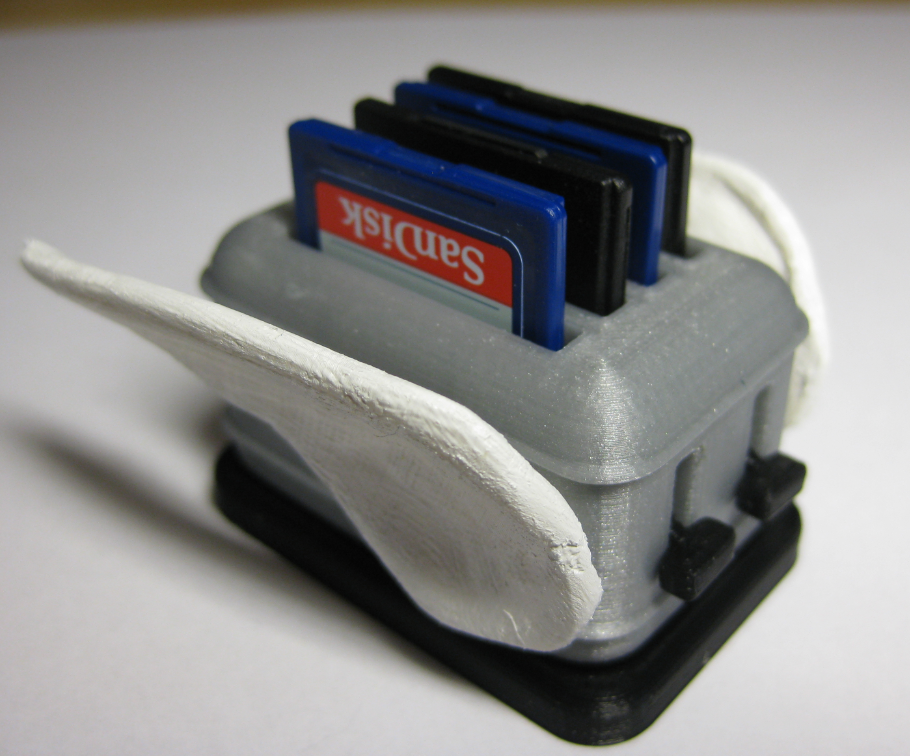
Now there is a 3D printed version 🙂
openHAB RGB LED Light Cube with WS2812B and NXP Kinetis
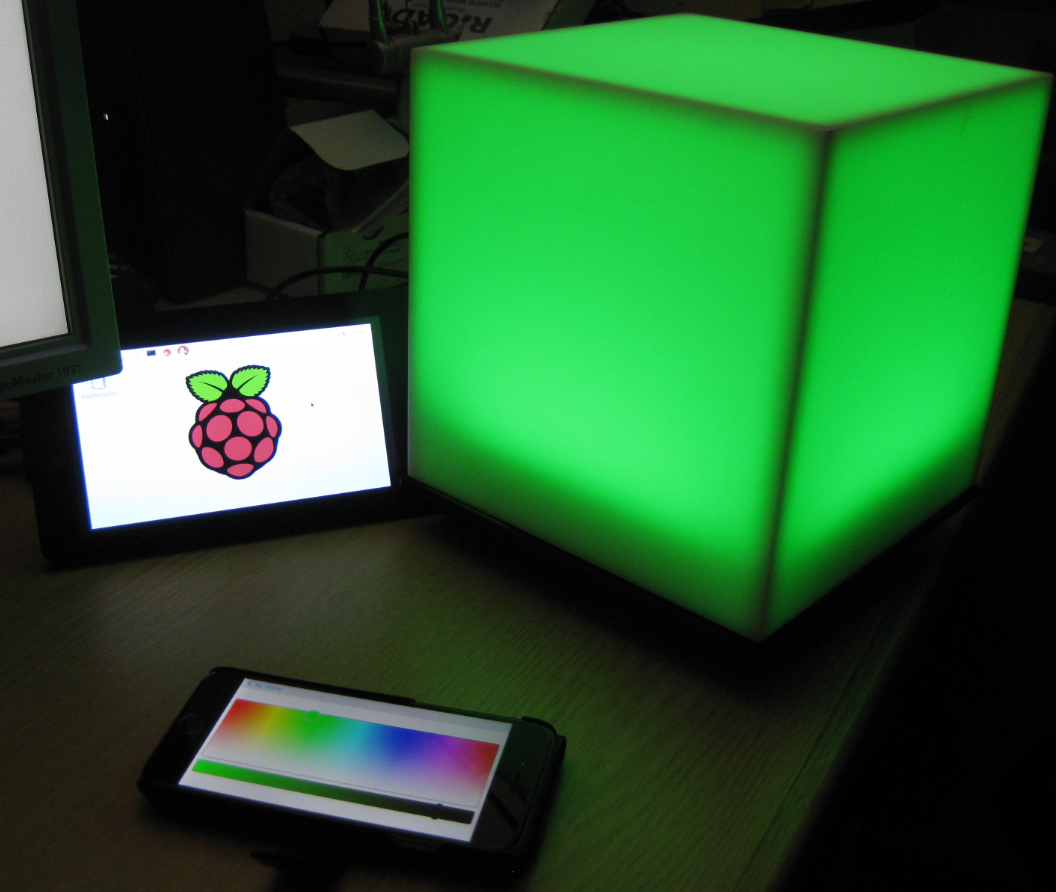
From my earlier work to use the NXP Kinetis with openHAB (see “Controlling NXP Freedom Board RGB LED with openHAB and Raspberry Pi“) it was only a small step to control a 20x20x20 cm light cube with 256 Adafruit WS2812 NeoPixels:
First NXP Kinetis SDK Release: SDK V2.0 with Online On-Demand Package Builder
There are plenty of different software packages available for microcontroller these days from all the silicon vendors. Finding a good software package is one challenge, getting what I really need is another one. Freescale is now part of NXP since December 2015, so this is probably the first release of the former Freescale part now as NXP: The NXP Kinetis SDK Version 2.0.
It comes with an interesting distribution way: instead of downloading huge packages with all-and-everything in it, I can build it ‘on demand’ online and get what I need, on demand from a web-based front end:
Controlling NXP Freedom Board RGB LED with openHAB and Raspberry Pi
In “Blinky LED with openHAB on Raspberry Pi” I have used openHAB on a Raspberry Pi to control an LED attached to the Pi, and in “Controlling NXP Freedom Board RGB LED with openHAB and Raspberry Pi” I have explored how to connect a NXP Freedom Board over USB CDC to the Raspberry Pi. In this article I’m going to combine both: to control the LED on a NXP Freedom board remotely with openHAB on the Raspberry Pi.
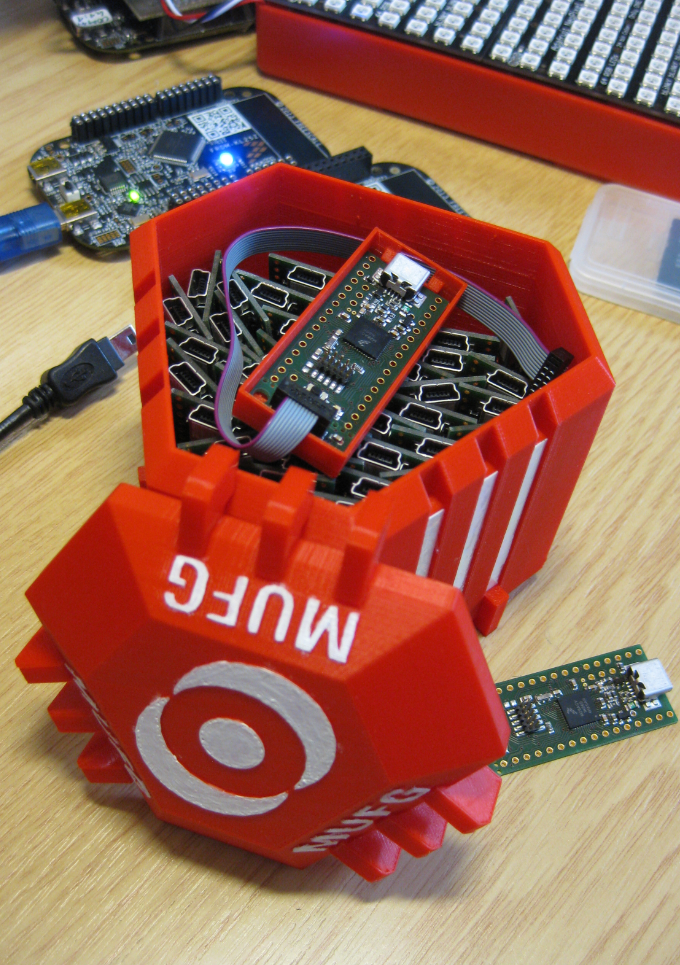
3D Printed Magical MUFG Capsule to Duplicate NXP Kinetis K20 Boards
Show Floating Point Variable Bytes in Eclipse CDT
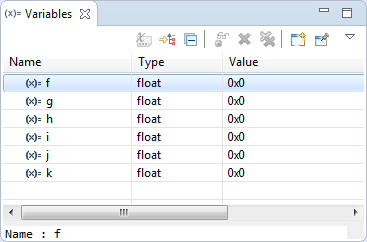
My preferred variable format in Eclipse is hexadecimal (see “Debugging Variables in Hexadecimal with Eclipse“). However, this does not work well with floating point variables:
The above view shows all variables having the value 0x0 (zero), but that’s actually not really true.