“Learning-by-doing” is one of the core principles of my embedded systems and robotics course at the Lucerne University. For this the students apply what they learned using a robotics platform. In earlier semesters we did a Sumo battle at the end. This time the challenge was to build a remote controller plus to add the ability to explore and solve a line maze:
Tag Archives: technology
McuOnEclipse Components: 29-May-2016 Release
Major changes in this new release:
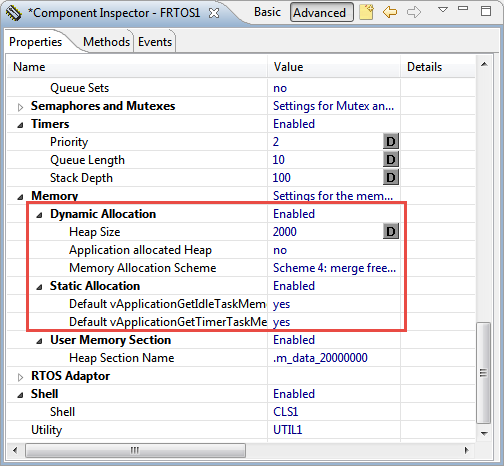
- FreeRTOS V9.0.0 with static memory allocation.
- Shell with single character I/O function.
- FatFS File System with extra shell commands for memory dump and file creation.
- Segger SystemViewer library updated to V2.36a
FreeRTOS V9.0.0 with Static Memory Allocation
I’m using FreeRTOS in most of my applications. There were only a few exceptions where an RTOS has to be used in safety critical systems: there usually it is not permitted to use any dynamic memory allocation because this adds the risk that a memory allocation could fail at runtime because of memory fragmentation or memory leak. And FreeRTOS uses a dynamic memory (heap) for the task stacks and the RTOS resources including semaphore, mutex and queues.
This is now a thing of the past. This week a new FreeRTOS Version 9 was released which does not need any dynamic memory allocation anymore: it is possible now to build completely statically allocated systems with FreeRTOS :-).
Build and Clean Selected Files in Eclipse CDT
Sometimes it is very useful to clean or build a selected set of files. For this I select the file(s) in the Eclipse Project Explorer and use the context menu:
To-Do Lists with Eclipse Tasks View
Eclipse has a cool feature which might not be known to everyone: the ‘To-Do’ (or Tasks) List which keeps track of what I have to do:
NXP FlexIO Generator for the WS2812B LED Stripe Protocol
The challenge with the selection of a microcontroller for a project is: which one has the required number of UART, I2C, SPI? Combine this with the desired package (48pins, 64pins? LQFN?), the needed FLASH and RAM size and then even the hundreds of available microcontroller shrink to a handful only. And many times I need to make compromises: such as I need two hardware I2C, but the microcontroller matching all my other needs has only one I2C hardware. So I might end up with bit-banging the slower I2C bus. Doable, but not ideal.
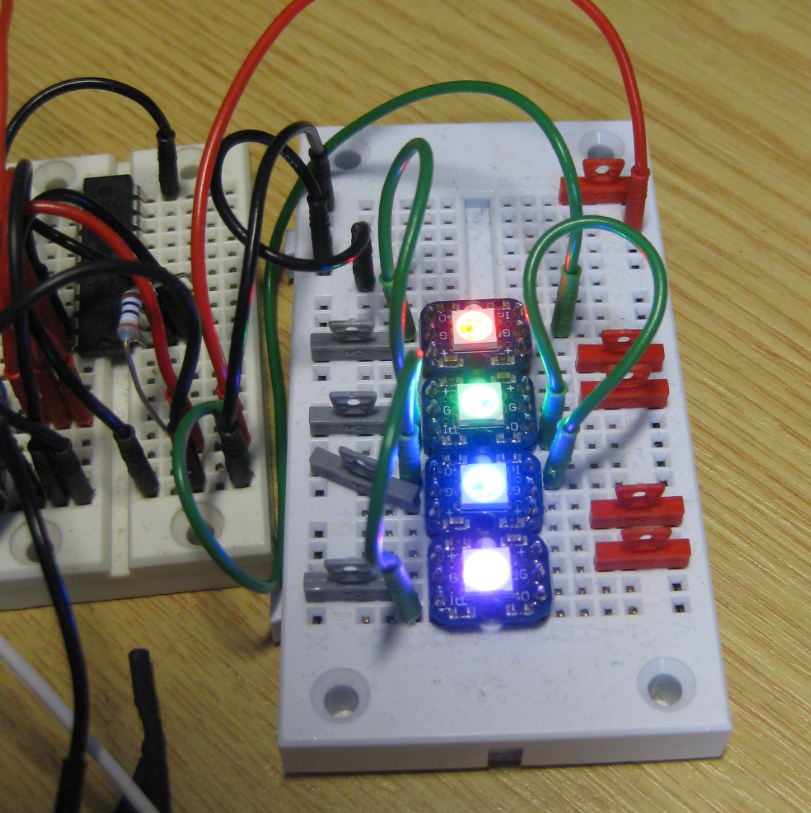
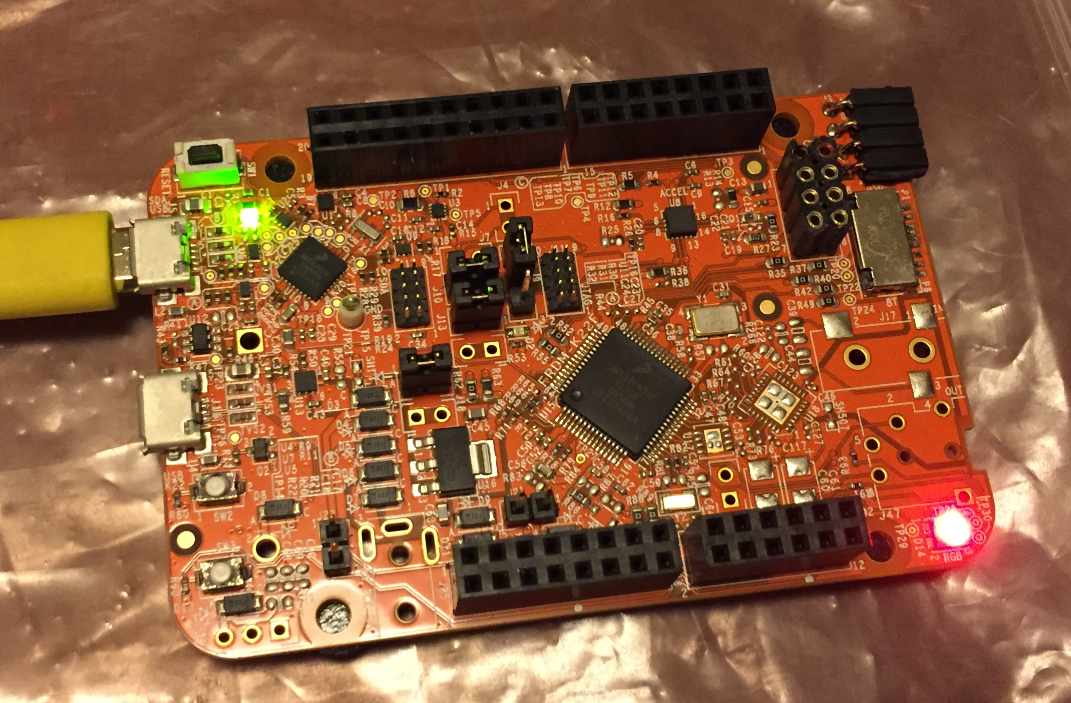
What is cool that some of the newer NXP Kinetis microcontroller come with an interesting hardware: FlexIO. A peripheral hardware which allows me to implement a custom protocol, including driving WS2812B (Adafruit NeoPixel) LEDs with a FRDM-KL43Z board:
Tutorial: FreeRTOS with NXP Kinetis SDK V2.0 and Processor Expert
In “Tutorial: Blinky with NXP Kinetis SDK V2.0 and Processor Expert” I used Processor Expert components with the NXP Kinetis SDK to blink some LEDs. This tutorial extends the earlier project and adds FreeRTOS.
Tutorial: Blinky with NXP Kinetis SDK V2.0 and Processor Expert
In “Mother of Components: Processor Expert with NXP Kinetis SDK V2.0 Projects” I presented an approach how to use Processor Expert components with the NXP Kinetis SDK. This article is a tutorial how to create a blinking LED project with that approach, using McuOnEclipse Processor Expert components and the Kinetis SDK V2.0. As board the FRDM-K22F is used:
Build Configurations in Eclipse
Eclipse based IDE’s have a powerful feature to make ‘variants’ of the same projects: Build Configurations. Build configurations are a powerful thing in Eclipse: they allow me to make ‘variants’ of a project. The project will share the common things, and I can simply tweak things one way or the other for example to produce a ‘release’ or a ‘debug’ binary of my application without duplicate the project.
Build configurations are manged through either the context menu on the project or with the top menu:
NXP FTF Hands-On with FreeRTOS Task Aware Debugger
I mentioned the hands-on sessions on FreeRTOS I do this week at NXP FTF Tech Forum in Austin in my previous post. What we are using in the session is an Eclipse plugin in Kinetis Design Studio showing all kinds of FreeRTOS information: