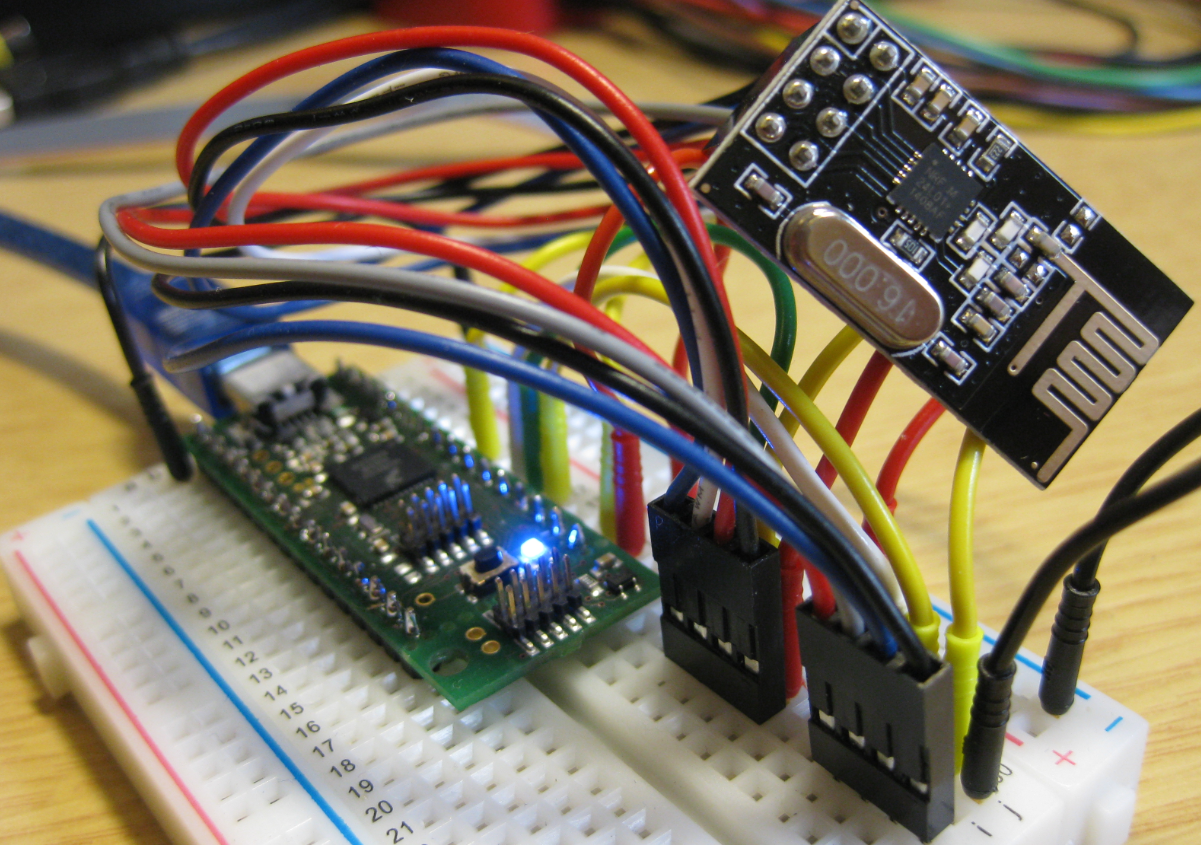
I’m using the tiny and inexpensive Nordic Semiconductor nRF24L01+ transceiver (see “Tutorial: Nordic Semiconductor nRF24L01+ with the Freescale FRDM-K64F Board“) in many projects: it costs less than $3 and allows me to communicate with a proprietary 2.4GHz protocol in a low power way (see “IoT: FreeRTOS Down to the Micro Amps“). I have that transceiver now running with the tinyK20 board too:
Tag Archives: Eclipse
Tutorial: Blinky with the FRDM-KL27Z and Kinetis SDK v2
I’m using the FRDM-KL25Z in my classes, and that board is very popular: low price (<$15), reasonable features (48 MHz ARM Cortex M0+, 128 KByte of FLASH, 16 KByte of RAM), and many tutorials elsewhere and on McuOnEclipse :-).
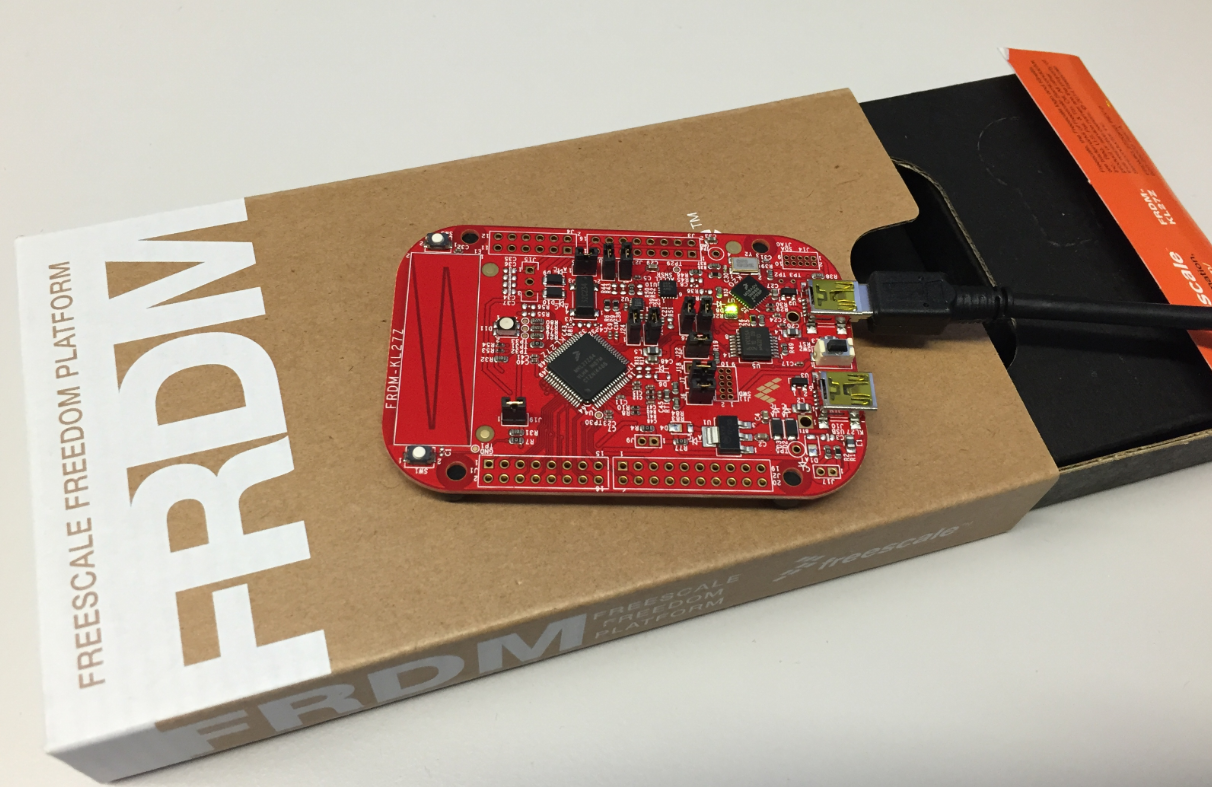
For the next (Fall) semester I’m looking for alternative boards, and one is the Freescale (now NXP) FRDM-KL27Z:
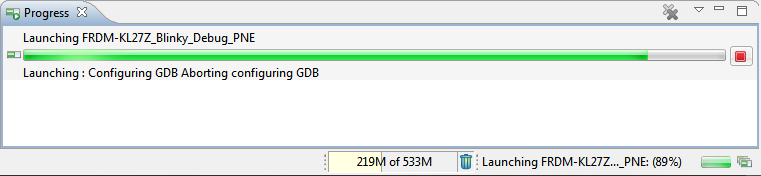
Solving “Launching: Configuring GDB Aborting Configuring GDB”
In case you are running into this problem that launching GDB hangs with this message in Eclipse:
Dealing with Code Size in Kinetis SDK v2.x Projects
I’m exploring the Kinetis SDK v2.0 (see “First NXP Kinetis SDK Release: SDK V2.0 with Online On-Demand Package Builder“). For this, I’m using the ‘standard’ way: blinking the LED on the board 🙂
Merging S19 Files
If using a bootloader with an application, one thing is to to merge the bootloader with the application into a single file. I do this with the ‘SRecord’ tool like this:
srec_cat bootloader.s19 application.s19 -o merged.s19
XML Editor & Checker for CMSIS-Pack in Eclipse
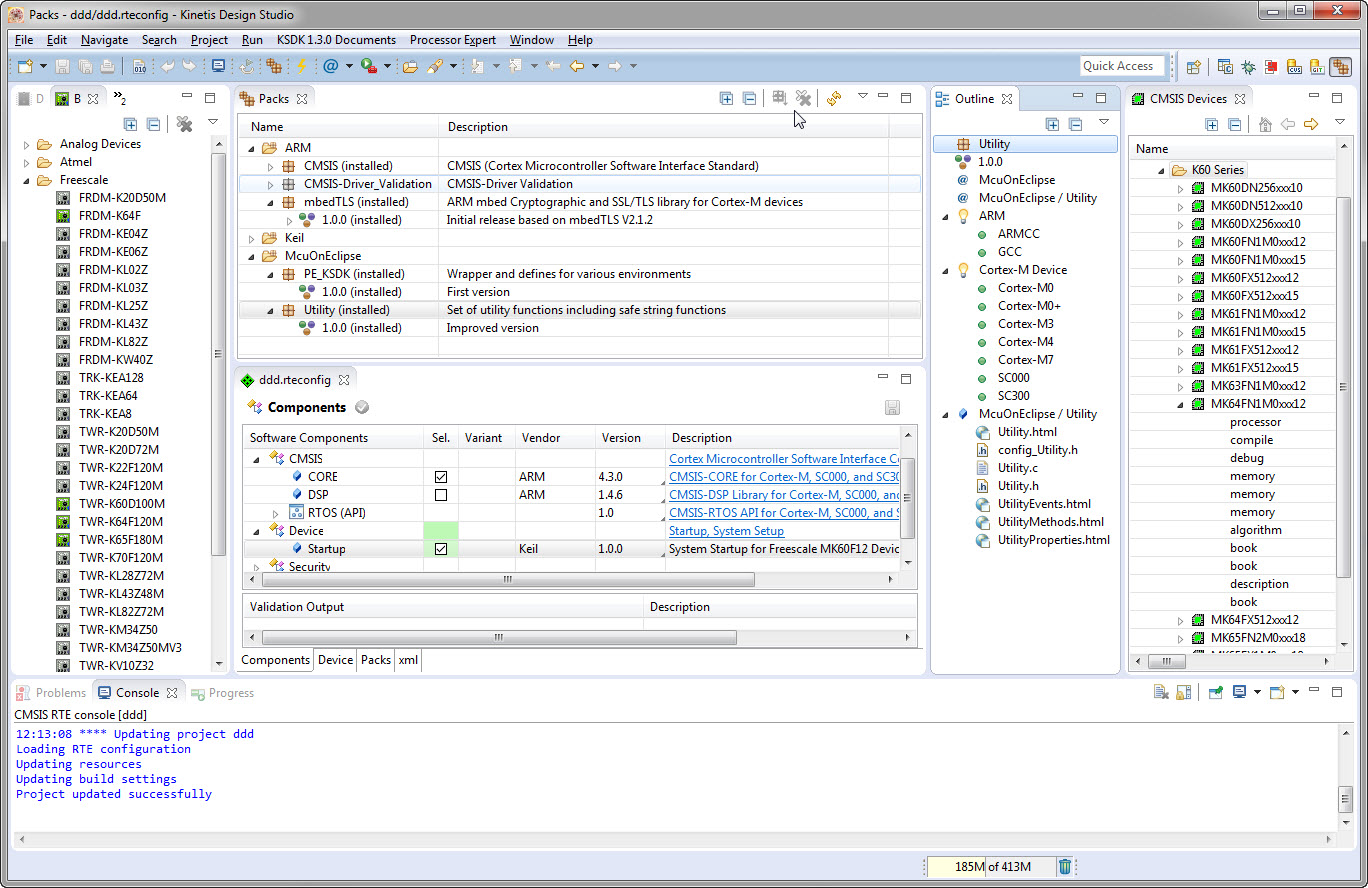
So far, the XML files I had to work on were very simple ones, so a normal text editor was fine. Now I’m tapping into the world of CMSIS-Packs (see “Are ARM CMSIS-Pack the Future of Software Components?“). And definitely this adds a complexity for which I better use some XML editing and checking tools. The ARM tutorial for CMSIS recommends either Notepad++ or Visual C++. But hey, Eclipse should be able to do that maybe even better right? So this is about adding an XML editor and XML checker to Eclipse.
Are ARM CMSIS-Pack the Future of Software Components?
I’m using Processor Expert components for nearly every Freescale (now NXP) projects: for S08, S12, ColdFire, DSC and especially all the different NXP Kinetis devices. Not only because it makes software development fast and easy and allows re-use of software, but as well because Processor Expert has a good way to pack and distribute software components. Unfortunately Processor Expert is not any more included for the new Kinetis devices (see “First NXP Kinetis SDK Release: SDK V2.0 with Online On-Demand Package Builder“). So I have looked into an alternative and hopefully vendor neutral way to build and distribute software packages using CMSIS-Pack.
McuOnEclipse Components: 7-Feb-2016 Release
New in this release:
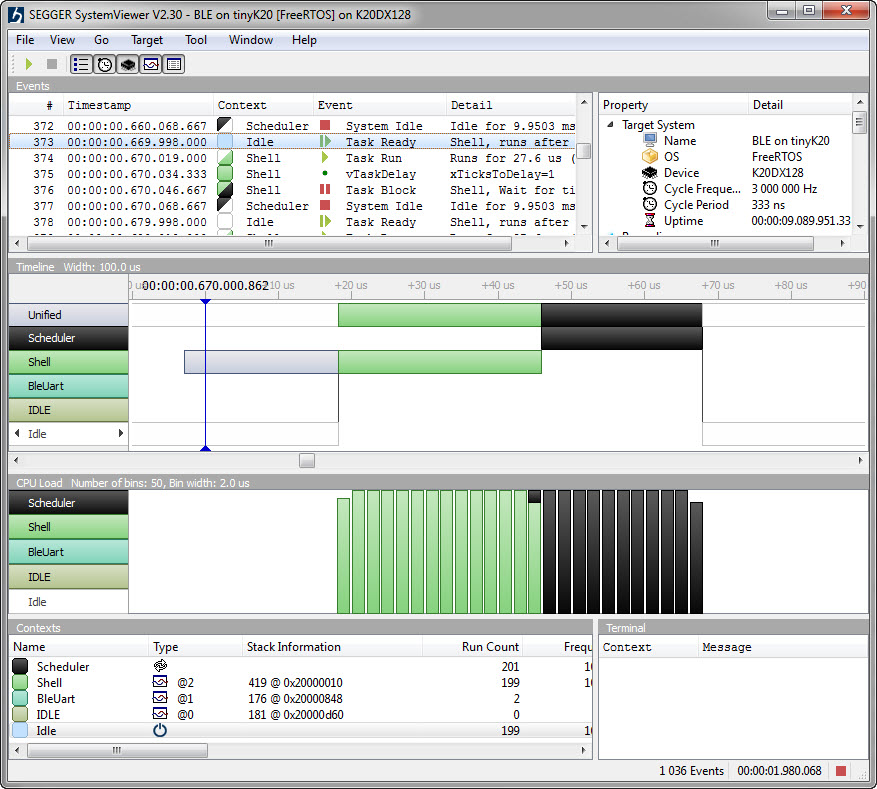
- Segger SystemViewer: Upgraded to V2.30, added stack high-water mark
- Segger RTT: fixed BASEPRI issue on Cortex M4 for critical sections
- Utility: Fixed issue with Utility module and Kinetis SDK (usage of ‘byte’)
- USB CDC: property to specify USB device current usage, new status getter functions.
Tutorial: Bare-Metal Shell for Kinetis
I have been asked to provide a command line shell example for a bare-metal (no RTOS) application, so here we go!
Having a way to communicate to the firmware on a board is essential for most of my projects: it is simply, incredibly helpful and easy to do (see “A Shell for the Freedom KL25Z Board“). This tutorial shows how to add a simple command line shell to the NXP Freedom board which then can be extended as necessary.
First NXP Kinetis SDK Release: SDK V2.0 with Online On-Demand Package Builder
There are plenty of different software packages available for microcontroller these days from all the silicon vendors. Finding a good software package is one challenge, getting what I really need is another one. Freescale is now part of NXP since December 2015, so this is probably the first release of the former Freescale part now as NXP: The NXP Kinetis SDK Version 2.0.
It comes with an interesting distribution way: instead of downloading huge packages with all-and-everything in it, I can build it ‘on demand’ online and get what I need, on demand from a web-based front end: