In case you are running into this problem that launching GDB hangs with this message in Eclipse:
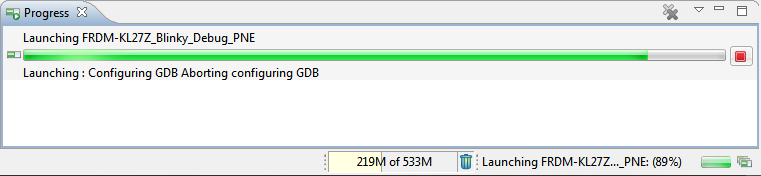
Launching Configuring GDB Aborting configuring GDB

In case you are running into this problem that launching GDB hangs with this message in Eclipse:
Launching Configuring GDB Aborting configuring GDB
I’m exploring the Kinetis SDK v2.0 (see “First NXP Kinetis SDK Release: SDK V2.0 with Online On-Demand Package Builder“). For this, I’m using the ‘standard’ way: blinking the LED on the board 🙂

Blinky on FRDM-K64F Board
New in this release:
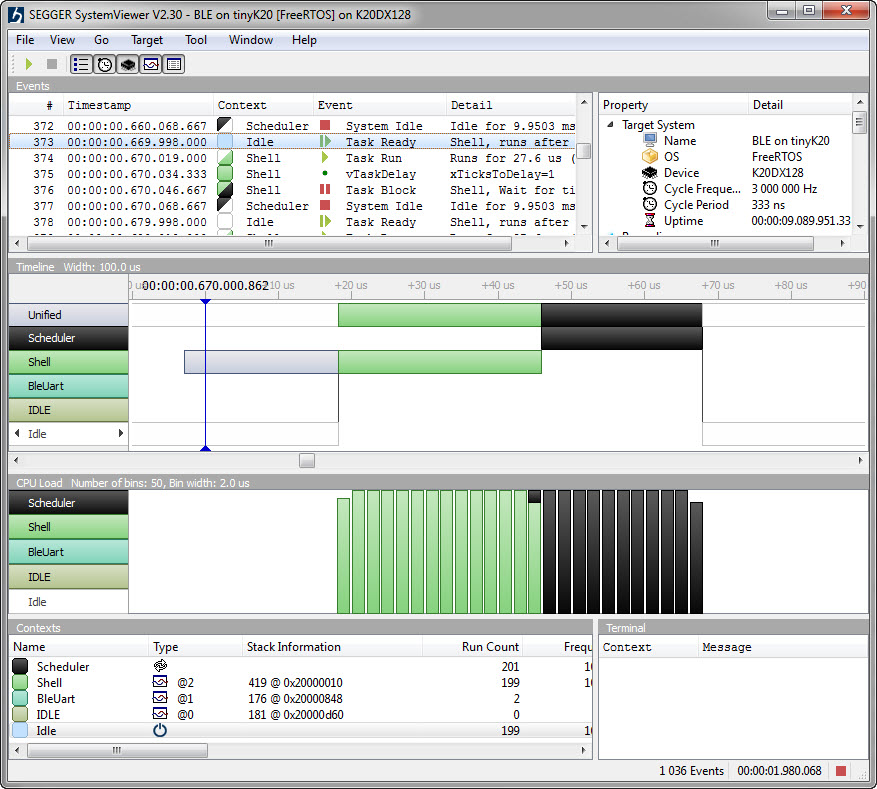
Segger SystemViewer V2.30
My preferred variable format in Eclipse is hexadecimal (see “Debugging Variables in Hexadecimal with Eclipse“). However, this does not work well with floating point variables:
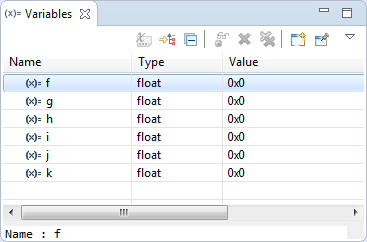
Floating Point Variables in Eclipse Variables View
The above view shows all variables having the value 0x0 (zero), but that’s actually not really true.
Many times it is very useful to debug multiple boards at the same time. For example if I’m debugging a communication stack between two boards: that way I can debug the protocol on both sides. Eclipse is a great framework which allows that. This post shows how to debug multiple boards (e.g. the NXP Freedom boards) in parallel from the same Eclipse IDE using GDB and the Segger J-Link:

Two NXP Freedom Boards debugged at the same time
When I create a project in Eclipse (e.g. in Kinetis Design Studio with the GNU ARM Eclipse plugins), I have to specify the name of the project during creation time:

Project Name in Eclipse
But what if I change my mind later on and want to use a different name? How to rename the project?
When I left for the week-end, I missed to take with me my Segger J-Link debug box. I have one P&E Universal Multilink at home, but I needed a Segger J-Link to use the SystemViewer with my robot. I need that for a FreeRTOS trainig I will deliver in Poing/Germany on Monday at Avnet/Silica.
But I had a Freescale KwikStk board at home, and I did remember that I can use that board as a Segger J-Link to debug my custom hardware (see “Freescale Kinetis KwikStik (part 1)“).
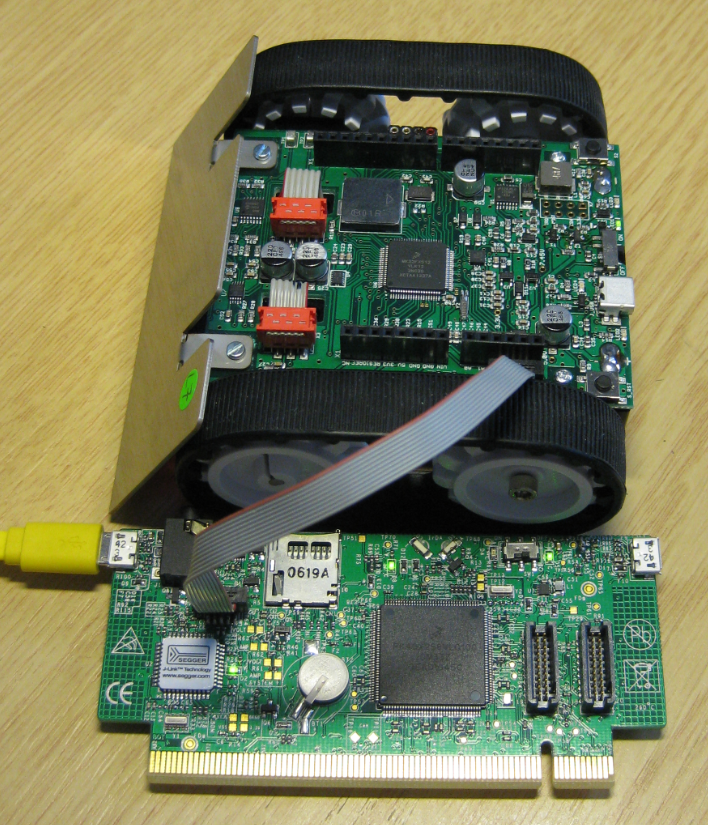
Debugging Custom Board with KwikStik
A lot of good things happened in the last three weeks, so here is a new updated McuOnEclipse component release, with the following main improvements:

First off: The tinyK20 project is progressing fine and is now on Hackaday.io :-).
For a research project we would like to use the tinyK20 to log gyro sensor data. For this I have created a quick-n-dirty project to explore how feasible it is. The tinyK20 has all the pins on the outside of the board, so I’m able to put it on a bread board:

tinyK20 on Breadboard
One of the most important aspects for developing complex realtime applications is get insights into what is going on the target. Segger just has released a free tool which gives an incredible useful insight view and visualization:

Segger System View for FreeRTOS
 MCU on Eclipse