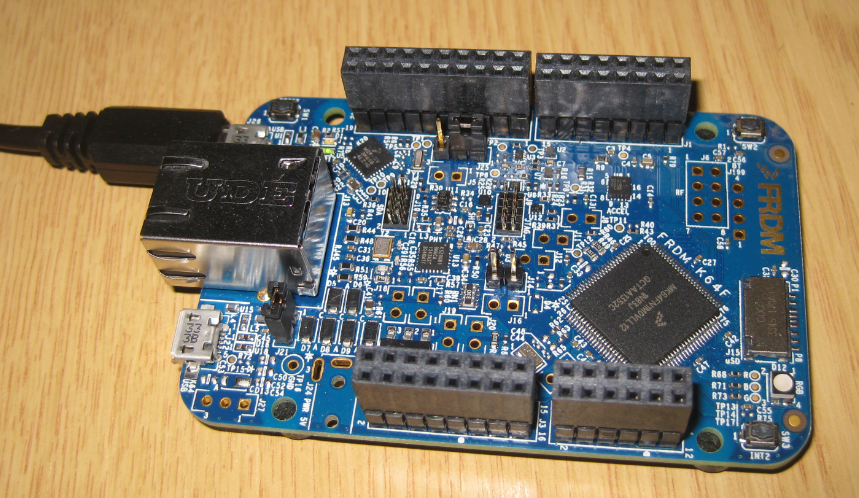
Tutorial: Nordic Semiconductor nRF24L01+ with the Freescale FRDM-K64F Board

For some time I’m using the Nordic Semiconductor nRF24L01+ transceiver successfully in many projects (see “Tutorial: Ultra Low Cost 2.4 GHz Wireless Transceiver with the FRDM Board“). Since that tutorial things evolved a lot with the introduced RNet Stack. To honor the popularity of the Nordic Semiconductor nRF24L01+, Freescale has put a socket on the FRDM-K64F board. So time to make a new step-by-step tutorial how to use the nRF24L01+ with the FRDM-K64F.
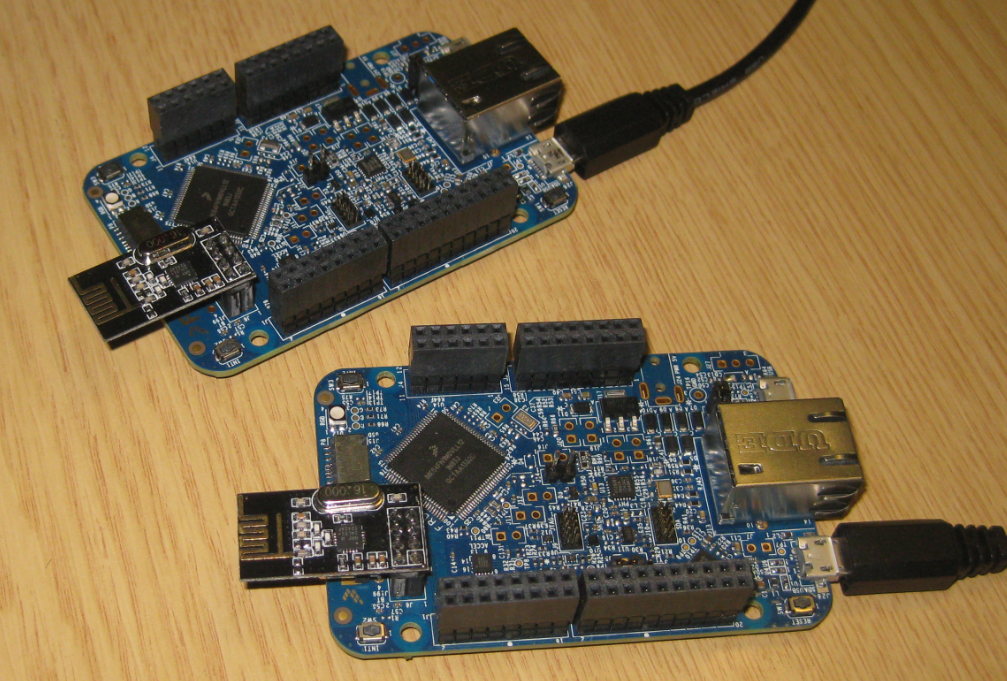
Two FRDM-K64F Boards with nRF24L01+ Transceiver

Two FRDM-K64F Boards with nRF24L01+ Transceiver

Continue reading

First New Zumo Board out of the Reflow Oven

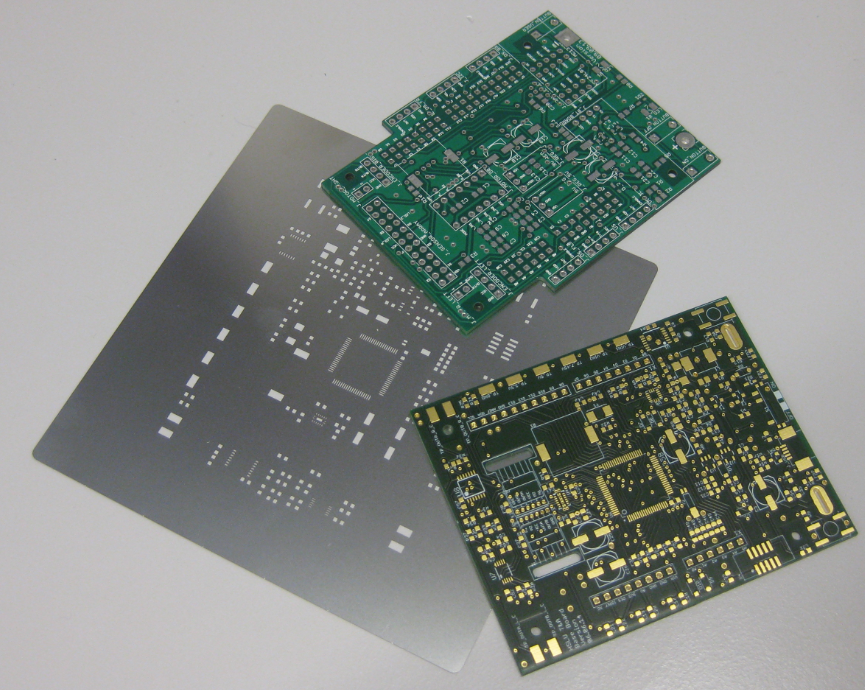
Andreas populated the first board with SMD parts and sent it through the reflow oven. The 32 kHz quartz is missing because not all parts arrived on time. The soldering of the Freescale Kinetis K22 microcontroller is not perfect yet, so will need some tweaking and inspection under the microscope, as well some other parts. Christian will do an inspection and electrical tests, then it will be my job to get it connected to the debugger. Keep my fingers crossed to get a blinking LED 🙂

New Zumo Bot Board, mostly populated

First new Zumo Robot Board, out of the Reflow Oven

Slow 32 kHz Oscillator Startup

In an IoT (Internet of Things, see “IoT: FreeRTOS Down to the Micro Amps“) project I’m using the Freescale KL15Z microcontroller. The nodes are moving around, and the board is using a special inductive charging ‘on the fly’ when nearby the charging station. The energy is stored in capacitors, so no batteries are needed. That worked very well, but some system failed: they need to quickly check sensor signals after power-up. Tracking down the problem, it was obvious that most of the systems failed because it took them too long to boot from the power-on reset. So I instrumented the application to toggle an LED so I can monitor what happens: It was over 400 ms after power-on! Yikes!

413 ms for startup

413 ms for startup

Continue reading

Preventing Reverse Engineering: Enabling Flash Security

Now I have invested a lot of time into my application, ready to be flashed on the devices and shipped. But wait: I don’t want that someone can read out the code from my device and have it reverse engineered. For this, I can ‘secure’ the device.

Flash Security Settings

Flash Security Settings

Continue reading

Tutorial: DIY Kinetis SDK Project with Eclipse – Board Configuration

In “Tutorial: DIY Kinetis SDK Project with Eclipse – Startup” I showed how to create a Kinetis SDK project from scratch. In this post it is about adding the board initialization files. With the board initialization the peripheral clocks and pin muxing is configured.

MK64FN1M0VLL12 on FRDM-K64F

MK64FN1M0VLL12 on FRDM-K64F

Continue reading

Formula Student Electric “grimsel” Testing in Alpnach

Here is another featured student project of this semester: Formula Student Electric (FSE). After the outstanding racing season with “Julier” in 2013, the students have designed and built a new and improved Formula Student Electric car “grimsel”, named after the Grimsel Mountain Pass.

Team Video:

Continue reading

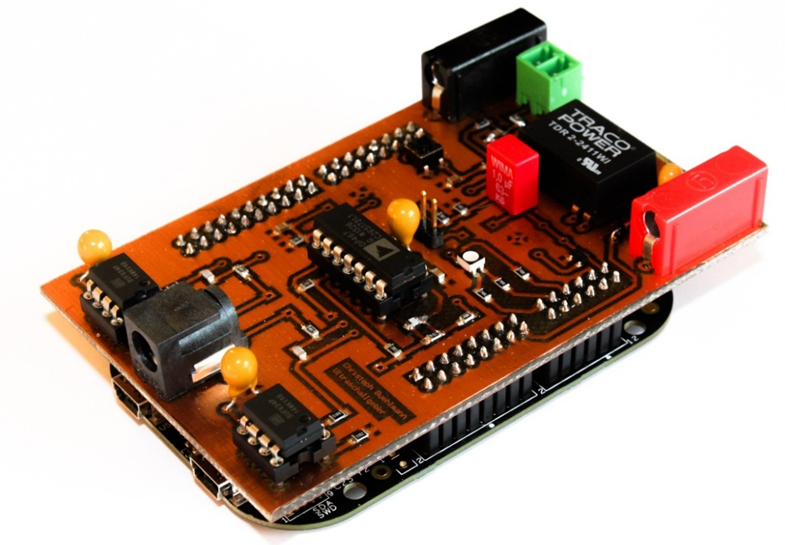
Programmable Ultrasonic Sensor Shield for FRDM Board

“Note to myself: post articles about what students have done this semester…”

Students have turned in their semester project work. I have set for myself a goal to briefly describe to the ‘outside’ world what they did, as an inspirational source :-). So here is a first article about the project completed by Christoph Bühlmann who developed a shield for the FRDM-KL25Z board: a programmable ultrasonic shield:

Ultrasonic Shield with FRDM-KL25Z

Ultrasonic Shield with Freescale FRDM-KL25Z (Source: Christoph Bühlmann)

Continue reading

Tutorial: DIY Kinetis SDK Project with Eclipse – Startup

This is the start of a multi-post tutorial about the Freescale Kinetis SDK, released back in April as beta version. The SDK a set of peripheral drivers, and will become the standard software foundation and drivers provided by Freescale for their ARM Cortex based devices. Similar what other vendors already do. While this is a good step, it is the same time very disruptive for my university projects with new Freescale Cortex-M devices. And with everything new (and beta), it needs time to learn. So this post is about creating a Do-It-Yourself Kinetis SDK project from scratch for Eclipse. This part is about the startup code: about everything to get the application started.

FRDM-K64F with SD, nRF24L01+ and HC-06 Bluetooth

FRDM-K64F with SD, nRF24L01+ and HC-06 Bluetooth

Continue reading