Remote Debugging with DevContainer and VS Code

This is the second part describing how to use DevContainer for embedded applications with VS Code.

In Optimizing Embedded Development with VS Code and DevContainer I use VS Code with a docker ‘development’ container. The container is created with a recipe to install the development tools and SDK. With VS Code and DevContainer I have the same developer experience as I would develop locally on the host.

One thing not addressed in that earlier article is debugging. Using USB debug probes like a SEGGER J-Link or NXP MCU-Link is a challenge inside a container. This applies to any other debug probe as well.

The solution is to transform an USB based debug probe into one with a network connection:

VS Code DevContainer with Hardware Debugging

In this article, I show how to do this.

Continue reading

Optimizing Embedded Development with VS Code and DevContainer

Embedded System have a lifetime of 10 or 15 years. During that time the software and tools has to be maintained. This can be very challenging. Who knows if that compiler or tool used is still available in 10 years from now? Additionally installing and configuring the tool chain and environment for a new team member is difficult. Even worse: using a different host operating system for the cross development can produce different results or introduce issues.

VS Code running with DevContainer

One solution for all these problems is to use Docker images and containers. I can pack all the necessary tools and software into a virtual environment and container. But developing inside a container comes with many challenges. In this article I’ll show how Visual Studio Code or VS Code makes working with containers very easy. In this article I show how easy it is to use modern development tools and methodologies for embedded development.

Continue reading

Building a DIY Split-Flap Clock

I’m making progress on my larger split-flap project (see Update on the Split-Flap Project for 2025). So far I have 32 operational for the larger 64 flap installation. In parallel, I worked on a smaller 4 flaps unit used as a clock.

Split-Flap Clock
Split-Flap Clock
Continue reading

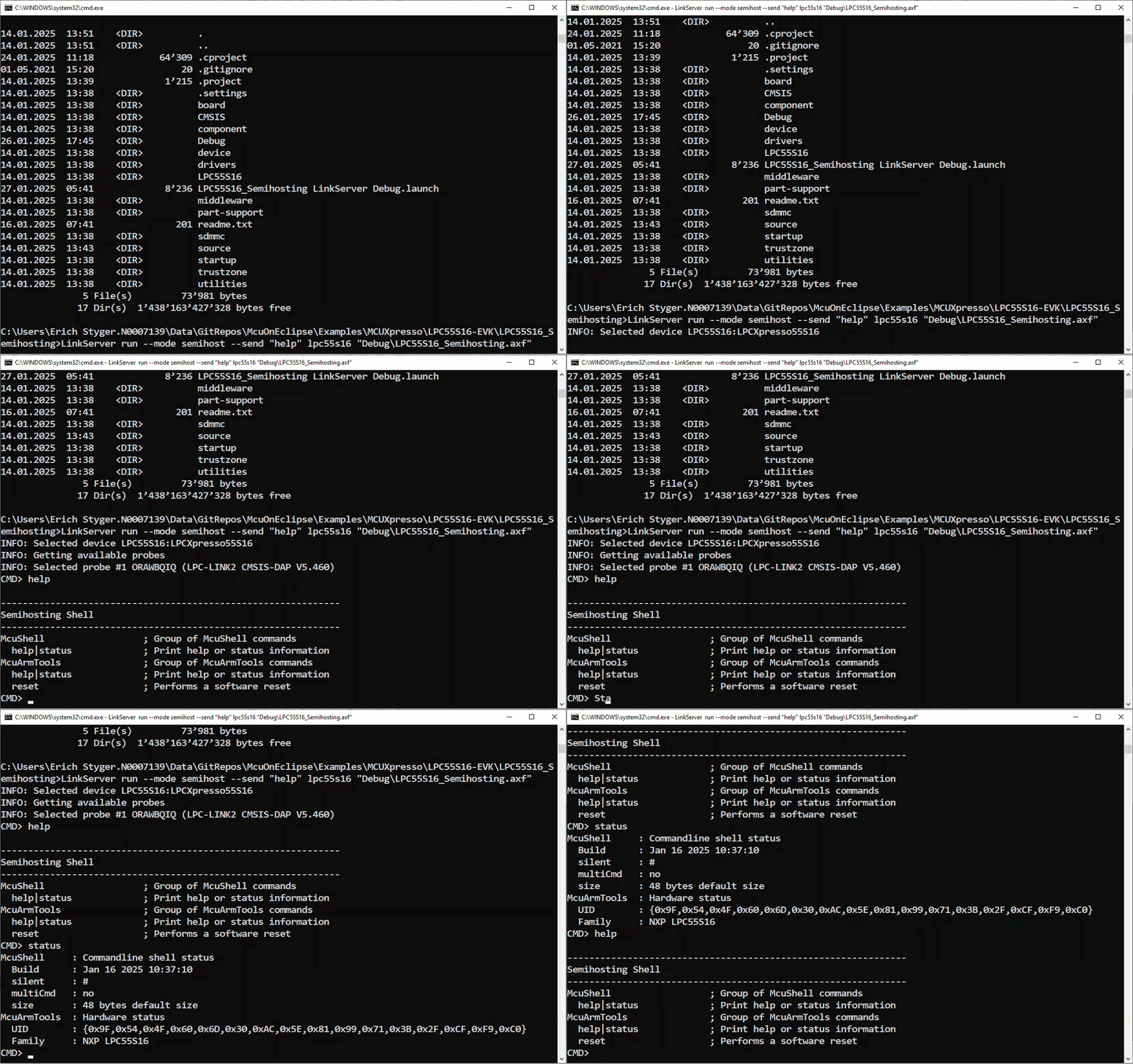
Standalone Semihosting Host-Target Console with CI/CD Runner and CMSIS-DAP

NXP has released a new LinkServer software. It includes an interesting feature. The LinkServer test runner has been extended with a Semihosting console. This is not only very useful for on-target testing. With the Semihosting console, I have a bidirectional communication channel with the target. And I do not need any hardware pins or to run a debug session. All what I need is the CMSIS-DAP connection with the NXP LinkServer runner to have a command line shell:

Target Console with Semihosting
Continue reading

GitLab Automated CI/CD Embedded Multi-Project Building using Docker

In CI/CD for Embedded with VS Code, Docker and GitHub Actions, I used GitHub to build a pipeline. This setup supports continuous integration within a CI/CD environment.

This time, let’s do a similar thing. But instead of GitHub, I use GitLab with VS Code. And I use it for a project where three different MCUs are used: the Raspberry Pi Pico-W, an Espressif ESP32 plus the NXP K22FX512 on the Sumo robot:

Raspberry Pi Pico-W, Espressif ESP32 and Robot with NXP K22FX512
Continue reading

Processor Expert Components: 24-Dec-2024 Release

The year 2024 is coming to its end, time for a Year-End-Processor-Expert-Component-Release.

Processor Expert Components in Eclipse (KDS)

Also, this is now the 10th anniversary of the releases on Sourceforge, starting with https://mcuoneclipse.com/2014/10/21/mcuoneclipse-releases-on-sourceforge/ back in 2014.

Continue reading

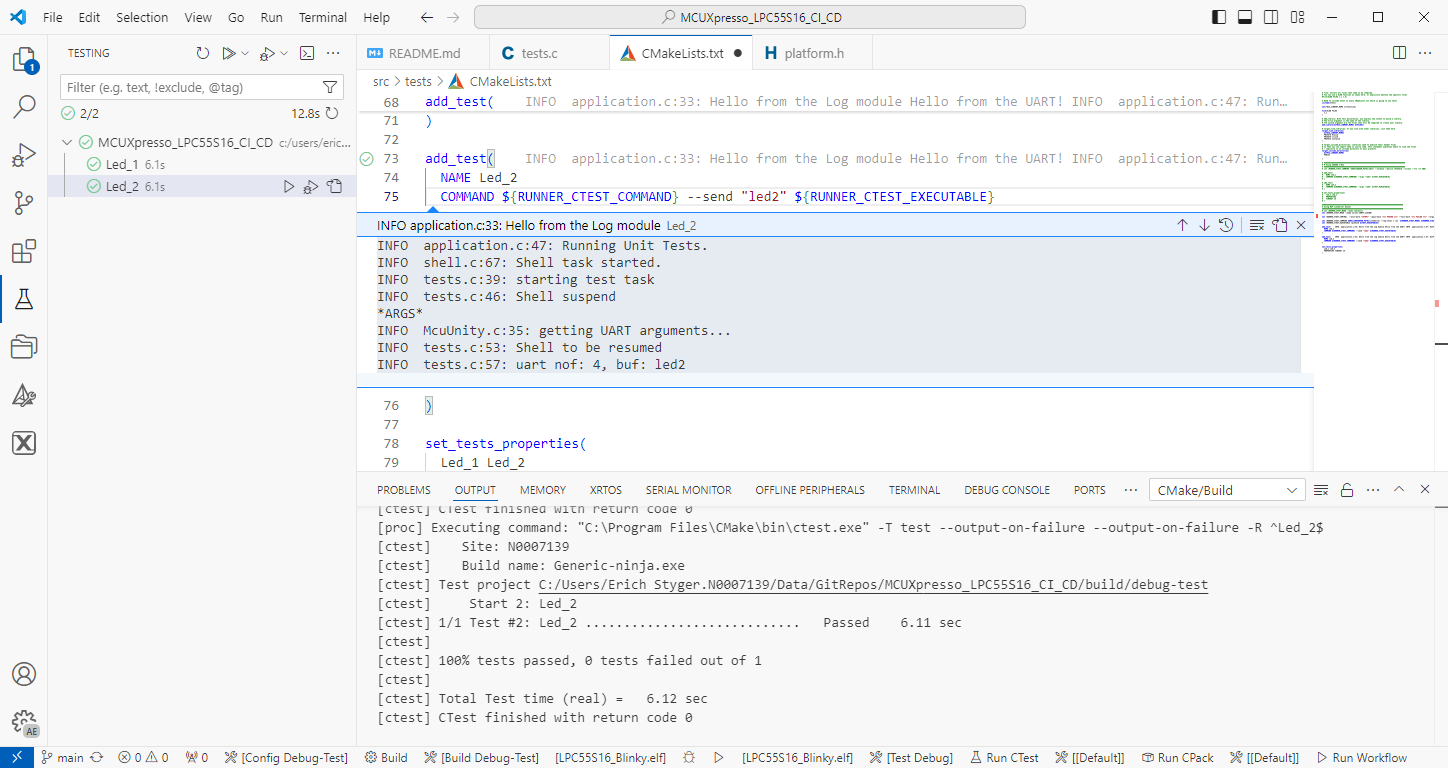
On-Target Testing with LinkServer Runner and VS Code

The release 24.9.75 of LinkServer software and tools includes interesting feature: the ability to use the debug probe for automated on-target testing. It includes a ‘runner’ which can program, launch and run the application on the target through a debug probe. While the target is running, it uses semihosting or UART for communication. This makes it a perfect tool for automated testing, especially in a CI/CD environment. One such environment is running automated tests with CMake and CTest in VS Code.

Automated on-target testing with VS Code and LinkServer
Continue reading

NXP LinkServer 24.9.75: New GUI for Flash Programming

NXP has released a new version of the LinkServer software. This is a utility for debugging and using scripting for a wide range of devices and debugging probes. It includes support for the MCU-Link, LPC-Link2, on-board and CMSIS-DAP based debug probes with the ‘LinkFlash’:

Programming with LinkFlash

With the new release, it includes a graphical user interface (GUI) for flash programming. It also includes erasing, verifying, recovery, and saving the memory to a file.

Continue reading

Automated On-Target Testing with J-Run’s –args Feature

SEGGER has released a new version of their J-Link tools suite. That suite includes the J-Run utility which loads, executes and monitors the output of the target. Output can be with RTT (Real-Time Transfer) or semihosting. This makes it useful for automated tests with CMake and CTest:

CTest with J-Run

What has been added from the V7.98g release is the ability to send arguments to the running application using the --args command, for example with CMake/CTest:

set (RUNNER_CTEST_COMMAND "$ENV{SEGGER_PATH}/JRun" --verbose --device LPC55S16 --silent --rtt -if SWD)

add_test(
NAME Led_1
COMMAND ${RUNNER_CTEST_COMMAND} --args "Led_1" ${TEST_EXECUTABLE}
)

Like applications running on the host, I can now pass arguments to the running application. This is useful to set up the target, or to tell which kind of tests to run.

Continue reading

How to Use SystemView Data Plot Feature for Real-time Data Visualization

There is a new feature in the SEGGER SystemView: the ability to plot any data provided by the application, for example sensor data or any other useful data:

SEGGER SystemView with Data Plot
Continue reading