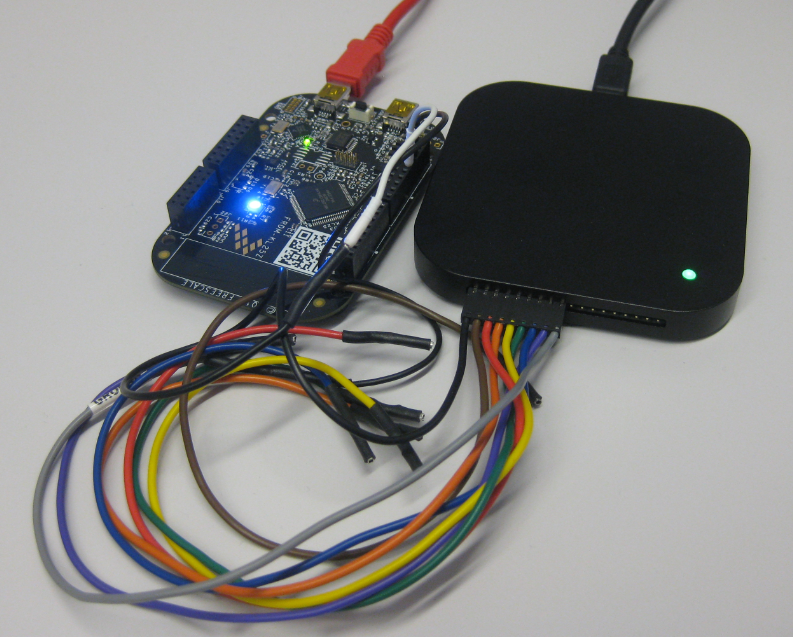
Now I have invested a lot of time into my application, ready to be flashed on the devices and shipped. But wait: I don’t want that someone can read out the code from my device and have it reverse engineered. For this, I can ‘secure’ the device.
Category Archives: Kinetis
Tutorial: DIY Kinetis SDK Project with Eclipse – Board Configuration
In “Tutorial: DIY Kinetis SDK Project with Eclipse – Startup” I showed how to create a Kinetis SDK project from scratch. In this post it is about adding the board initialization files. With the board initialization the peripheral clocks and pin muxing is configured.
Formula Student Electric “grimsel” Testing in Alpnach
Here is another featured student project of this semester: Formula Student Electric (FSE). After the outstanding racing season with “Julier” in 2013, the students have designed and built a new and improved Formula Student Electric car “grimsel”, named after the Grimsel Mountain Pass.
Team Video:
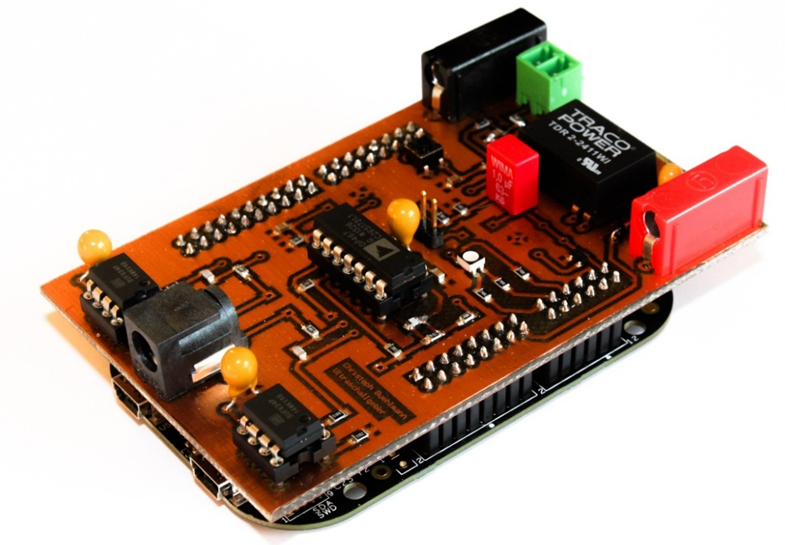
Programmable Ultrasonic Sensor Shield for FRDM Board
“Note to myself: post articles about what students have done this semester…”
Students have turned in their semester project work. I have set for myself a goal to briefly describe to the ‘outside’ world what they did, as an inspirational source :-). So here is a first article about the project completed by Christoph Bühlmann who developed a shield for the FRDM-KL25Z board: a programmable ultrasonic shield:
Tutorial: DIY Kinetis SDK Project with Eclipse – Startup
This is the start of a multi-post tutorial about the Freescale Kinetis SDK, released back in April as beta version. The SDK a set of peripheral drivers, and will become the standard software foundation and drivers provided by Freescale for their ARM Cortex based devices. Similar what other vendors already do. While this is a good step, it is the same time very disruptive for my university projects with new Freescale Cortex-M devices. And with everything new (and beta), it needs time to learn. So this post is about creating a Do-It-Yourself Kinetis SDK project from scratch for Eclipse. This part is about the startup code: about everything to get the application started.
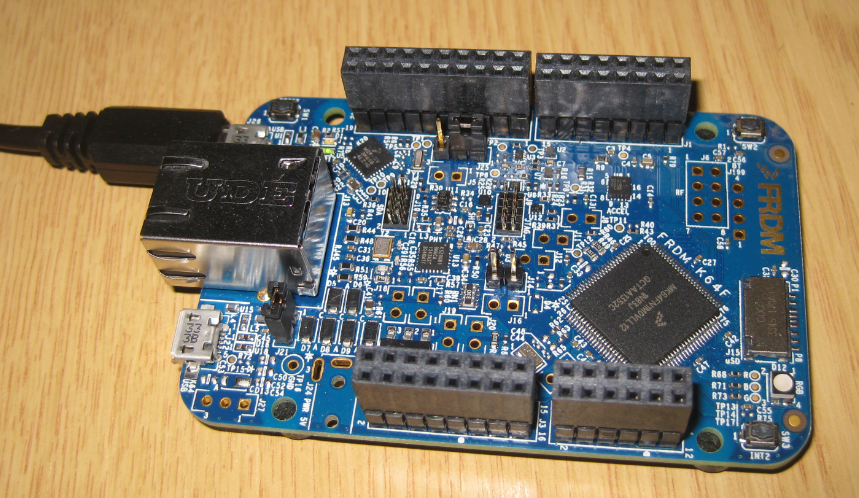
FRDM-K64F at Maximum Speed of 120 MHz
The ARM Cortex-M4F on the Freescale FRDM-K64F board can run up to 120 MHz. Here is how to get it running with maximum speed:
Tutorial: PWM with DMA on ARM/Kinetis
For a project I need to change the PWM duty cycle after a PWM period is over. One way to do this is to have an interrupt at the end of the PWM period, and then set the new PWM duty (compare) register value in the interrupt. That works fine for ‘slow’ PWM frequencies, but if the PWM frequency is high, the CPU load is massively increasing. A better way is to use DMA (Direct Memory Access).
Semihosting with Kinetis Design Studio
Semihosting is a technique to do printf() debugging through an active debug connection. So instead using a physical connection like RS-232 or USB CDC, the connection to the host machine is through the debugger. This post is about enabling and using semihosting with gcc and newlib/newlib-nano in Freescale Eclipse based Kinetis Design Studio (KDS) using the GNU ARM Eclipse plugins.
Configuration Data: Using the Internal FLASH instead of an external EEPROM
Many applications need to store persistent (non-volatile) data at runtime: configuration data, error logs, sensor data, calibration values, etc. The question is: where to store that data? If it is only a few kBytes, an SD card or similar is an overkill. Adding an external EEPROM? Sure, that works, but adds an extra part to the design. Some microcontroller have internal EEPROM. But what if not? Why not using the microprocessor internal flash memory?
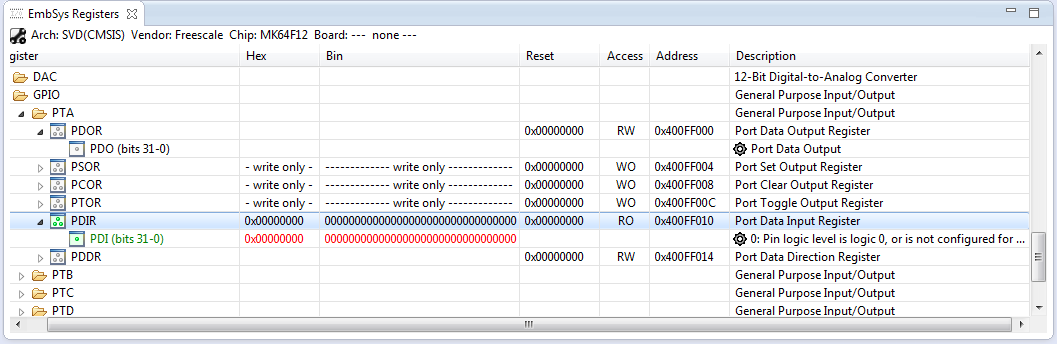
How to Add Register Details View in Eclipse
The standard Eclipse registers view only shows the core registers:
I think it would be great to have a view to see all the device peripheral registers too?
If you want the same, then this article is for you. It works both for stock Eclipse and Freescale Kinetis Design Studion (KDS) 🙂