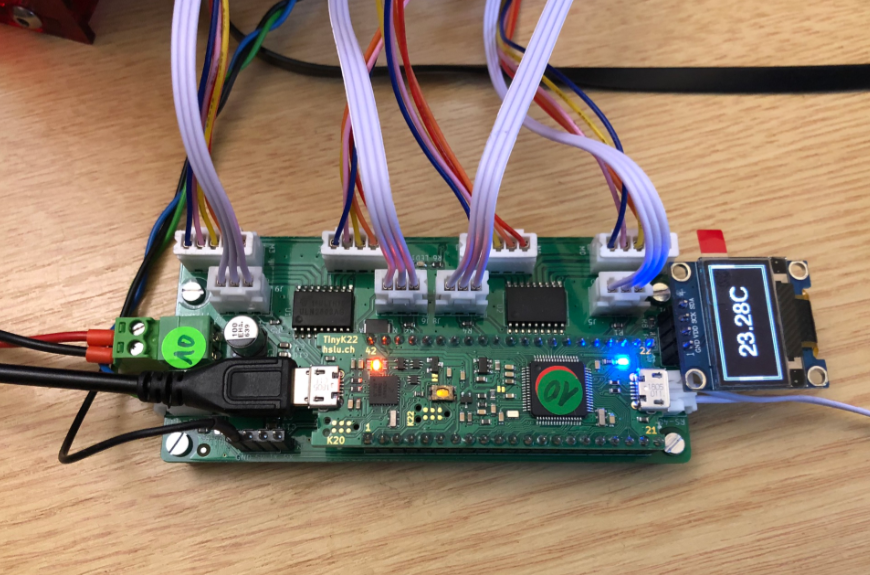
New MetaClockClock: Combining Art and Technology in Clocks

The MetaClockClock is a clock made of clocks. It consists of multiple dual-shaft stepper motors, arranged as a matrix of 5×12 analog clocks. Each clock has two motorized hands that can move independently. The clock can tell the time, but in a unconventional way. The entire matrix creates a meta-display that shows the time or other information. Between the updates, the hand can do coordinated, choreographed movements.
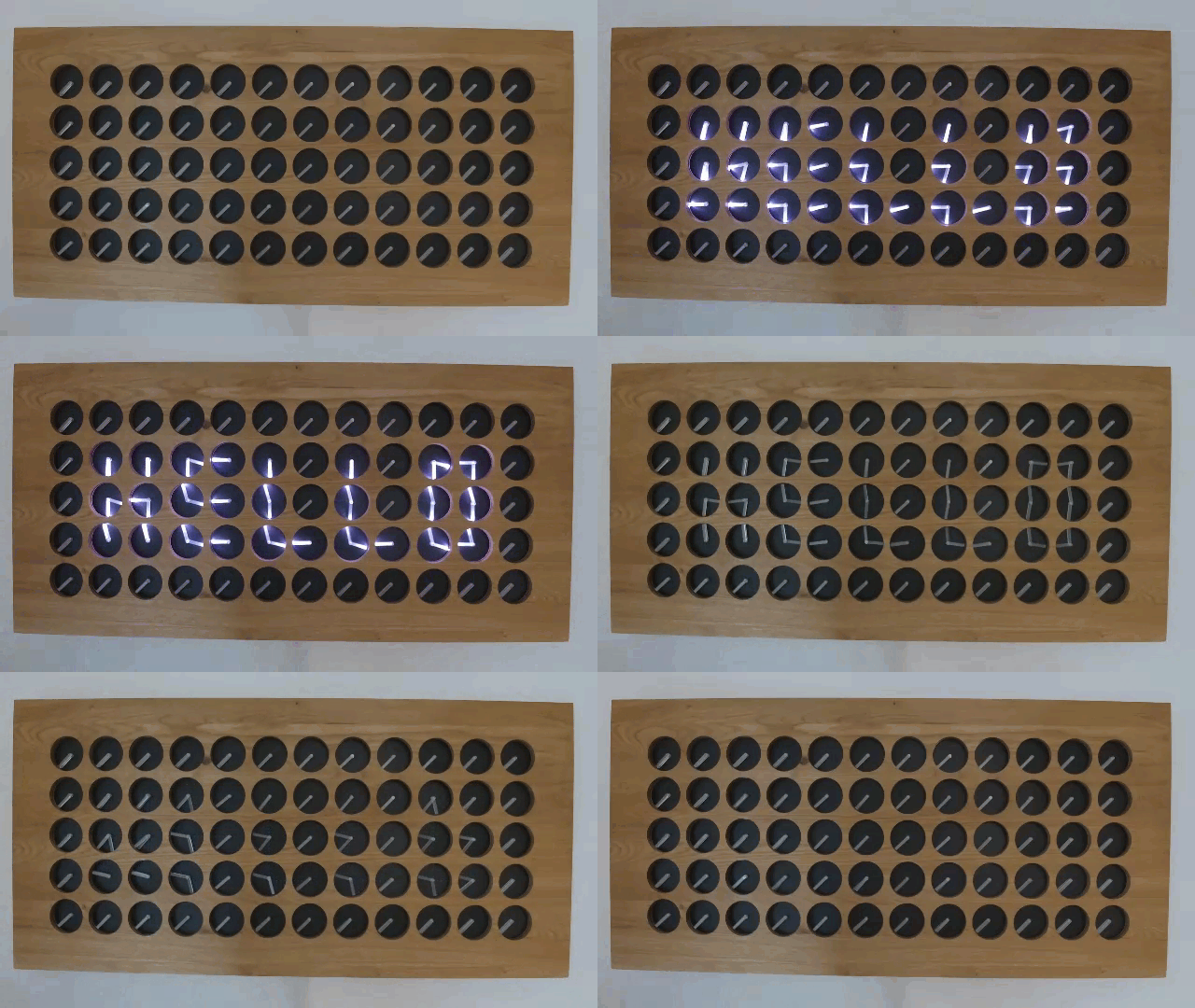
The clock hands are laser cut acrylics with get light up with a LED ring around the clock.

This article describes the build with CNC cut oak enclosure, laser-cut parts and 3D printed items.

Continue reading
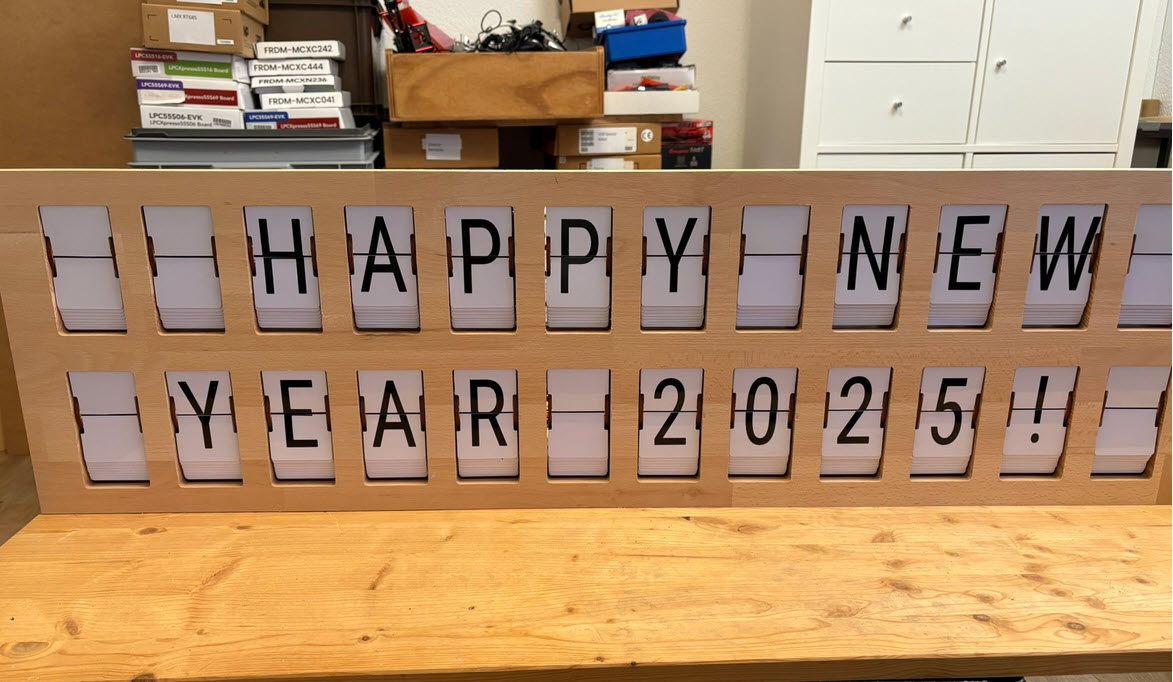
Building a DIY Split-Flap Clock

I’m making progress on my larger split-flap project (see Update on the Split-Flap Project for 2025). So far I have 32 operational for the larger 64 flap installation. In parallel, I worked on a smaller 4 flaps unit used as a clock.

Split-Flap Clock
Split-Flap Clock
Continue reading

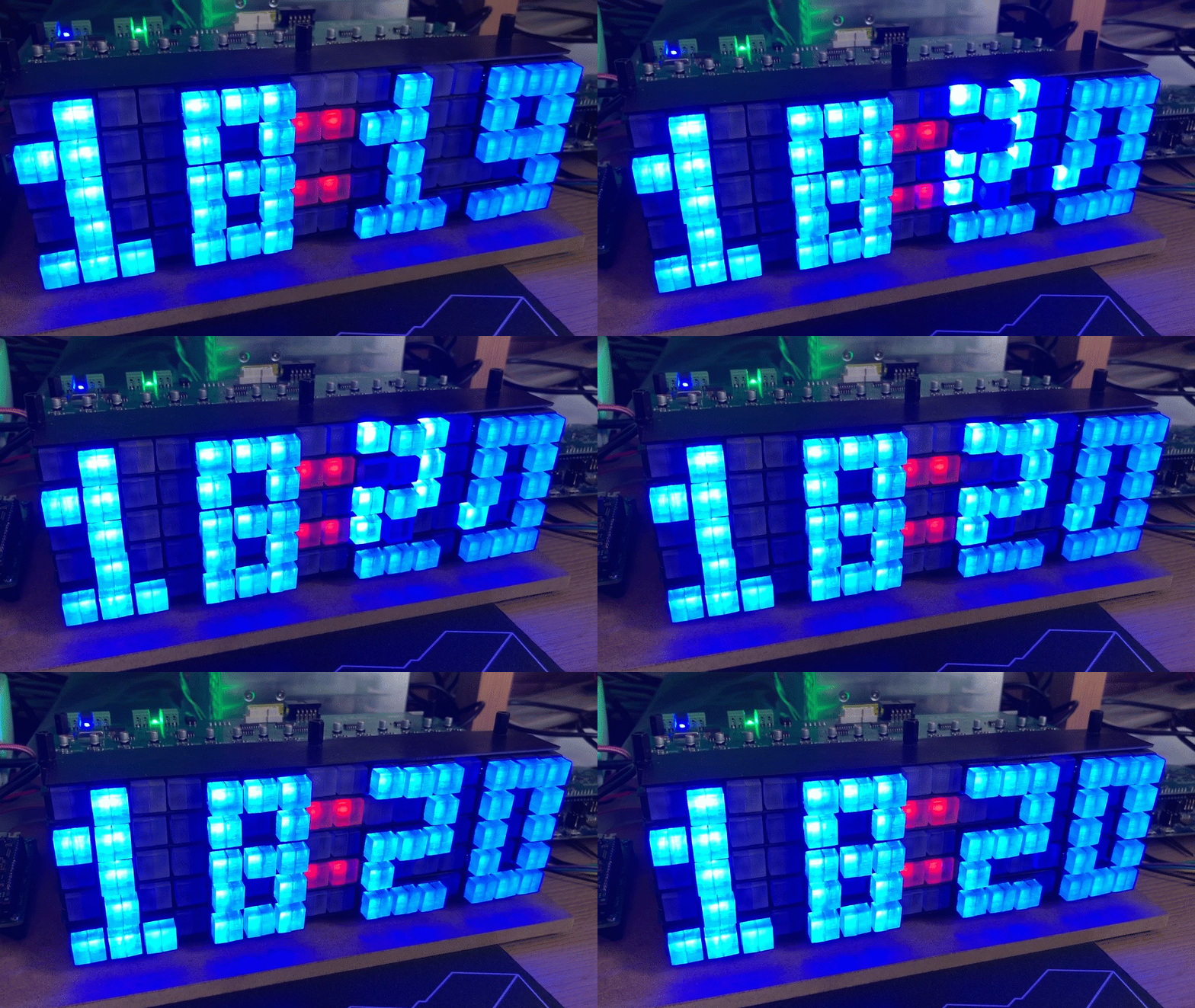
Moving Pixel Clock Project

Clock projects are cool. LED projects are cool too. And if it moves, the better. So why not building a moving pixel LED mechatronics clock? A matrix with addressable RGB LEDs, each can change color and is moved by a tiny stepper motor, to let pixels stand out?

Moving Pixel Clock
Continue reading

Consolidating with VS Code

It is August 1st, and Switzerland is celebrating its National Holiday. Rather cold and rainy, so this gets me some time to catch up on things. The preparation for the coming university semester in September is in full swing, and I have the honor to take over building up a new Master of Science in Engineering education module. In the existing courses I teach on the topic of embedded systems, I do use devices and MCUs from vendors like Broadcom, NXP, STM, Nordic, Raspberry Pi and Espressif. This not only means different SDKs, but different IDEs with different debug probes.

Just a subset of different hardware kits used in different labs

Eclipse has been the common factor in the mix with all these, and with all the pros and cons, it worked very well. With NXP having released support for Visual Studio Code, adding an announcement, and other vendors going into the same direction, I took the decision that I want to migrate my lab and lecture infrastructure to VS Code.

Continue reading

Controlling an EV Charger with Modbus RTU

The year 2022 is coming to an end, and I have spent some time today on a little side project. It is about making an Electrical Vehicle (EV) wallbox charger accessible over Modbus RTU. It is not finished yet, and I plan to publish more articles on it, but I can share that I’m able to access and control the Heidelberg EV charger with a Raspberry Pi Pico W (Dual Core Cortex M0+), NXP K22FN512 (Cortex M4F) and LPC845 (Single Core Cortex M0+):

Continue reading

Fixing “REENT malloc succeeded” Assertion

One little nasty assertion in the GNU standard library appeared a few days ago, kind out of nowhere, reporting “REENT malloc succeeded”:

Obviously it was caused by the call to srand() which sets the ‘seed’ for the standard library (pseudo) random number generator. The assertion happens as well later for calling the rand() function.

Continue reading

Resurrecting ‘bricked’ NXP Kinetis Devices

Modern MCUs like the NXP Kinetis have security features which prevent reverse engineering, but can ‘brick’ devices too. Depending on the settings, it prevents read-out from the FLASH or reprogramming the device. While some of the protection is (mostly) not by-passable by design, in many case the devices looks like ‘bricked’ but still can be recovered. In this article I’ll get you some ways for a (hopefully) successful recovery.

J-Link EDU Mini recovering a tinyK22 with needle adapter
Continue reading

DIY Split-Flap Display

Split-flap displays are electromechanical display devices, which were common in airports or railway stations a few years ago.Unfortunately, most of them are gone and replaced by LED displays. Why not create a DIY version of it?

2×10 Split-Flap Display
Continue reading

Key-Value pairs in FLASH Memory: file-system-less minINI

Many embedded systems application need to store some kind of data in a persistent way: calibration values, settings or log information. For a smaller amount of data, using an external memory or file system is an overkill. In many system I’m using minINI to store key-value pars in in a ‘ini-file’ way, but it requires the use of a file system of some kind. minINI is great and efficient, and makes getting and storing data really easy. But for simple cases, a single FLASH memory page or sector is just all what I need. Instead managing that page directly, why not using minINI without a file system?

Continue reading