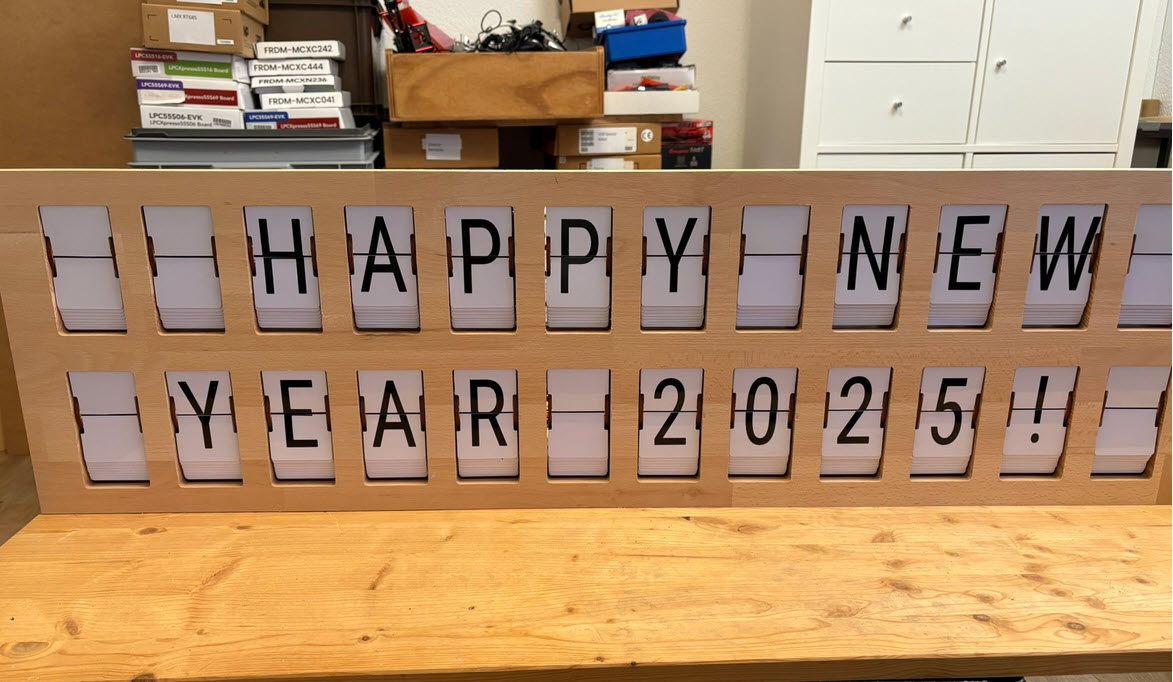
I’m making progress on my larger split-flap project (see Update on the Split-Flap Project for 2025). So far I have 32 operational for the larger 64 flap installation. In parallel, I worked on a smaller 4 flaps unit used as a clock.


I’m making progress on my larger split-flap project (see Update on the Split-Flap Project for 2025). So far I have 32 operational for the larger 64 flap installation. In parallel, I worked on a smaller 4 flaps unit used as a clock.
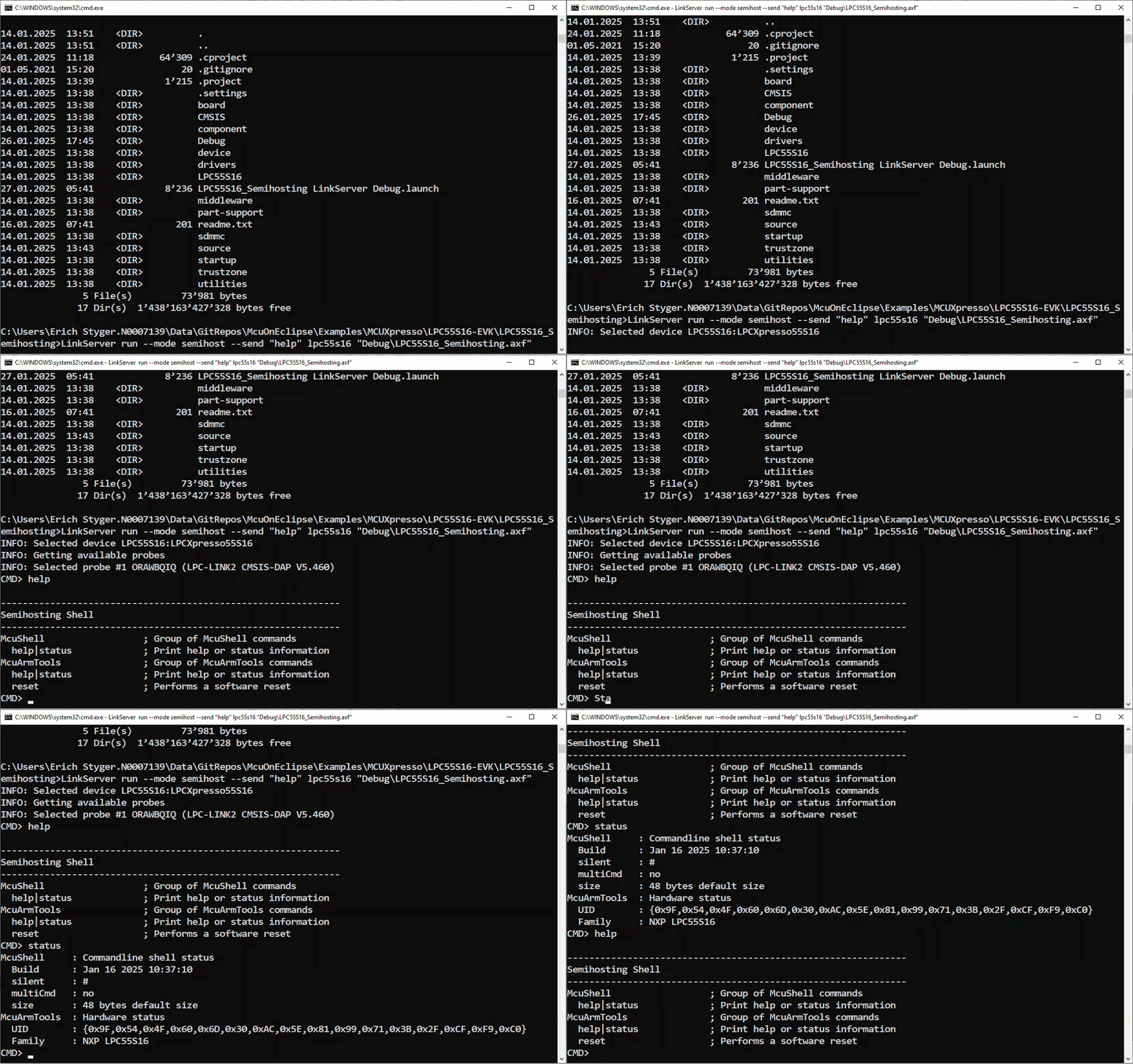
NXP has released a new LinkServer software. It includes an interesting feature. The LinkServer test runner has been extended with a Semihosting console. This is not only very useful for on-target testing. With the Semihosting console, I have a bidirectional communication channel with the target. And I do not need any hardware pins or to run a debug session. All what I need is the CMSIS-DAP connection with the NXP LinkServer runner to have a command line shell:
If working with different tool chains, SDKs, and vendors, then one must use different environments.
With VS Code, this can end up in counter-intuitive situation. When I start a new Visual Studio Code instance, it will open a new window. But if there is already an instance running, it actually will re-using that environment. This can cause lots of subtle problems, including failed builds.

So how to start a new Visual Studio Code Window, with a new instance?
Continue readingSometimes projects need more than a year from start to finish. And this project is even not finished yet. So here is a quick update of the enlarged Split-Flap project for 2025:
In CI/CD for Embedded with VS Code, Docker and GitHub Actions, I used GitHub to build a pipeline. This setup supports continuous integration within a CI/CD environment.
This time, let’s do a similar thing. But instead of GitHub, I use GitLab with VS Code. And I use it for a project where three different MCUs are used: the Raspberry Pi Pico-W, an Espressif ESP32 plus the NXP K22FX512 on the Sumo robot:

The year 2024 is coming to its end, time for a Year-End-Processor-Expert-Component-Release.

Also, this is now the 10th anniversary of the releases on Sourceforge, starting with https://mcuoneclipse.com/2014/10/21/mcuoneclipse-releases-on-sourceforge/ back in 2014.
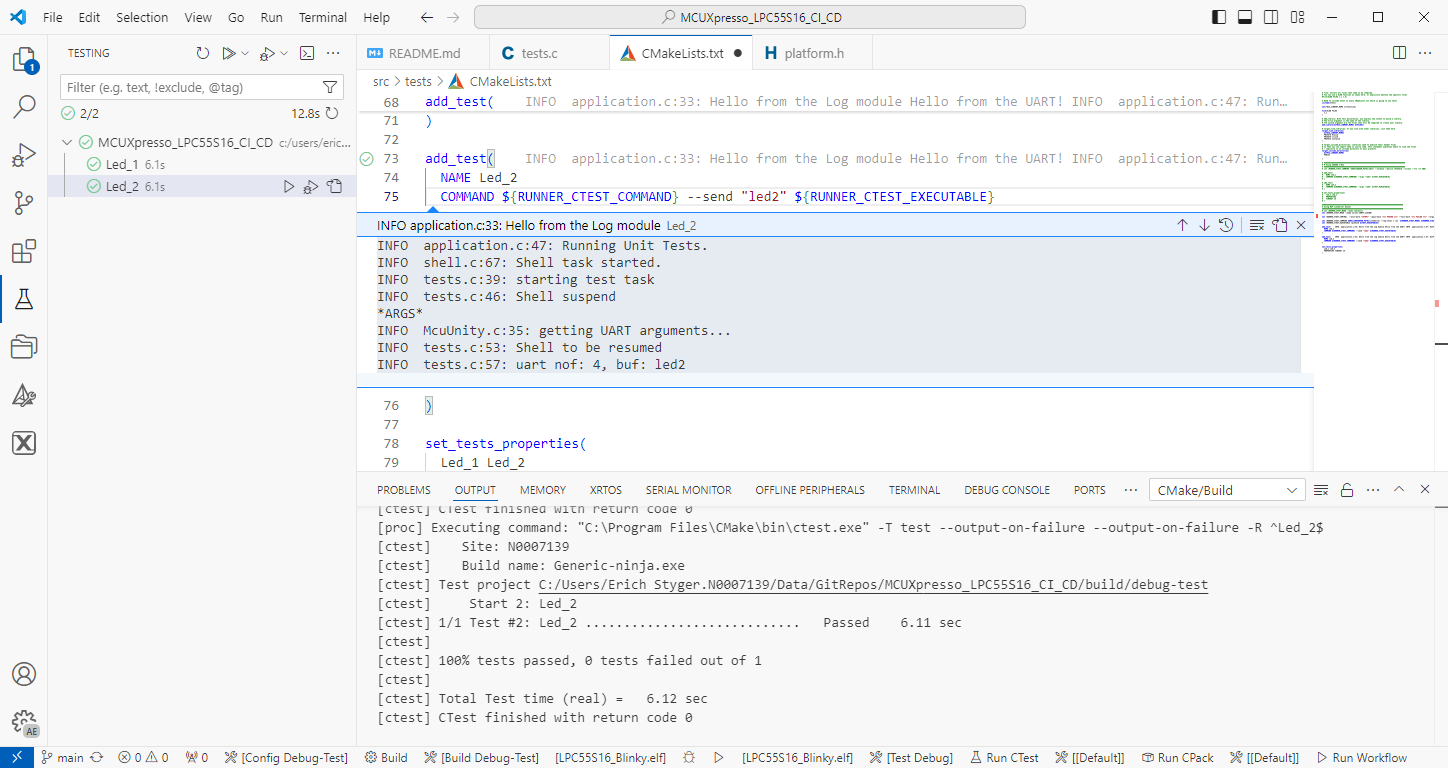
Continue readingThe release 24.9.75 of LinkServer software and tools includes interesting feature: the ability to use the debug probe for automated on-target testing. It includes a ‘runner’ which can program, launch and run the application on the target through a debug probe. While the target is running, it uses semihosting or UART for communication. This makes it a perfect tool for automated testing, especially in a CI/CD environment. One such environment is running automated tests with CMake and CTest in VS Code.
NXP has released a new version of the LinkServer software. This is a utility for debugging and using scripting for a wide range of devices and debugging probes. It includes support for the MCU-Link, LPC-Link2, on-board and CMSIS-DAP based debug probes with the ‘LinkFlash’:

With the new release, it includes a graphical user interface (GUI) for flash programming. It also includes erasing, verifying, recovery, and saving the memory to a file.
Continue readingSEGGER has released a new version of their J-Link tools suite. That suite includes the J-Run utility which loads, executes and monitors the output of the target. Output can be with RTT (Real-Time Transfer) or semihosting. This makes it useful for automated tests with CMake and CTest:

What has been added from the V7.98g release is the ability to send arguments to the running application using the --args command, for example with CMake/CTest:
set (RUNNER_CTEST_COMMAND "$ENV{SEGGER_PATH}/JRun" --verbose --device LPC55S16 --silent --rtt -if SWD)

add_test(
  NAME Led_1
  COMMAND ${RUNNER_CTEST_COMMAND} --args "Led_1" ${TEST_EXECUTABLE}
)
Like applications running on the host, I can now pass arguments to the running application. This is useful to set up the target, or to tell which kind of tests to run.
Continue readingIn my Eclipse workspace I have many projects, from multiple git repositories.

How can I share a list of projects, say in a development team? As we all should know: the Eclipse workspace (.metadata folder) should not be shared. So how can I share it? There is a cool feature in Eclipse which does exactly that. It shares a configurable set of workspace projects, even if they are on different git repositories.
Continue reading MCU on Eclipse