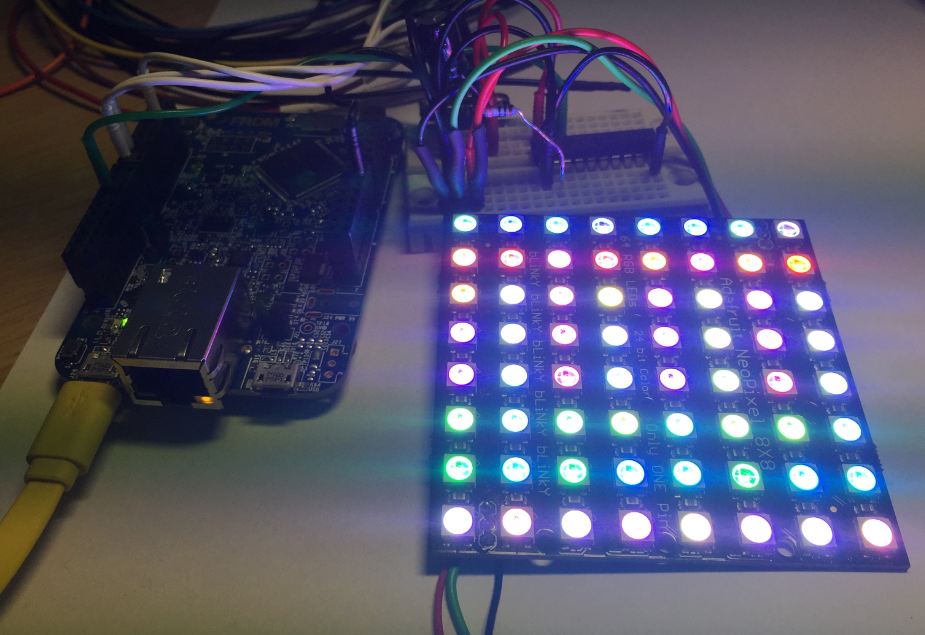
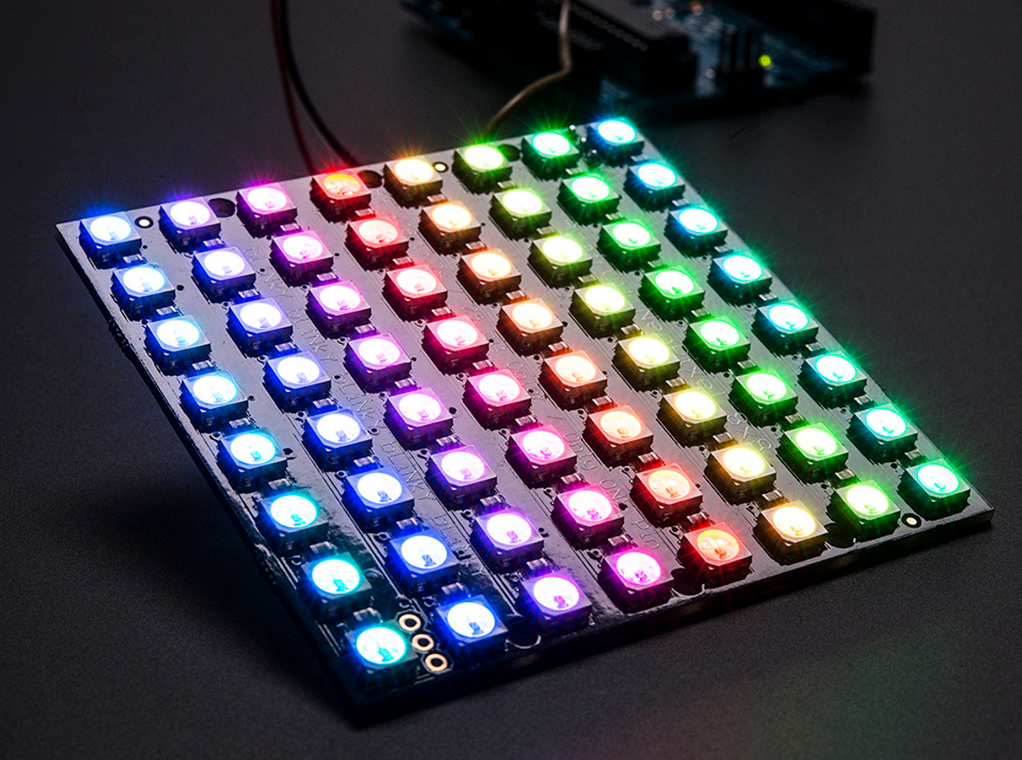
This is Part 1 of a Mini Series. Manya has challenged herself to use the Adafruit NeoPixels (WS2812B RBG LEDs) with the Freescale FRDM-K64F board and the Kinetis SDK (see “Let’s play with Freescale FRDM-K64F“). I did a while back that with the FRDM-KL25Z board (see “NeoShield: WS2812 RGB LED Shield with DMA and nRF24L01+“). I used Processor Expert in my project (without the Kinetis SDK), and with this setup it is very easy. However, Manya wanted to do this with the Kinetis SDK and without Processor Expert. No surprise to me, she has found out that this setup with the Kinetis SDK and without the usage of Processor Expert is much more challenging (see “Not done yet!!“). I promised to Manya to give her a helping hand, so here we go! 🙂
Tag Archives: software project
How to use Kinetis Design Studio!!
Getting the hands on an embedded project has always been exciting for me. So, here I am again with my blog trying to provide you with an easy to use guide for the Kinetis Design Studio 3.0.0 (KDS_3.0.0). Well, as you all know I am an intern at Freescale working for the first time on KDS, I will tell you what all we can do to start working on it with a perspective of a novice. But personally I feel KDS is one of the most encouraging IDE you can work on. So how do I start with my code for our NeoMatrix board? I am currently working with one of the demo codes for the NeoMatrix:
https://mcuoneclipse.com/2015/07/10/lets-play-with-freescale-frdm-k64f/
So, my first task is to write the code in KDS for the NeoMatrix_Demo. How do I do that? After opening the KDS 3.0.0, I need to go to File and select New and then Kinetis Project. You can see that the New Kinetis Project wizard appears once you click the File>New> Kinetis Project. Type a name and click next.
Let’s play with Freescale FRDM-K64F
Hello Again!
In my previous blog I talked about the new getting started process for Kinetis FRDM-K64F development board. Here I am with my next blog going one step further and introducing you to the target application that I have planned for this summer using the awesome FRDM K-64 development board from Freescale. I am planning to work on some really cool stuff that we can do from this board. And I came up with an idea for making an Adafruit NeoPixel NeoMatrix Signboard!!
Wait….does it sound boring to you? Nah… we are not planning some ordinary signboard. This Adafruit NeoPixel NeoMatrix signboard is really cool. It will display what you want to display and it will change the displayed text with just the movement of your hand. Sounds interesting now?? Continue reading
Using Segger Real Time Terminal (RTT) with Eclipse
I have used semihosting more and more in my projects. However, there are several disadvantage of using it:
- Without special handlers, it only works with an active debug connection going on. Without a debugger attached, the application blocks otherwise.
- Because it needs debugger interactions, it is rather slow (only several hundreds of bytes per second)
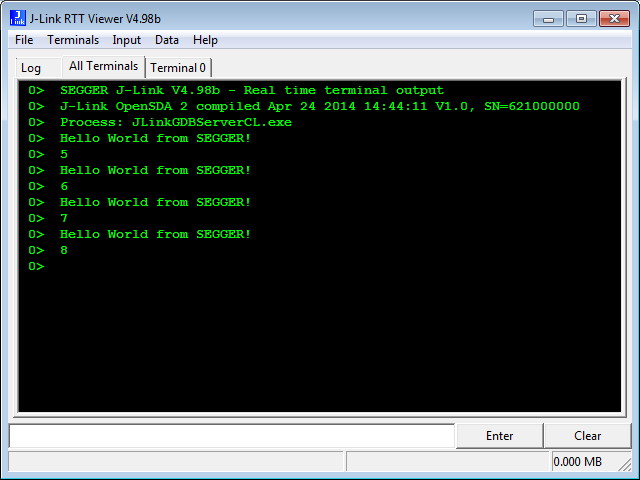
The good news is that Segger supports with their debug probes a faster approach with what they name Real Time Terminal (RTT). And it even runs without a debugger attached to the board: all what I need is a Segger J-Link probe (or Segger J-Link OpenSDA) plus a telnet client.
McuOnEclipse Components: 05-July-2015 Release
I know: A new McuOnEclipse Processor Expert components release was long overdue. But I have been extremely busy in the last months, but now the university semester is over, and I have finally some spare time to catch up on a lot of things. So here we go: there is a new component release available on SourceForge (https://sourceforge.net/projects/mcuoneclipse/files/PEx%20Components/): Components 2015-07-05.zip
Open Source Static Code Analysis: Cppcheck with Eclipse
I have a challenge for you: Can you spot the problem in the following source?
TMOUT1_CounterHandle TMOUT1_GetCounter(TMOUT1_CounterType nofTicks){Â Â TMOUT1_CounterHandle handle;Â Â CS1_CriticalVariable();Â Â handle = 0;Â Â if (nofTicks==0) {Â Â Â Â nofTicks = 1; /* wait at least for one tick, otherwise will timeout immediately */Â Â }Â Â CS1_EnterCritical();Â Â while (!TMOUT1_FreeCounters[handle] && handle<TMOUT1_NOF_COUNTERS) {Â Â Â Â handle++;Â Â }Â Â if (handle<TMOUT1_NOF_COUNTERS) {Â Â Â Â TMOUT1_FreeCounters[handle]=FALSE;Â Â Â Â TMOUT1_Counters[handle] = nofTicks;Â Â }Â Â CS1_ExitCritical();Â Â if (handle==TMOUT1_NOF_COUNTERS) {Â Â Â Â return TMOUT1_OUT_OF_HANDLE;Â Â }Â Â return handle;}No? Well, I have not spotted the problem the first time neither. However, a reader of this blog did: he used a cool tool named ‘cppcheck’: that tool reported the following:
Hello World!! :)
Code Coverage with gcov, launchpad tools and Eclipse Kinetis Design Studio V3.0.0
What makes Eclipse great: using open source tools there are a lot of tools and techniques available which usually are only provided for desktop development.
A while back I described how to do code coverage with Eclipse Kepler and the GNU ARM Embedded (launchpad) tools (see “Code Coverage for Embedded Target with Eclipse, gcc and gcov“). With Kinetis Design Studio out, time to do the same with that Eclipse distribution, especially as Freescale is now using the stock GNU ARM Embedded tools too.
Sensirion SHT11 Temperature and Humidity Sensor on a MikroElektronika Click Board
In one of my earlier posts (“Using the DHT11/DHT22 Temperature/Humidity Sensor with a FRDM Board“) I’m using the DHT11/DHT22 temperature/humidity sensors with the FRDM-KL25Z board. These sensors are very inexpensive, but have limited measurement range and accuracy. As pointed out by a reader of that article, Sensirion (a Swiss company :-)) has good sensors too, and I decided I would like to try the SHT11 sensor:
- 0-100% Relative Humidity
- +/- 3% Relative Humidity accuracy
- -40 – +125°C
- 2.4 – 5.5V supply voltage
Solving the 8192 Character Command Line Limit on Windows
There is a really annoying issue with using command line tools on Windows: the maximum length of the command line passed to cmd.exe is 8192 characters (see http://blogs.msdn.com/b/oldnewthing/archive/2003/12/10/56028.aspx). So you think this is not a problem for you, as you would not pass such a long command line to cmd.exe (the DOS shell under Windows)? Well, if you are using Eclipse (as I do) which generates make files (which is the normal way), then the cmd.exe very likely is involved to call the compiler/linker/etc, indirectly with the usage of make.exe. Compiling files is usually not a problem as it does not hit that 8192 limit. However, it is likely that link phase will end up with an error:
If you have such a problem, there is a solution ….