Segger releases often new application and firmware updates. If I install an IDE like the Freescale Kinetis Design Studio, it comes with that firmware version available at that time. How to take advantage of a new Segger release?

Segger Download Page

Segger releases often new application and firmware updates. If I install an IDE like the Freescale Kinetis Design Studio, it comes with that firmware version available at that time. How to take advantage of a new Segger release?
Segger Download Page
I have published a Sneak Preview how GNU gprof profiling looks for an embedded target ARM Cortex-M in an earlier post:
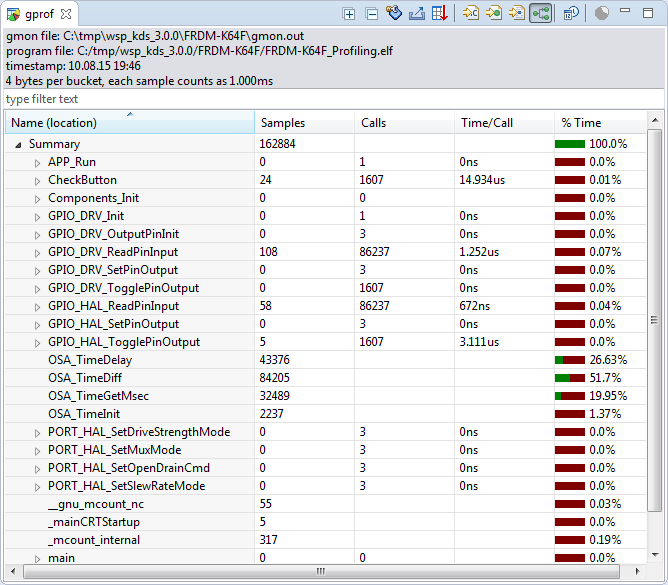
This tutorial explains how to profile an embedded application (no RTOS needed) on ARM Cortex-M devices with GNU gprof. Additionally I explain the inner workings to generate the data necessary for gprof.
Continue readingThe STMicroelectronics STM32F103 (ARM Cortex-M3) Nucleo boards include the on-board ST-Link v2 circuit which allows to debug the board. This circuit is similar to the OpenSDA circuit found on Freescale boards. Unlike the Freescale OpenSDA, the ST-Link is only the ST-Link: it is not possible to load a P&E Multilink or Segger J-Link or firmware on it. Luckily, the ST-Link has a SWD connector, but this connector is a non-standard one. So how can I debug that board with an Eclipse based environment with GNU ARM Eclipse plugins and a Segger J-Link?

Connected J-Link with Nucleo Board
In “Unboxing the Freescale FRDM-KL43Z Board” I was using the FRDM-KL43Z board the first time. The FRDM-KL43Z board has an on-board debug interface (Kinetis K20, OpenSDA). In this post I show how to use the FRDM-KL43Z board to debug another ARM board.

FRDM-KL43Z Board debugging custom (tinyK20) Board
To build an application for a modern microcontroller today is not a simple thing. Well, it depends what ‘simple’ means. But compared to the ‘old days of 8bit micro controllers’ (which are still in use!) developing for a complex 32bit device is definitely a different thing. Not only the complexity has changed, but as well the breath of tools and helpers. In my view, the only constant is ‘change’, and I have changed the way how to develop several times in my career. In this post I present several different techniques I’m using in my development.

Processor Expert CPU View
It has been a long time since I wrote my last blog. I really want to apologize to you all for the delay, but I was busy with another project about the competitive analysis of Freescale with our competitors. I hope I can provide you guys later with some important findings from my research.
Well as far as my project for neopixels using FRDM-K64F is concerned, Erich wrote the wonderful tutorial for all of us to turn on the NeoMatrix. I tried my hands on that and I was indeed able to turn on the board but not in the way I wanted it to. 😦 So, it turns out that I got few LEDs turning blue or some turning green. I asked Erich about it and I got to know that it is because I screwed up with the timing signals. I was using an oscilloscope and not a logic analyzer but Erich’s recommendation was to use the Logic Analyzer. This was the result of my experiment following Erich’s tutorials.
Tutorial: Adafruit WS2812B NeoPixels with the Freescale FRDM-K64F Board – Part 1: Hardware
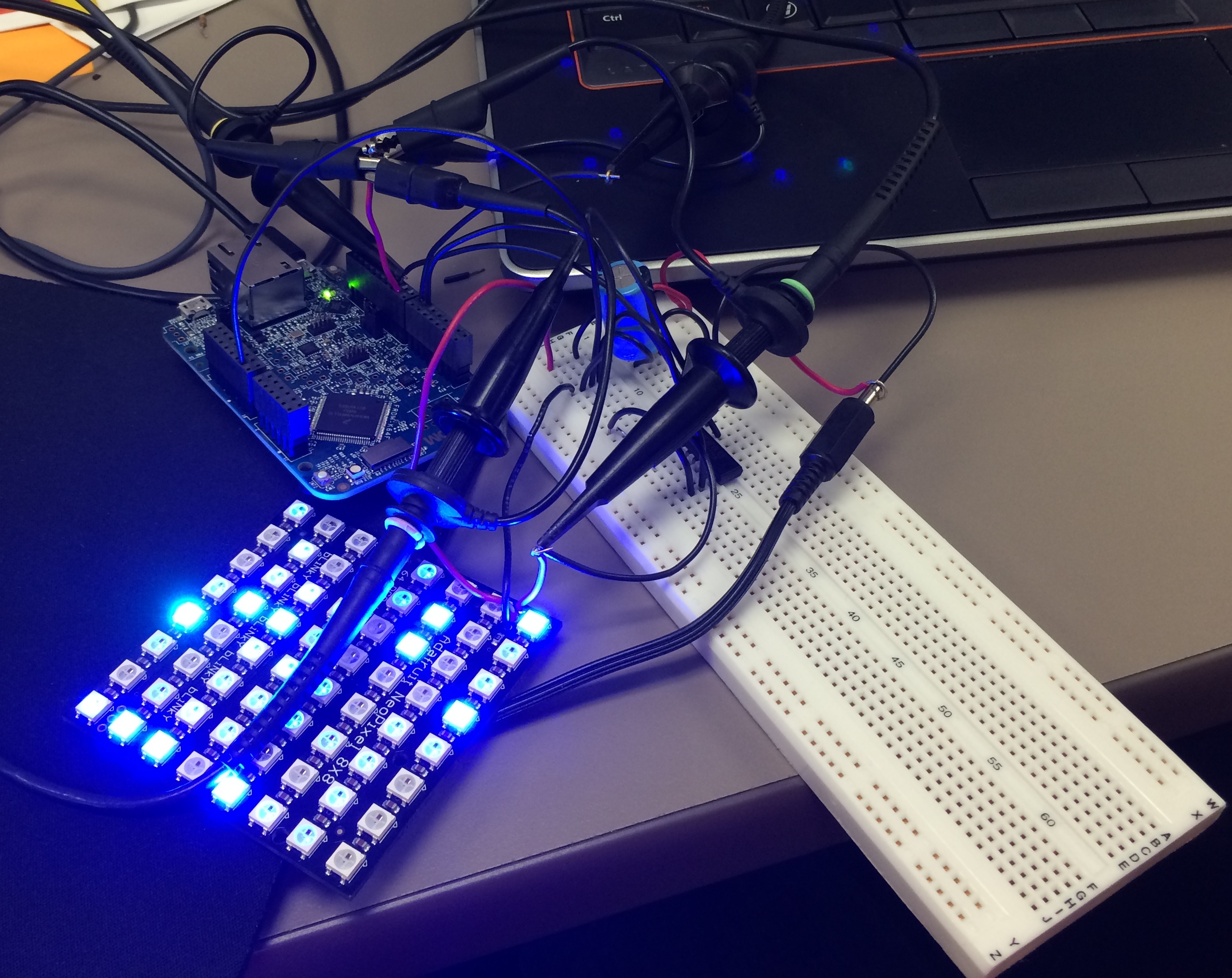
The Hardware
English is not my first language, but I use it in this blog because that way I can reach a broader audience. If I would use Swiss German, only a few would be able to understand what I write about: “Wänn I würd schwiizerdütsch bruuche, dänn chönt wohl chuum öpper das hie läse” ;-).
Google Translate is not prefect, but still it does a fair job of translating web pages. I have added now a Google translate button to this blog side bar. Click on it and have the web page translated to the language of your choice. Try it out:

💡 If you are speaking Portuguese and want to learn about the Freescale FRDM-KL25Z board, then check out https://hardwarizando.wordpress.com/2015/08/11/introducao-a-kl25z-codewarrior-processor-expert-e-interrupcoes-periodicas/
Happy Translating 🙂
PS: some of the translations by Google are sooooo funny 🙂
I’m working on a conference paper and presentation, and tonight I had a break-through :-). So how cool is this: Profiling with GNU gprof a bare-metal embedded Cortex-M application (Freescale Kinetis K64F running the Freescale Kinetis SDK) in Eclipse:
Freescale Kinetis Microcontroller Application Profiling
This is Part 5 of a Mini Series. In Part 4, I described how to set up the FTM (Kinetis Flex Timer Module) to generate the required waveforms used for DMA operations (see “Tutorial: Adafruit WS2812B NeoPixels with the Freescale FRDM-K64F Board – Part 4: Timer“). In this post I describe how to use to trigger DMA (Direct To Memory) events. The goal is to drive Adafruit’s NeoPixel (WS2812B) with the Freescale FRDM-K64F board:
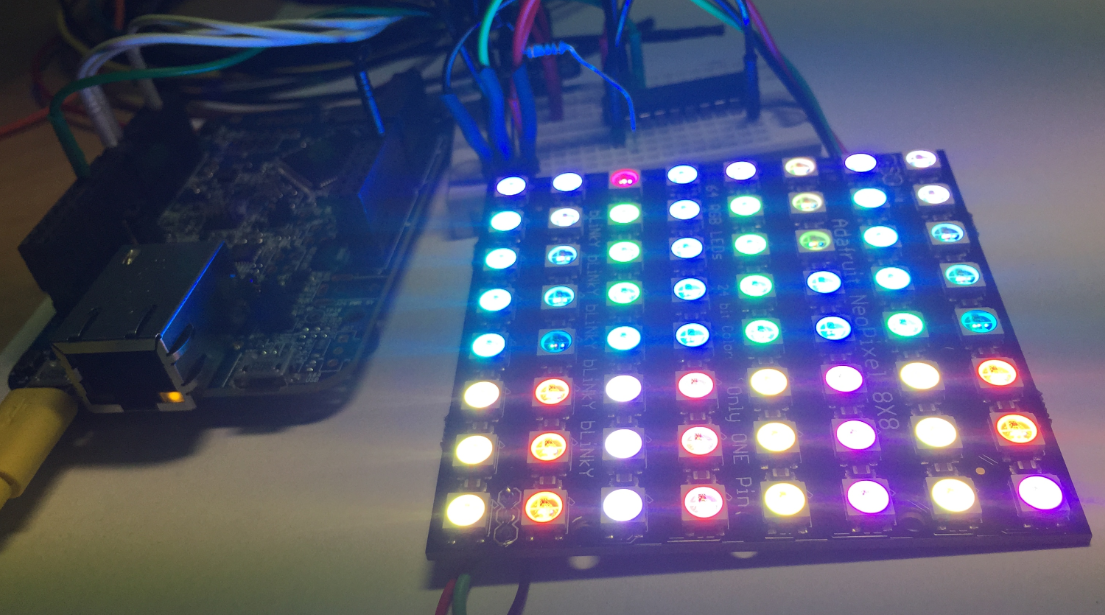
FRDM-K64F with Adafruit NeoPixel
This is Part 4 of a Mini Series. In Part 3, I described the software concepts (see “Tutorial: Adafruit WS2812B NeoPixels with the Freescale FRDM-K64F Board – Part 3: Concepts“). In this post I describe how to set-up the timer to trigger later DMA operations. The goal is to drive Adafruit’s NeoPixel (WS2812B) with the Freescale FRDM-K64F board:
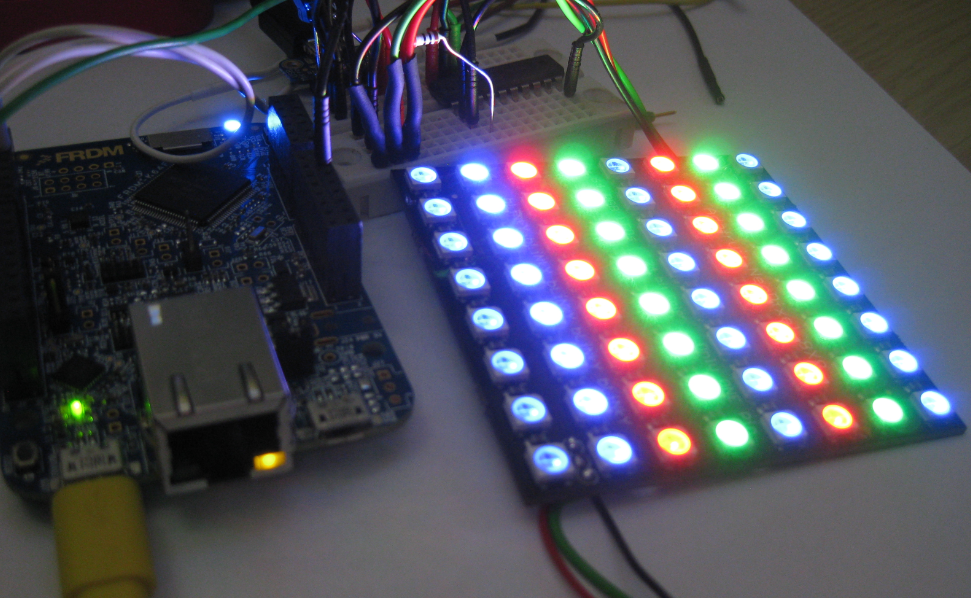
NeoPixels with FRDM-K64F
 MCU on Eclipse