I have started the semester and labs using the MCUXpresso IDE V11.2.0 which has been available from July this year. The past week I received the notification that the update V11.2.1 is available: time to check it out….
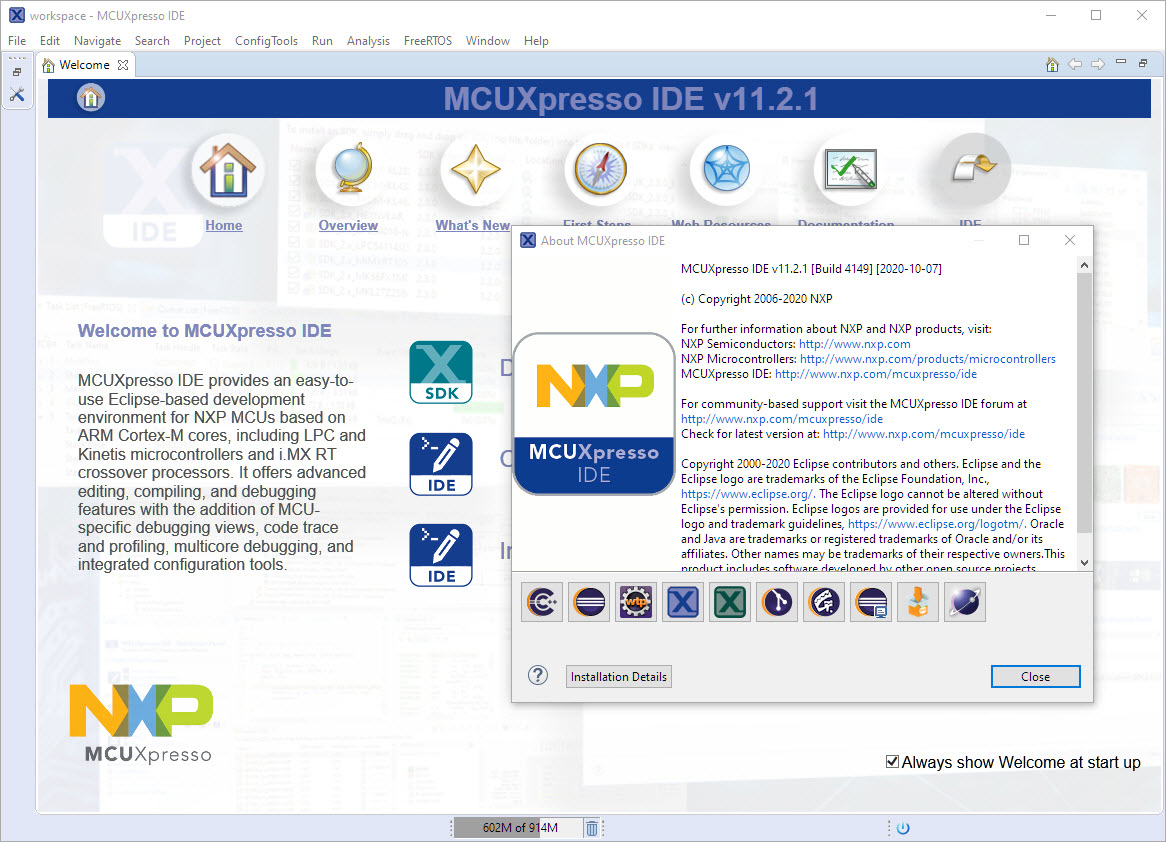
MCUXpresso IDE V11.2.1

I have started the semester and labs using the MCUXpresso IDE V11.2.0 which has been available from July this year. The past week I received the notification that the update V11.2.1 is available: time to check it out….
MCUXpresso IDE V11.2.1
Amazon has released in the past week the FreeRTOS version V10.4.0. Time to upgrade, actually the most recent version 10.4.1! The same time the SEGGER SystemView V3.12 was released back in April this year. No surprise: with the FreeRTOS changes they don’t work out of the box: but no worries, I have you covered and applied all the needed patches and changes to have them working again together: the latest FreeRTOS v10.4.x with Segger SystemView v3.12:

Segger SystemView 3.12 with FreeRTOS 10.4.2
As a VCS (Version Control System) I’m using git in all my projects. And not only for software or firmware projects: I’m using it for hardware design (KiCAD, FreeCAD, …) or for documentation (LaTeX, …) too.
The nice thing with the Eclipse IDE is that it supports nice git integration, making importing projects from git repositories easy.
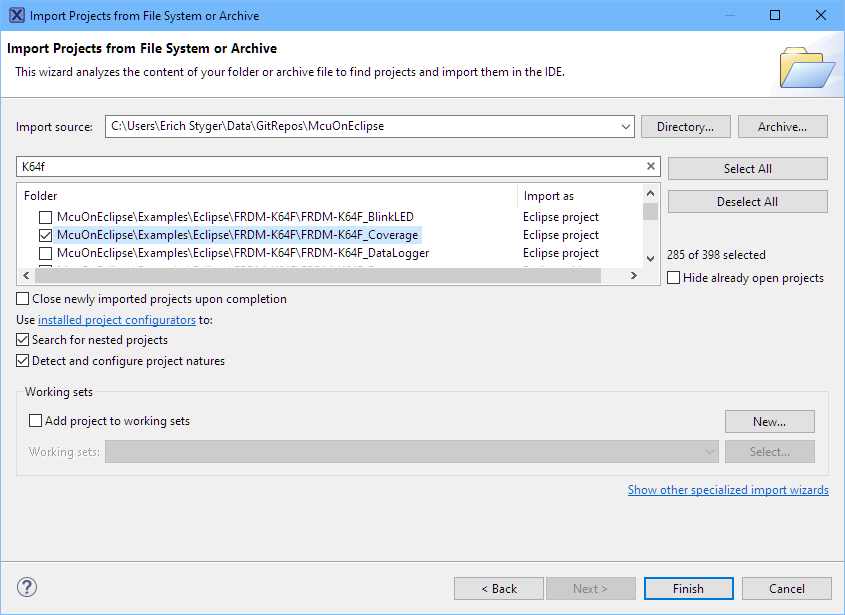
Import Projects from git
COVID-19 is by far not over, and in Switzerland the infection rate is going up again (2nd wave?). During the spring 2020 semester university lock-down we moved pretty much everything to a ‘distance learning’ setup. With that experience and with the request to prepare for the fall semester, I have constructed a DIY conference and teaching device which should make things simpler and easier: a combination of video camera, speaker phone and a muting device:
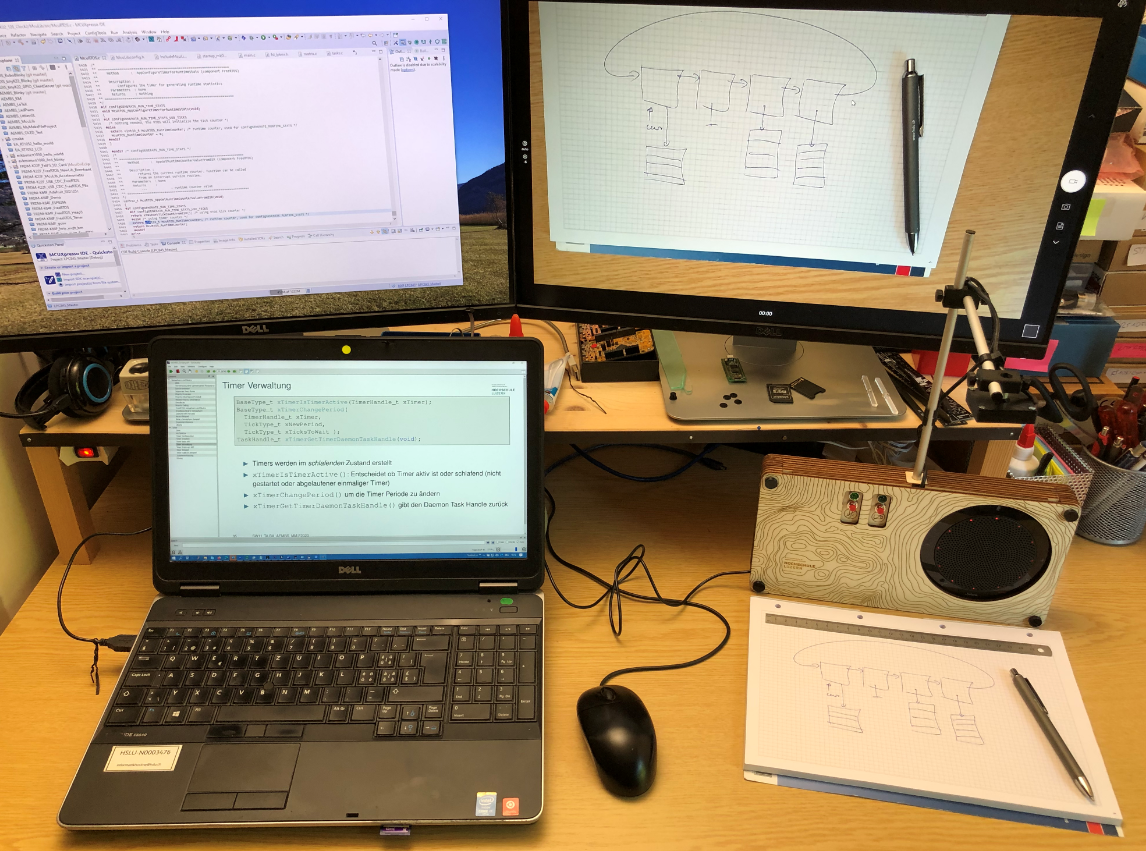
Desk with Communicator C2020
At the university the end of a semester means that you have to get ready for the next semester. I always tend to use the latest and greatest tools for the labs. This week I received the notification that a new version of the Eclipse based MCUXpresso IDE is available, time to check it out for the next semester.

MCUXpresso IDE 11.2.0
This article is part of a ‘mini series’ about hidden gems, tips and tricks around Eclipse.
The topic of this one is how to accelerate the start of the debugger.

Nothing to be done
Creating a new project with Eclipse for a microcontroller these days is fairly easy, and I have the choice if I want to start the project with C or C++:

Choice of C and C++ for a new project
Still the embedded microcontroller world is dominated by C and not C++. So while it is easy to start with a C++ project, most vendor provided example or tutorial project are C projects. So how can I transform such project to C++?
When using a logging framework it is useful to use the current file name or line number. The ANSI C/C++ standard defines the __LINE__ and __FILE_ preprocessor macros for this.
But what about the project name, if it is a release or debug build, the microcontroller used or other things like the operating system which was used to build the binary?

Target Chip Name
This (and even more) can be easily provided by Eclipse to the C/C++ application being built with CDT.
This is a follow-up article of my earlier project presented in “FatFS, MinIni, Shell and FreeRTOS for the NXP K22FN512“. I wanted to extend it with a USB MSD (memory stick) device: The USB storage device gets automatically mounted, and depending on a configuration (.ini) file on the memory device I can perform various actions, for example automatically copy data from the SD card to the USB device. For example the system logs data, and to get the data I insert the memory stick, it copies the data on it and automatically unmounts it, and I can remove the memory stick.

FRDM-K22F USB Host Mode with Memory Sticks
The NMI is a special interrupt on ARM Cortex-M architecture: as the name indicates, it cannot be ‘masked’ by the usual ‘disable interrupts’ flags (PRIMASK, BASEPRI), similar to the Reset signal.

cortex-m-vector-table (Source: adapted from arm.com)
Dealing with the reset signal is kind of obvious, and most designs and boards have it routed to a reset button or similar. The NMI is less obvious if you don’t pay attention to it: most ARM-Cortex implementations and boards have the NMI signal routed to a pin and are ‘hiding’ it in the schematics behind a normal GPIO pin or port: if you don’t pay attention to the NMI functionality, the board might not work as intended.
 MCU on Eclipse