In my previous article “Debug and Execute Code from FLASH on the Seeed Arch Mix NXP i.MX RT1052 Board” I explained how to take complete control over the board and flash and debug a firmware. Of course this overwrites the one which comes by default shipped on the board. This article is about how to restore or update the original firmware.
Category Archives: Tutorial
Debug and Execute Code from FLASH on the Seeed Arch Mix NXP i.MX RT1052 Board
In my previous article “Seeed Studio Arch Mix NXP i.MX RT1052 Board” I described how I can use and debug the Seeed Arch Mix Board. But so far I only had things running in RAM. Ultimately I want to use the QSPI FLASH memory on the device with my firmware and running code on it. This article shows how to get from RAM execution to SPI FLASH in-place execution (XiP).
Generating Intel Hex Files with a given Length using srec_cat
The ‘standard’ binary files for many tools are S19, binary or Intel Hex files. Especially for S19 and Intel Hex it can be useful to control the amount of data per line. By default, the GNU objcopy creates files with a line length of 44 characters:
But it is possible to have Intel Hex files with an custom line length using the SRecord utility, and this is what this article is about.
Black Magic Open Source Debug Probe for ARM with Eclipse and GDB
The ‘Black Magic Probe’ (or in short: BMP) is a very small and open source JTAG/SWD debug probe with a build-in GDB Server. I saw that probe referenced in different places, so I thought I try it out with a few of my NXP LPC and Kinetis boards:
Tutorial: MCUXpresso SDK with Linux, Part 3: RAM and XiP Code on i.MX RT1064
In my previous articles I have used the command line on Linux to build and debug NXP MCUXpresso SDK applications. In this article I’m running code on NXP i.MX RT1064 in RAM or FLASH.
Internal and External Debug Options for the NXP LPC55S69-EVK Board
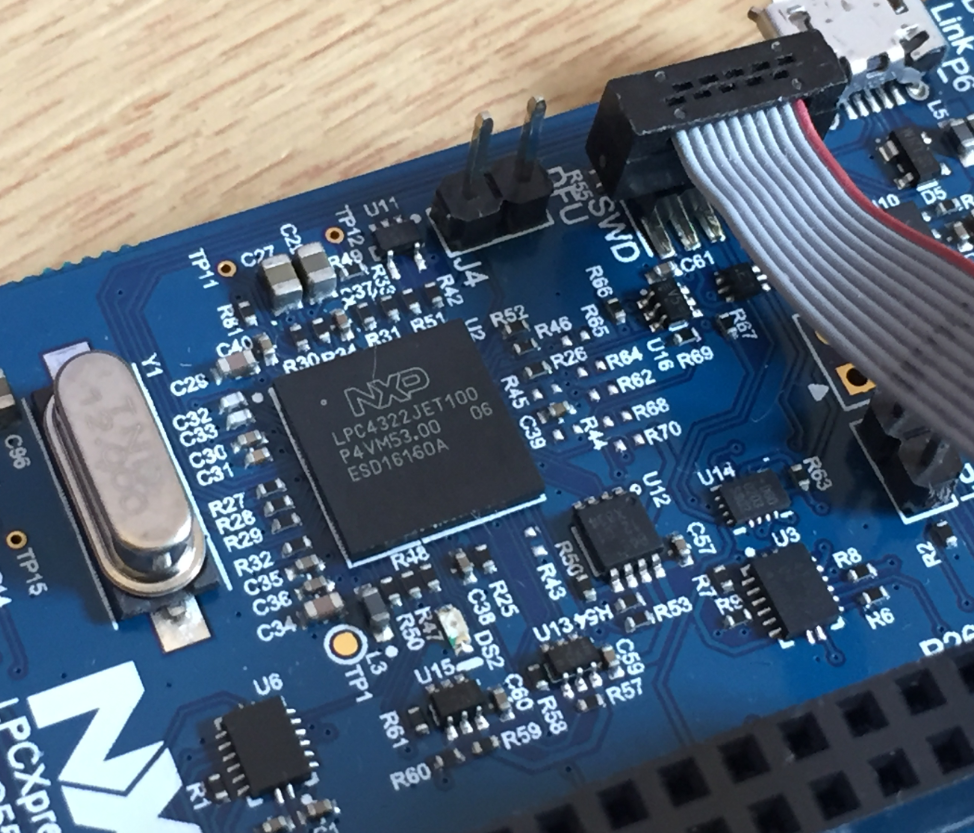
The LPC55S69-EVK board comes on-board debug probe. The board includes the LPC4322JET100 device which acts like NXP LPC-Link2 debug probe:
But it is easily possible to use the board with an external debug probe or re-program the onboard one as a SEGGER J-Link debug probe.
Building a Raspberry Pi UPS and Serial Login Console with tinyK22 (NXP K22FN512)
There are different ways to ruin a Linux system. For the Raspberry Pi which uses a micro SD card as the storage device by default, it comes with two challenges:
- Excessive writes to the SD card can wear it out
- Sudden power failure during a SD card write can corrupt the file system
For problem one I do I have a mitigation strategy (see “Log2Ram: Extending SD Card Lifetime for Raspberry Pi LoRaWAN Gateway“). Problem two can occur by user error (“you shall not turn it off without a sudo poweroff!”) or with the event of a power outage or black out. So for that problem I wanted to build a UPS for the Raspberry Pi.
TrustZone with ARMv8-M and the NXP LPC55S69-EVK
The ARM TrustZone is an optional security feature for Cortex-M33 which shall improve the security for embedded applications running on microcontroller as the NXP LPC55S69 (dual-core M33) on the LPC55S69-EVK.
First Steps with the LPC55S69-EVK (Dual-Core ARM Cortex-M33 with Trustzone)
For the long Easter weekend I have organized a new toy: the NXP LPC55S69-EVK board: a dual ARM Cortex-M33 running at 100 MHz with ARM TrustZone:
Tutorial: MCUXpresso SDK with Linux, Part 2: Commandline Debugging with GDB
In “Tutorial: MCUXpresso SDK with Linux, Part 1: Installation and Build with Maked” I used cmake and make to build the SDK application. In this part I’m going to use the command line gdb to debug the application on the board.