NXP Pins Tool: Clock Gates and Controlling the Bits

With the NXP Pins Tool (see “Tutorial: Muxing with the New NXP Pins Tool“) I can configure and mux (multiplex) the microcontroller pins. What is really powerful and what might not be so obvious at the first sight is that it gives me deep control over every register bit and setting. For example I have below the PTB1 (Port B, pin 1) muxed as GPIO (General Purpose I/O):

PTB1 Muxed with Pins Tool

PTB1 Muxed with Pins Tool

But it only generates this:

void BOARD_InitPins(void) {
  CLOCK_EnableClock(kCLOCK_PortB);                           /* Port B Clock Gate Control: Clock enabled */

  PORT_SetPinMux(PORTB, PIN1_IDX, kPORT_MuxAsGpio);          /* PORTB1 (pin 54) is configured as PTB1 */
}

So what about all the other bits and pieces? Continue reading

Hexiwear: Teardown of the Hackable ‘Do-Anything’ Device

Smartwatches are around for a while now. To me it is still questionable how useful the ‘big’ ones for iOS and Android are. But there are definitely the crowd funded smartwatch projects which caught my attention. Maybe it is about the ‘do-anything’ with connectivity?  One of these gadgets is Hexiwear: a hackable open source device

Hexiwear Device

Hexiwear Device

While it *could* be a kind of smartwatch, the value of this thing is more that it includes a plethora of sensors with two microcontroller, and I can use Eclipse with GNU tools to build my firmware :-).

Alert: Hackster.io is giving away 100 Hexiwears, but you need to hurry up (submission until July 15th 2016)!

Continue reading

FatFS with Adafruit MicroSD Breakout Board and NXP FRDM-KL25Z

Breakout boards are great: they allow me to explore functions quickly, without to build my custom board: all what I need is some wires and ideally a bread board.

Adadfruit MicroSD Card Breakout Board

Adadfruit MicroSD Card Breakout Board

Continue reading

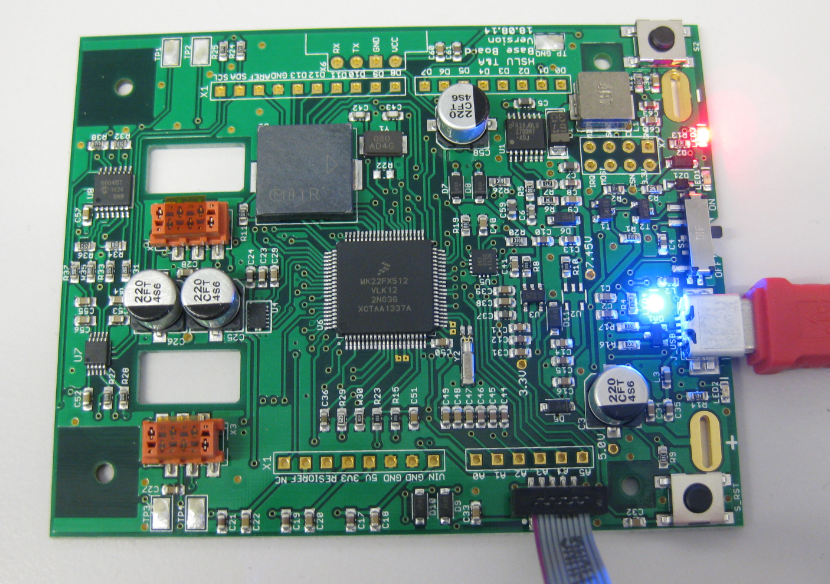
Board Bring-Up Tips, GDB Logs and Traces in Eclipse

Sometimes things don’t go well, especially with bringing up a new board design. I always sweat blood that first minute when I try to connect with the debugger to a new design: Will it work? After the optical inspection, performing electrical tests (no shortcuts? voltage levels ok?) the inflection point is when I’m connecting the first time with the debugger to the new board: either it will properly connect and program the device (hurrah!) or it will fail and potentially difficult hours of investigations have to follow.

First PCB under Debug

First PCB under Debug

Continue reading

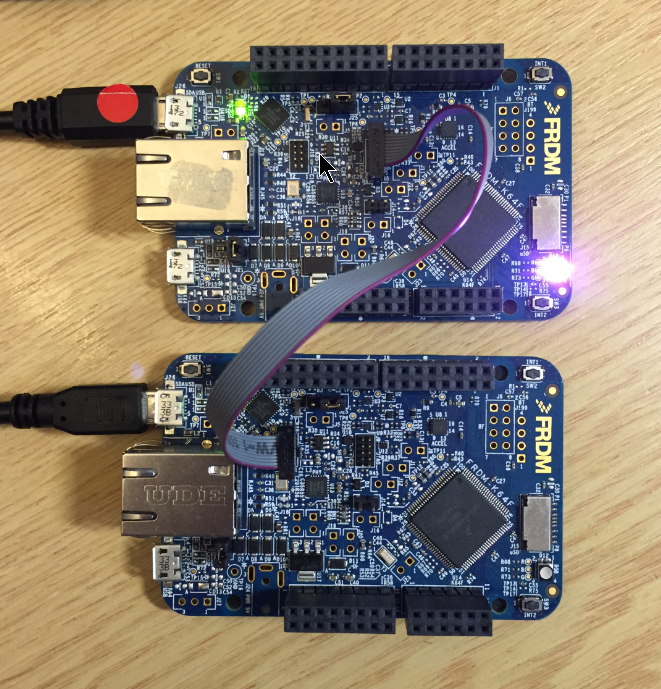
How to Recover the OpenSDA V2.x Bootloader

More and more of my students are using Microsoft Windows 10 machines, and my computer has been upgraded to Windows 10 a couple of week ago too. From my work and experience, a new operating system causes always some challenges, and Windows 10 is no difference. And no, this is not about Microsoft vs. Apple vs. Linux, this post is about addressing a potential and painful problem which I have observed with Windows 10 machines, and to my understanding it could happen with any other operating system too. The problem is that somehow on several student machines the bootloader and OpenSDA application on their FRDM boards did not work any more.

FRDM-K64F (top) programming the OpenSDA Bootloader (bottom)

FRDM-K64F (top) programming the OpenSDA Bootloader (bottom)

Continue reading

Switching the Microcontroller Package, Device and Family

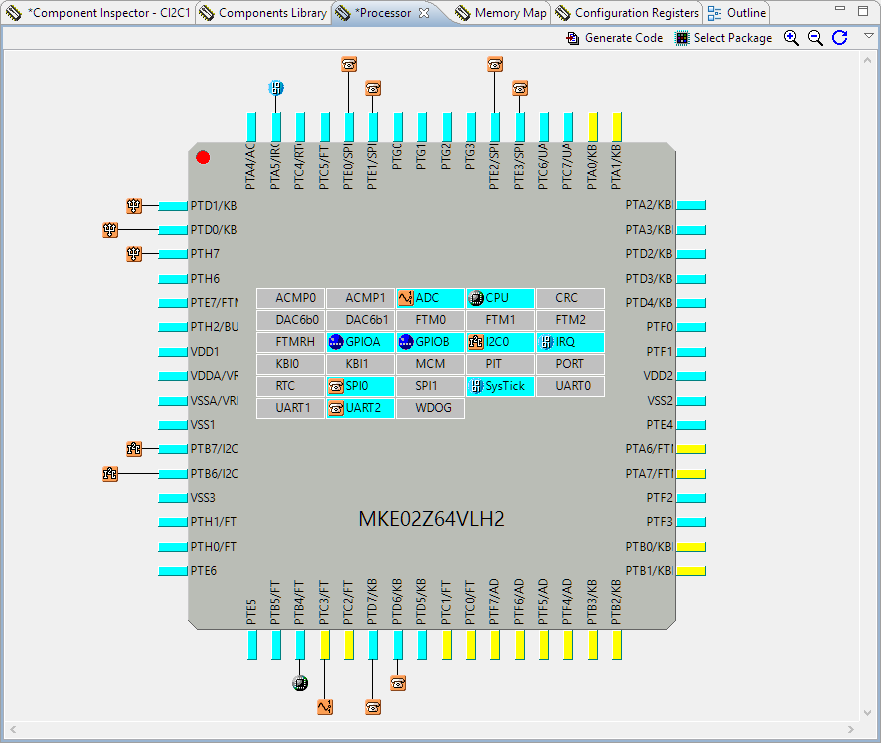
One of the major benefits of Processor Expert is that I can easily switch the device or processor used in a project. For example I can do my concept with a larger device with more FLASH and RAM, and then at the end easily switch to a smaller or even completely different device very quickly. For example I have a project working with the 64KByte FLASH version of the KE02Z (KE02Z68VLH2):

MKE02Z64VLH2

MKE02Z64VLH2

Continue reading

First steps: ARM Cortex-M7 and FreeRTOS on NXP TWR-KV58F220M

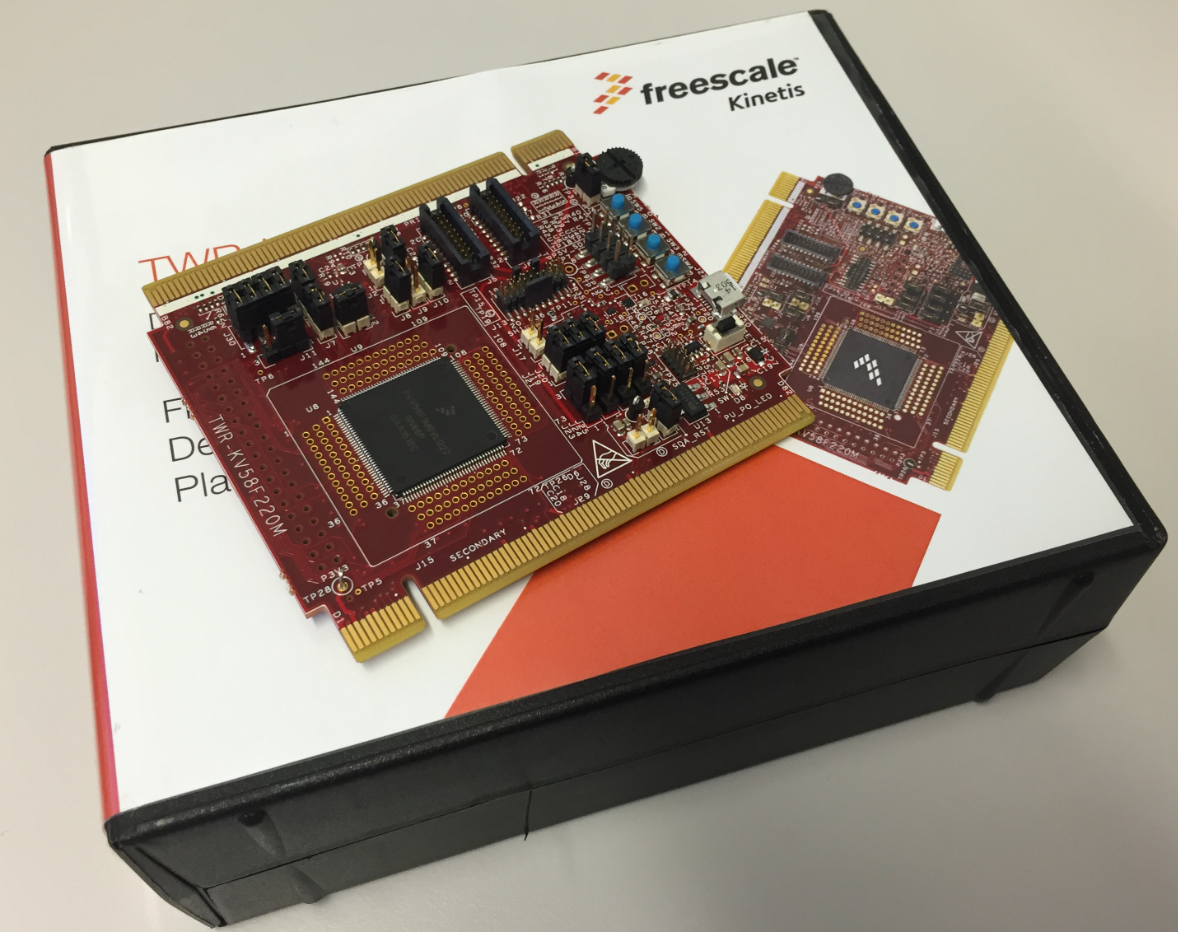
For a university research project I need a fast microcontroller with lots of RAM and FLASH memory. I have ordered a TWR-KV58F220M board from NXP which arrived yesterday. The special thing is that it has on of these new ARM Cortex-M7F on it:

TWR-KV58F220M Box

TWR-KV58F220M Box

Continue reading

Swiss Army Knife of Terminal Program for Serial Bootloaders

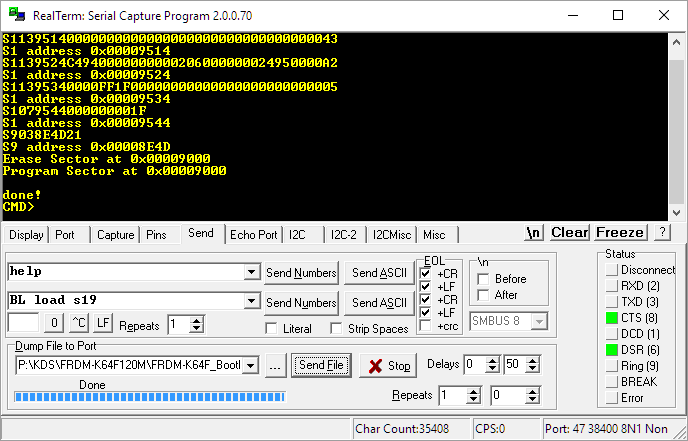
A bootloader shall be small and concise. I very much like bootloaders which do not need a ‘special’ program on the host, so I prefer a simple terminal for this. While porting my serial bootloader to the NXP FRDM-K64F board, I have found RealTerm which offers a lot of cool features:

RealTerm

RealTerm

Continue reading

Segger J-Link OpenSDA Firmware with Virtual MSD

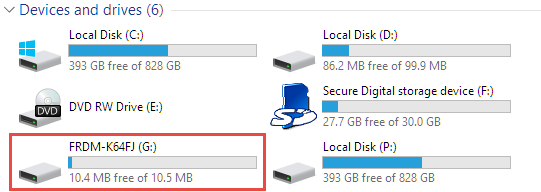
Sometimes it is very convenient to load a new firmware to a board without the need for a hardware debugger. This is usually done with a bootloader. The NXP Freedom and Tower evaluation boards have on-board debug device/microcontroller (OpenSDA) which can load different firmware implementations like CMSIS-DAP/mbed, P&E Multilink or a Segger J-Link OpenSDA applications. Both mbed and P&E implemenations support to program the board with drag&drop: simply send a file to a virtual MSD (Mass Storage Device) to get it programmed. The latest Segger OpenSDA firmware has this ability added now too: Programming the board with a virtual MSD device:

Virtual MSD Device

Virtual MSD Device

Continue reading

Tutorial: Making Music with Floppy Disk Drives

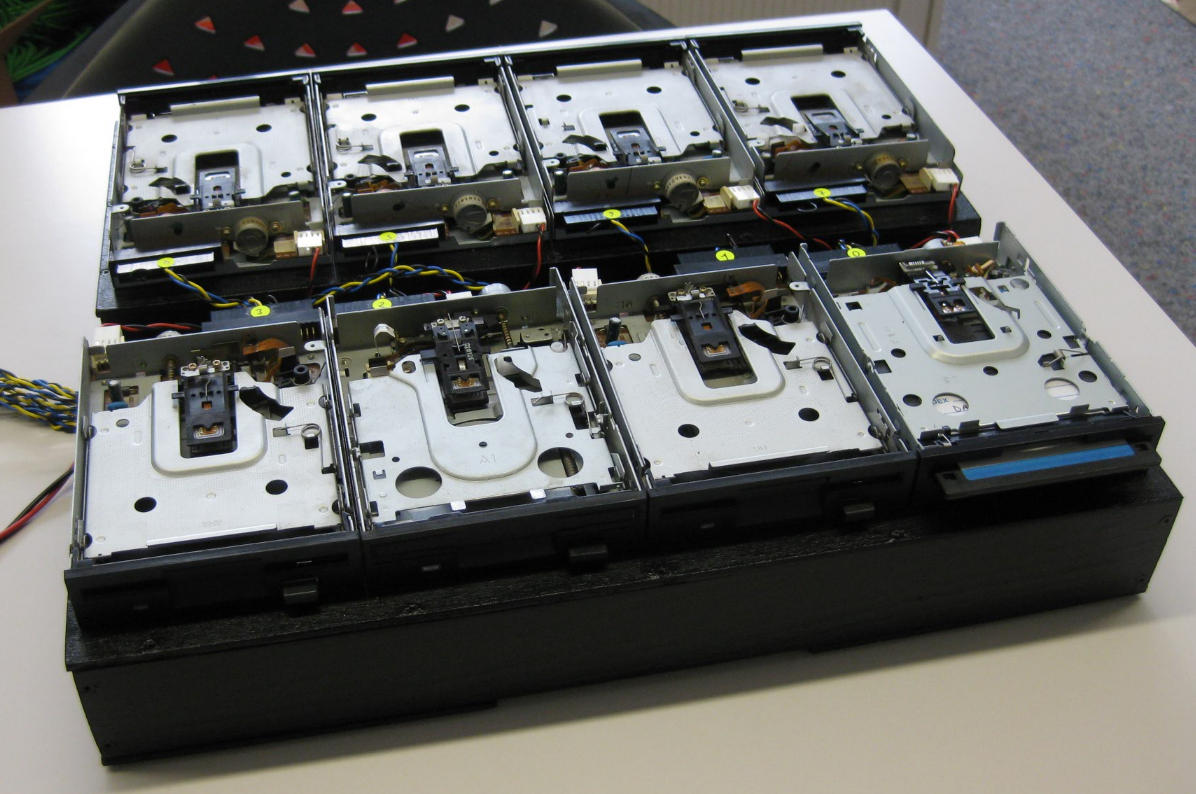
3.5″ Diskette Drives are not widely used any more: CDs, DVDs, memory/thumb drives and downloads from the web are the usual distribution method these days for software. Back a few years ago, software was distributed on one or many 3.5″ diskettes, and even before that time on 5 1/4″ floppy disk drives. So what to do with all these not-used-anymore hardware? Play music with it 🙂

Floppy Music

Floppy Music

Continue reading