Bricking and Recovering OpenSDA Boards in Windows 8 and 10

Getting a board from a distributor like Farnell/Element14/Mouser (add your own distributor) means that chances are high that the default firmware on it is written years from now because the inventory has not been updated, or because boards are still produced with that original firmware (because of testing?). So what happens if I use board with a firmware developed pre-Windows 8/10 area?

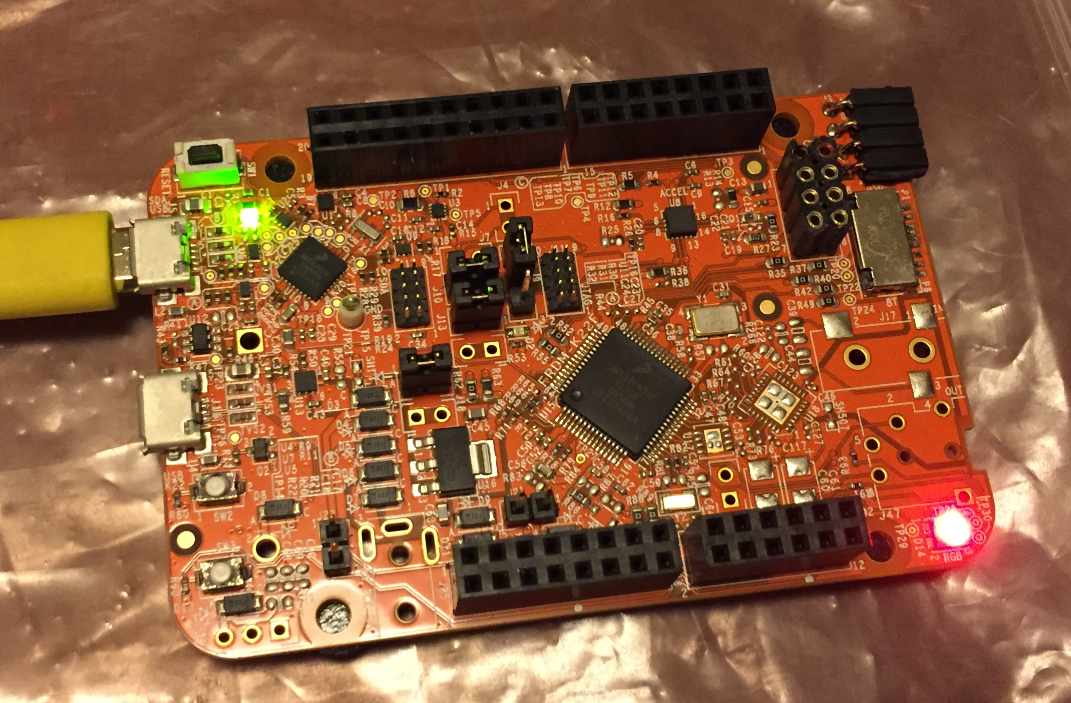
Freshly Unboxed NXP FRDM-KL25Z Board

Freshly Unboxed NXP FRDM-KL25Z Board

It might work, but chances are high that the bootloader and firmware is not ready for the ‘modern age’, and as a result the board might be bricked. If you still have a Windows 7 machine around (I do!), you are lucky. If not, then you need to read this article….

Continue reading

FatFS with Adafruit MicroSD Breakout Board and NXP FRDM-KL25Z

Breakout boards are great: they allow me to explore functions quickly, without to build my custom board: all what I need is some wires and ideally a bread board.

Adadfruit MicroSD Card Breakout Board

Adadfruit MicroSD Card Breakout Board

Continue reading

How to Recover the OpenSDA V2.x Bootloader

More and more of my students are using Microsoft Windows 10 machines, and my computer has been upgraded to Windows 10 a couple of week ago too. From my work and experience, a new operating system causes always some challenges, and Windows 10 is no difference. And no, this is not about Microsoft vs. Apple vs. Linux, this post is about addressing a potential and painful problem which I have observed with Windows 10 machines, and to my understanding it could happen with any other operating system too. The problem is that somehow on several student machines the bootloader and OpenSDA application on their FRDM boards did not work any more.

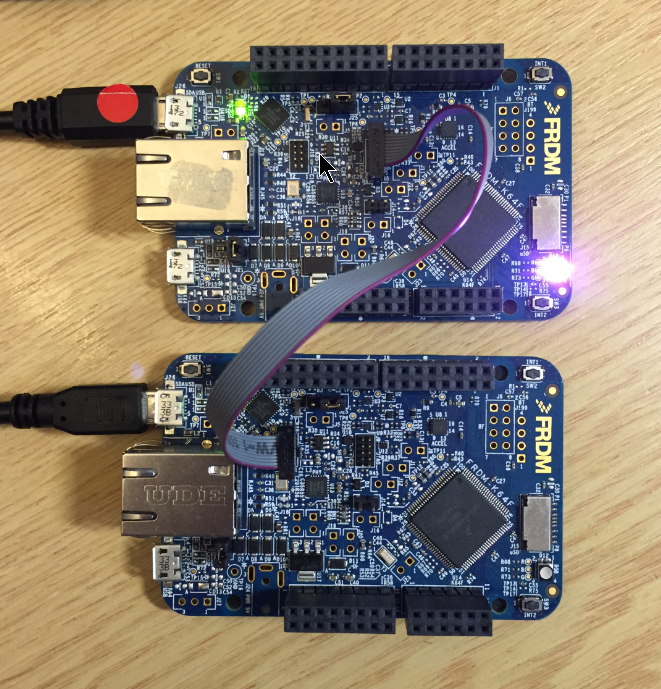
FRDM-K64F (top) programming the OpenSDA Bootloader (bottom)

FRDM-K64F (top) programming the OpenSDA Bootloader (bottom)

Continue reading

Swiss Army Knife of Terminal Program for Serial Bootloaders

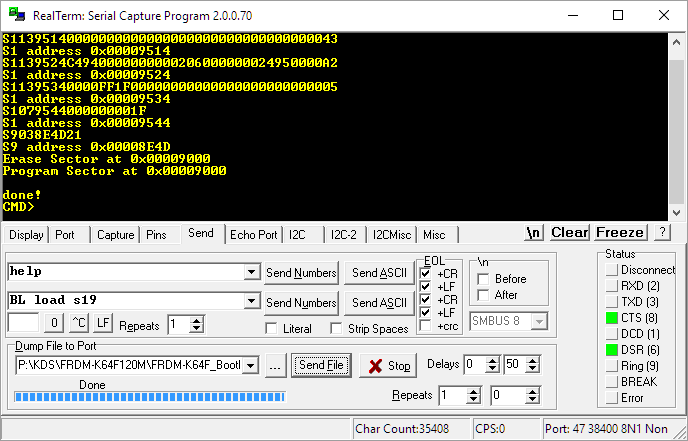
A bootloader shall be small and concise. I very much like bootloaders which do not need a ‘special’ program on the host, so I prefer a simple terminal for this. While porting my serial bootloader to the NXP FRDM-K64F board, I have found RealTerm which offers a lot of cool features:

RealTerm

RealTerm

Continue reading

Segger J-Link OpenSDA Firmware with Virtual MSD

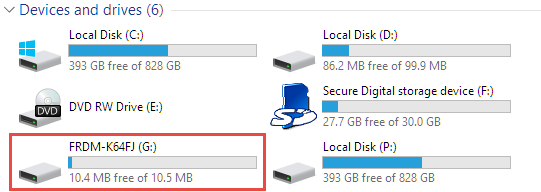
Sometimes it is very convenient to load a new firmware to a board without the need for a hardware debugger. This is usually done with a bootloader. The NXP Freedom and Tower evaluation boards have on-board debug device/microcontroller (OpenSDA) which can load different firmware implementations like CMSIS-DAP/mbed, P&E Multilink or a Segger J-Link OpenSDA applications. Both mbed and P&E implemenations support to program the board with drag&drop: simply send a file to a virtual MSD (Mass Storage Device) to get it programmed. The latest Segger OpenSDA firmware has this ability added now too: Programming the board with a virtual MSD device:

Virtual MSD Device

Virtual MSD Device

Continue reading

Tutorial: Making Music with Floppy Disk Drives

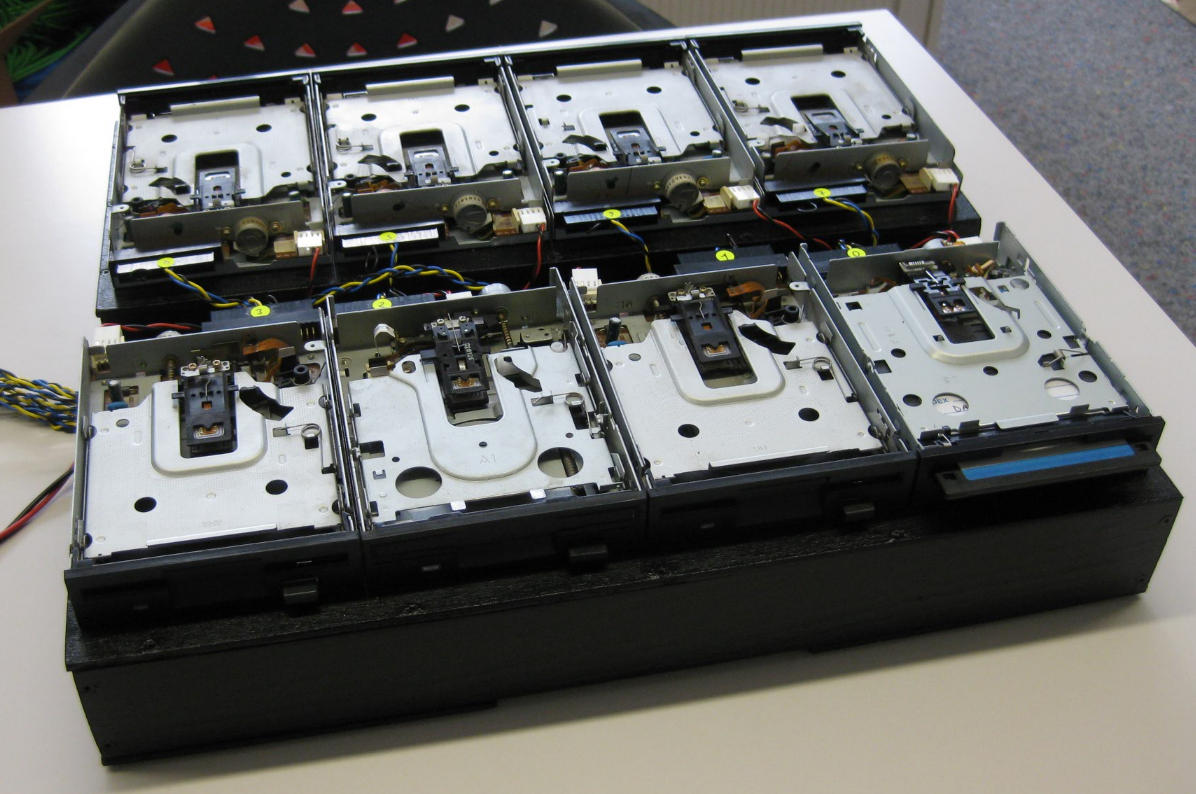
3.5″ Diskette Drives are not widely used any more: CDs, DVDs, memory/thumb drives and downloads from the web are the usual distribution method these days for software. Back a few years ago, software was distributed on one or many 3.5″ diskettes, and even before that time on 5 1/4″ floppy disk drives. So what to do with all these not-used-anymore hardware? Play music with it 🙂

Floppy Music

Floppy Music

Continue reading

NXP FlexIO Generator for the WS2812B LED Stripe Protocol

The challenge with the selection of a microcontroller for a project is: which one has the required number of UART, I2C, SPI? Combine this with the desired package (48pins, 64pins? LQFN?), the needed FLASH and RAM size and then even the hundreds of available microcontroller shrink to a handful only. And many times I need to make compromises: such as I need two hardware I2C, but the microcontroller matching all my other needs has only one I2C hardware. So I might end up with bit-banging the slower I2C bus. Doable, but not ideal.

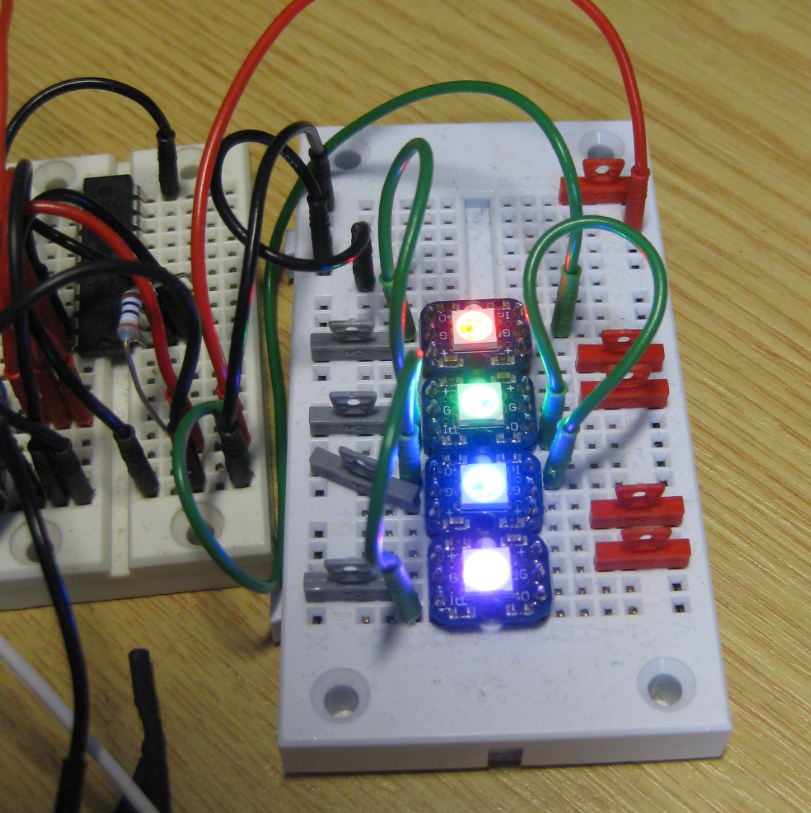
What is cool that some of the newer NXP Kinetis microcontroller come with an interesting hardware: FlexIO. A peripheral hardware which allows me to implement a custom protocol, including driving WS2812B (Adafruit NeoPixel) LEDs with a FRDM-KL43Z board:

Four NeoPixels with FlexIO

Four NeoPixels with FlexIO

Continue reading

Tutorial: FreeRTOS with NXP Kinetis SDK V2.0 and Processor Expert

In “Tutorial: Blinky with NXP Kinetis SDK V2.0 and Processor Expert” I used Processor Expert components with the NXP Kinetis SDK to blink some LEDs. This tutorial extends the earlier project and adds FreeRTOS.

FreeRTOS running on a NXP FRDM-K22F Board

FreeRTOS running on a NXP FRDM-K22F Board

Continue reading

Tutorial: Blinky with NXP Kinetis SDK V2.0 and Processor Expert

In “Mother of Components: Processor Expert with NXP Kinetis SDK V2.0 Projects” I presented an approach how to use Processor Expert components with the NXP Kinetis SDK. This article is a tutorial how to create a blinking LED project with that approach, using McuOnEclipse Processor Expert components and the Kinetis SDK V2.0. As board the FRDM-K22F is used:

Blinky on a FRDM-K22F with SDK V2.0 and Processor Expert

Blinky on a FRDM-K22F with SDK V2.0 and Processor Expert

Continue reading

FreeRTOS Thread Debugging with Segger GDB in Eclipse

NXP FTF Tech Forum in Austin has been a blast! I’m running another FreeRTOS hands-on session (FTF-DES-N2048) this afternoon which yet again is fully booked. But we will squeeze in as many as possible from the waiting list.

One very exciting thing we are going to use is FreeRTOS thread awareness in Eclipse/Kinetis Design Studio: to see and debug the FreeRTOS threads in Eclipse using the Segger GDB and it will show the list of threads in the Debug view:

FreeRTOS Thread Awareness with Segger GDB

FreeRTOS Thread Awareness with Segger GDB

Continue reading